

Download Details
- File size
- 1 GB
- License
- Free
- Developer
- Gen Digital
- Supported OS
- Windows 11, Windows 10
- Installers
- 64-bit (x64), Offline
- Downloads
- 6890
- Rating
- 3.9 out of 5 · 64 reviews
 Reviewed by Eman Sakr
Tested on Windows 11 and 10 · · How we review
Screenshots
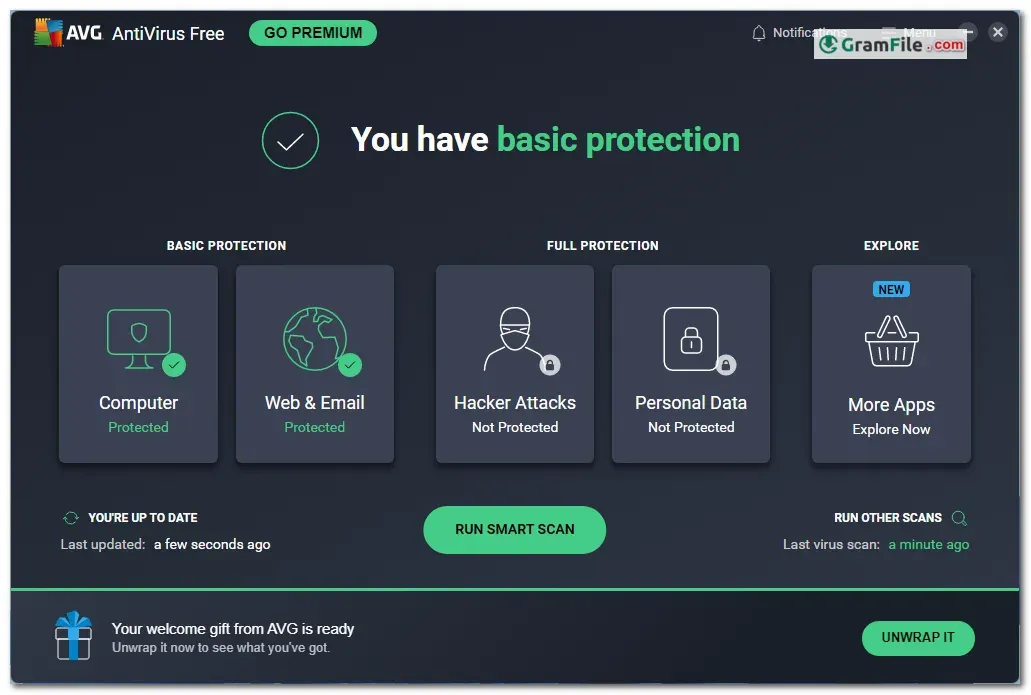
AVG AntiVirus Free is a well-known app in the cybersecurity field, offering a free layer of defense against digital threats since the early days of personal computing.
Originally launched by AVG Technologies in the late 1990s, it was acquired by Avast Software in 2016. Despite the change in ownership, AVG AntiVirus Free remains a popular choice, providing users with a solid foundation for basic protection.
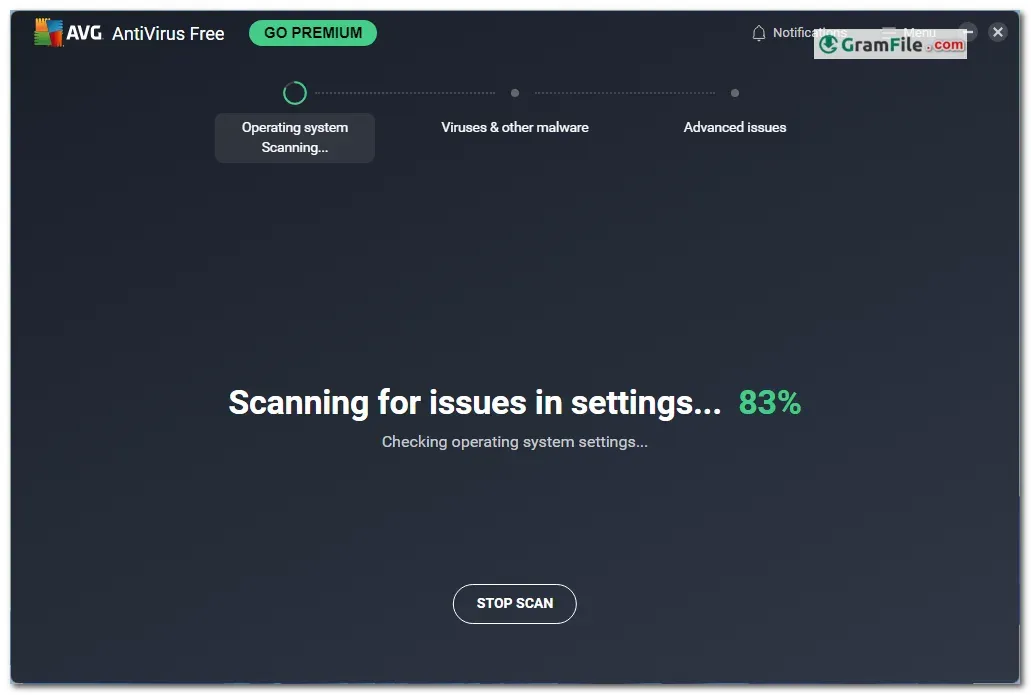
While lacking the bells and whistles of paid antivirus software, it effectively shields your system against common malware, including viruses, spyware, and phishing attempts. Real-time protection scans for suspicious activity, and on-demand scans allow you to manually check for threats.
Throughout its long history, AVG AntiVirus Free has consistently delivered a user-friendly interface and minimal resource usage, making it a dependable option for those seeking no-frills, essential security.
Here’s a breakdown of its setup, functionality, and removal process:
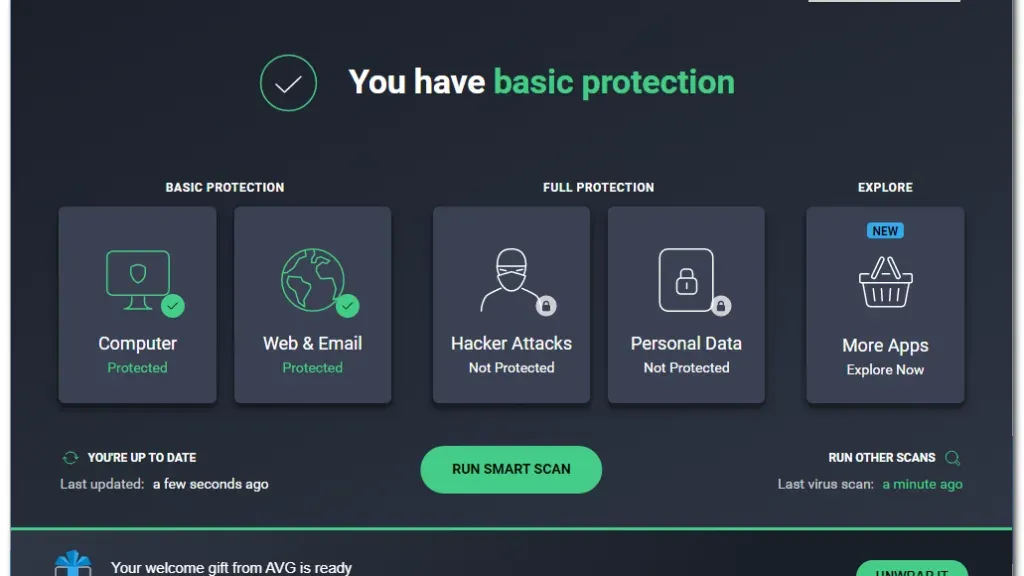
AVG AntiVirus Free offers essential protection for your Windows PC, guarding against viruses, malware, and phishing scams. At its heart, it safeguards your PC with real-time scanning.
Beyond the Basics: A Multi-Layered Defense
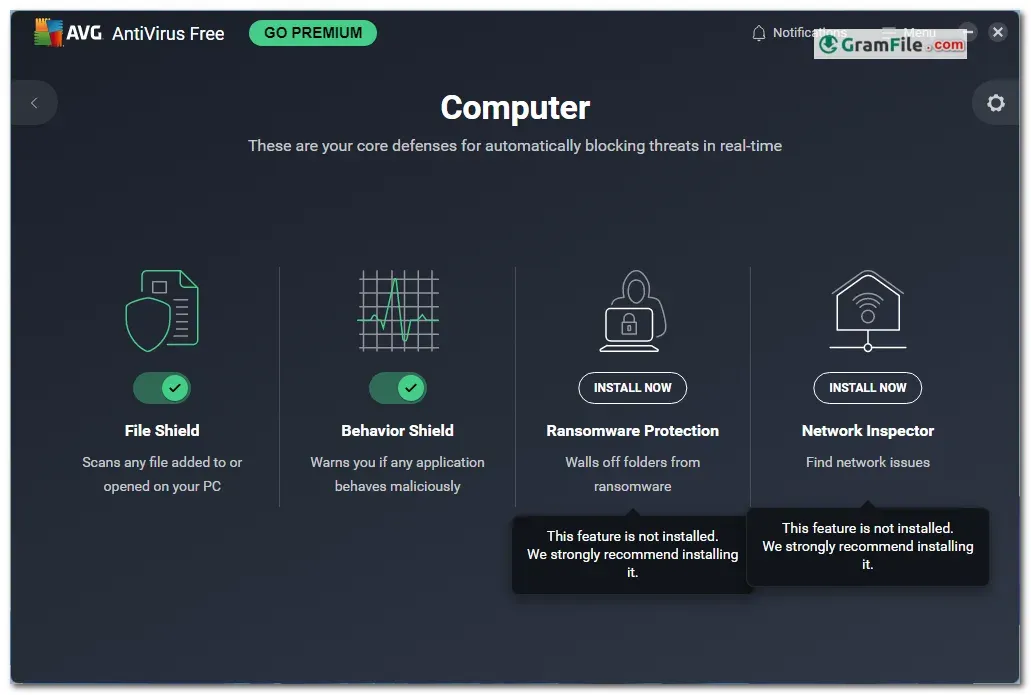
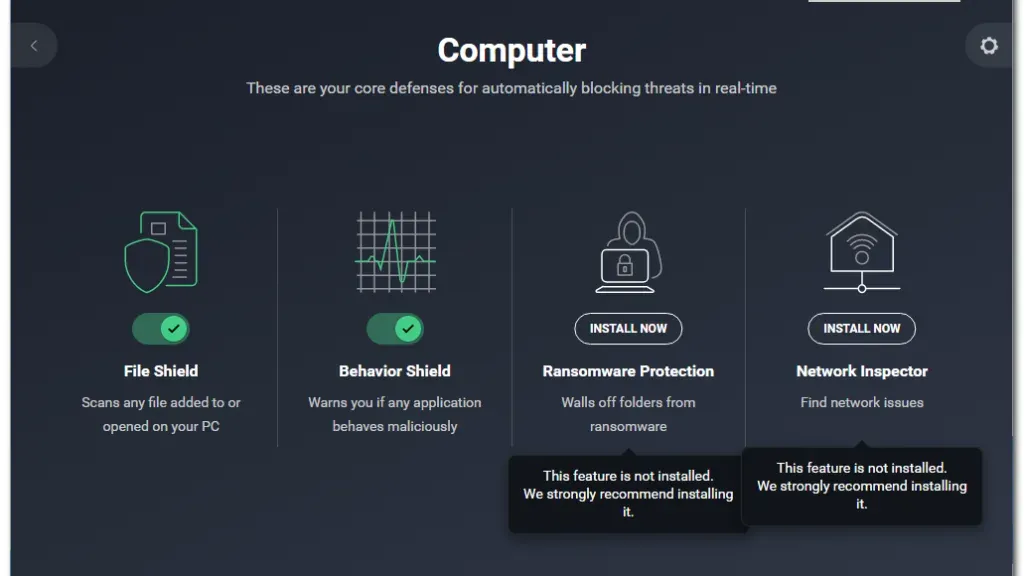
AVG goes beyond basic antivirus protection. It also shields you from ransomware attacks, those that attempt to lock down your files and demand a ransom.
Additionally, built-in web and email shields help you steer clear of phishing scams designed to steal your personal information.
Lightweight and Performance-Friendly
Unlike some antivirus software that can bog down your system, AVG is designed to be lightweight. It runs discreetly in the background, ensuring your PC stays protected without sacrificing performance.
Peace of Mind at No Cost
Perhaps the most attractive feature of AVG AntiVirus Free is its price tag – there isn’t one. It offers comprehensive protection for your Windows PC, completely free of charge. Regular updates ensure you always have the latest defenses against evolving threats.
Is AVG Antivirus Safe & Legit?
Absolutely. AVG, owned by security giant Avast, is a legitimate player with a long history in the security industry. Independent testing labs consistently rank AVG highly for malware detection.
The free version offers robust core protection against viruses, malware, and phishing attempts. While it lacks some advanced features found in paid versions, it’s a solid choice for budget-conscious users.
AVG vs. Avast
- AVG and Avast share the same antivirus protection engine due to their special relationship.
- Both are Editors’ Choice winners for free antivirus.
- Avast One Essential offers more features, but AVG’s core antivirus engine remains strong.
What You Get:
- Solid Malware Protection: AVG excels at blocking known threats.
- Real-Time Updates: Stays current against evolving threats.
- Lightweight Footprint: Runs smoothly without bogging down your system.
What You Don’t Get:
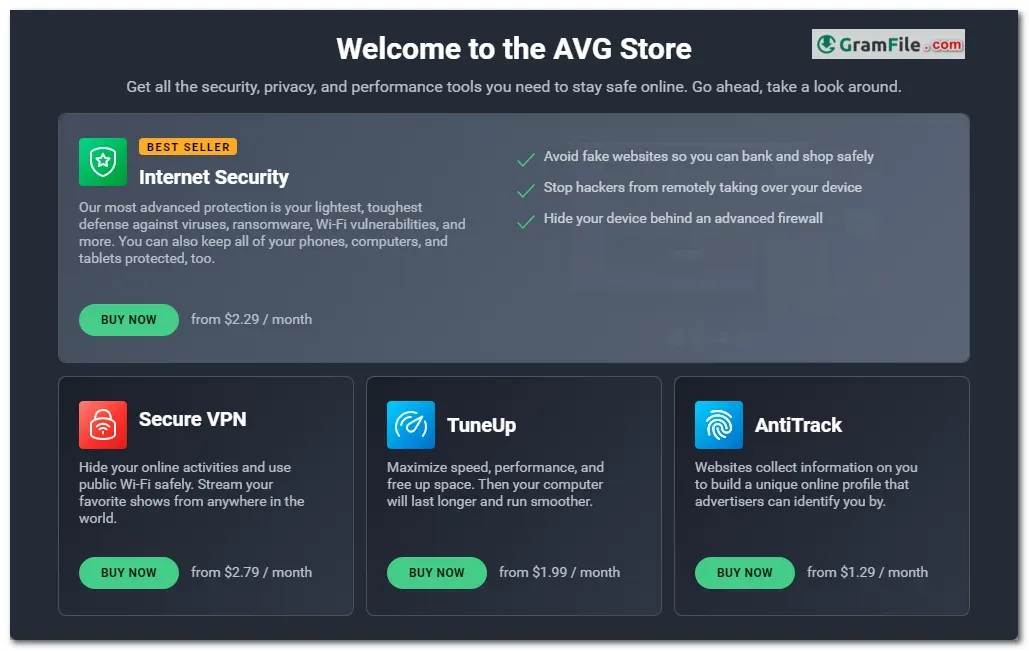
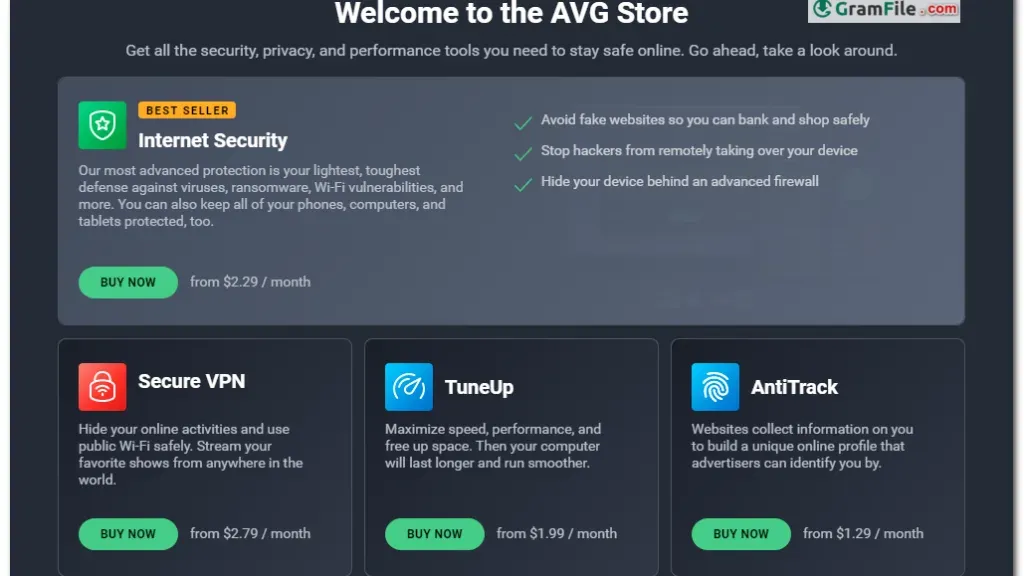
- Advanced Features: Extras like firewalls and data breach monitoring require paid upgrades.
- Extensive Customer Support: Limited support options for the free version.
Key Features (Listed)
- Multi-layered defense: Stops threats before they infiltrate your system.
- Real-time updates: Ensures continuous protection against emerging threats.
- Lightweight and performance-friendly: Keeps your PC safe without slowing it down.
- Email and web shield: Blocks malicious links and attachments.
- Ransomware protection: Safeguards your precious files from encryption attacks.
How to Download & Install
Downloading and Installation
- Download AVG: Click on the above green download button, you’ll be take to the official download page. Click on the direct download link. (make sure to choose the 64-bit version if your system is compatible).
- Simple Setup: Run the downloaded installer and follow the on-screen instructions. The process is straightforward and allows customization of installation options.
Saying Goodbye to AVG: How to Delete AVG Antivirus?
If you ever need to uninstall AVG AntiVirus Free, follow these steps:
- Uninstall via Settings: Go to Windows Settings > Apps & features. Locate AVG AntiVirus Free, click “Uninstall,” and follow the prompts.
- Removal Tool (Optional)
- Download the AVG Remover tool from the official AVG support page.
- Run the downloaded file and agree to AVG’s license agreement and privacy policy.
- The tool will scan your computer for installed AVG products.
- Select the product you want to remove and proceed.
- After successful removal, restart your computer.
- Manually delete the AVG Remover folder in the C drive of your computer.
Pros & Cons
What we liked
- Free, essential protection against viruses & malware.
- Lightweight, keeps your PC fast.
- Real-time scans block threats on arrival.
- Clean removal with built-in tools.
What we didn't like
- Lacks advanced features (firewalls, data breach monitoring)
- Limited support options for free users.
- For comprehensive security, consider paid antivirus.
Best AVG AntiVirus Free Alternatives
-
 Microsoft Defender
Built-in Windows shield stopping online threats.
-
 Bitdefender Antivirus Free
Free, basic shield against ever-changing cyber threats.
-
 Avira Free Security
A free all-in-one suite guarding your PC against online threats, with a bonus VPN.
-
 Kaspersky Free
Offers basic protection against common threats for your devices.
Conclusion
3.9out of 5 · 64 user ratings
AVG AntiVirus Free delivers a solid shield against everyday threats for Windows users. It’s a perfect choice for those on a budget or who prioritize a lightweight security solution.
However, if you require advanced features like firewalls or extensive customer support, you might want to explore paid antivirus options that offer a more comprehensive security suite.
Ultimately, AVG AntiVirus Free shines for its user-friendliness, free basic protection, and hassle-free removal, making it a strong contender for everyday Windows security needs.
Additional Notes
- While the free version is effective, advanced features like firewalls and advanced ransomware protection require paid upgrades.
- Consider your security needs. For basic protection, AVG Free is sufficient. For more comprehensive security, explore paid antivirus options.
Found a problem with this download? Report an outdated version, broken link, suspicious installer or incorrect information.
 Zoom Workplace
 Nitro PDF Pro
 Sumatra PDF
 IrfanView
 K-Lite Codec Pack
 WinRAR