

Download Details
- File size
- 194.61 MB
- License
- Free
- Developer
- Avira
- Supported OS
- Windows 11, Windows 10
- Installers
- 64-bit (x64), 32-bit (x86), Offline
- Downloads
- 7284
- Rating
- 4.4 out of 5 · 67 reviews
 Reviewed by Eman Sakr
Tested on Windows 11 and 10 · · How we review
Screenshots
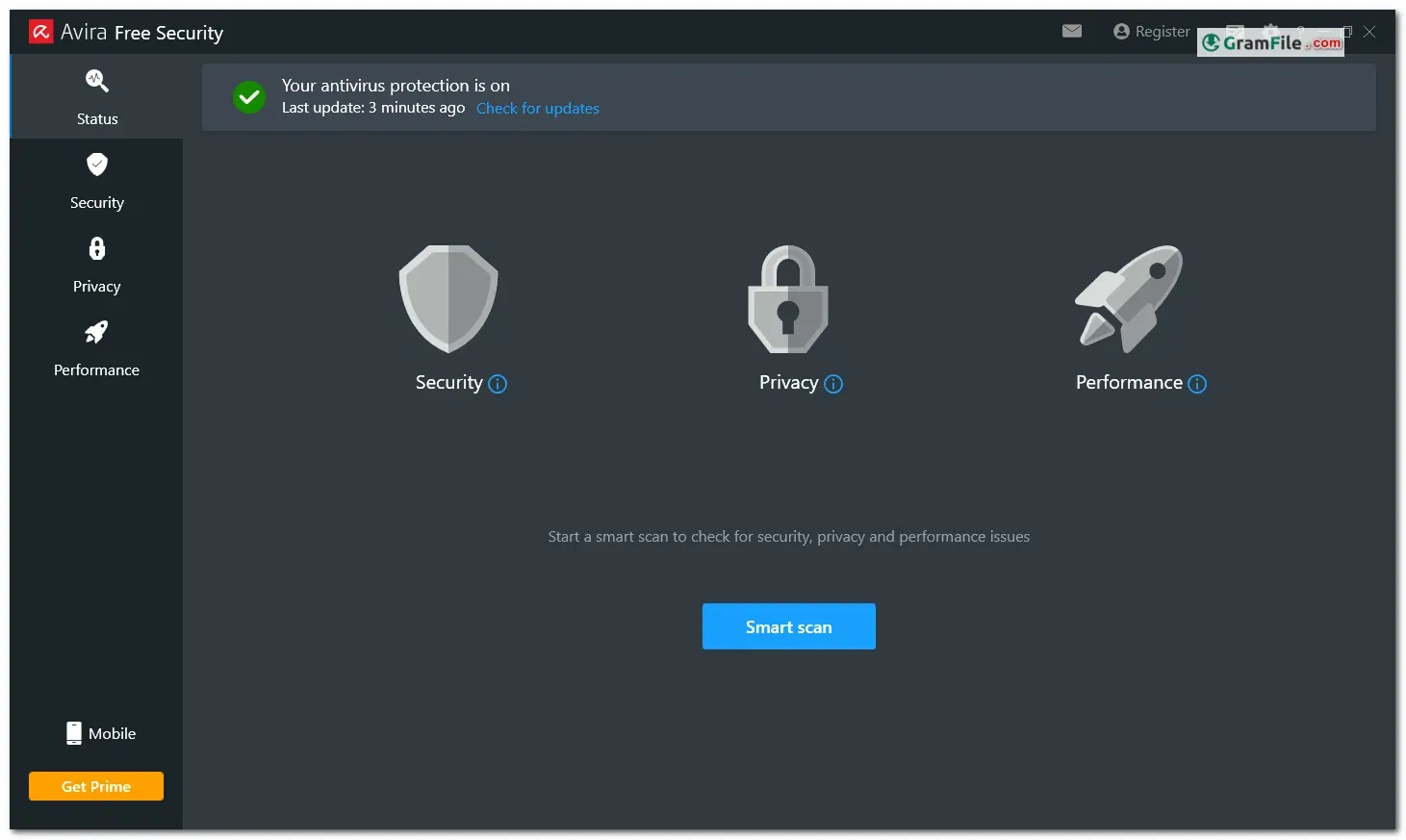
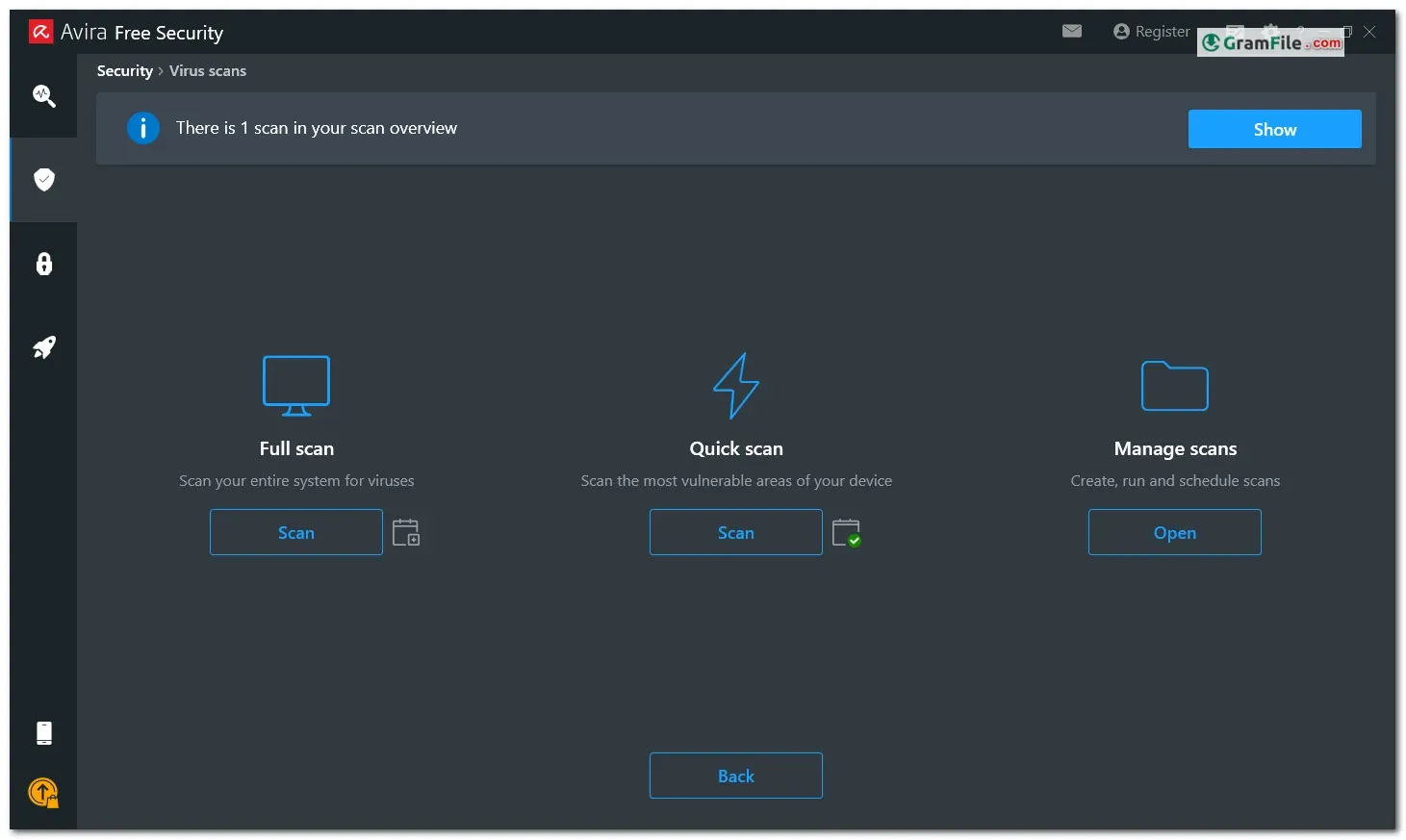
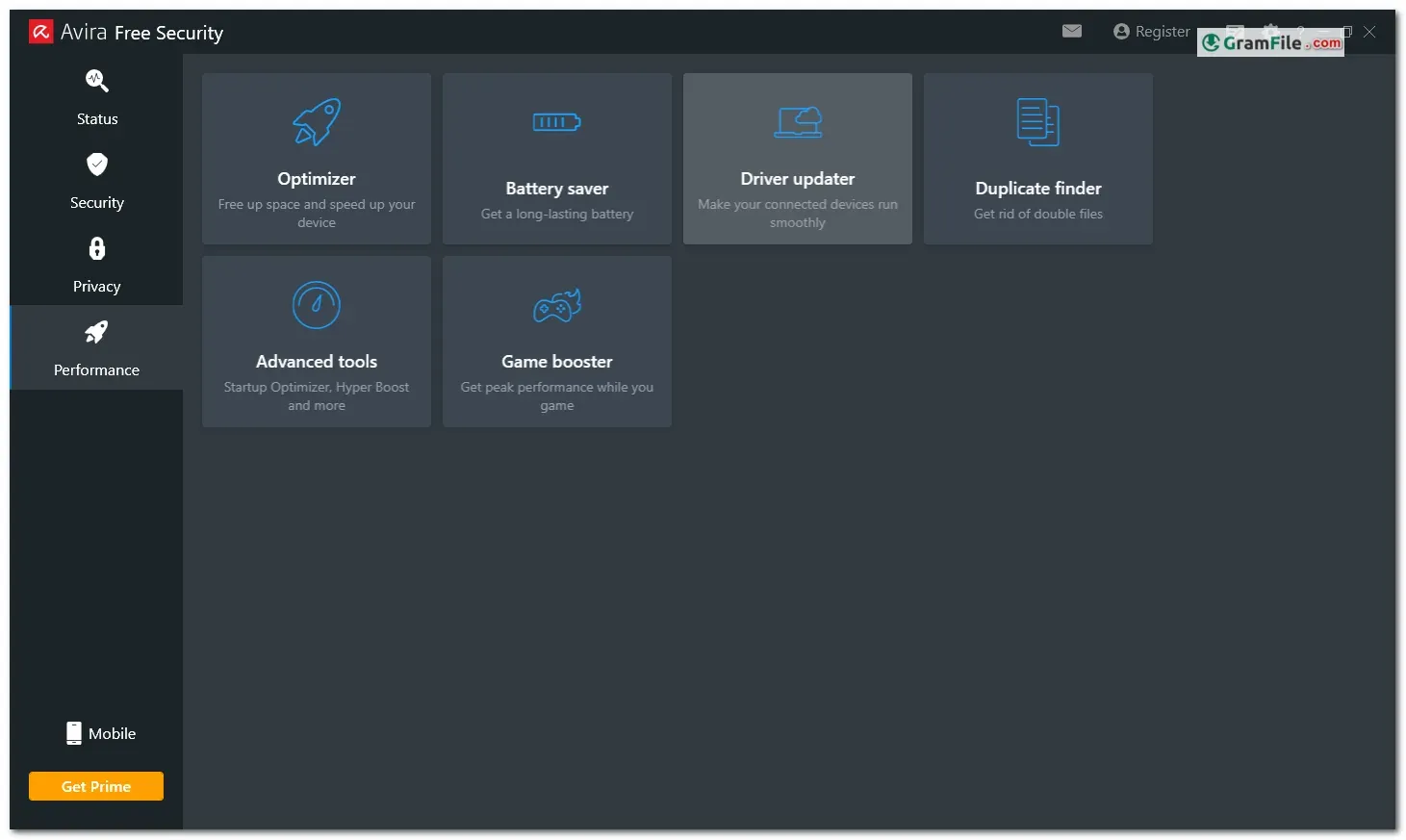
Avira Free Security for Windows stands out as a comprehensive security suite that goes beyond just antivirus protection. This free offering from Avira, a well-established name in cybersecurity founded in 1986, provides a multi-layered defense for your PC.
At its core lies a powerful antivirus engine that safeguards against malware threats like viruses, ransomware, and spyware.
However, Avira Free Security goes the extra mile by incorporating additional features uncommon in free software. A VPN encrypts your internet traffic for secure browsing, while a password manager helps you create and manage strong, unique login credentials.
Furthermore, a browser safety extension bolsters your online security by blocking phishing attempts, and software updater keeps your programs patched against vulnerabilities.
This combination of features, all wrapped up in a user-friendly interface, makes Avira Free Security a compelling option for users seeking a free, all-in-one security solution for their Windows machines.
Avira Free Security forms a shield against malware, ransomware, and phishing attacks. Its real-time protection constantly scans your system, safeguarding you from both known and emerging threats.
Whether you’re browsing the web, downloading files, or opening emails, Avira works tirelessly behind the scenes to keep you safe.
Beyond Basic Antivirus: Performance and Privacy
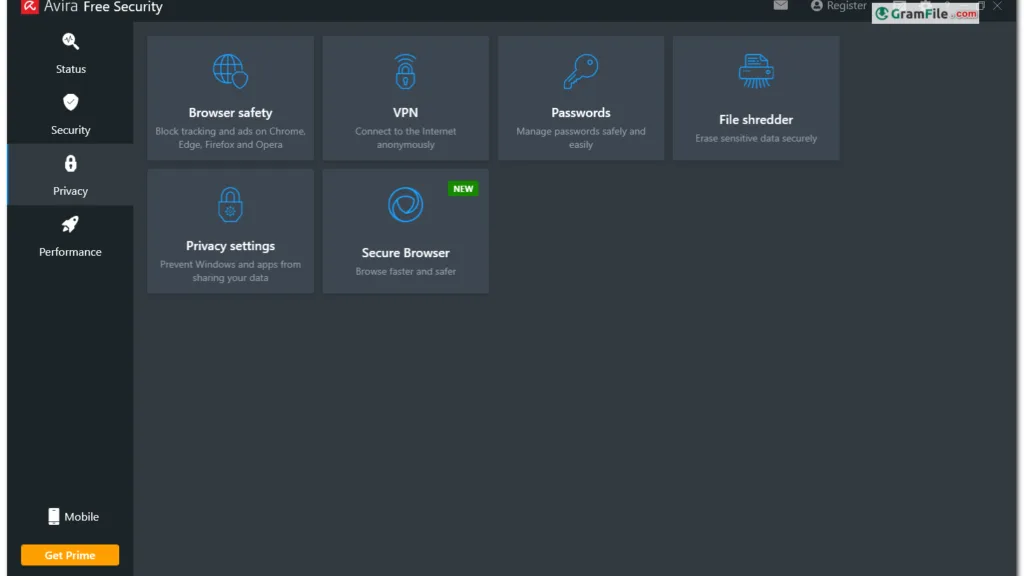
Avira goes beyond just antivirus protection. The Smart Scan feature takes a comprehensive look at your system, identifying potential performance issues, outdated software, and unnecessary files that can clutter your PC. With a single click, you can optimize your system and free up valuable resources.
Privacy is another key concern. Avira Free Security includes a browser extension that acts as your online watchdog, alerting you to unsafe websites and preventing you from accidentally stumbling into phishing traps.
User-Friendly and Free
Avira Free Security boasts a user-friendly interface, making it easy for anyone to navigate and manage their PC’s security. Regular updates ensure you always have the latest protection against evolving threats.
Is Free Enough?
While Avira Free Security provides a solid foundation for your PC’s security, it’s important to consider your needs.
For users who require more advanced features like email protection, a built-in firewall, and additional ransomware safeguards, a paid upgrade to Avira’s premium plans might be worthwhile.
Key Features
- Blocks malware, ransomware, and phishing attempts.
- Real-time protection keeps you safe from emerging threats.
- Smart Scan identifies performance issues and cleans up unnecessary files.
- Browser extension warns you about unsafe websites.
- Free, user-friendly option for basic PC security.
Pros & Cons
What we liked
- Free, real-time malware & ransomware protection
- Basic privacy with browser safety warnings
- System optimization tools for smoother performance
- User-friendly interface, easy to navigate
What we didn't like
- Lacks advanced features like email protection & robust firewall
- Upsells to paid versions can be frequent
Best Avira Free Security Alternatives
-
 Microsoft Defender
Built-in Windows shield stopping online threats.
-
 Bitdefender Antivirus Free
Free, basic shield against ever-changing cyber threats.
-
 Kaspersky Free
Offers basic protection against common threats for your devices.
-
 Malwarebytes
A guard for your computer that removes malwares and protects your computer from online threats.

Conclusion
4.4out of 5 · 67 user ratings
Avira Free Security is a compelling choice for Windows PC users seeking a free, user-friendly security solution. It offers real-time protection against modern threats, performance optimization tools, and basic privacy features.
If advanced email protection and robust firewalls aren’t priorities, Avira Free Security can provide excellent peace of mind without breaking the bank.
Found a problem with this download? Report an outdated version, broken link, suspicious installer or incorrect information.
 Zoom Workplace
 Nitro PDF Pro
 Sumatra PDF
 IrfanView
 K-Lite Codec Pack
 WinRAR