

Download Details
- Version
- 1.126.2 (latest)
- File size
- 204.4 MB
- License
- Free
- Security scan
- VirusTotal: 62 of 62 engines say OK (0 flagged)
- SHA-256 checksum
51459302cb63ce564a712be5f5f73dcc58c2d8b543956b9cad4bd9196ade69ce- Developer
- Canva Pty Ltd
- Supported OS
- Windows 11, Windows 10, Windows 7, Windows 8.1
- Installers
- 64-bit (x64), 32-bit (x86), Offline
- Downloads
- 12589
- Rating
- 4.8 out of 5 · 82 reviews
- File name(s)
- Canva Setup 1.126.2.exe
 Reviewed by Mohamed Zaki
Tested on Windows 11 and 10 · · How we review
Screenshots
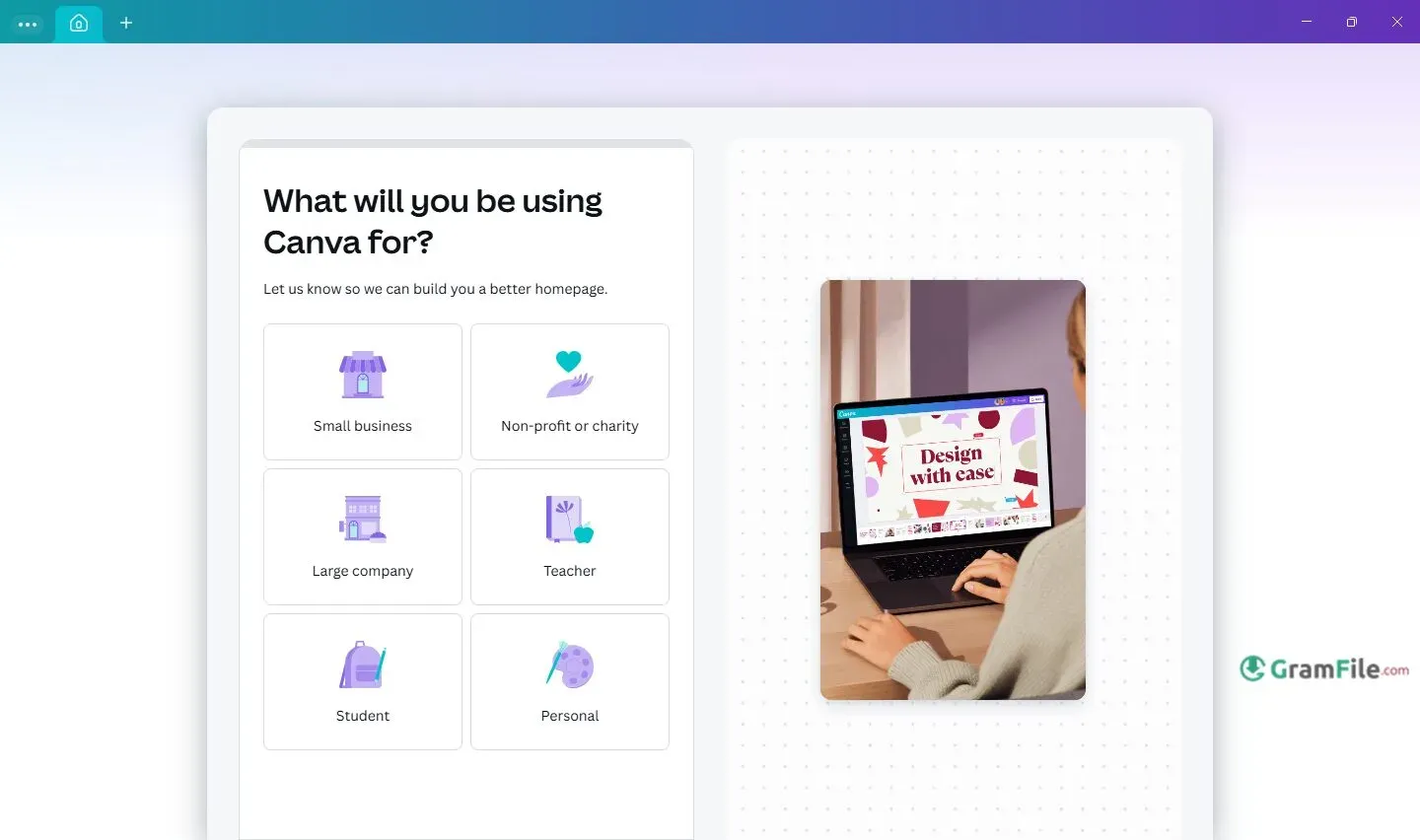
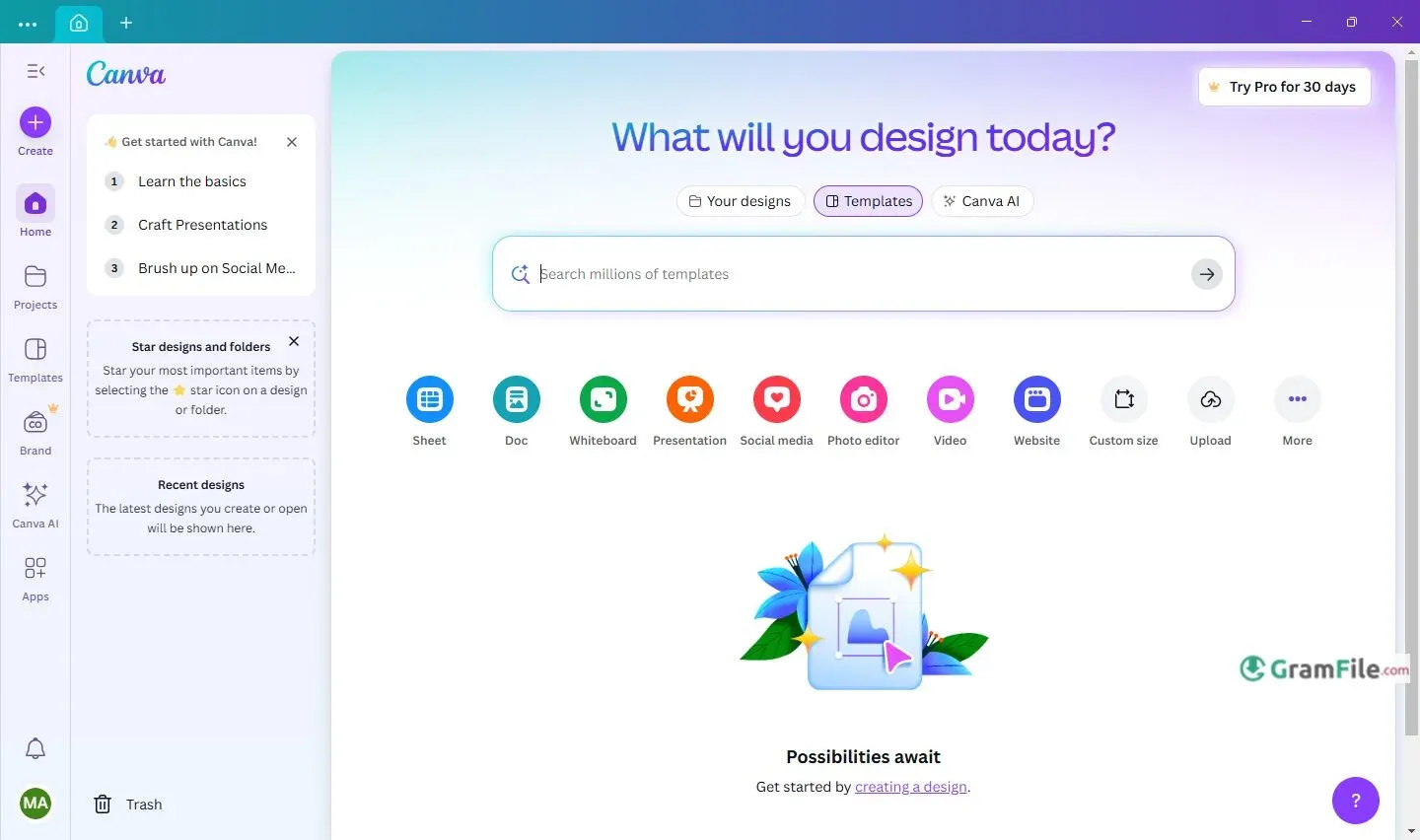
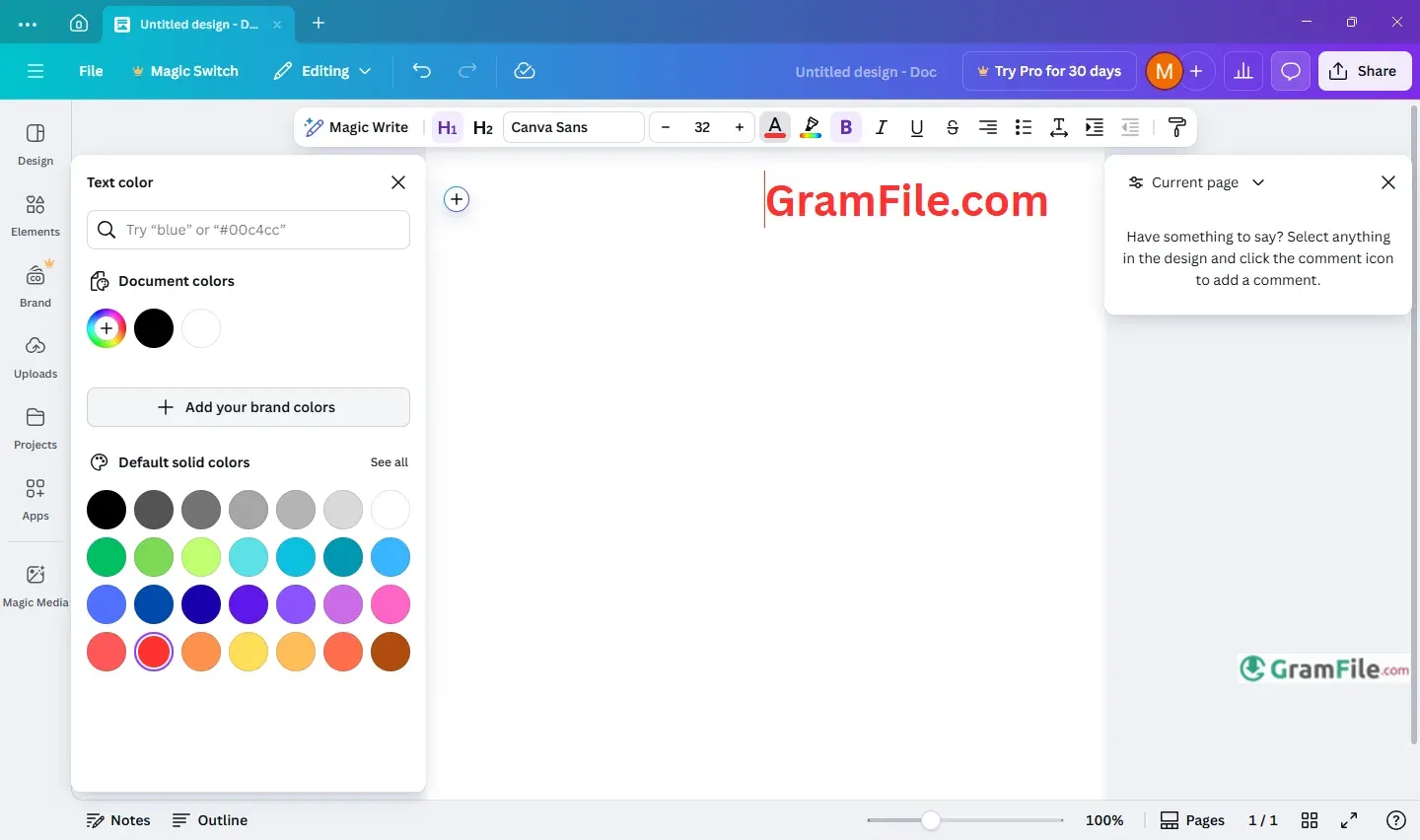
Canva’s desktop app lets you create awesome graphics, presentations, and more with simple drag-and-drop tools, no design skills needed.
It mirrors the browser experience but adds desktop features like system notifications, offline access, and better multitasking with tabbed editing.
Started in 2013 as a web-based design tool, it is now used by more than 220 million users. The desktop app arrived around 2020, bringing its template library and collaboration features into a dedicated workspace.
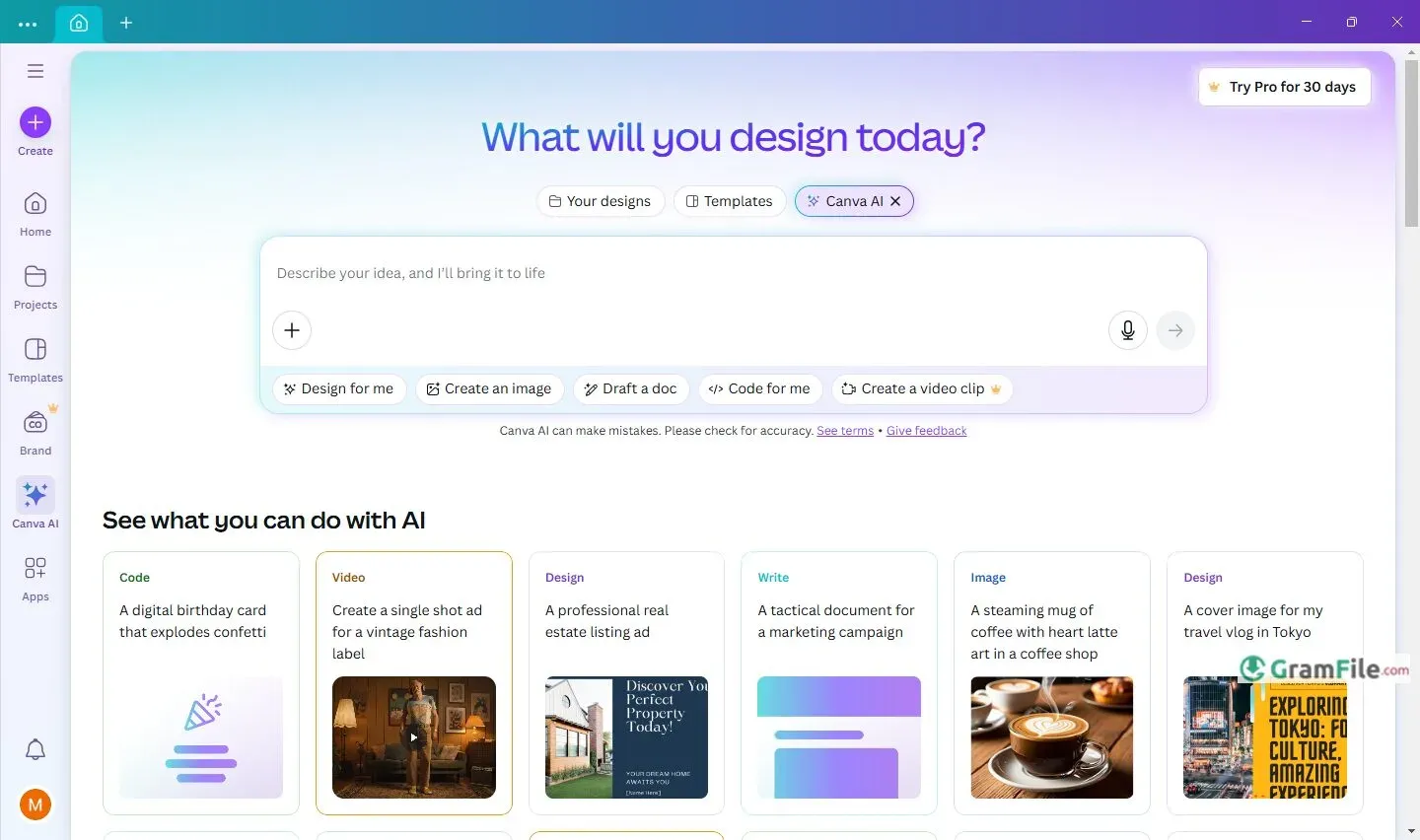
Updates now include AI-powered tools, performance tweaks like Memory Saver, and deeper OS integration, making it a go-to for both beginners and professionals.
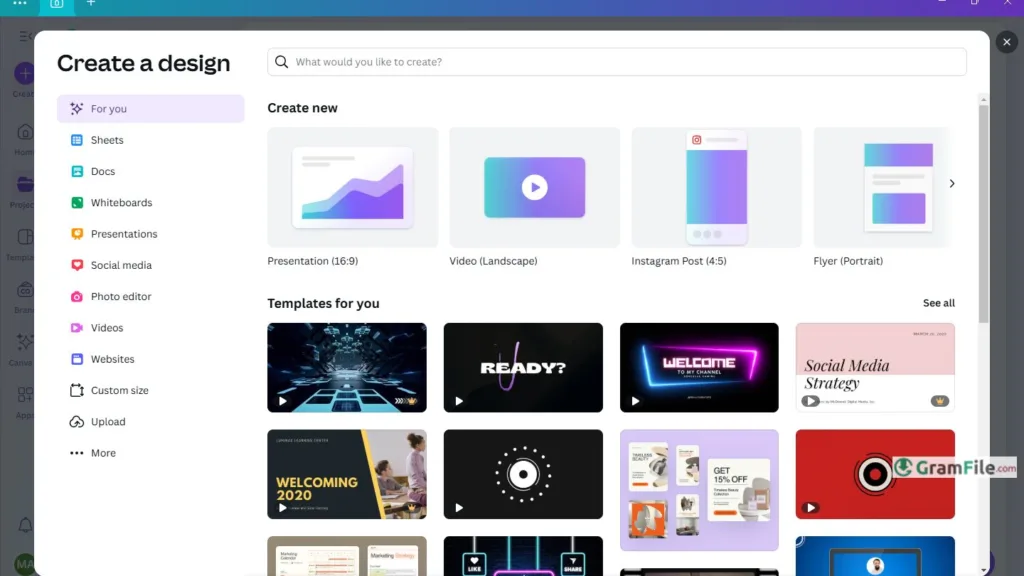
Canva is considered as a friendly design studio living right on your Windows PC. It helps you create anything – social posts, resumes, YouTube thumbnails, even short videos – by dragging and dropping.
No design skills needed. Just pick a template, add your text or photos, and you’re done.
Free or Paid?
- Free version: Tons of templates, basic photos, and 5GB storage. Perfect for occasional projects.
- Canva Pro: About $15/month unlocks premium photos, brand kits, AI tools, and 1TB storage.
- Students/Teachers: Get Pro features free! Sign up with your school email.
AI Tools
- Logo Maker: Type what you want (“modern bakery logo”) → AI creates custom options instantly.
- Video Generator: Describe a scene (“cat astronaut in space”) → Watch AI build a short video.
- Resume Builder: Answer questions → AI designs a polished resume.
For Students & Creators
- Student Login: Use your school email to access free Pro tools.
- YouTube Thumbnails: Eye-catching templates sized perfectly, just plug in your text and image.
Key Features
- Drag-and-drop simplicity.
- Thousands of ready designs.
- Free version available.
- Works offline sometimes.
- Saves online automatically.
- Real-time teamwork features.
- AI builds logos instantly.
- AI designs for you.
- AI makes videos quickly.
- Perfect YouTube thumbnail templates.
- Easy resume builder included.
- Pro free for students/teachers.
- One-click background remover.
- Brand kit saves your colors/fonts.
- Schedule social posts directly.
How to Download & Install
- Click on the above Green Download Button for official and direct download. This ensures you get a legitimate copy and avoid any potential malware.
- Open the downloaded file through double click on it and follow the prompts, it installs like any regular app.
Pros & Cons
What we liked
- Free version works.
- Simple with Drag-and-drop.
- Tons of ready templates.
- Real-time teamwork enabled.
- AI tools save hours.
- Pro free for students.
- One-click exports.
What we didn't like
- Best features need Pro.
- Watermarks on free exports.
- Slows with big files.
- Limited offline use.
- Pro costs monthly.
- Some AI locked behind paywall.
Found a problem with this download? Report an outdated version, broken link, suspicious installer or incorrect information.
 Zoom Workplace
 Nitro PDF Pro
 Sumatra PDF
 IrfanView
 K-Lite Codec Pack
 WinRAR