

Download Details
- Version
- 4.76 (latest)
- File size
- 4.3 MB
- License
- Free
- Security scan
- VirusTotal: 71 of 71 engines say OK (0 flagged)
- SHA-256 checksum
a2fd831e3962222c6ccb9db0d0de301c976a71df49763d82b9d82282480befb1- Developer
- Irfan Skiljan
- Supported OS
- Windows 11, Windows 10, Windows 7
- Installers
- 64-bit (x64), 32-bit (x86), ARM (Arm64), Portable, Offline
- Downloads
- 11313
- Rating
- 4.8 out of 5 · 109 reviews
- File name(s)
- iview476_x64_setup.exe, iview476_setup.exe
 Reviewed by Mohamed Zaki
Tested on Windows 11 and 10 · · How we review
Screenshots
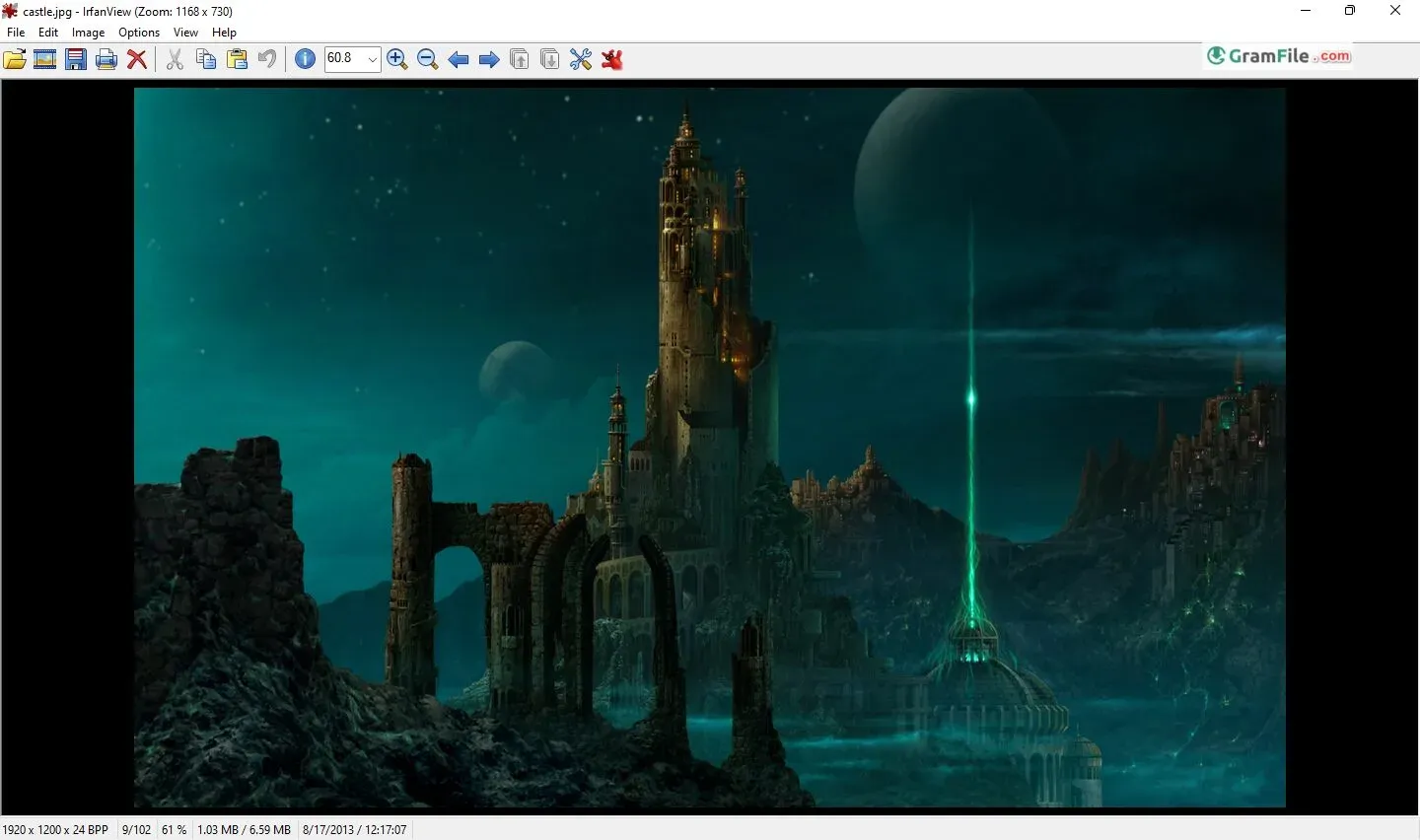
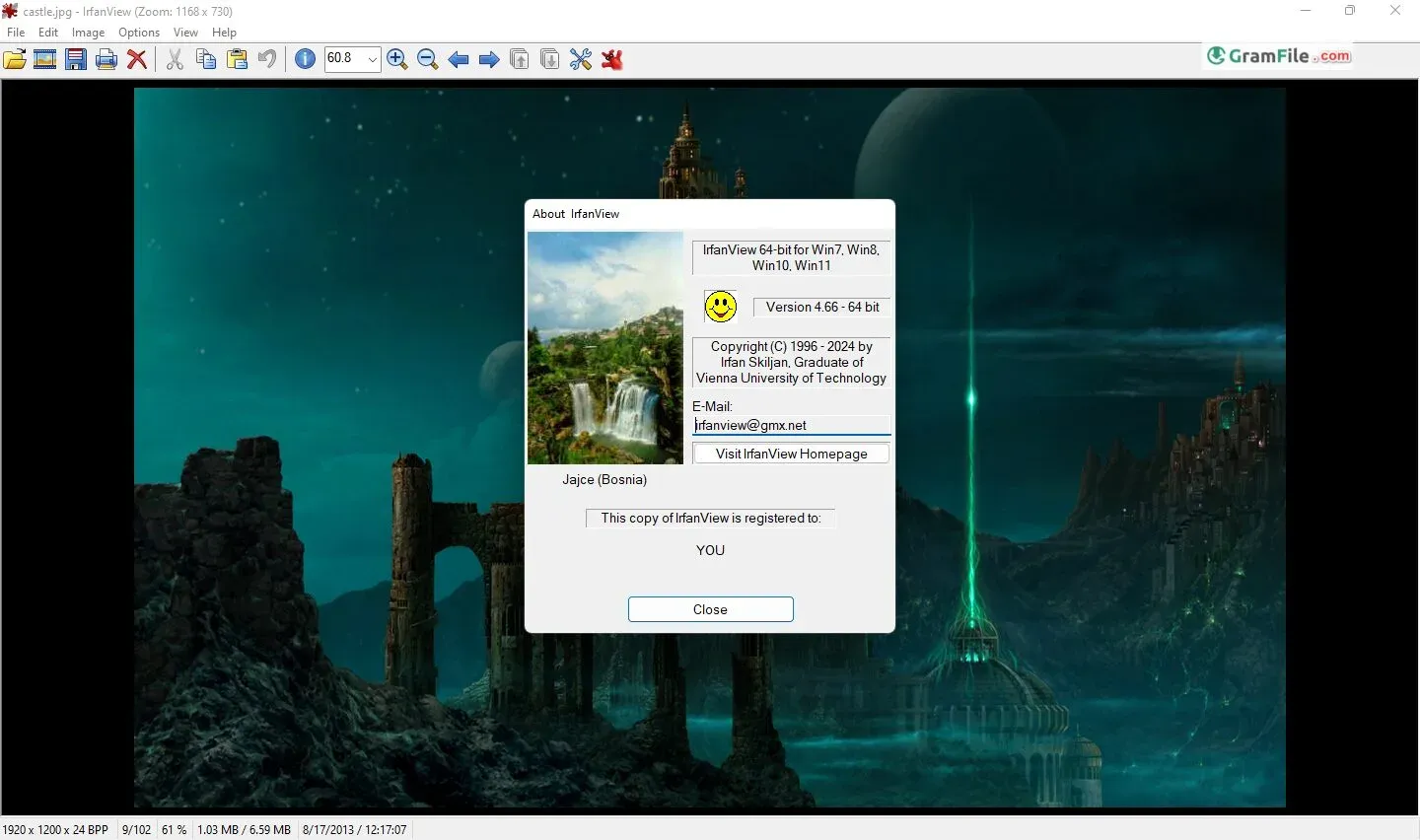
Download the latest version of IrfanView for Windows 11 and Windows 10, free and 100% safe. Available in 64-bit and 32-bit.
IrfanView is the fastest free image viewer for Windows, supporting over 100 file formats including JPEG, PNG, RAW, WebP, and HEIC. File size: ~6 MB. No bundled software. No ads.
It lets you view all your favorite pictures, but it can also do a surprising amount of editing. Need to crop a photo or resize it for email? No problem! IrfanView can handle it.
For over two decades, IrfanView has remained a leader in the image viewing and editing software world. This freeware program, designed for Microsoft Windows, is suitable for both regular users and professionals alike.
So, What is IrfanView?
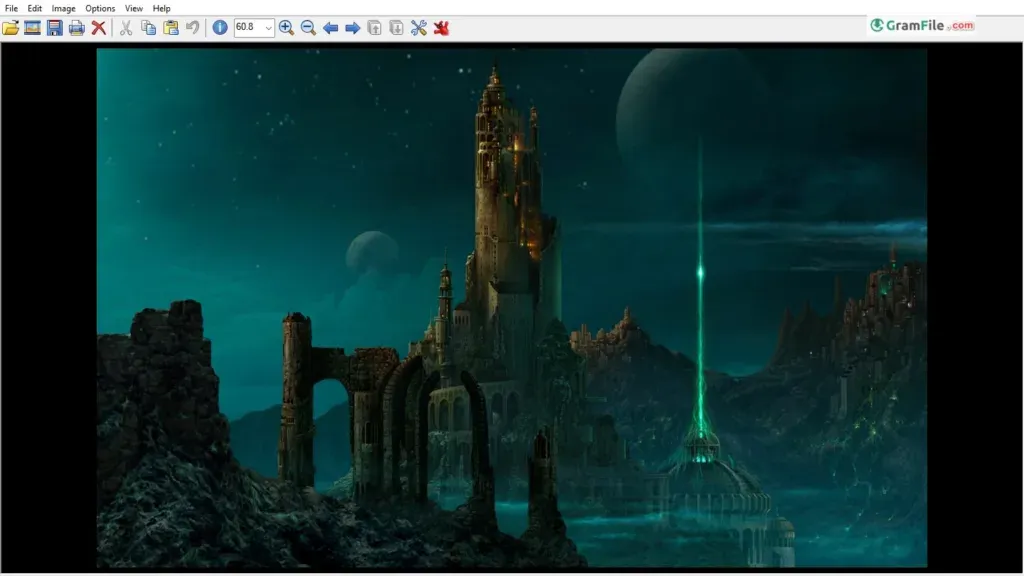
IrfanView is a free image viewer, editor, organizer, and converter program designed specifically for Microsoft Windows.
It excels in displaying a wide range of image formats, including popular ones like JPEG, PNG, and GIF, along with lesser-known formats like RAW and ICO.
Additionally, it supports basic editing functions like cropping, resizing, and color adjustments, making it a convenient one-stop shop for managing your image collection.
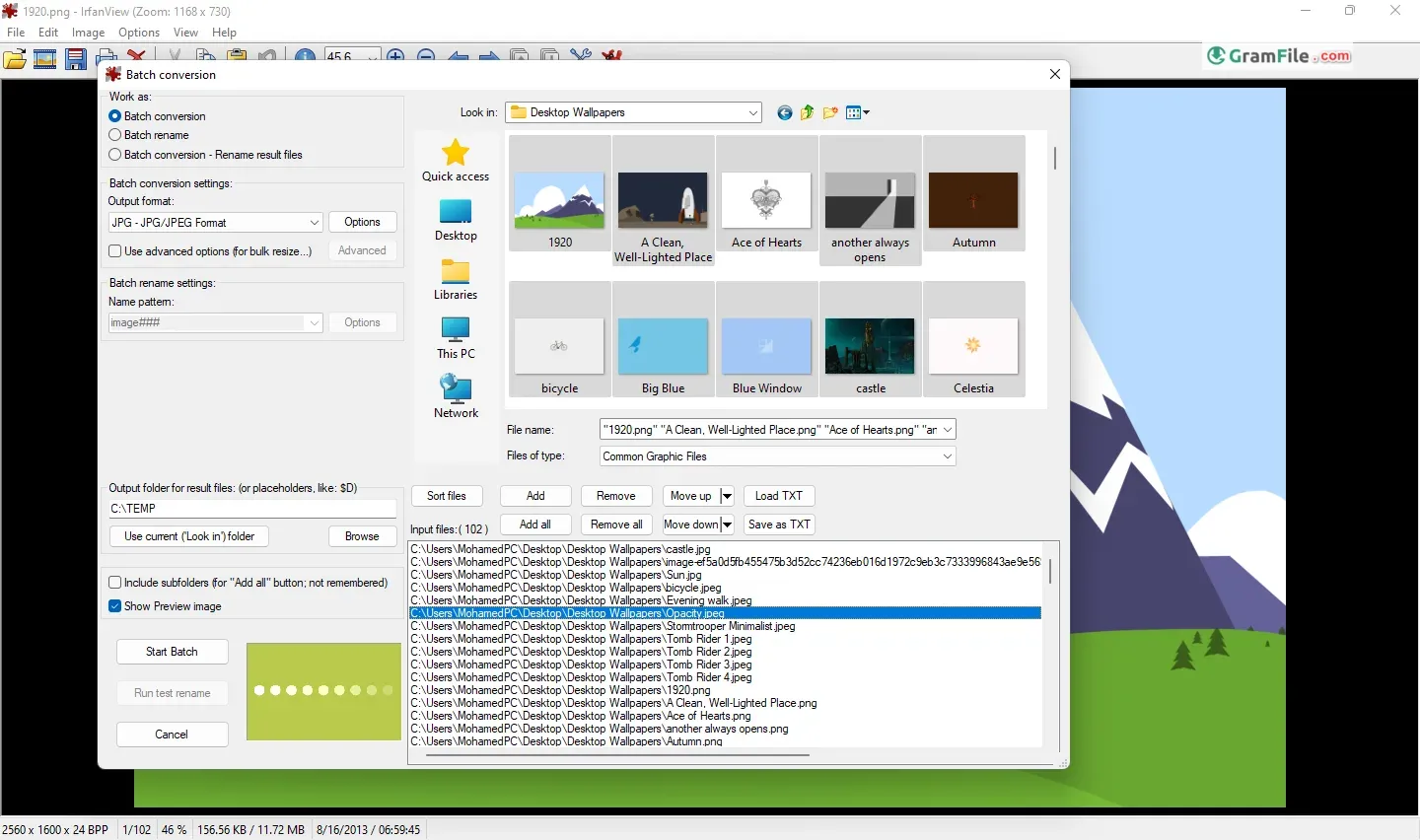
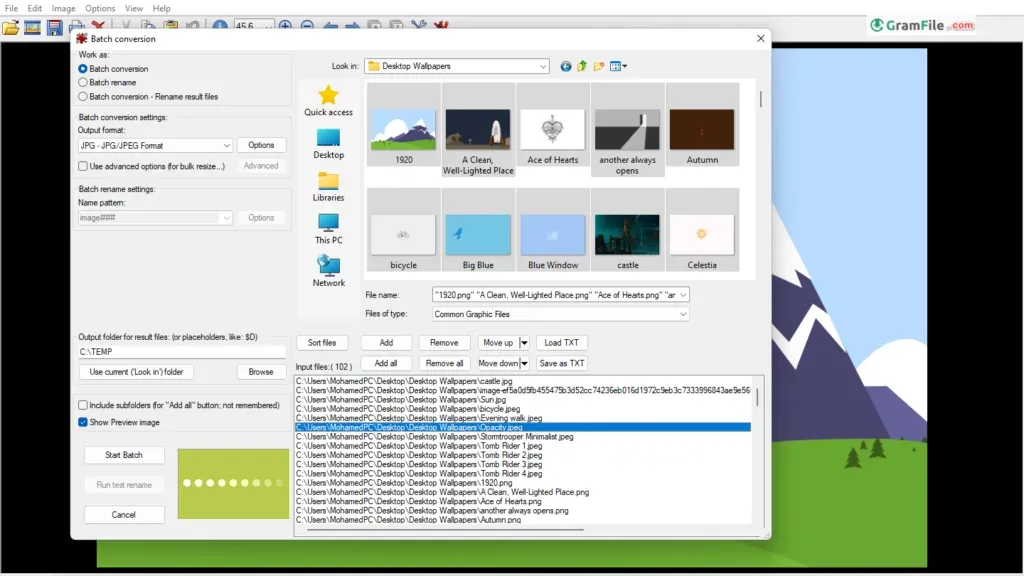
Beyond its core functionality, IrfanView shines with its ability to handle batch processing, allowing you to apply edits or convert multiple images simultaneously. This is a significant time-saver for photographers and users working with large image sets.
IrfanView Software: A Lightweight Giant
One of IrfanView’s most compelling features is its small footprint. Despite its compact size (around 6 MB), it packs a powerful punch. Opening images is lightning-fast, making it ideal for managing large photo collections.
The intuitive interface allows for effortless navigation, with customizable toolbars and keyboard shortcuts further streamlining the user experience.
Batch Resize: A Time-Saving Hero
For photographers and graphic designers, batch processing is a game-changer. IrfanView excels in this area, allowing users to resize, convert, rename, and watermark multiple images simultaneously.
This eliminates the tedious task of manually adjusting each image, saving valuable time and effort.
IrfanView 64-bit: Embracing Modern Systems
Recognizing the shift towards 64-bit architecture, IrfanView offers a dedicated 64-bit version. This unlocks the full potential of modern systems, enabling users to work with larger image files and leverage the increased processing power for even faster performance.
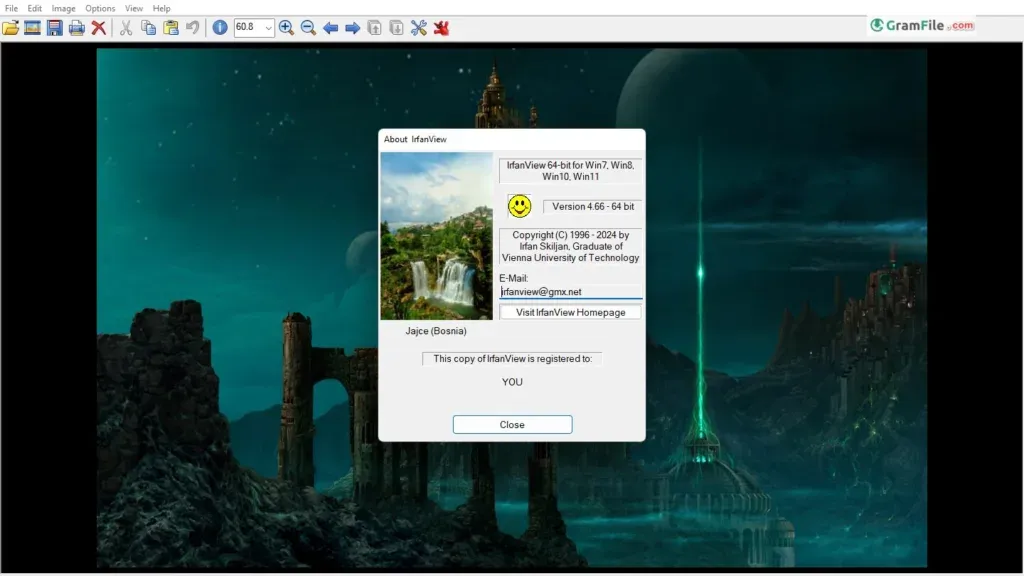
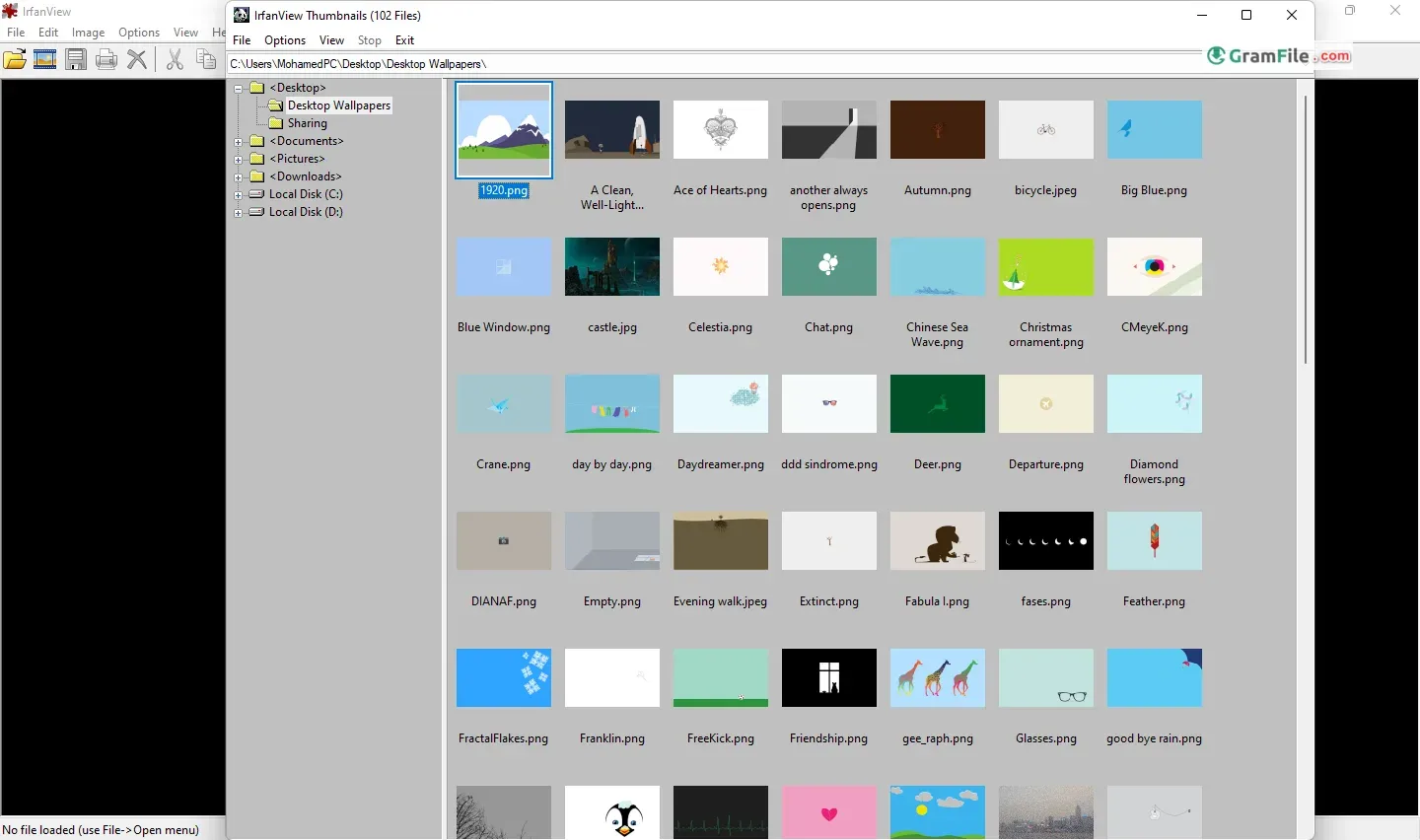
Thumbnails: Organization at a Glance
The ability to generate thumbnails is crucial for efficiently browsing through image libraries. IrfanView offers a robust thumbnail view, allowing users to customize the size, layout, and information displayed for each thumbnail.
This visual representation makes it easy to identify specific images without having to open them individually.

Key Features
While image viewing and basic editing are its core strengths, IrfanView offers a surprising range of additional features. These include:
- Lossless JPEG operations: Preserve image quality while reducing file size.
- Image effects and filters: Enhance photos with a variety of creative tools.
- Slideshow creation: Showcase your images with customizable transitions and effects.
- Basic image editing: Crop, resize, rotate, and perform color adjustments.
- Support for a wide range of formats: Open and save images in a multitude of popular formats, including RAW files from digital cameras.
- Multilingual support: Cater to a global audience with a wide variety of language options.
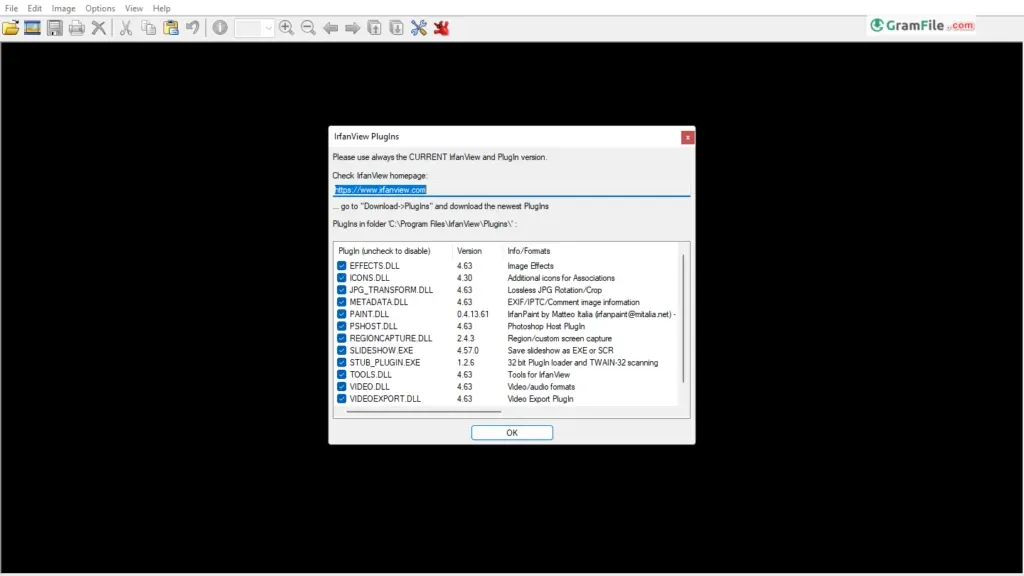
IrfanView has a plugin system that allows you to extend its functionality. These plugins can add support for new file formats, image effects, and other features.
WebP Support [The IrfanView WebP Plugin]
The world of image formats is constantly evolving, and WebP is a rising star. This format, developed by Google, offers superior compression compared to JPEG while maintaining image quality. However, native support for WebP might be lacking in some older software. This is where the IrfanView WebP plugin comes in.
Installing this free plugin seamlessly integrates WebP support into IrfanView. With it, you can view and convert WebP images just like any other supported format.
Downloading the plugin is straightforward; simply head to the official IrfanView plugins website and search for “WebP.”
HEIC Support with the IrfanView HEIC Plugin Download
Similar to WebP, HEIC (High-Efficiency Image Container) is another format gaining traction. This format, primarily used by Apple devices, offers advantages in terms of file size without sacrificing quality. However, similar to WebP, HEIC support might be limited in some software.
To bridge this gap, the IrfanView HEIC plugin provides a solution. Downloading and installing this plugin (available for free on the official IrfanView plugins website) enables IrfanView to view and convert HEIC images seamlessly.
Debunking the Myth: There’s No Chip
It’s important to clarify a misconception: IrfanView is not a hardware component like a chip. It’s a software program designed to run on your computer. There have been instances of online misinformation claiming the existence of an “IrfanView chip.”
Mastering the Basics: An IrfanView Tutorial
While IrfanView boasts a user-friendly interface, a basic tutorial can help you navigate its features with ease. Here are some resources to get you started:
- Official IrfanView Help File: The software comes with a comprehensive built-in help file covering various functionalities. Access it by pressing the F1 key within the program.
- IrfanView Online Tutorials: The official IrfanView website (https://www.irfanview.com/) offers a range of tutorials covering basic and advanced topics.
- Third-Party Tutorials: Numerous websites and YouTube channels provide IrfanView tutorials, offering a variety of learning styles and in-depth explanations.
By utilizing these resources, you can quickly grasp the functionalities of IrfanView and leverage its full potential.
Important Note: While IrfanView itself is free for non-commercial use, some plugins like the official WebP plugin might require a donation for commercial purposes.
Additional Points to Consider:
- IrfanView’s user interface can be slightly intimidating for new users, but its intuitive design and readily available tutorials make it easy to learn.
- The program is free for non-commercial use. For commercial use, a license needs to be purchased.
- With its long history of updates and active development community, IrfanView remains a reliable and secure choice.
Pros & Cons
What we liked
- Free, small, and fast image viewer.
- Supports many image formats.
- Simple editing tools.
What we didn't like
- Interface can be dated for some users.
- Can be overwhelming for beginners due to its extensive features
Best IrfanView Alternatives
-
 Picasa
A user-friendly photo organizer and editor from Google.
-
 FastStone Image Viewer
Combines speedy image viewing with surprisingly strong editing features, all for free.
-
 XnView MP
Your one-stop shop for viewing, editing, and converting all your photos.
-
 Microsoft Photos
Lets you browse, organize, and even edit your pictures all in one place.
Conclusion
4.8out of 5 · 109 user ratings
IrfanView stands as a testament to the power of lightweight software. It offers a compelling blend of features, making it an ideal choice for both casual users and power users alike. Its freeware nature for non-commercial use, coupled with its efficiency and versatility, makes it a valuable addition to your software arsenal.
With the help of plugins for emerging formats like WebP and HEIC, IrfanView ensures you stay ahead of the curve in image management. So, delve into this free powerhouse and take control of your image collection!
If you’re looking for a fast, efficient, and feature-rich image viewer and management tool that won’t weigh down your system, IrfanView is a timeless classic that’s well worth exploring.
Found a problem with this download? Report an outdated version, broken link, suspicious installer or incorrect information.
 Zoom Workplace
 Nitro PDF Pro
 Sumatra PDF
 K-Lite Codec Pack
 WinRAR