
Editor's picks
Hand-selected by our review team this month
-
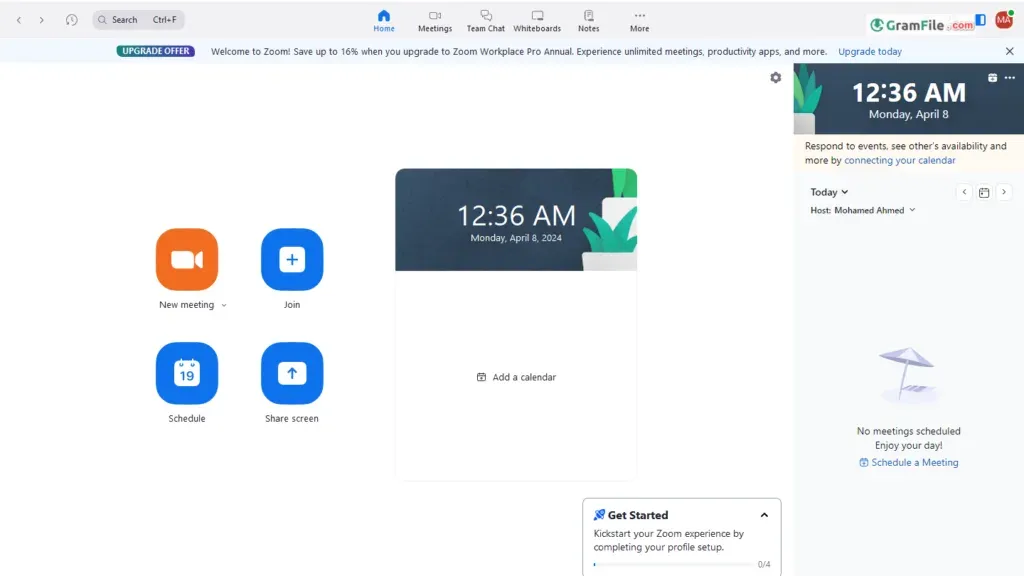
 Zoom Workplace
Video Conferencing
Zoom Workplace
Video Conferencing
Turns your computer into a video conference room in your pocket.
★ 4.6 Free -
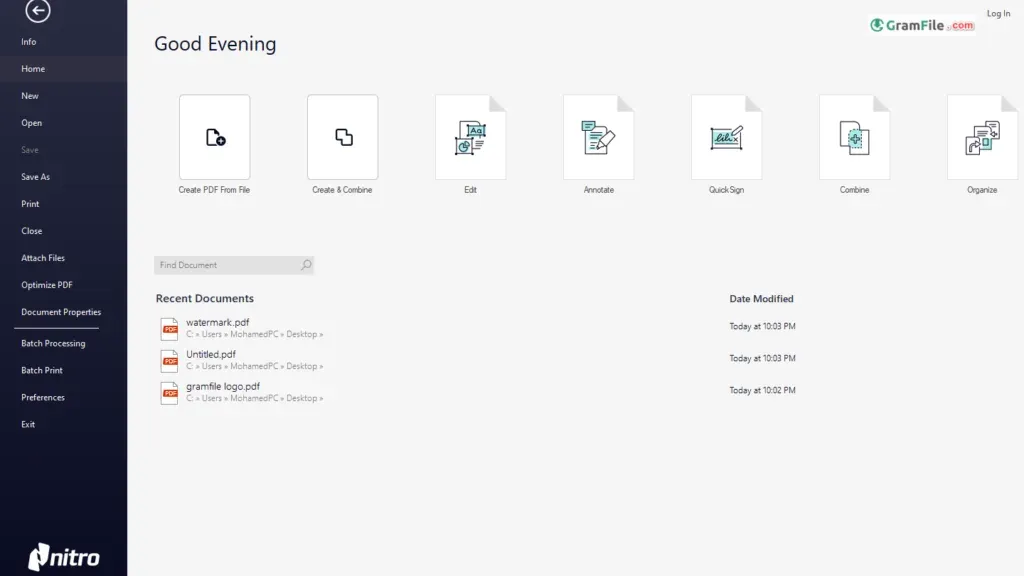
 Nitro PDF Pro
PDF Editors
Nitro PDF Pro
PDF Editors
Full-featured PDF editor with OCR, e-signing, and Office conversion tools.
★ 4.8 Free Trial -
 Sumatra PDF
PDF Readers
Sumatra PDF
PDF Readers
A lightning-fast PDF reader that prioritizes simplicity over anything else.
★ 4.8 Free -
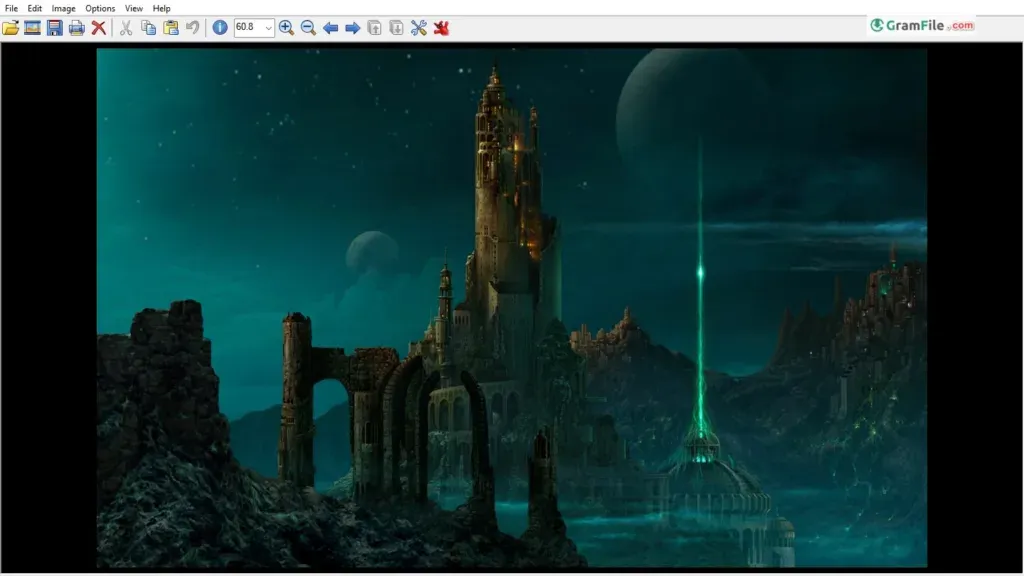
 IrfanView
Photo Viewers
IrfanView
Photo Viewers
Tiny, free picture viewer for Windows that does a lot.
★ 4.8 Free -
 K-Lite Codec Pack
Codec Packs
K-Lite Codec Pack
Codec Packs
All necessary codecs in one pack for conquering multimedia playback challenges.
★ 4.3 Free
Windows OS ISOs
Official, clean installation media for every supported release





Office software
Every Microsoft Office release, from 365 back to Office XP











Browse categories
 Google Chrome
 Microsoft Edge
 Firefox Browser
 PotPlayer
 VLC media player
 Media Player Classic – BE
 Picasa
 FastStone Image Viewer
 WinRAR
 7-Zip
7-Zip WinZip
 Microsoft Defender
 Bitdefender Antivirus Free
 Avira Free Security
 Adobe PDF Reader
 Foxit PDF Reader
 Proton VPN
 Psiphon
 NordVPN
 BlueStacks
 MEmu
MEmu NoxPlayer
 ChatGPT
 DeepSeek
 Microsoft Copilot
Most downloaded
-
 DirectX 12
It unlocks your PC's full power for faster, smoother games.
-
 Plants vs. Zombies
Plants fight zombies in your yard, hilarious, strategic fun!
-
 Photopea
Free, online Photoshop-style image editing.
-
 YouTube
Official YouTube app for Windows to watch trending videos and channels.
-
 GameLoop
Lets you play mobile games on your PC with a big-screen, high-performance experience.

Recently verified
-
 MobaXterm 26.6.0.5560
Free Windows terminal combining SSH, X11 server, and Unix tools.
-
 Ollama 0.40.11
Run AI language models locally, free, private, no cloud needed.
-
 Internet Download Manager 6.43.16
Supercharges your Windows download speeds (faster than ever).
-
 Gmail App (Meru) 3.63.2
Gives you email on your desktop - clean, fast, and without the browser tabs chaos.
-
 Laragon 8.8.0
Portable Windows server stack: Apache, MySQL, PHP, Node.js
-
 OBS Studio 33.0.0
Free software to turn your PC into a live streaming or recording studio.


Top games
-
 PUBG 4.6.0
Battle royale on Windows where you fight to be the last one standing.
-
 Fortnite
Build, battle, and outlast in Fortnite's dynamic world of creativity and combat.
-
Plants vs. Zombies 1.0.25 Replanted
Plants fight zombies in your yard, hilarious, strategic fun!
Latest Articles
-
Windows 11 ISO download: 26H2, 25H2 and 24H2, verified
This page covers the Windows 11 ISO download for every version still in use: 26H2, 25H2 and 24H2.…
How we review every app
All 2,000+ listings go through the same four steps. We re-check each one whenever a new version ships and suspend it if an update adds adware.
Source the installer
Downloaded from the official developer site or a GramFile-verified mirror, never third-party uploads.
Scan for threats
Checked against multiple security engines, including VirusTotal, for malware, adware, spyware, and bundleware.
Test the install
An editor installs it on Windows 11 and checks for pre-ticked offers and browser hijacks, and that the uninstaller removes it cleanly.
Publish the listing
Listed with accurate version info, system requirements, and a description of what the app does and doesn't do.
What is GramFile?
GramFile is a free software directory for Windows users who want clean installers without toolbars, fake download buttons, or wrappers. Since 2018 we have listed 2,000+ programs in 40+ categories, from Google Chrome and VLC Media Player to Windows ISO files, macOS apps and Android APKs.
Our links go straight to the developer or a mirror we verified ourselves. We run no download manager and take no bundled-offer money, and each page shows the latest stable version. Meet the editorial team, read our editorial policy, or browse security guides.
Frequently asked questions
Is software on GramFile free to download?
Most of our catalog is free: open-source or fully functional freeware with no time limit. A few titles are marked Free Trial: the installer is free, but some features, or the whole app, need a license after the trial ends. A small number of tools are Paid with no free tier. Every listing has a Free, Free Trial, or Paid badge, so you know before you click download.
Are downloads on GramFile safe from viruses and malware?
Yes. We check every app with multiple scanners, including VirusTotal, for malware, adware, spyware, and bundleware before it goes live. Our links point straight to the official developer server or a mirror we've verified ourselves, never to a third-party download manager.
How does GramFile verify each app before listing it?
Each listing goes through a four-step process: we source the installer from the developer or a verified mirror, scan it with multiple security engines including VirusTotal, install it on Windows 11 to check for bundled offers or hijacked settings, then publish it with accurate version and requirement details. See our full review process for more.
What happens if a listed app is later found unsafe?
We re-check every listing whenever a new version ships. If an update introduces adware or another issue, we flag the listing and suspend it until the developer fixes it, so an app that is clean today doesn't become risky after an update.
Does GramFile support Windows 11?
Yes. Every app in our catalog is tested on Windows 11 (including 24H2) and Windows 10, 64-bit, version 21H2 and later. Each download page lists the exact compatibility and hardware requirements.
Do you offer offline installers for Windows software?
Yes, wherever the developer provides one. Offline installers bundle every required component, so you can install without an internet connection, useful on slow connections or when setting up several PCs at once.
Are there portable versions of Windows apps available?
Yes, when the developer offers one. A portable app runs from a USB drive or any folder without installing, and it doesn't touch the Windows registry.