
CapCut download PC Windows 11, 10, 7
Download CapCut 64 bit for Windows 11, 10 PC. A free, easy-to-use video editor packed with cool effects, smooth cuts, and everything that makes pro edits easy.
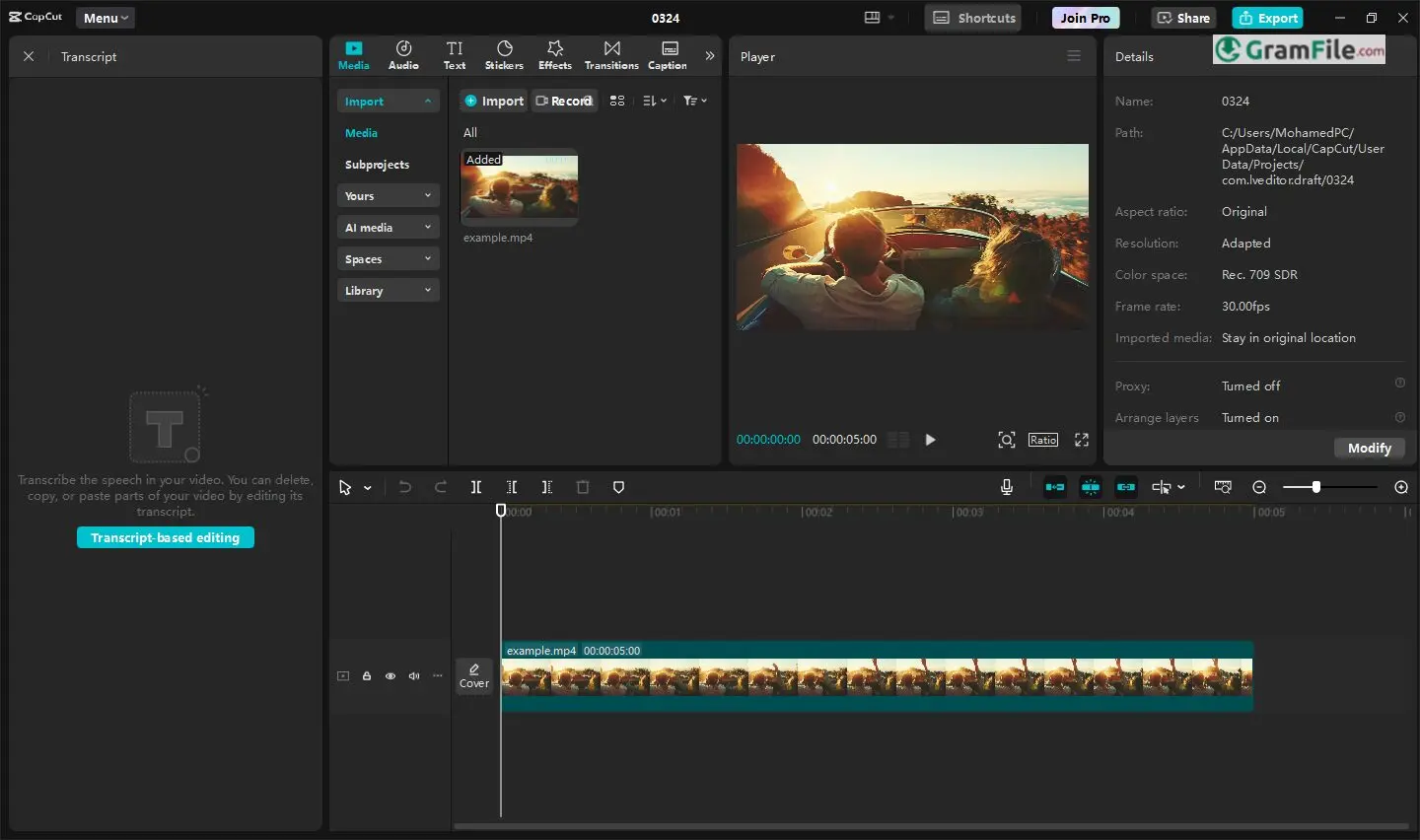
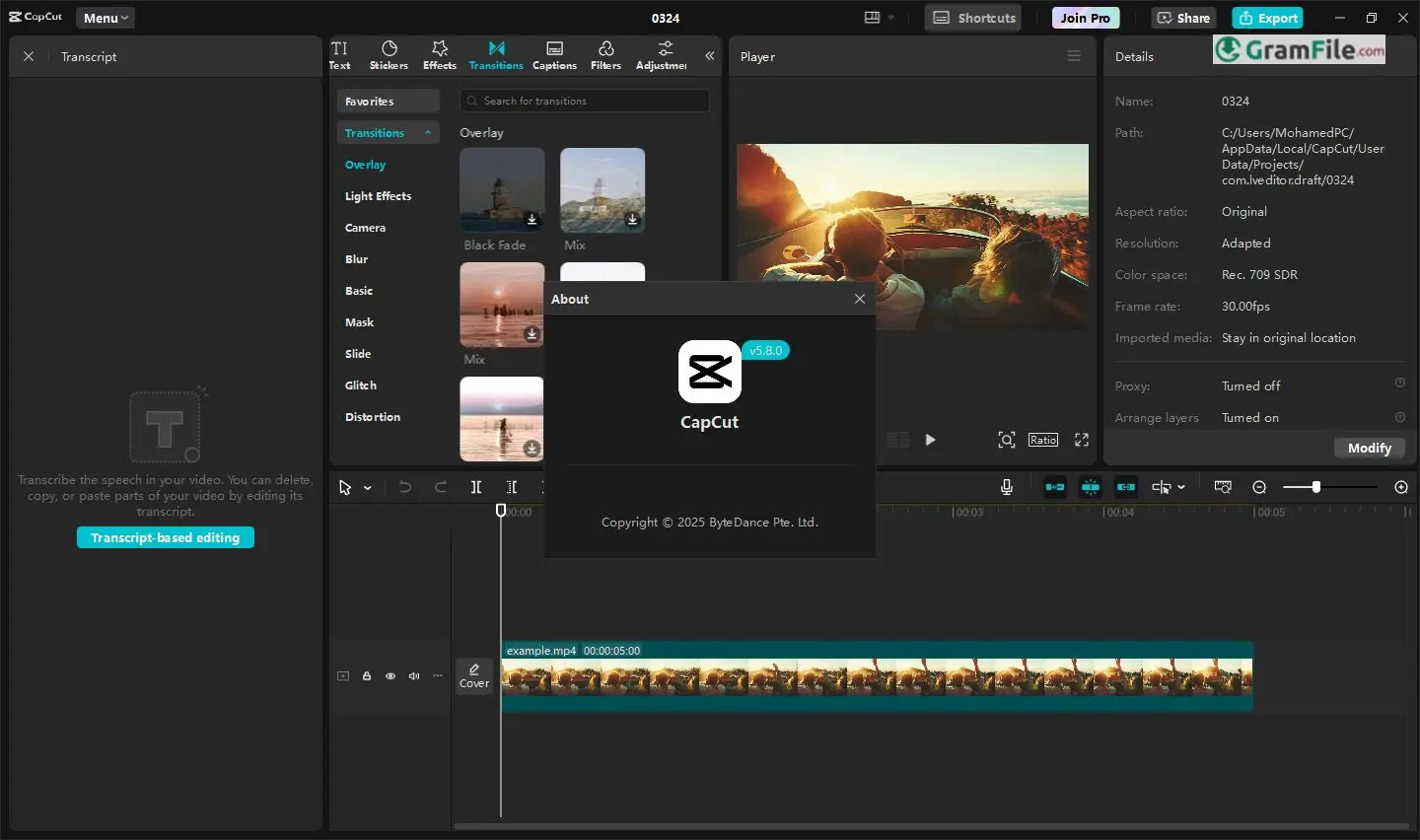
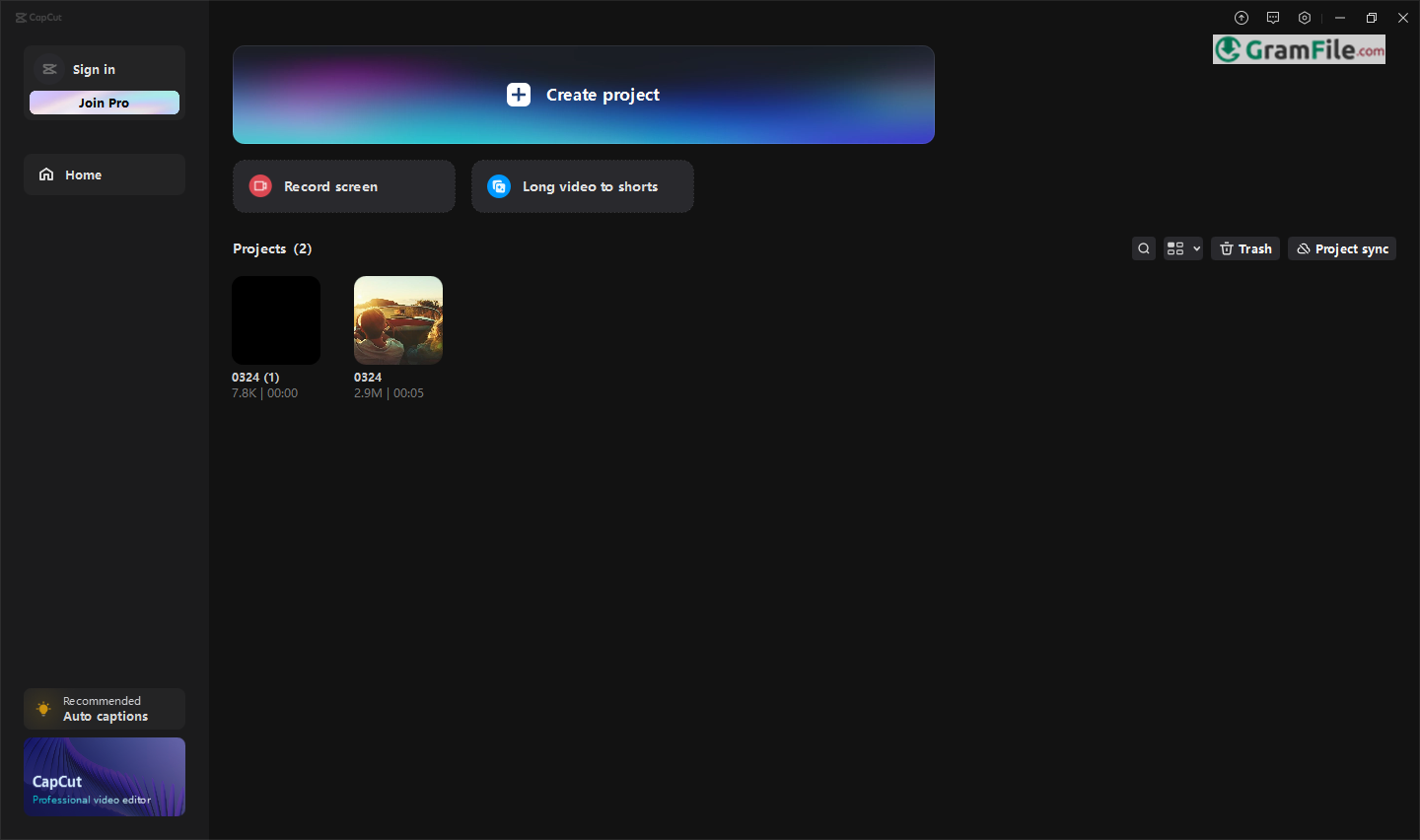
CapCut—developed by ByteDance, the creators of TikTok—has quickly become one of the most popular free video editors worldwide.
Originally launched as a mobile app in 2020, its intuitive tools and rich effects made it a hit among content creators.
Recognizing the demand for a desktop version, ByteDance released CapCut for Windows, bringing the same user-friendly experience with enhanced performance for PC users.
Whether you’re a beginner or a seasoned editor, CapCut offers a smooth, feature-packed editing experience—without the complication of professional software. But how does it really perform? Let’s explore it.
CapCut Desktop Review: Powerful Editing Made Simple
If you edit videos—whether for fun, work, or social media—you’ve probably heard of CapCut. But is it really as good as people say? And can you use it on a PC? Let’s break it down.
What is CapCut?
CapCut is a free, user-friendly video editor developed by ByteDance (the company behind TikTok). It’s packed with pro-level tools—transitions, effects, text animations, and more—but designed so even beginners can jump right in.
Originally a mobile app, CapCut’s Windows version brings the same smooth editing experience to your desktop, with better performance for longer projects.
Is CapCut Available for PC?
Yes! the PC version works offline after installation and handles 4K editing smoothly.
(No emulators or sketchy third-party downloads needed—just grab the real deal.)
Do You Need to Sign Up?
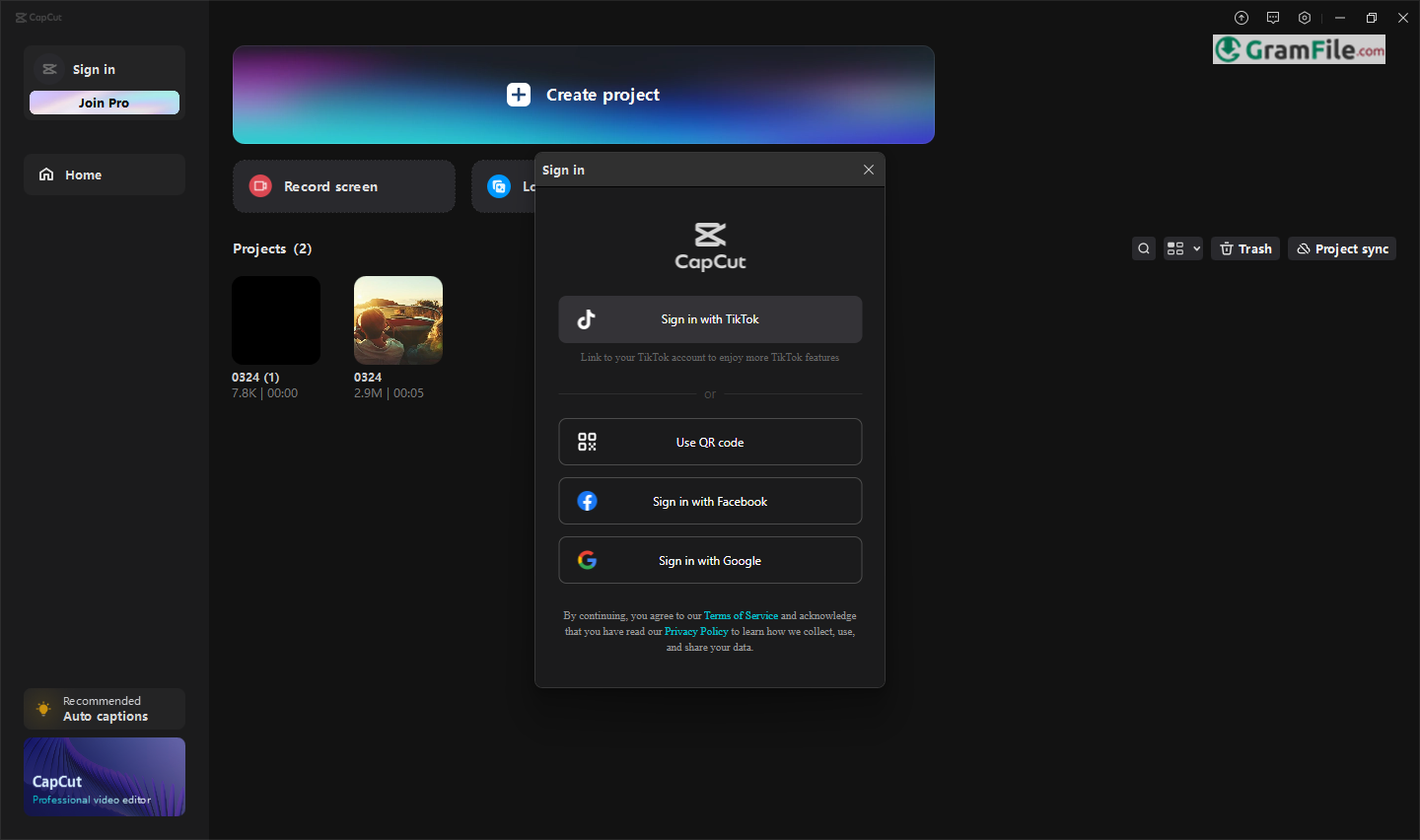
Nope! You can use CapCut without an account, but signing in (with Google, TikTok, or email) unlocks cloud storage and lets you sync projects across devices.
Latest Version Update
The newest CapCut for Windows includes:
✔ Faster rendering (exports videos quicker)
✔ More AI tools (auto-captions, background removal)
✔ New templates & effects (trending styles ready to drag-and-drop)
Always update through the app or official site to avoid missing features (or security patches).
Offline Installer: Good to Have
CapCut’s standard installer requires internet, but if you need an offline installer (for slow connections or multiple PCs):
- Click on the above download button (at the top of this page).
- Run it once online to verify.
- After that, it works fully offline.
- (Handy for travelers or areas with spotty Wi-Fi!)
Templates for PC
One of CapCut’s best features? Pre-made templates for TikTok, YouTube, ads, and more. On PC:
- Open the app → Go to the “Templates” tab.
- Pick a trending style (e.g., “Viral Instagram Reel”).
- Drag in your clips, tweak text/colors, and done—instant pro-quality edits.
Is CapCut Getting Banned on April 5th?
No, that’s a myth. Rumors swirl sometimes (since ByteDance owns TikTok), but as of 2024, CapCut remains available worldwide. Always check official news sources before believing bans!
Key Features & Highlights
- Free to use – No hidden costs.
- Easy interface – Simple for beginners.
- Fast editing – Trim clips in seconds.
- Multi-track timeline – Layer videos, audio, and text.
- Auto captions – Turns speech into text.
- Smooth transitions – Professional-looking cuts.
- Filters & effects – Enhance any video.
- Music & sound effects – Built-in library.
- Keyframe animation – Custom motion control.
- Green screen (chroma key) – Change backgrounds easily.
- Speed control – Slow motion or fast-forward.
- Text-to-speech – AI voices for narration.
- Direct export – Share to social media quickly.
- No watermark – Clean, branded-free videos.
- Regular updates – New features added often.
How to Download & Install CapCut (Easy Guide)
Want to edit videos like a pro without the hassle? CapCut for Windows is free, fast, and surprisingly powerful. Here’s how to get it on your PC in minutes:
System Requirements
Before installing, check if your PC can run CapCut smoothly:
- OS: Windows 10 or 11 (64-bit)
- CPU: Intel i3 or better (AMD Ryzen 3 works too)
- RAM: 4GB minimum (8GB recommended for 4K)
- Storage: 2GB free space (SSD preferred)
- Graphics: Integrated works, but dedicated GPU helps
- Display: 1280×720 resolution or higher
Runs well on most modern laptops! Older PCs may struggle with heavy edits.
Download the Official Installer (Offline Installer available)
The fastest way to download CapCut offline installer for Windows is through our download page.
Click on the above Green Download Button for official and direct download. This ensures you get a legitimate copy and avoid any potential malware.
Run the Installer
- Once downloaded, open the .exe file (check your “Downloads” folder).
- If Windows asks, click “Yes” to allow the installer to make changes.
Install in Just a Few Clicks

- The setup wizard will open—just follow the prompts.
- Choose where to install (or stick with the default location).
- Wait a few seconds; it installs lightning-fast.
Open & Start Editing!
- Click “Finish” after installation.
- CapCut will launch automatically—or find it in your Start Menu.
- Sign in (optional) or dive straight into editing.
Remember: If you have older version of your graphics driver, CapCut will offer to upgrade it for you. It is better to have the latest updated version of your driver.

That’s it! No complicated steps, no hidden fees. You’re ready to cut, polish, and share videos like a pro.
Pros & Cons
👍Pros
- Free
- No watermarks
- Easy to use
- Fast exports
- Many effects
- Social media ready
- Cloud saving
- Ready templates
👎Cons
- Basic tools
- Needs internet
- No multi-cam
- 4K may lag
- No plugins
- Mobile has more
Best Alternatives to CapCut

More Video Editors
More Details
| App Name | CapCut |
| Operating System | Windows 11 64 bit, Windows 10 64 bit |
| Category | Video Editors |
| Total Downloads | 9895 |
| License | Free |
| Version | Latest Version |
| Updated on | February 6, 2026 |
| Publisher | ByteDance |
| List ID | 2794 |
FAQs
Is CapCut for Windows really free?
Yes! No hidden fees, no trial version—just download and start editing.
Where’s the official offline installer?
The fastest way to download CapCut offline installer is through our download page, Click on the above green download button for official and direct download.
Will it slow down your computer?
Runs fine on most modern PCs! Only lags if you’re editing 4K on an old machine.
Can I use CapCut without a TikTok account?
Absolutely. Sign-in is optional—skip it if you just want to edit.
Is CapCut safe? Does it steal data?
It’s from ByteDance (TikTok’s parent company), so privacy concerns exist. For casual use, it’s fine—but avoid sensitive projects if worried.
How to uninstall CapCut?
Go to Settings > Apps > Installed Apps, find CapCut, click "Uninstall." Done in 10 seconds.
Final Verdict
If you need a free, no-nonsense video editor that just works, CapCut is a knockout choice. It’s perfect for quick social clips, polished montages, or even semi-pro work—without the headache (or cost) of complex software.
Why pick CapCut?
- Zero cost, zero watermarks – Unlike some “free” editors that nag you to pay.
- Faster & simpler than Premiere Pro or DaVinci Resolve for everyday edits.
- Templates & trends built-in – Ideal for TikTok/Reels creators.
- Updates often – It keeps getting better.
How it stacks up
- vs. Adobe Premiere: CapCut won’t replace it for pros, but for 90% of edits? Same results, 10x easier.
- vs. Filmora: Both are simple, but CapCut’s effects and pricing (free!) beat it.
- vs. iMovie: Windows users finally get something just as easy—with more tools.
The bottom line? For most creators, CapCut is the best free editor out there. Unless you need Hollywood-grade tools, it’s hard to beat.


