

Download Details
- Version
- 2.0 (latest)
- File size
- 28.7 MB
- License
- Free
- Security scan
- VirusTotal: 71 of 71 engines say OK (0 flagged)
- SHA-256 checksum
f4346f7dcedd3e885f271fbb3182e9e7cef3bbd02c6b034f7d1b959856d100e7- Developer
- JDownloader
- Supported OS
- Windows 11, Windows 10, Windows 7, Windows 8.1
- Installers
- 64-bit (x64), 32-bit (x86), ARM (Arm64)
- Downloads
- 5506
- Rating
- 3.9 out of 5 · 29 reviews
- File name(s)
- JDownloader2Setup_windows-amd64_v1_8_0_482.exe, JDownloader2Setup_windows-x86_v1_8_0_472.exe, JDownloader2Setup_windows-aarch64_v21_0_10.exe
 Reviewed by Ali Mohamed
Tested on Windows 11 and 10 · · How we review
Screenshots
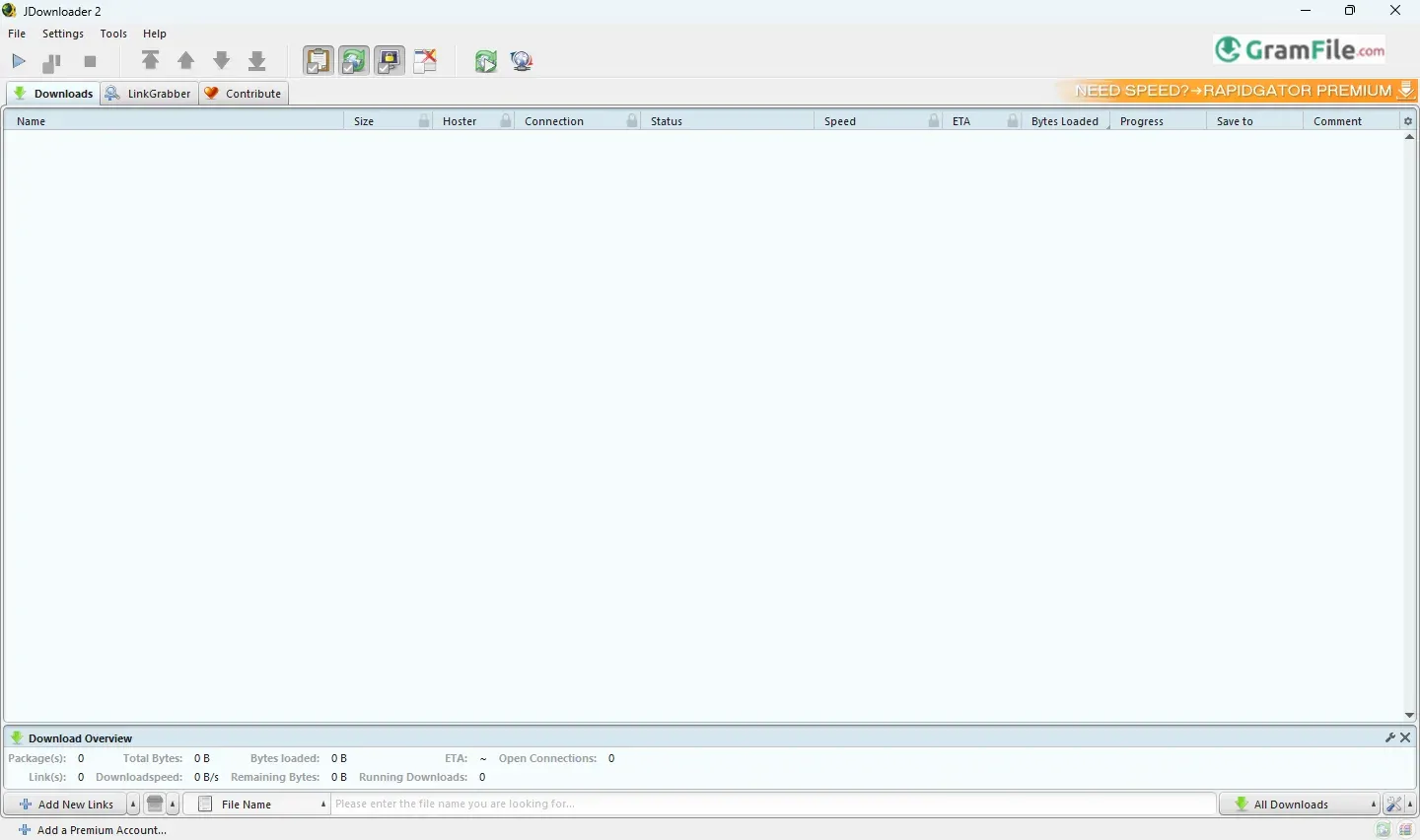
Need a reliable way to download files from dozens of sites without the hassle? JDownloader has been simplifying downloads since 2009.
Originally built to handle restrictive file hosts like RapidShare, it’s evolved into a powerful, open-source tool that breezes through captchas, wait times, and multi-part downloads.
Lightweight and packed with smart features, it’s the go-to choice for hassle-free downloading.
If you’ve ever frustrated with slow downloads, annoying captchas, or files split across 10 different hosting sites, JDownloader might just become your new best friend, or at least a handy tool you’ll wonder how you lived without.
But like any powerful software, it comes with quirks you should know about upfront. Let’s explore it.
What Is JDownloader?
JDownloader is a free, open-source download manager that turbocharges file downloads from over 1,000 sites, think Mega, RapidShare (back in the day), and other platforms that love making you wait or solve puzzles just to grab a file.
It handles batch downloads, auto-extracts archives, and even solves captchas for you, saving hours of manual work.
A Quick Backstory: Born in 2009 as a Java-based tool, JDownloader gained fame for bypassing restrictions on file-hosting sites.
By 2016, it evolved into JDownloader 2, with a slicker interface and fewer bugs, though its installer once bundled pesky adware (more on that later)
Key Features (Why It’s Worth the Hassle)
Set It and Forget It
Paste a link, and JDownloader handles the rest, wait times, captchas, even multi-part files (like .rar splits). It’s like autopilot for downloads.
Batch Downloads
- Need 100 files from a folder? JDownloader queues them all with one click.
- Perfect for backing up YouTube playlists or cloud storage.
Auto-Extract & Password Management
- Downloads a .zip file? It’ll unpack it automatically.
- For encrypted files, add a list of possible passwords, and it’ll brute-force the right one.
Remote Control
Monitor or add downloads from your phone using the MyJDownloader app, handy for long transfers.
Speed & Bandwidth Control
Limit download speed to avoid hogging your connection, or max it out when you’re away from the PC.
How to Download & Install
Get It Safely
- Click on the above Green Download Button for official and direct download. This ensures you get a legitimate copy and avoid any potential malware.
- Warning: The default installer may push optional add-ons like Avast Secure Browser or other “partner software” during setup. Pay close attention to checkboxes, decline anything you don’t want.
- Prefer an adware-free version? Look for the “MULTIOS JAR” option (requires Java) or check the forum for clean installers.
Installation Steps
- Run the installer, but slow down at the “Advanced Options” screen. Uncheck any bundled software (e.g., Avast).
- If you accidentally install adware, tools like Malwarebytes AdwCleaner can clean it up.
Best JDownloader Alternatives
-
 Internet Download Manager
Supercharges your Windows download speeds (faster than ever).

Conclusion
3.9out of 5 · 29 user ratings
JDownloader might seem like a handy download manager, but there are serious reasons to avoid it or at least proceed with extreme caution:
🚨 1. Bundled Adware & Bloatware
- The installer still pushes unwanted software like Avast Secure Browser and antivirus, even if you decline “optional offers.”
- Many users report sneaky add-ons that slow down their PCs or track browsing activity .
🕵️ 2. Privacy & Security Risks
- Some antivirus programs flag JDownloader due to its aggressive network behavior (even if it’s a false alarm, better safe than sorry).
- Downloaded files could contain malware, JDownloader doesn’t scan them for you .
⚠️ 3. Unstable & Resource-Heavy
- Older PCs struggle with its high CPU/RAM usage, especially during batch downloads.
- Frequent crashes and slow performance plague many users .
🔒 4. Better, Safer Alternatives Exist
- For direct downloads: Try Free Download Manager (FDM) or Internet Download Manager (IDM), cleaner and more reliable.
- For cloud storage: Use rclone or MegaSync for encrypted transfers.
- For YouTube/video: yt-dlp is open-source, lightweight, and adware-free.
Final Verdict: Use at Your Own Risk
If you must use JDownloader:
✅ Only download from Gramfile trusted download page, or the official site (jdownloader.org)
✅ Decline all “partner offers” during install
✅ Scan downloads with an antivirus
Otherwise, steer clear, there are safer, faster tools out there.
Found a problem with this download? Report an outdated version, broken link, suspicious installer or incorrect information.
 Zoom Workplace
 Nitro PDF Pro
 Sumatra PDF
 IrfanView
 K-Lite Codec Pack
 WinRAR