

Download Details
- Version
- 2.4.1.22 (latest)
- File size
- 95.2 MB
- License
- Free
- Security scan
- VirusTotal: 62 of 63 engines say OK (1 flagged)
- SHA-256 checksum
e8618c7e93f2ceca918ab37af8beb62c9e8f085fdf3790a69df637d903121f0b- Developer
- Ltd.Samsung Electronics Co.
- Supported OS
- Windows 11, Windows 10
- Installers
- 64-bit (x64), 32-bit (x86), ARM (Arm64), Offline
- Downloads
- 17337
- Rating
- 4.7 out of 5 · 83 reviews
- File name(s)
- SamsungDeXSetupWin.exe
 Reviewed by Eman Sakr
Tested on Windows 11 and 10 · · How we review
Screenshots
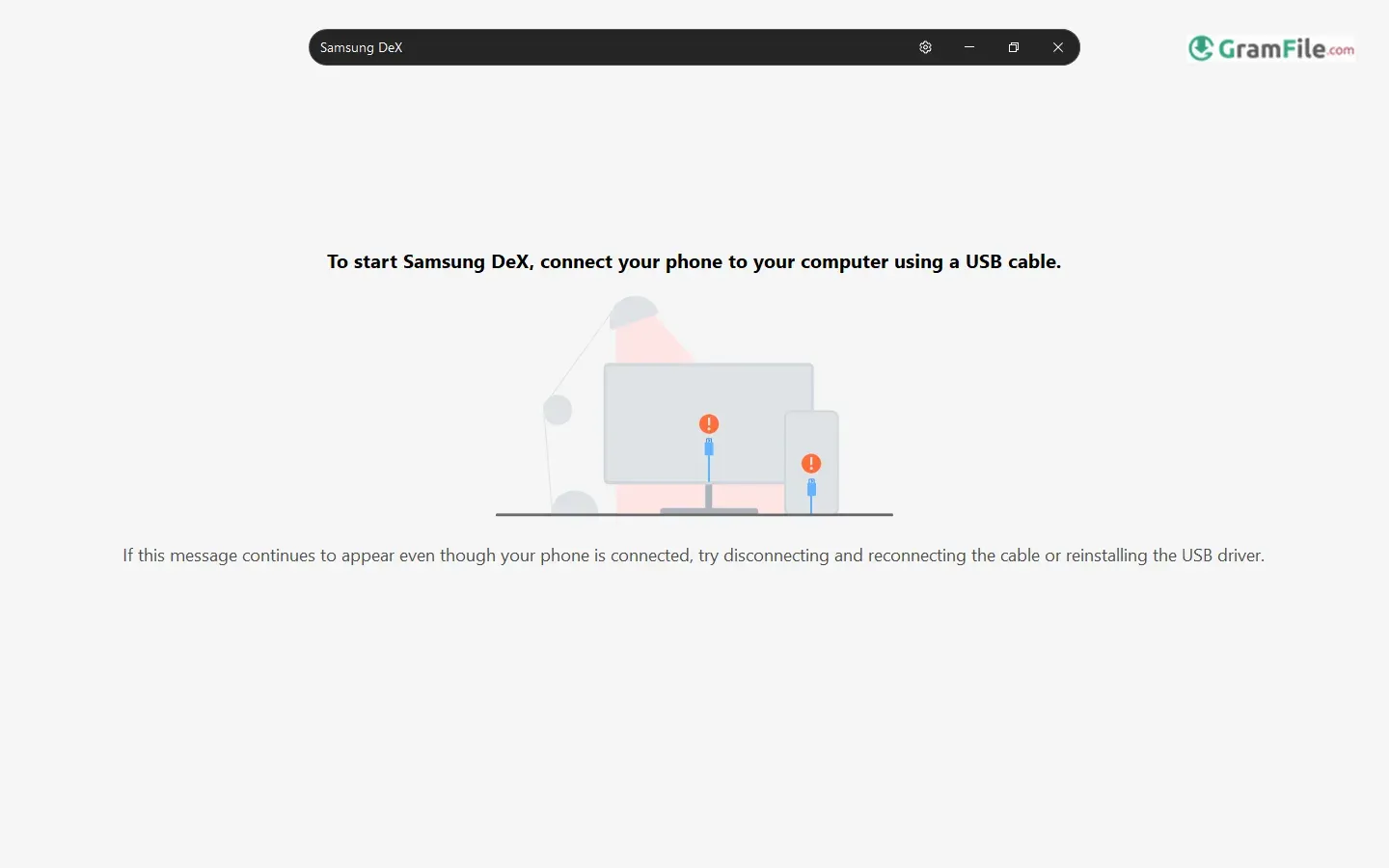
Samsung DeX for Windows offered a unique way to bridge the gap between Samsung mobile devices and Windows PCs, allowing users to experience a desktop-like environment powered by their phone or tablet directly on their computer screen.
Initially requiring a dedicated docking station upon its debut with the Galaxy S8 in 2017, DeX evolved to become more flexible, eventually enabling connections via HDMI adapters and later, direct USB-C cables.
The introduction of the Samsung DeX app for Windows in August 2019 marked a significant step, allowing users to seamlessly integrate their mobile experience with their Windows desktop, facilitating file sharing, multitasking, and the use of Android apps on a larger display.
However, Samsung announced in December 2024 that support for the DeX app on Windows PCs would be discontinued with the rollout of the One UI 7 update, expected in early 2025, recommending users transition to Microsoft’s Phone Link app for similar functionalities.
Important Note: Please be aware that Samsung has announced the discontinuation of the Samsung DeX app for Windows with the One UI 7 update, expected in early 2025.
Key Features and Highlights
- It mirrors your Samsung device screen on your PC.
- It provides a desktop-like experience on Windows.
- Users can use Android apps on a larger display.
- It enables easy file sharing between devices.
- Multitasking is enhanced with multiple windows.
- You can use your PC’s keyboard and mouse.
- Copying and pasting text is seamless.
- Drag and drop functionality is supported.
- It extends your mobile productivity.
- It was a convenient way to work.
- Connecting was simple via USB.
- Some games could be played on a bigger screen.
- It offered a familiar desktop interface.
- Notifications from your phone appeared on PC.
- It aimed to bridge mobile and desktop use.
How to Download & Install
While you can still download and install it for now, support will end, and it is recommended to explore alternatives like Microsoft’s Phone Link app for similar functionality in the future.
Here’s a step-by-step guide on how to download and install the Samsung DeX app for Windows (while it is still available):
System Requirements
Before you begin, ensure your Windows PC meets the minimum system requirements for Samsung DeX:
- Operating System: Windows 10 (32/64 bit) or later.
- Processor: Intel Core i3 2.4 GHz or higher (Intel Core i5 2.5 GHz or higher recommended) or Qualcomm Snapdragon 8cx or higher.
- RAM: 4GB (8GB recommended).
- Hard Disk Space: At least 500MB of free space.
- USB Port: One free USB 2.0 port (USB 3.0 recommended for better performance).
- Screen Resolution: 1024 x 768 with 32-bit color or higher.
Download the Samsung DeX Installer
The fastest way to download Samsung DeX is through our download page.
Click on the above Green Download Button for official and direct download. This ensures you get a legitimate copy and avoid any potential malware.
Install the App
1. Double-click the downloaded file SamsungDeXSetupWin.exe.
2. Agree to License.

3. Follow the prompts—just click “Next” a few times (no tricky settings).
4. Click Install and wait until the installer finish the process.

6. Connect Your Samsung Device
After installing Samsung DeX on your Windows PC, you can connect your compatible Samsung phone or tablet using a USB-C cable (the one that came with your device is usually best).
7. Launch Samsung DeX on Your PC and Device

The Samsung DeX app should now be accessible from your Start Menu. You can search for “Samsung DeX” and click on it to launch the application. You might also find a shortcut icon on your desktop.
Pros & Cons
What we liked
- Desktop-like PC from phone.
- Run mobile apps big.
- Easy file share.
- Use PC tools.
- Better multitask.
What we didn't like
- Windows app ended.
- Not full PC.
- Use Phone Link now.
Found a problem with this download? Report an outdated version, broken link, suspicious installer or incorrect information.
 Zoom Workplace
 Nitro PDF Pro
 Sumatra PDF
 IrfanView
 K-Lite Codec Pack
 WinRAR