

Download Details
- Version
- 21.0.0 (latest)
- File size
- 132.7 MB
- License
- Free
- Security scan
- VirusTotal: 67 of 67 engines say OK (0 flagged)
- SHA-256 checksum
f213aca04d30e0e2dc7c43bc79acae8622be291cee6014a90962ed87ea5f10cc- Developer
- ShareX Team
- Supported OS
- Windows 11, Windows 10, Windows 7, Windows 8.1
- Installers
- 64-bit (x64), 32-bit (x86), Offline
- Downloads
- 8042
- Rating
- 4.7 out of 5 · 62 reviews
- File name(s)
- ShareX-21.0.0-setup-x64.exe
 Reviewed by Mohamed Zaki
Tested on Windows 11 and 10 · · How we review
Screenshots
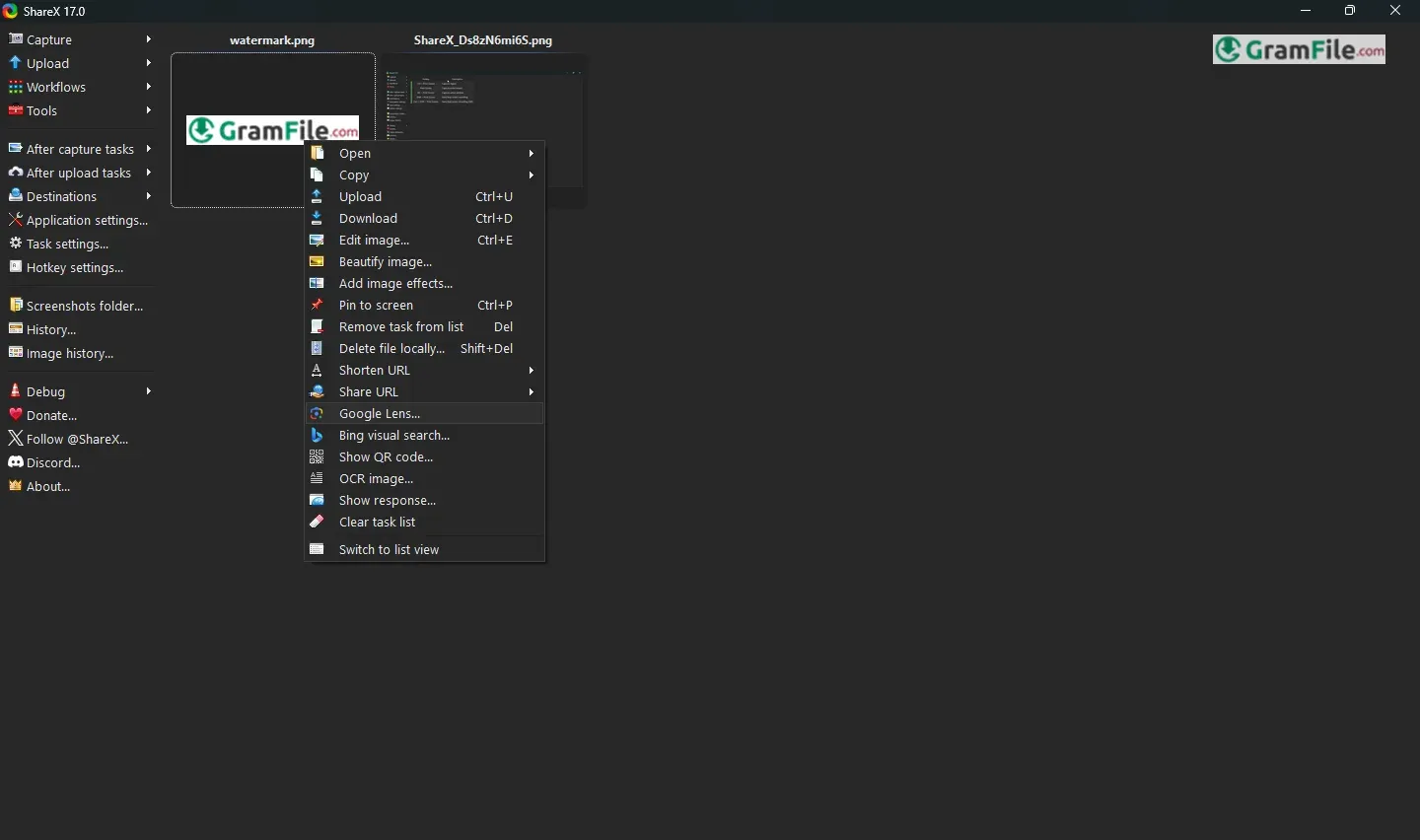
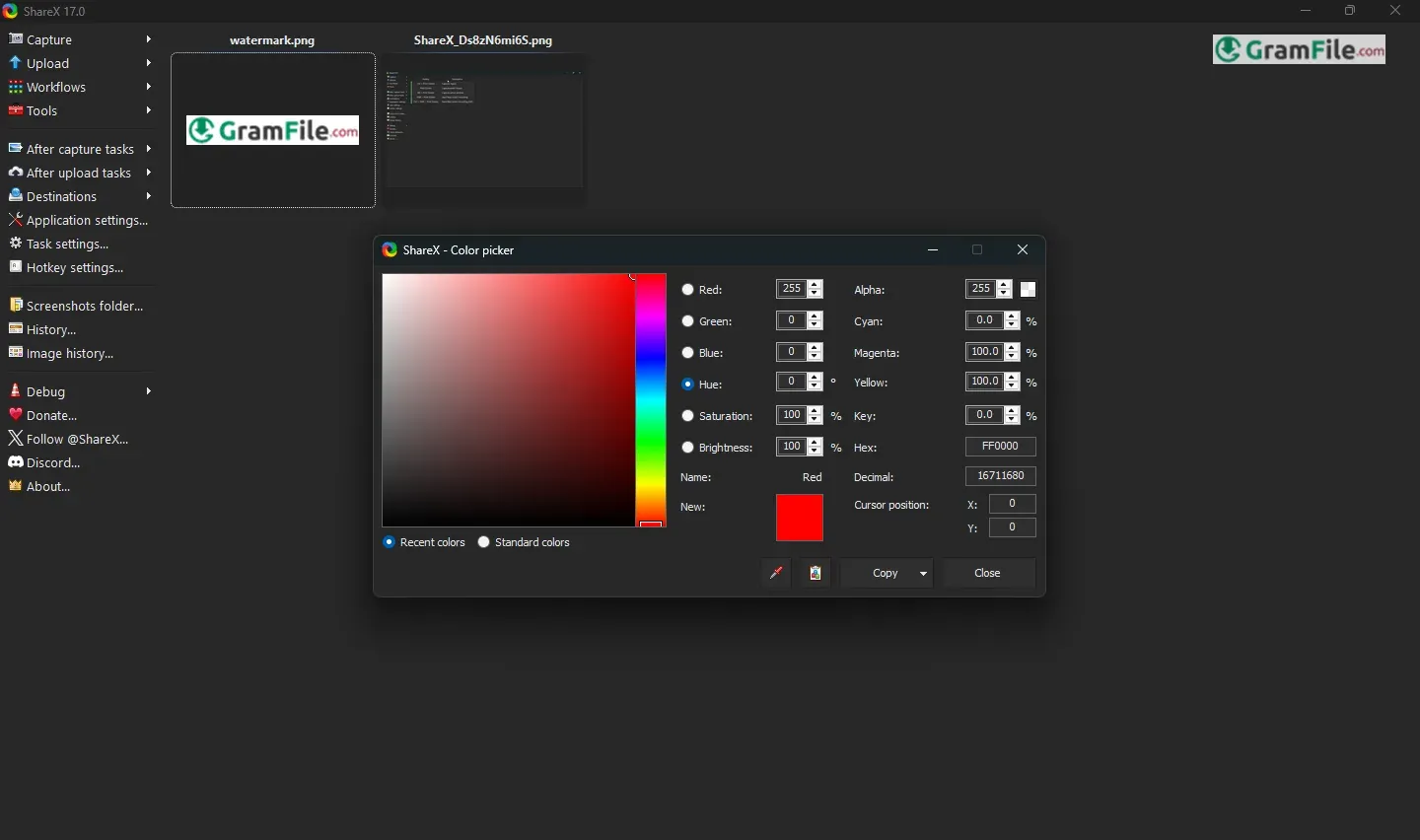
Need to grab a quick screenshot or share a file? ShareX is a free, open-source Windows program that does all that and more.
Starting out in 2007 as a basic screen capture tool created by Jaex, it’s grown into a handy all-in-one productivity booster.
Thanks to its open-source nature and a helpful community, ShareX now handles everything from recording your screen to automating workflows.
This review looks at how ShareX came to be, what it can do, and why it’s a great choice for Windows users looking for a powerful yet free way to capture and share digital content.
In a world increasingly reliant on visual communication, tools that simplify capturing and sharing screen content are invaluable.
ShareX, a free and open-source application for Windows, stands out as a robust solution, offering a comprehensive suite of features that extend far beyond basic screenshots.
What is ShareX?
At its core, ShareX is a screen capture utility. However, it’s much more than that.
It allows users to capture various types of screenshots (full screen, active window, region, scrolling capture), record GIFs and videos, upload files to numerous destinations (cloud storage, image hosting services, social media), and even perform basic image editing.
Think of it as a Swiss Army knife for digital content sharing and manipulation.
ShareX is actively developed, with regular updates that introduce new features, improvements, and bug fixes.
While specific version numbers might change, recent updates have focused on enhancing performance, adding support for new services, and refining the user interface.
What Can ShareX Do for You?
- Effortless Screen Capturing
- Various Capture Modes: Capture your entire screen, a specific window, a selected region, or even a scrolling window with ease.
- Quick and Efficient: Use customizable hotkeys to initiate captures instantly, saving you time and effort.
- Annotations and Editing: Annotate screenshots with arrows, text, shapes, highlights, and more using the built-in image editor. You can also blur sensitive information or add watermarks.
- Seamless File Sharing
- Multiple Upload Destinations: ShareX supports a vast array of online services, including Imgur, Dropbox, Google Drive, OneDrive, FTP servers, and many others.
- Automatic Uploading: Configure ShareX to automatically upload your captures to your preferred destination after taking a screenshot.
- Shortened URLs: Generate shortened URLs for easy sharing on social media or in messages.
- Enhanced Productivity
- Customizable Workflows: Automate repetitive tasks by creating custom workflows that combine multiple actions, such as capturing a screenshot, adding a watermark, and uploading it to a specific destination.
- Screen Recording: Record your screen as GIFs or videos, making it ideal for creating tutorials, demonstrations, or capturing gameplay.
- OCR (Optical Character Recognition): Extract text from images, allowing you to easily copy and paste information from screenshots.
- Additional Tools and Utilities
- Color Picker: Identify and copy the color codes of any pixel on your screen.
- Ruler: Measure distances on your screen with a precise on-screen ruler.
- Image Editor: Perform basic image editing tasks, such as cropping, resizing, and adding effects.
- Hash Check: Verify the integrity of files by calculating and comparing their hash values.
In essence, ShareX can help you
- Save time: Automate repetitive tasks and capture/share content quickly.
- Communicate effectively: Create clear and informative visuals for presentations, tutorials, or documentation.
- Improve workflow: Streamline your digital content creation and sharing processes.
- Enhance productivity: Access a suite of useful tools and utilities in one convenient application.
Whether you’re a student, professional, or casual computer user, ShareX offers a valuable set of features that can simplify your digital life.
Pros & Cons
What we liked
- Free, Open source.
- Many features.
- Customizable.
- Hotkeys.
- Portable.
- Active updates.
- Wide upload support.
What we didn't like
- Complex.
- Cluttered interface.
- No official support.
Best ShareX Alternatives
-
 OBS Studio
Free software to turn your PC into a live streaming or recording studio.
-
 ScreenPal
A simple way to record and show what you're doing on your computer.
-
 Movavi Screen Recorder
Easily captures anything on your computer screen as a video or screenshot.


Conclusion
4.7out of 5 · 62 user ratings
ShareX is a powerful, free, and open-source screen capture and productivity tool for Windows. It offers much more than basic screenshots, including automated workflows, file sharing, screen recording, and image editing.
While it has a steeper learning curve than simpler tools, its extensive features and customizability make it a worthwhile choice.
So, why choose ShareX over other screen capture tools?
Compared to other screen capture software, ShareX offers a wider range of functionality for free, making it a compelling alternative to both simpler free tools and more expensive paid options.
In short, if you want a powerful, free, and highly customizable way to capture, share, and manage digital content on Windows, ShareX is an excellent choice.
It’s a prime example of the power of open-source software and a tool that every Windows user should consider, especially those who need more than just simple screenshots.
It provides a level of control and functionality that many other tools simply can’t match.
Found a problem with this download? Report an outdated version, broken link, suspicious installer or incorrect information.
Changelog - What's new in version 21.0.0
- Added "Background remover" tool.- Added "Image Comparer" tool.
- All 23 languages are 100% translated, except for the Avalonia UI windows, which are not localizable yet.
- Image editor improvements:
- Added a "Customize toolbar" button to the Options dialog. It lets you fully customize the toolbar, including showing or hiding specific tools, reordering them, and changing their hotkeys.
- Added "Pick color from screen" button to color picker.
- Added image editor notifications.
- Added "Show notifications" option.
- Added "K Cursor" annotation tool.
- Added "Blur amount" option for Spotlight tool.
- Double clicking on emoji now opens the Emoji Picker dialog.
- Double clicking on image now opens the File Picker dialog.
- Added "Ctrl + H Hide/Show toolbars" button to context menu.
- Added "Step type" option for Step tool, with this options:
- 1, 2, 3
- A, B, C
- a, b, c
- I, II, III
- i, ii, iii
- Added "Horizontal alignment" option to Text & Speech Balloon annotation tools, with this options:
- Left
- Center
- Right
- Added "Toggle bold" option to Speech Balloon & Step annotation tools.
- Added "Toggle italic" option to Speech Balloon annotation tool.
- Added "Toggle tail" option for Speech Balloon & Step annotation tools.
- On exit confirmation dialog "Yes" button is automatically focused now.
- Added "Border style" option to Rectangle, Ellipse, Line, Freehand annotation tools, these are the options:
- Solid
- Dash
- Dot
- Dash Dot
- Dash Dot Dot
- Added rotation support to these annotation tools:
- Rectangle
- Ellipse
- Speech Balloon
- Highlight
- Blur
- Pixelate
- Magnify
- Holding Ctrl now disables shape selection, allowing you to draw a shape on top of another shape.
- Holding Ctrl while creating a shape now allows you to move it.
- Added a "Favorite Image Effects" action when right clicking the Image Effects button.
- Added "Toggle ellipse shape" option to Magnify & Spotlight tools.
- In the Background tool, gradient colors can now be edited using the color picker.
- Added “Shadow options” menu, when right clicking the "Toggle shadow" button, these are the options:
- Color
- Blur
- Opacity
- Offset X
- Offset Y
- Added easter egg.
- Ignore NVIDIA GeForce Overlay in region capture selection.
 Zoom Workplace
 Nitro PDF Pro
 Sumatra PDF
 IrfanView
 K-Lite Codec Pack
 WinRAR