

Download Details
- Version
- 24.0 (latest)
- File size
- 3.2 MB
- License
- Free Trial
- Developer
- Adobe
- Supported OS
- Windows 11, Windows 10
- Installers
- 64-bit (x64), 32-bit (x86), ARM (Arm64)
- Downloads
- 6823+
 Reviewed by Mohamed Zaki
Tested on Windows 11 and 10 · · How we review
Screenshots
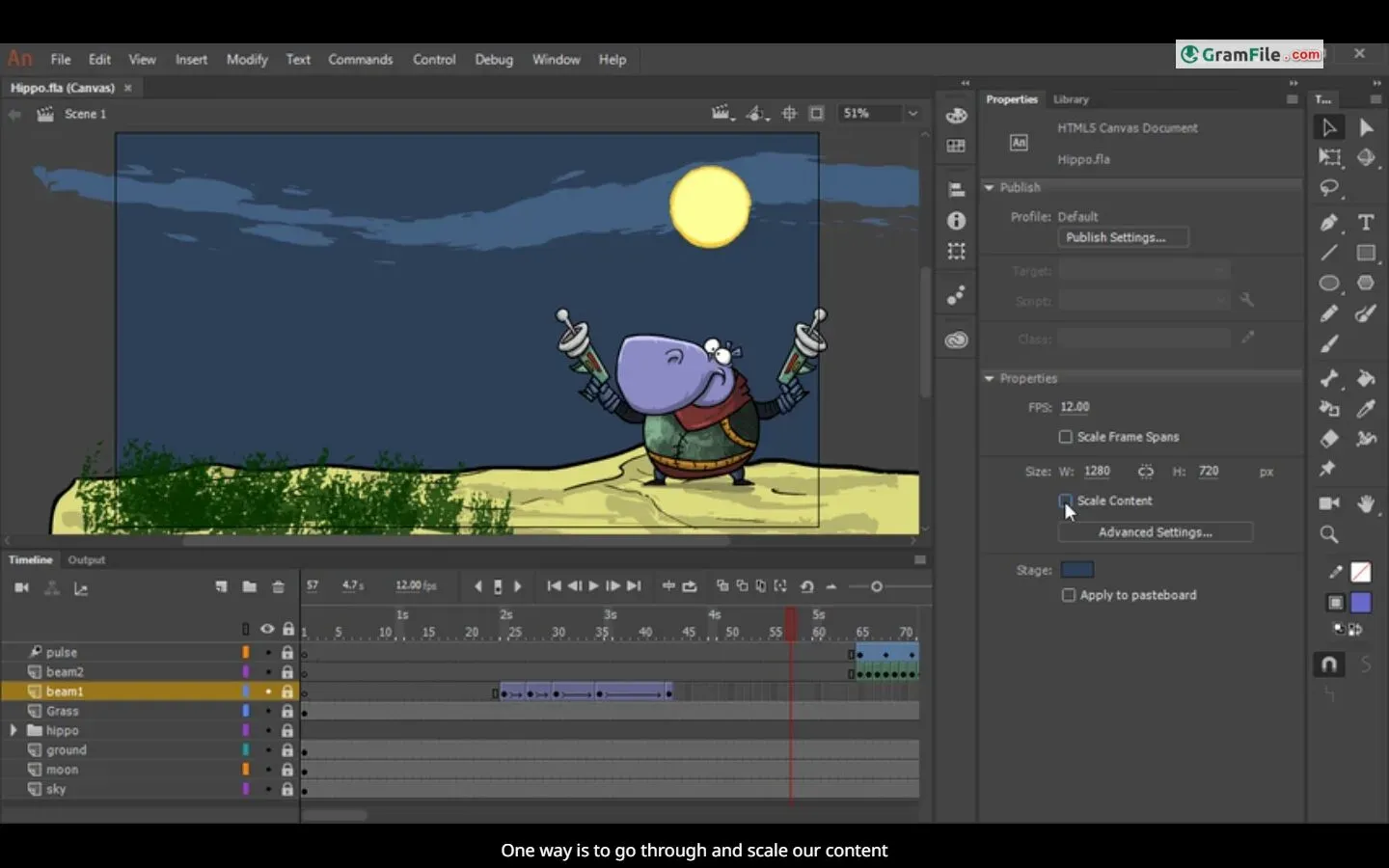
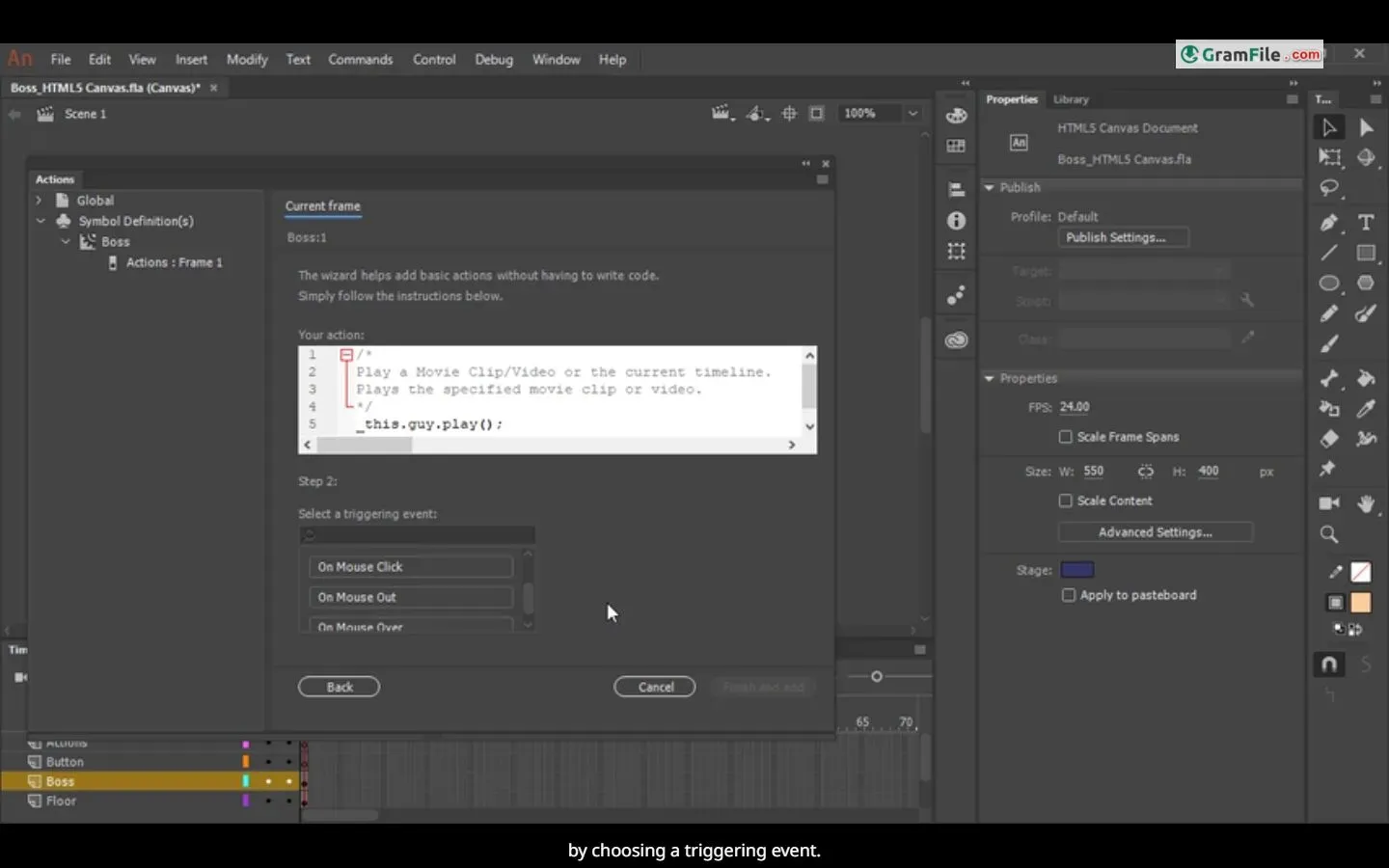
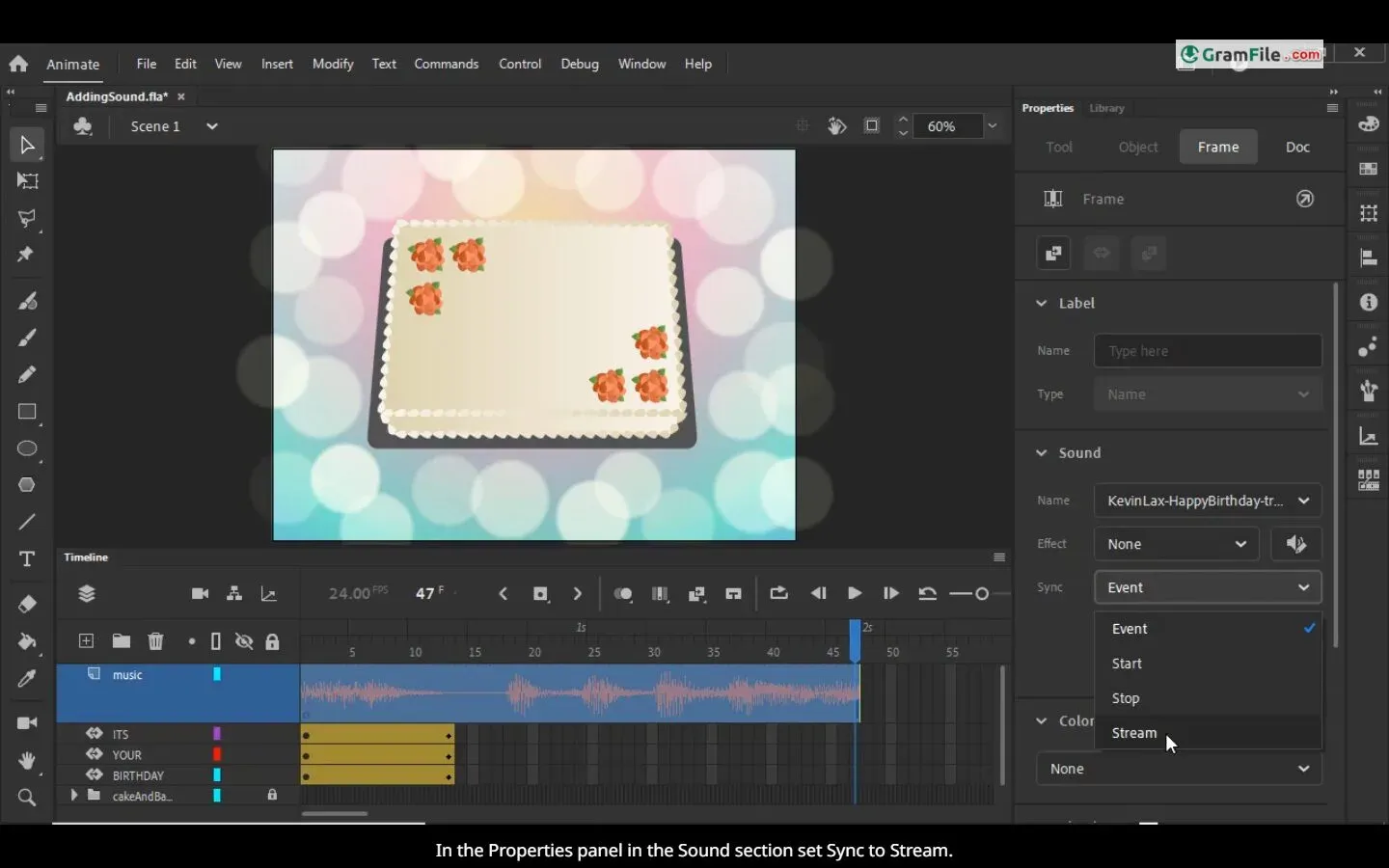
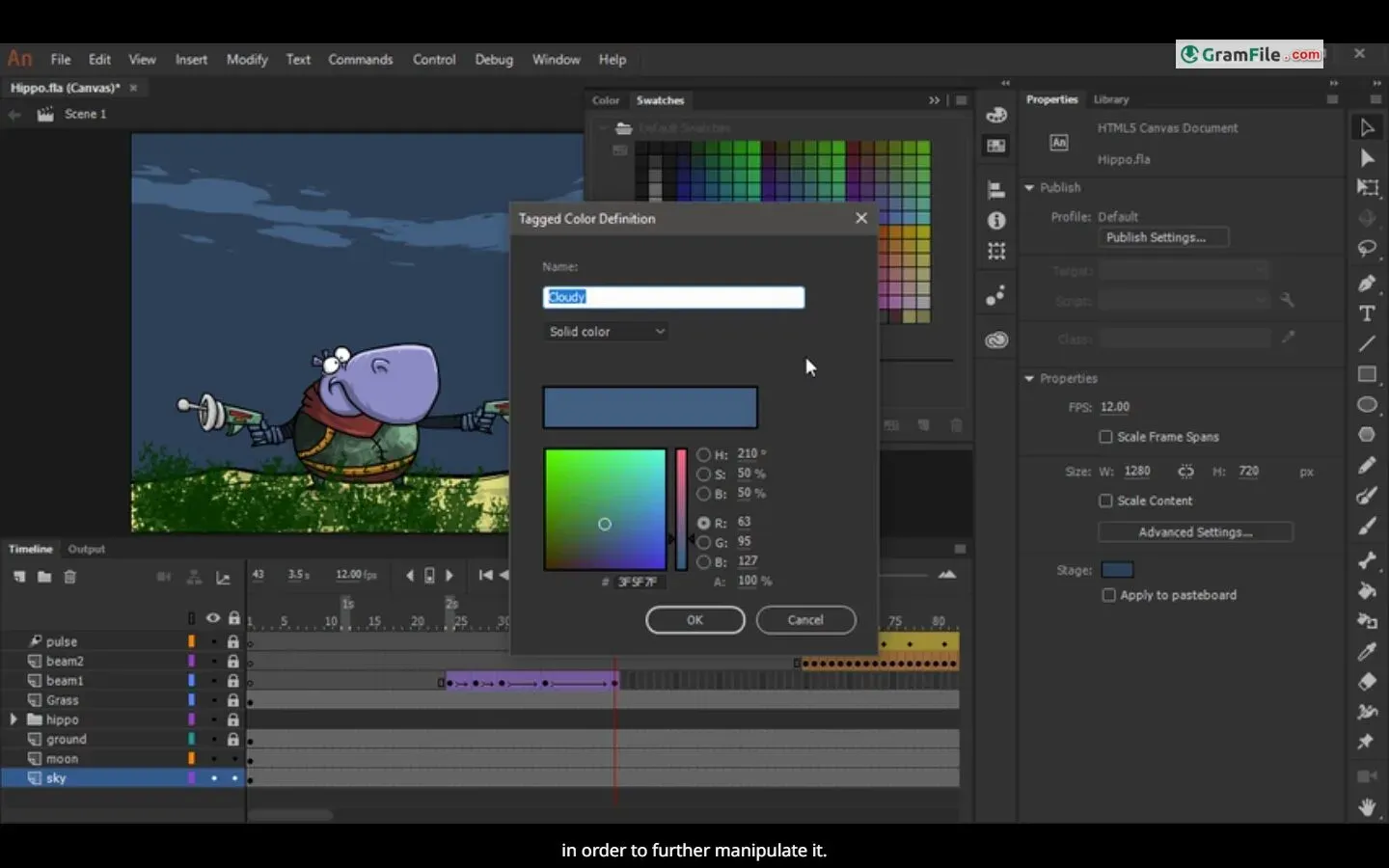
Forget the flickering flipbooks of your childhood – Adobe Animate brings cartoons, web graphics, and even game elements to life.
This industry-standard software, formerly known as Flash Professional, boasts a rich heritage dating back over two decades.
With its intuitive set of drawing and animation tools, Animate empowers you to create everything from character animations to interactive web banners. Its strength lies in vector graphics, allowing for scalable and adaptable artwork. Animations can be exported to various formats, reaching viewers on any screen.
While not the cheapest option, Adobe Animate remains a go-to tool for professional animators and game designers seeking to create high-quality, cross-platform animations.
Adobe Animate (formerly Flash Professional) reigns supreme in the realm of 2D animation software for Windows PCs.
It empowers creators to weave magic, transforming static visuals into captivating animations for games, web, TV shows, and more.
Unveiling the Power of Animation
Animate boasts a user-friendly workspace that resembles a digital animation studio. The timeline mimics traditional filmstrips, offering a familiar ground for beginners.
Breathe life into your creations with frame-by-frame animation or leverage Animate’s powerful inverse kinematics (IK) for fluid, natural-looking character movement.
Want to create engaging web experiences or add pizzazz to eLearning content? Animate lets you integrate interactivity using ActionScript, JavaScript, or HTML5, making your animations truly dynamic.
Go beyond basic shapes. Animate boasts a robust vector drawing engine, allowing you to craft stunning and scalable graphics that adapt to any screen size.
Never feel limited. Animate integrates seamlessly with other Adobe applications like Photoshop and Illustrator, allowing you to import graphics and leverage a vast library of pre-built assets.
Beyond the Surface
While Animate empowers creation, it’s not without its quirks. The steeper learning curve for advanced features might intimidate beginners. Additionally, the subscription-based model can be a turnoff for casual users.
Unlike standalone software, Animate is part of the Adobe Creative Cloud suite. This means you’ll need to download and install the Creative Cloud desktop app first.
This streamlined app acts as your gateway to all Creative Cloud programs, including Animate. The download process is straightforward, accessible directly from the Adobe website.
64-Bit Bliss
The good news for modern Windows users is that Animate is fully compatible with 64-bit systems.
This ensures seamless performance and utilization of your system’s full potential, especially if you work with large and complex animation projects.
The Offline Installer Myth
Unfortunately, Adobe has discontinued offering offline installers for Creative Cloud applications like Animate. This means a stable internet connection is necessary for the initial download and installation process.
While this might be an inconvenience for users with limited or unreliable internet access, the upside is that updates and bug fixes are automatically delivered through the Creative Cloud desktop app, ensuring you always have the latest version.
Key Features in Summary
- Friendly Interface: Digital animation studio for beginners.
- Animate Characters: Breathe life in with fluid movements.
- Interactive Animations: ActionScript, JavaScript for dynamic experiences.
- Beautiful Graphics: Stunning, scalable vector graphics.
- Asset Powerhouse: Works with Adobe apps and vast libraries.
Pros & Cons
What we liked
- Easy studio
- Fluid animation
- Interactive (JS/AS)
- Stunning graphics
- Asset heaven (Adobe)
What we didn't like
- Code = curve
- Subscription (casuals beware)
- Online install only
Conclusion
4.4out of 5 · 36 user ratings
If you’re a budding animator seeking a powerful and versatile toolset for professional-grade 2D animation, Adobe Animate for Windows is an excellent choice. Its intuitive interface, robust features, and seamless integration within the Adobe ecosystem make it a frontrunner.
However, if you’re a complete novice or on a tight budget, exploring free or less resource-intensive alternatives might be a better first step.
In essence, Adobe Animate offers a world of creative possibilities for those willing to invest the time and resources.
While the lack of an offline installer might be a hurdle for some, its automatic update features and intuitive design solidify its position as a leader in the 2D animation software landscape for Windows PCs.
Ideal for: Serious animators willing to invest.
In Short: Powerful tool for creating amazing animations.
Found a problem with this download? Report an outdated version, broken link, suspicious installer or incorrect information.
 Zoom Workplace
 Nitro PDF Pro
 Sumatra PDF
 IrfanView
 K-Lite Codec Pack
 WinRAR