Download the latest version of Zoom for Windows 11 or Windows 10, free and safe. This page links directly to the official installer – no bundled software, no redirects. Zoom lets you host or join HD video meetings, share your screen, use virtual backgrounds, and collaborate with up to 100 participants on the free plan.
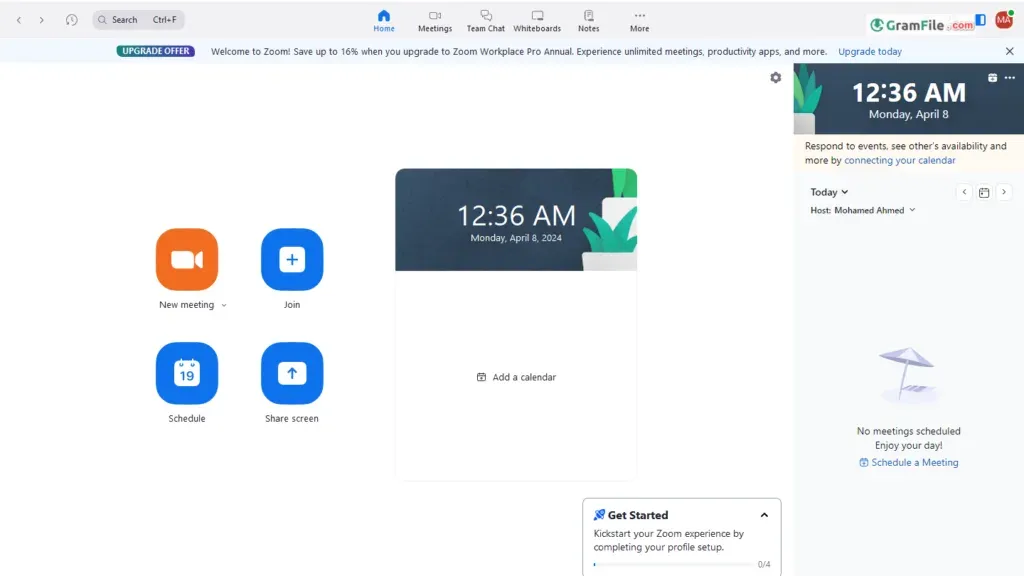
Zoom has become synonymous with video conferencing, and for good reason. The Windows PC version offers a user-friendly experience that excels in creating meetings, logging in, and joining meetings. Here’s a closer look:
Effortless Meeting Creation
Zoom streamlines the meeting creation process. You can launch the app and directly schedule a meeting, specifying date, time, duration, and even enabling features like waiting rooms and password protection.
Alternatively, schedule meetings through the web portal for more granular control over invitations and attendee management.
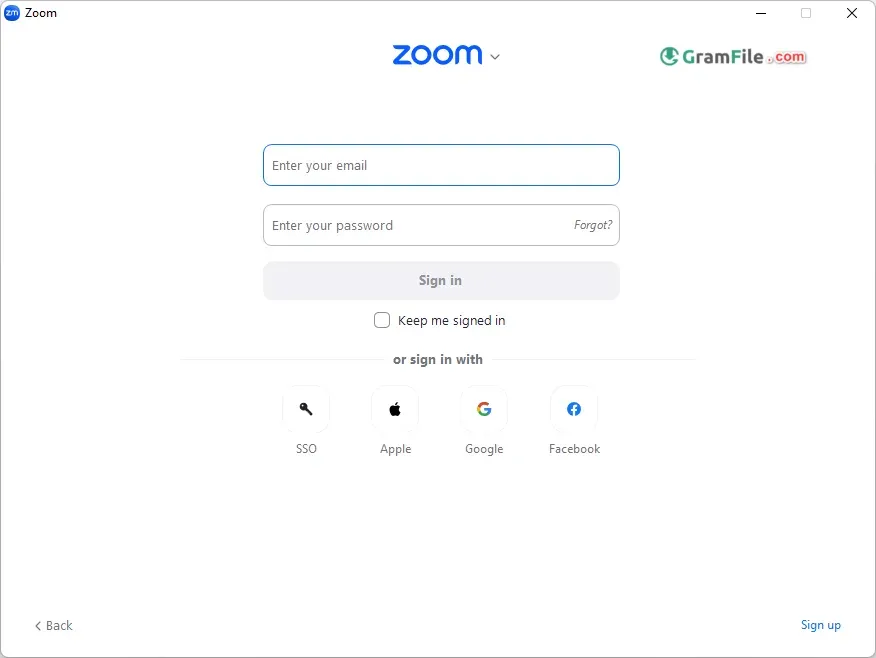
Seamless Login
Login options cater to various preferences. Use your Zoom credentials, leverage Google or Facebook logins for added convenience, or utilize Single Sign-On (SSO) for enterprise integration.
The login process is swift and secure, ensuring you’re ready to connect in seconds.
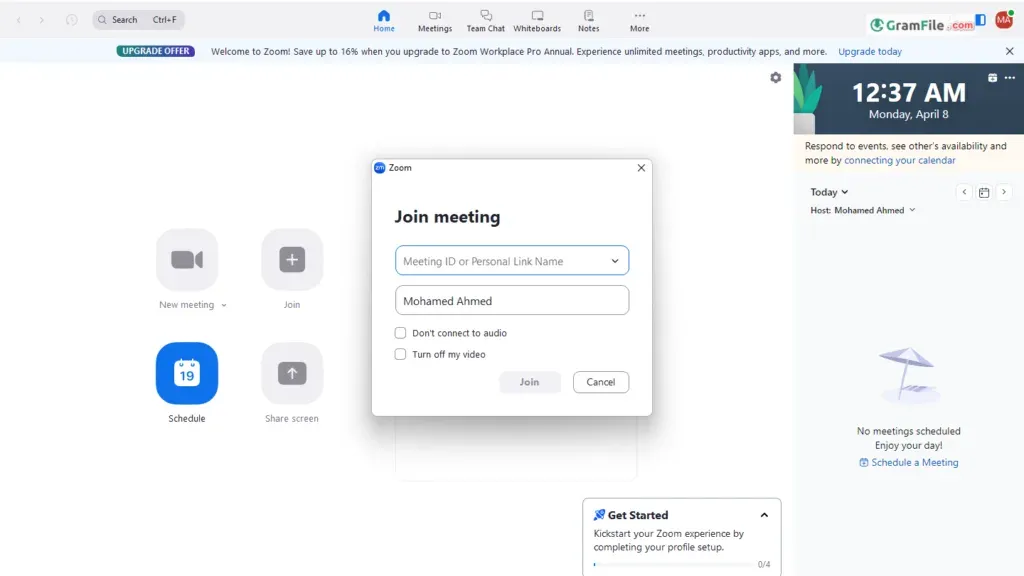
Joining Meetings with Ease
Joining meetings is a breeze. Enter the meeting ID or click a meeting link directly. Zoom intelligently detects your camera and microphone, allowing you to join with audio and video with a single click.
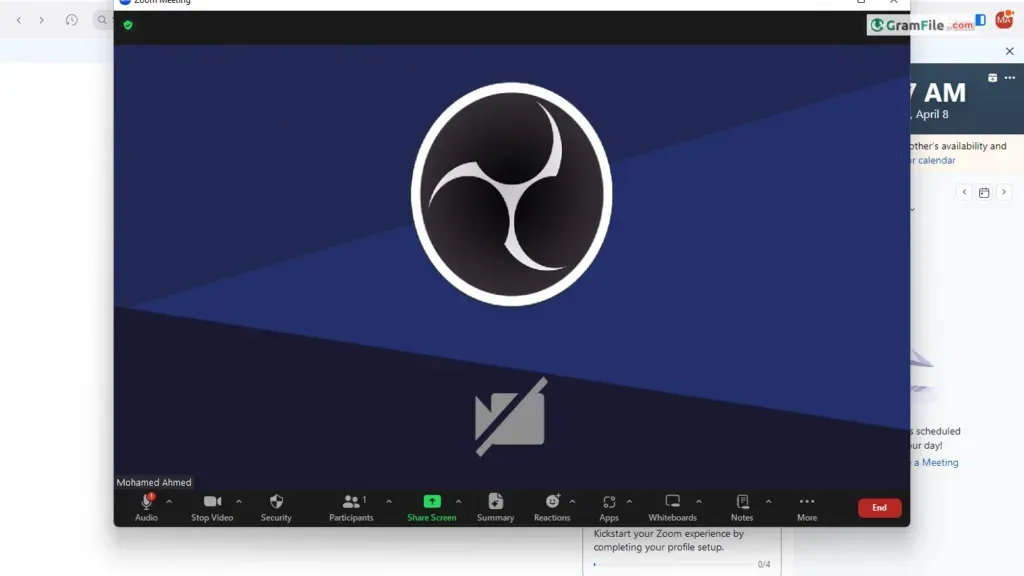
The interface is intuitive, with clear buttons for muting yourself, sharing your screen, and accessing chat functionalities.
Key features:
- High-quality video and audio calls
- Screen sharing and whiteboard collaboration
- Chat functionality
- Breakout rooms for smaller group discussions
- Calendar integration and scheduling tools
- Security features like password protection and waiting rooms
Additional Points to Consider:
- Customization: The platform offers a surprising level of customization, allowing you to personalize your meeting experience with virtual backgrounds, layouts, and integrations with popular calendar applications.
- Security: Zoom prioritizes security, featuring waiting rooms, password protection, and encryption to ensure your meetings remain confidential.
- Scalability: The software scales effortlessly, supporting large meetings with hundreds of participants.
Beyond Zoom:
Remember, Zoom isn’t the only video conferencing platform available. Explore alternative options like Google Meet, Microsoft Teams, or Skype to find the best fit for your needs.
How to Download & Install
Here’s your guide to downloading and getting started with Zoom on your Windows PC:
Downloading Zoom:
- Click on the above download button and ensure you’re on the download page.
- Choose Your Version: Select the appropriate version for your system architecture, 32-bit or 64-bit. This information is usually available in your System Settings.
- Start the Download: Click the “Download” button for your chosen version. The download should begin automatically.
Installation:
- Run the Installer: Once the download is complete, locate the downloaded file (usually named “ZoomInstaller.exe”) and double-click to start the installation process.
- Follow the On-Screen Instructions: The installation wizard will guide you through the steps. Choose your preferred installation location and language if prompted.
- Welcome to Zoom: After successful installation, launch Zoom from your Start menu or desktop shortcut. You can either join a meeting using a meeting ID or create a free account to host your own meetings.
Before You Download:
While Zoom offers a plethora of benefits, consider these factors before diving in:
- Free Plan Limitations: The free plan restricts meeting duration and participant numbers. Upgraded plans cater to larger requirements but come with subscription fees.
- Resource Usage: Zoom can be resource-intensive, especially on older or low-powered systems. Ensure your PC meets the recommended system requirements.
- Past Security Concerns: Zoom has addressed past security issues, but they have raised concerns for some users. If security is a top priority, you might want to research further.
System Requirements
| Requirement | Minimum | Recommended |
|---|---|---|
| OS | Windows 10 | Windows 11 |
| RAM | 4 GB | 8 GB |
| CPU | Dual-core 2GHz | i5 or better |
| Internet | 1.5 Mbps | 5+ Mbps |