


Canva’s desktop app lets you create awesome graphics, presentations, and more with simple drag-and-drop tools, no design skills needed.
It mirrors the browser experience but adds desktop features like system notifications, offline access, and better multitasking with tabbed editing.
Started in 2013 as a web-based design tool, it is now used by more than 220 million users. The desktop app arrived around 2020, bringing its template library and collaboration features into a dedicated workspace.
Updates now include AI-powered tools, performance tweaks like Memory Saver, and deeper OS integration, making it a go-to for both beginners and professionals.
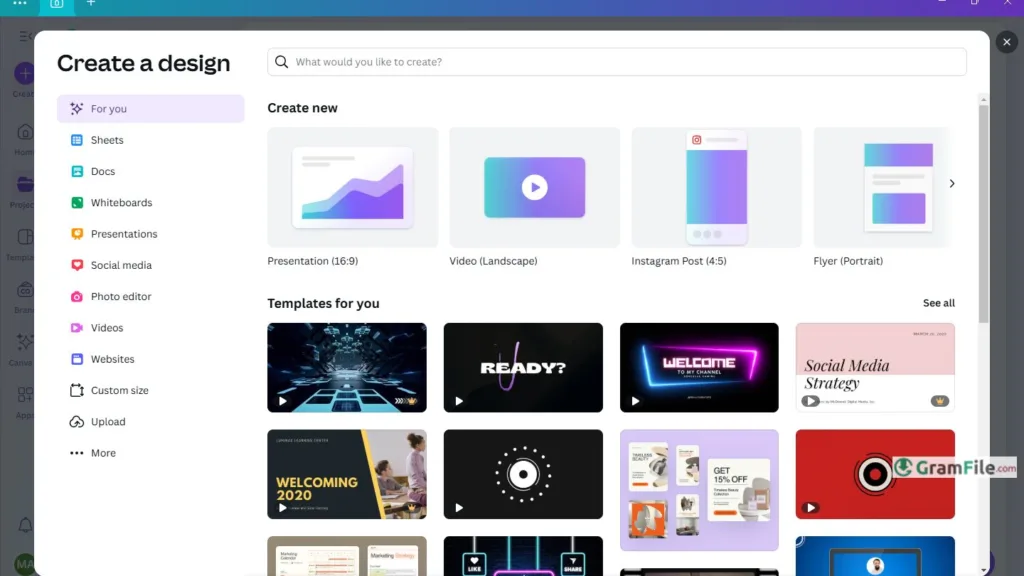
Canva is considered as a friendly design studio living right on your Windows PC. It helps you create anything – social posts, resumes, YouTube thumbnails, even short videos – by dragging and dropping.
No design skills needed. Just pick a template, add your text or photos, and you’re done.
Free or Paid?
- Free version: Tons of templates, basic photos, and 5GB storage. Perfect for occasional projects.
- Canva Pro: About $15/month unlocks premium photos, brand kits, AI tools, and 1TB storage.
- Students/Teachers: Get Pro features free! Sign up with your school email.
AI Tools
- Logo Maker: Type what you want (“modern bakery logo”) → AI creates custom options instantly.
- Video Generator: Describe a scene (“cat astronaut in space”) → Watch AI build a short video.
- Resume Builder: Answer questions → AI designs a polished resume.
For Students & Creators
- Student Login: Use your school email to access free Pro tools.
- YouTube Thumbnails: Eye-catching templates sized perfectly, just plug in your text and image.
Key Features
- Drag-and-drop simplicity.
- Thousands of ready designs.
- Free version available.
- Works offline sometimes.
- Saves online automatically.
- Real-time teamwork features.
- AI builds logos instantly.
- AI designs for you.
- AI makes videos quickly.
- Perfect YouTube thumbnail templates.
- Easy resume builder included.
- Pro free for students/teachers.
- One-click background remover.
- Brand kit saves your colors/fonts.
- Schedule social posts directly.
How to Download & Install
- Click on the above Green Download Button for official and direct download. This ensures you get a legitimate copy and avoid any potential malware.
- Open the downloaded file through double click on it and follow the prompts, it installs like any regular app.



