

Download Details
- Version
- 9 (latest)
- File size
- 295.1 MB
- License
- Free
- Developer
- Cisco
- Supported OS
- Windows 11, Windows 10
- Installers
- 64-bit (x64), Offline
- Downloads
- 11307
- Rating
- 4.8 out of 5 · 78 reviews
 Reviewed by Mohamed Zaki
Tested on Windows 11 and 10 · · How we review
Screenshots
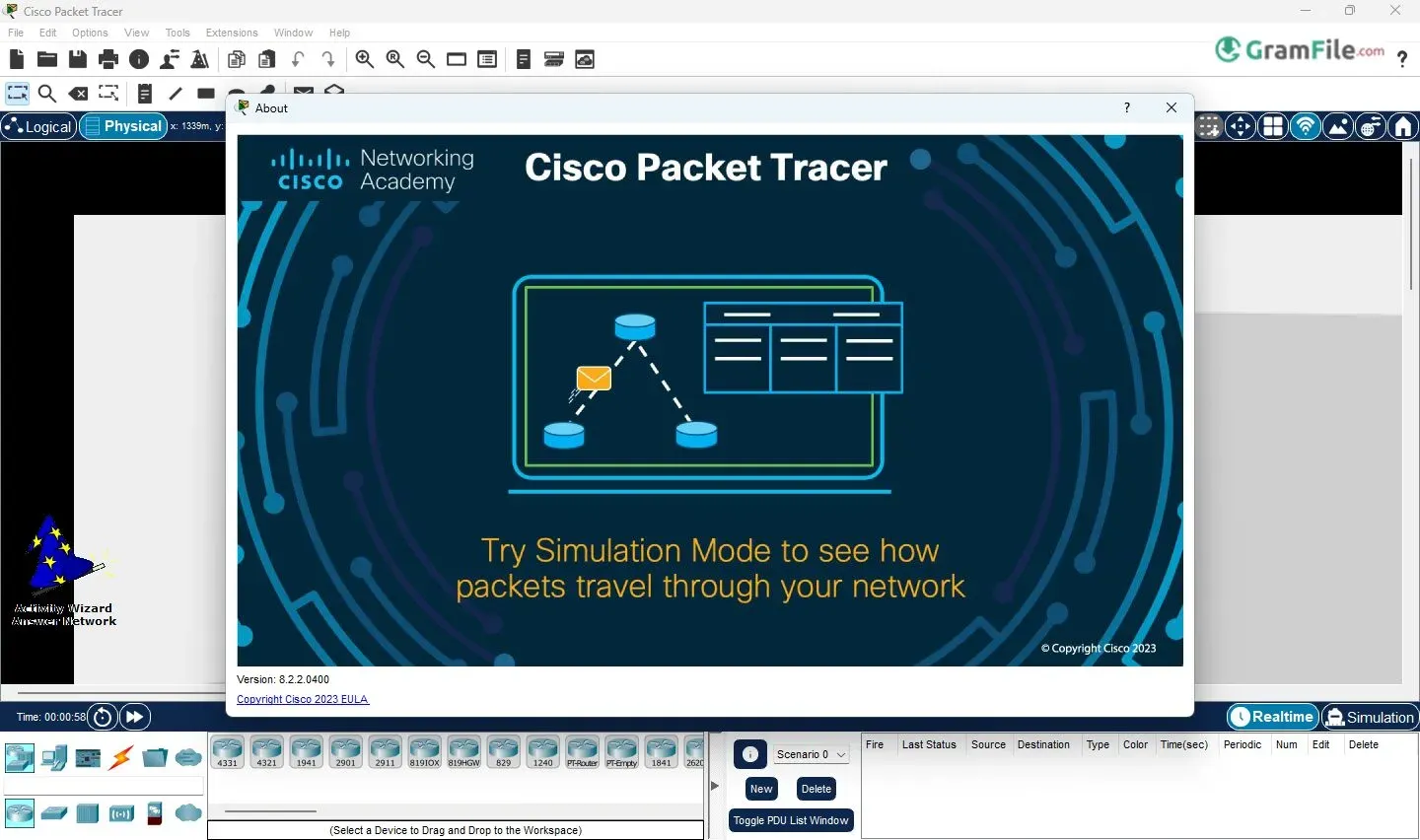
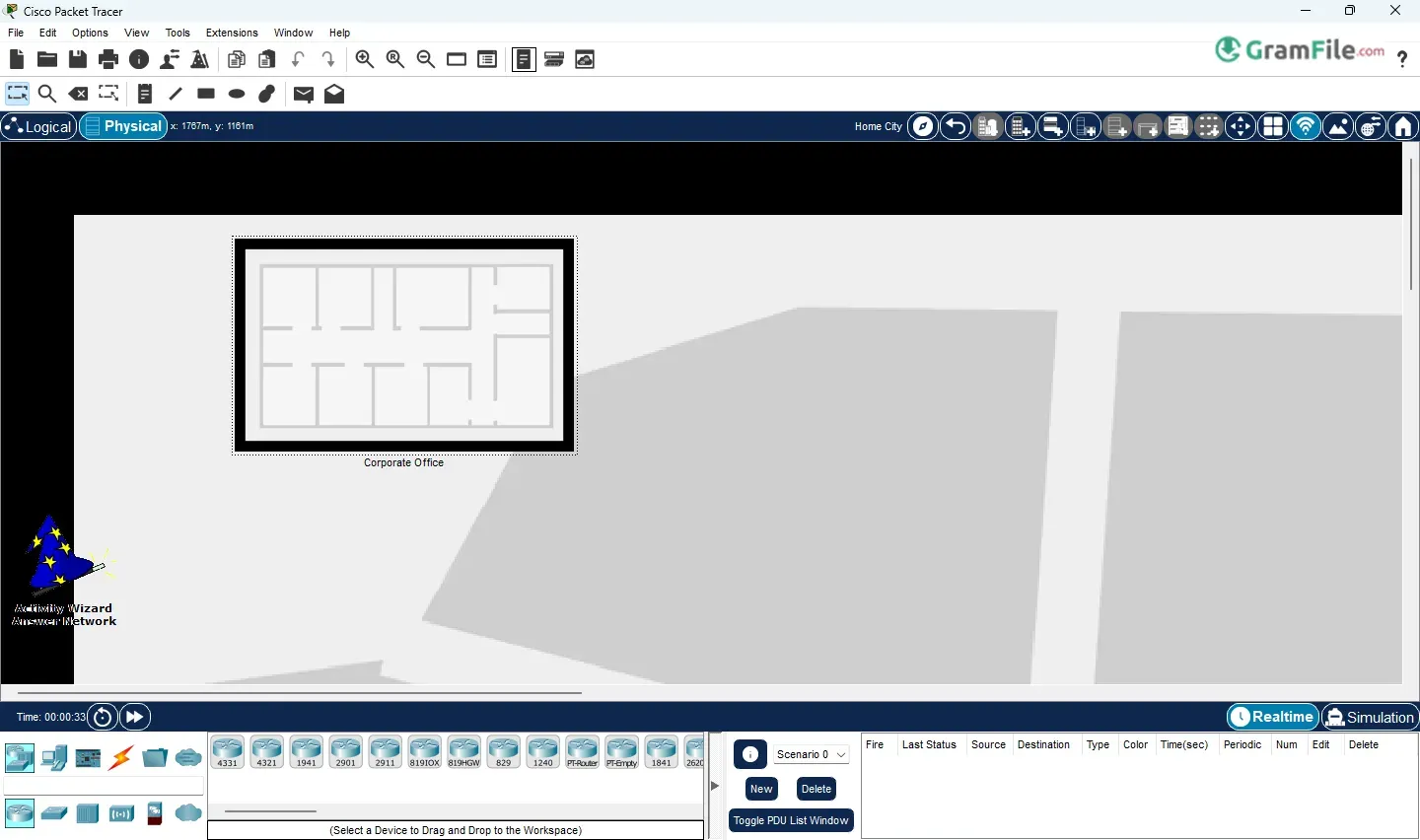
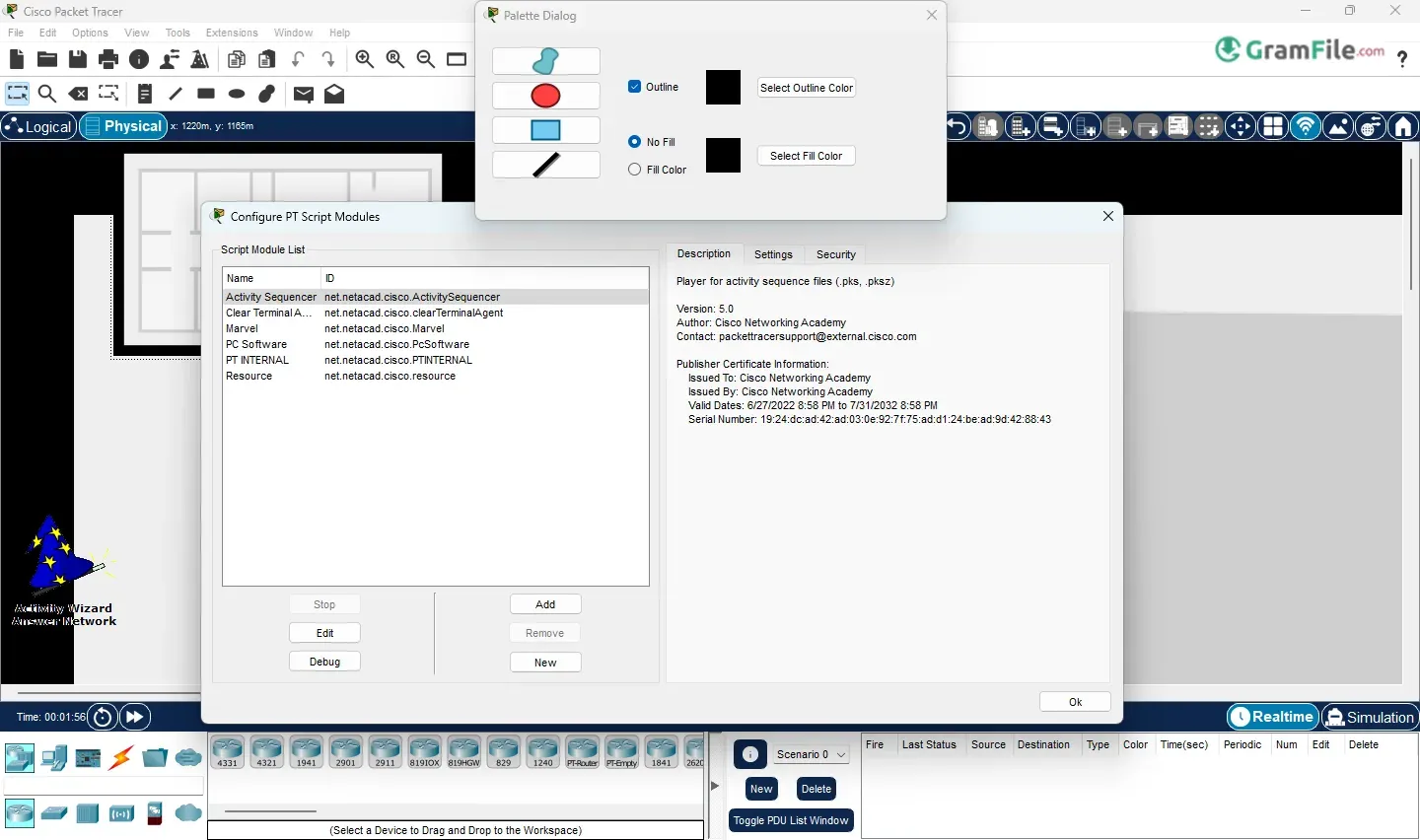
Cisco Packet Tracer is a tool that’s become a staple for anyone learning about computer networking. In essence, it’s a powerful yet user-friendly simulation software that lets you design, configure, and troubleshoot networks in a virtual environment.
Think of it as a sandbox where you can experiment with routers, switches, computers, and other network devices without having to invest in expensive hardware.
Launched in 2003, its story begins within Cisco Systems itself, initially developed as an internal training tool to help their own employees learn networking concepts. It wasn’t intended for public use at first.
However, recognizing its value in education, Cisco later decided to make it available to networking academies, students, and educators. This move significantly broadened its reach and impact.
While the exact initial development dates are a bit hazy, it became more widely available around the mid-2000s, gradually evolving from a simpler simulator to the feature-rich application we know today.
This history of internal development and subsequent wider release underscores its practical, real-world grounding, making it a valuable resource for anyone venturing into the world of networking.
Let’s take a closer look at Cisco Packet Tracer for Windows, a tool that’s become a go-to for anyone learning about computer networks.
It’s essentially a powerful yet approachable network simulation program. Think of it as a virtual lab where you can build, configure, and troubleshoot networks without needing any actual hardware.
You drag and drop devices like routers, switches, and computers, connect them, and then configure them using a command-line interface (CLI) or a graphical user interface (GUI), just like you would with real Cisco equipment.
What exactly is Cisco Packet Tracer?
The free Cisco Packet Tracer software helps you to practice your network configuration and troubleshooting skills using your desktop or laptop computer.
It allows you to simulate networks without having access to physical equipment. In addition to networking, you can learn, and then practice your Internet of Things (IoT) and Cybersecurity skills.
You can choose to build a network from scratch, use a pre-built sample network, or complete lab assignments.
While Packet Tracer is not a replacement for practicing on physical routers, switches, firewalls, and servers, it provides many benefits!
Cisco Packet Tracer isn’t just a simple network drawing tool; it’s packed with features that make it a powerful learning and simulation environment. Here are some of the standout features:
Drag-and-Drop Simplicity
This is where it all starts. Packet Tracer provides a user-friendly interface where you can drag and drop network devices – routers, switches, PCs, servers, and more – onto a workspace.
Connecting them is just as easy: click and drag to create cables. It’s intuitive and makes building network topologies a breeze.
Realistic Device Simulation
Packet Tracer doesn’t just show you pictures of devices; it simulates their behavior. You can access the command-line interface (CLI) of Cisco devices, just like you would with real hardware.
This means you can practice commands, configure interfaces, and work with routing protocols as if you were working on a real network.
Diverse Device Library
From various router and switch models to PCs, servers, wireless devices, and even IoT components, Packet Tracer offers a wide range of devices to choose from.
This allows you to create diverse network scenarios, from simple home networks to complex enterprise setups.
Real-Time and Simulation Modes
Packet Tracer offers two main modes: Real-Time and Simulation. In Real-Time mode, the network behaves as it would in real life, with devices communicating and data flowing continuously.
Simulation mode, on the other hand, allows you to slow things down and visualize the path of data packets as they travel through the network.
This is incredibly helpful for understanding how protocols work and for troubleshooting network issues.
Protocol Support
Packet Tracer supports a wide range of networking protocols, including TCP/IP, OSPF, EIGRP, RIP, VLANs, STP, and many more. This makes it a valuable tool for learning about different networking concepts and technologies.
Visualization Tools
Packet Tracer provides various visualization tools that help you understand network behavior. You can view packet contents, observe network traffic flow, and analyze protocol operations step by step. This visual approach makes complex networking concepts easier to grasp.
Activity Creation and Assessment
Instructors can create interactive activities and assessments within Packet Tracer. This allows students to apply their knowledge in practical scenarios and receive feedback on their work.
Multi-User Capabilities
Newer versions of Packet Tracer offer multi-user capabilities, allowing students to collaborate on network projects in real time. This fosters teamwork and enhances the learning experience.
What about the latest version?
Cisco regularly updates Packet Tracer, adding new features, improving performance, and fixing bugs. It’s always a good idea to use the latest version to take advantage of these improvements.
To find the very latest version, the best place to check is the official Cisco Networking Academy website (netacad.com).
They usually have the most up-to-date information and download links. The version numbers themselves change periodically, so checking the official source is the most reliable way to stay current.
Offline 64-bit version – why it matters
A 64-bit version is important because it can handle more complex simulations and utilize more of your computer’s resources.
The “offline” aspect is also key. It means you can use Packet Tracer even without an internet connection, which is great for studying on the go or in places with limited connectivity.
Most modern computers are 64-bit, so this is usually the version you’ll want. Again, the official Cisco Networking Academy website is where you should download the official offline installer.
Here’s what Cisco Packet Tracer can do for you:
- Learn networking concepts: Understand how networks work.
- Practice configurations: Configure devices virtually.
- Prepare for certifications: Get ready for exams like CCNA.
- Troubleshoot network issues: Find and fix problems virtually.
- Visualize data flow: See how data travels.
- Experiment risk-free: Try things without breaking real equipment.
- Build network topologies: Design different network setups.
- Save money: No need to buy expensive hardware.
- Enhance learning: Learn by doing, not just reading.
- Explore new technologies: Test out different network features.
How to Download & Install
This is a simple, step-by-step guide on how to download, install and use Cisco Packet Tracer on Windows:
Firstly, System Requirements:
- Windows 10 operating system or above
- amd64(x86-64) CPU
- 4 GB of free RAM
- 1.4 GB of free disk space
1. To obtain and install your copy of Cisco Packet Tracer, please click on the above Green Download Button to get the latest version of the official installer.
2. Launch the Packet Tracer install program.
3. Accept the Agreement
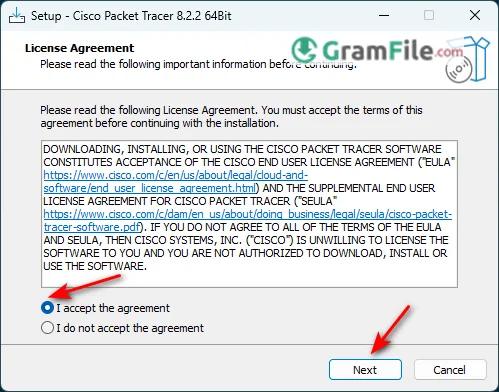
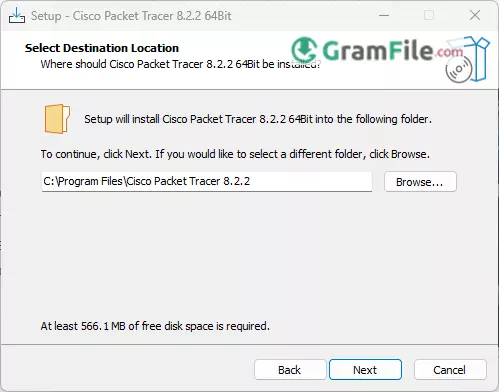
4. Choose the Installation Folder
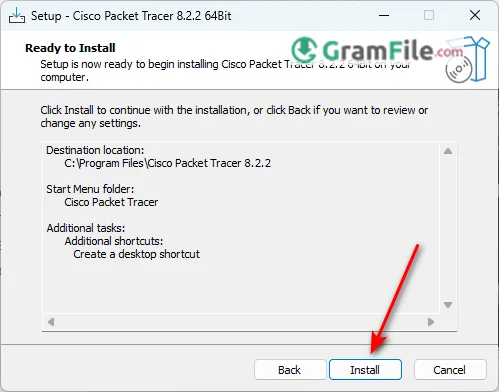
5. Click Install
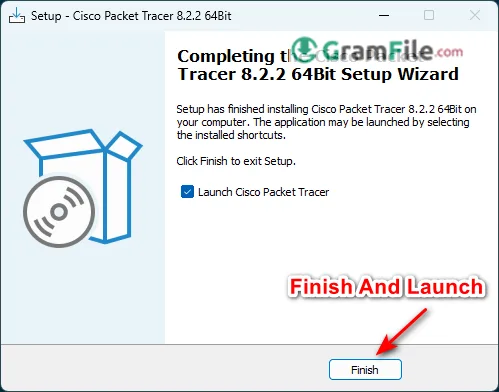
6. Finish and Launch the App
Starting and Using Packet Tracer
Launch Packet Tracer: Find it in your Start Menu or double-click the desktop icon (if you created one).
Log in (if required): Depending on the version and how you accessed it, you might need to log in with your NetAcad credentials.
The Packet Tracer interface: You’ll see the main interface with a workspace in the center. At the bottom, you’ll find device categories (Network Devices, End Devices, Components, etc.).
Building a simple network
- Click on a device category (e.g., “End Devices”).
Select a device (e.g., a “PC”) and drag it onto the workspace. - Do the same for other devices (e.g., a “Switch” from the “Network Devices” category).
- To connect devices, click on the “Connections” icon (it looks like a lightning bolt) at the bottom.
- Choose the appropriate cable type (usually “Copper Straight-Through” for connecting PCs to switches) and click on the two devices you want to connect.
Configuring devices
- Click on a device (e.g., a PC). A window will open.
- Go to the “Desktop” tab.
- Click on “IP Configuration” to set the IP address, subnet mask, and default gateway.
- For network devices like routers and switches, you’ll usually use the CLI (Command-Line Interface) tab to enter commands.
Simulating network traffic
- You can use the “Add Simple PDU” (it looks like an envelope) to send test packets between devices.
- Switch to “Simulation Mode” (the icon with the clock) to visualize the packet flow.
Pros & Cons
What we liked
- Free.
- Virtual lab.
- Many devices.
- Many protocols.
- Troubleshooting help.
- Works offline.
What we didn't like
- Not fully real.
- Needs NetAcad (officially).
- Mostly Cisco.
- Not for complex setups.
Conclusion
4.8out of 5 · 78 user ratings
So, after taking a good look at Cisco Packet Tracer for Windows, what’s the final verdict? It’s clear that this isn’t just another piece of software; it’s a valuable learning tool that democratizes access to network education.
For students and anyone looking to break into the world of networking, Packet Tracer offers an unparalleled opportunity to learn by doing.
The ability to build, configure, and troubleshoot virtual networks without the need for expensive hardware is a game-changer. It lowers the barrier to entry significantly and allows for risk-free experimentation.
While it’s important to remember that it’s a simulation and doesn’t perfectly replicate every nuance of real-world hardware, it’s remarkably effective for teaching fundamental concepts and preparing for certifications.
The frequent updates and additions of new features show that Cisco is committed to keeping Packet Tracer relevant and useful.
In short, if you’re serious about learning networking, whether you’re a student, an instructor, or just someone curious about how networks function, Cisco Packet Tracer is an essential tool.
It’s a powerful, accessible, and engaging way to explore the digital world around us, and it’s hard to imagine modern networking education without it.
Found a problem with this download? Report an outdated version, broken link, suspicious installer or incorrect information.
 Zoom Workplace
 Nitro PDF Pro
 Sumatra PDF
 IrfanView
 K-Lite Codec Pack
 WinRAR