
Download Details
- Version
- 6.10.0.252.3 (latest)
- File size
- 3.48 MB
- License
- Free Trial
- Security scan
- VirusTotal: 69 of 70 engines say OK (1 flagged)
- SHA-256 checksum
c3ff55e712383401d7a2ddda096e5ae8b1d82510bbdac8bc7709bed2bb54cf40- Developer
- Adobe
- Supported OS
- Windows 11, Windows 10
- Installers
- 64-bit (x64), 32-bit (x86), ARM (Arm64)
- Downloads
- 25073
- Rating
- 4.6 out of 5 · 126 reviews
 Reviewed by Mohamed Zaki
Tested on Windows 11 and 10 · · How we review
Screenshots
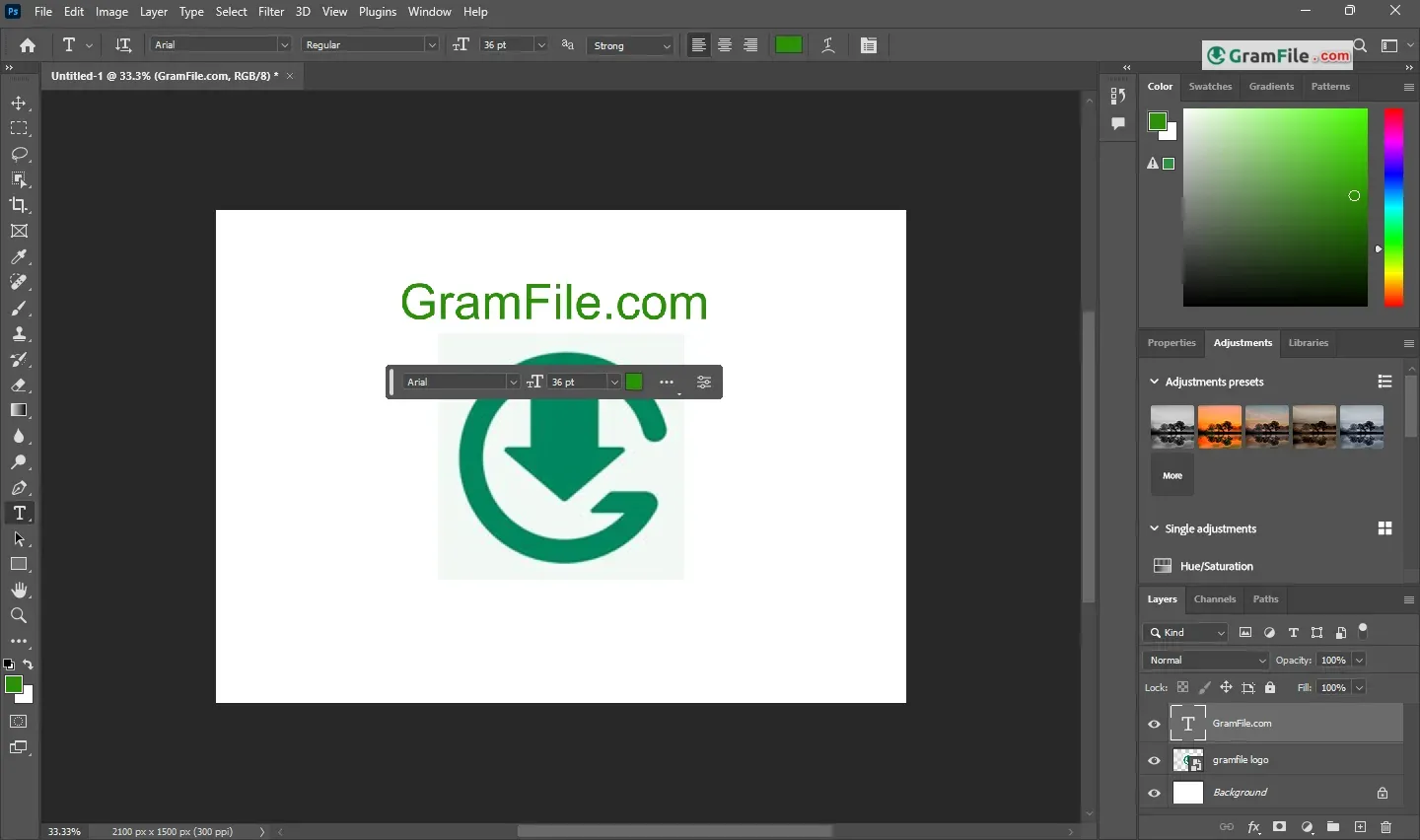
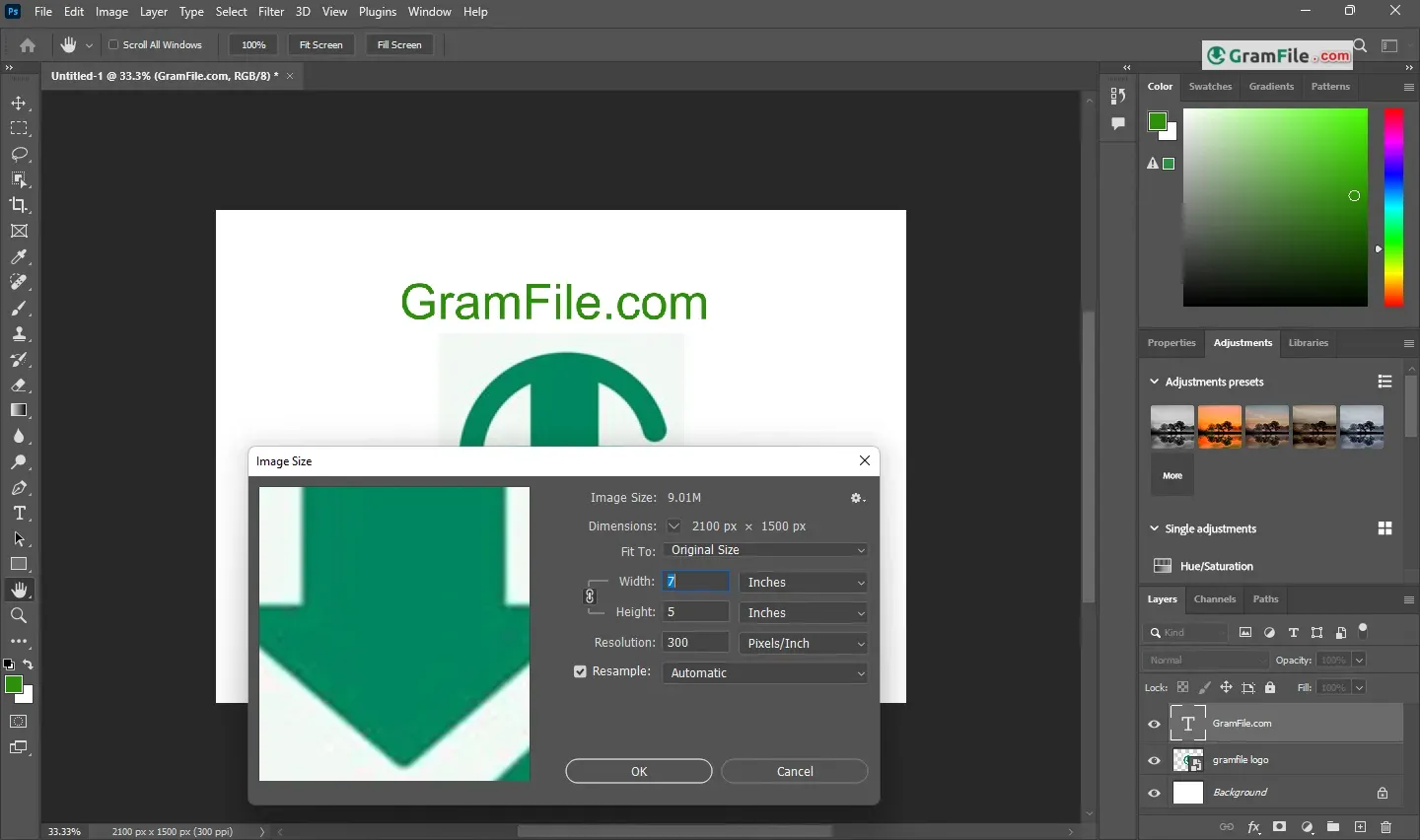
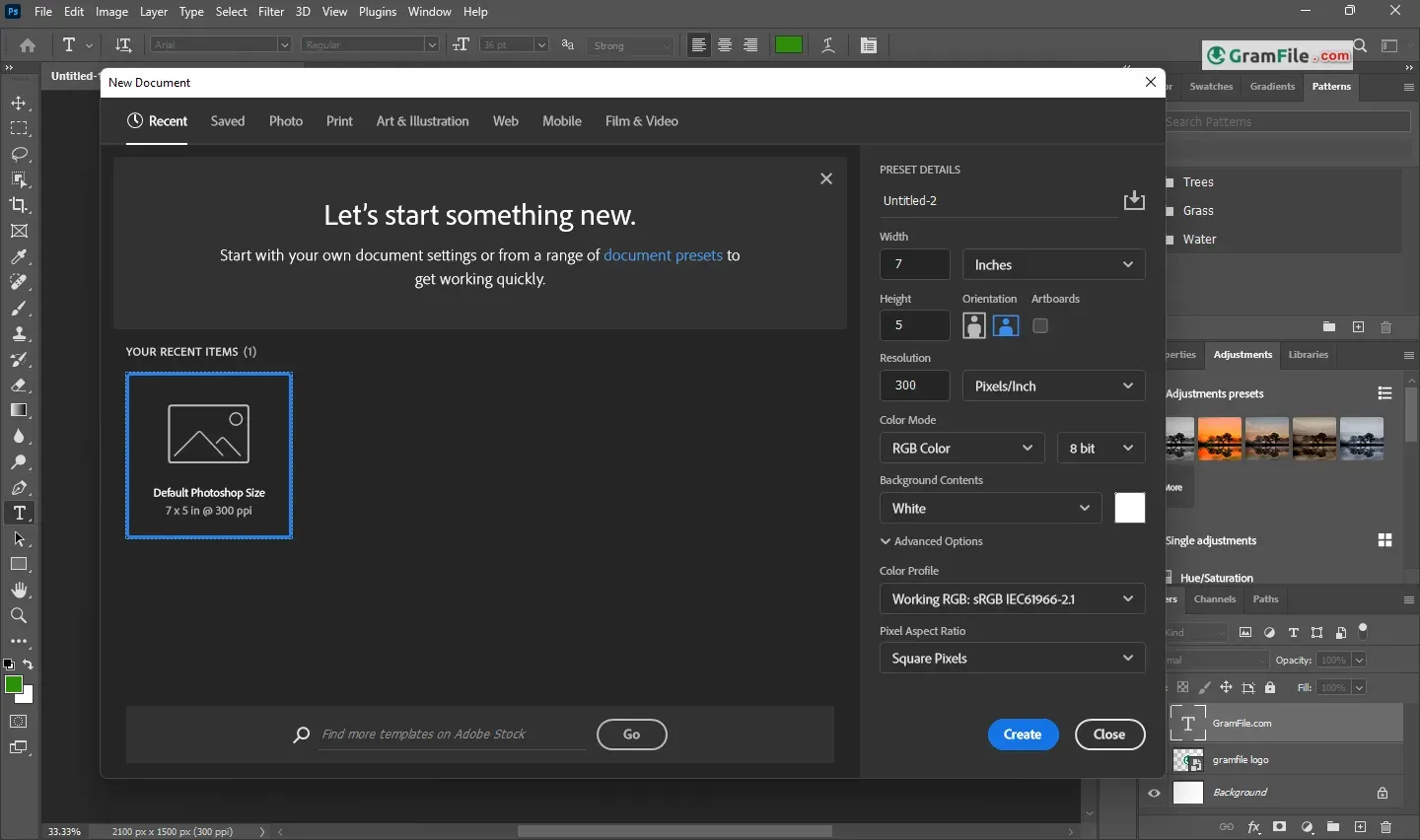
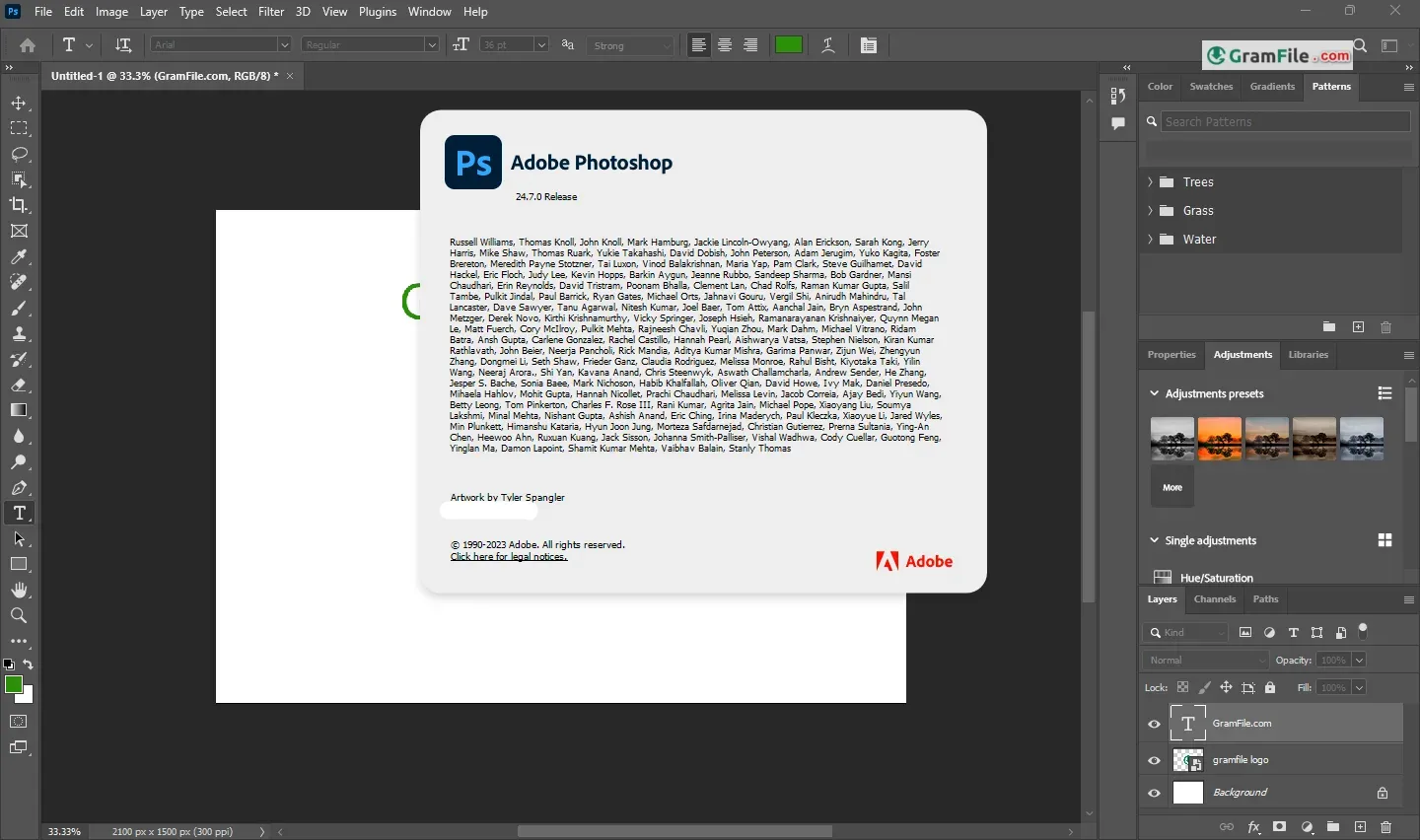
Adobe Photoshop is the raster editor most photographers and designers measure other tools against.
It covers retouching, compositing, cutouts and digital painting in one layer-based workspace. Beginners can start with basic fixes, and experienced editors get masks, smart objects and AI-assisted selection.
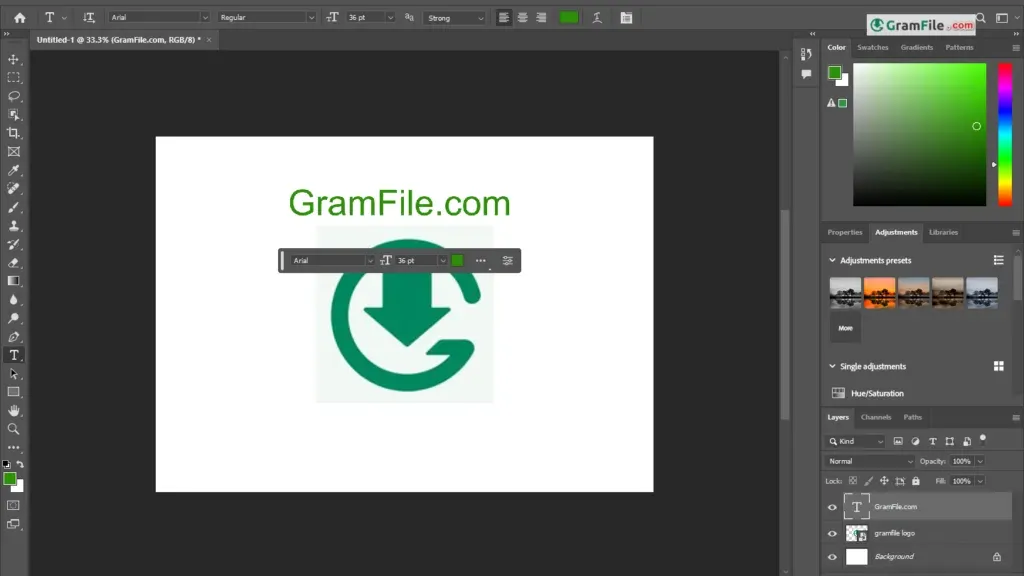
Photoshop is sold as a subscription, with a 7-day free trial to try it first. If you edit images regularly, it earns its place.
If you crop a photo once a month, a free editor will do the job.
What is Photoshop?
Photoshop is Adobe’s image editor for photo retouching, compositing, graphic design and digital painting. It works with pixels and layers, which is why it suits detailed photo work better than simple “filter and share” apps.
On Windows it installs through the Creative Cloud desktop app and runs on 64-bit Intel and AMD machines as well as ARM64 devices.
Retouching and color fixes that go beyond a quick filter
Exposure, color correction and curves are the starting point. For flaws, the Spot Healing and Content-Aware tools remove blemishes, dust and stray objects with a few clicks.
Tip: if you need to keep the original untouched, retouch on a separate empty layer and sample from “Current & Below”.
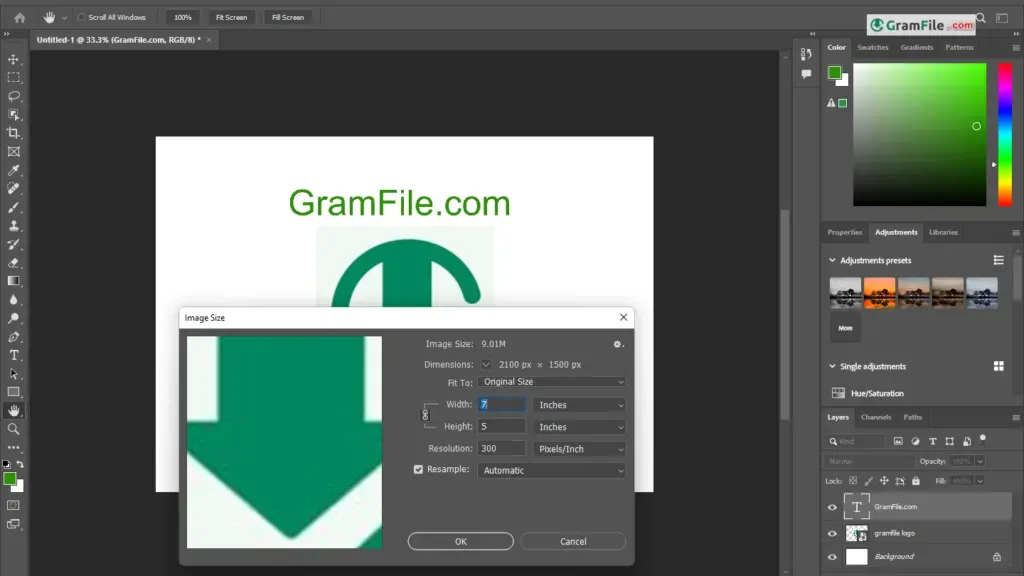
Layers, masks and smart objects keep every edit reversible
Each element sits on its own layer, so you can move, hide or restyle it later. Layer masks hide parts of an edit without deleting pixels.
Smart objects keep the original image data intact, which means you can resize or filter a layer and still go back.
The trade-off is complexity. A busy file with dozens of layers needs naming and grouping habits, or it turns messy fast.
Cutting out backgrounds with Select Subject and the Pen tool
Select Subject uses AI to isolate the main object in one click. Select and Mask then refines hair, fur and rough edges.
For hard-edged products, the Pen tool gives cleaner, manual paths.
Tip: for logos or product shots, start with Select Subject, then fix the edges with a layer mask instead of erasing.
Generative and AI tools depend on your plan
Photoshop includes AI-assisted features such as Generative Fill and Neural Filters. They can extend a background, remove an object or change a mood quickly.
Availability and usage limits vary by plan and region, so check what your subscription includes before relying on them.
Brushes for painting, texture and fine retouching
The brush engine is customizable: size, flow, scatter and pressure response can all be tuned. It works for digital painting, dodge and burn, and hand-drawn textures.
A graphics tablet makes a clear difference here, though a mouse works for basic tasks.
Free trial first, then a subscription
Photoshop is sold through Adobe Creative Cloud. The price depends on the plan and your region, so check Adobe’s current offer before you commit.
| Feature | 7-day free trial | Paid plan |
|---|---|---|
| Features | Full app | Full app |
| Duration | 7 days | Monthly or annual billing |
| After it ends | Converts to a paid plan unless cancelled | Renews until you cancel |
| Best for | Testing your workflow | Regular editing work |
Lighter Adobe options: Photoshop Elements and Photoshop Express
Photoshop Elements is a simpler, separately sold editor with guided edits for beginners. Photoshop Express is a free mobile app for basic edits, though some features need a free Adobe account.
Is Photoshop safe to install?
The VirusTotal check on this file came back clean from nearly every engine, with a single lone flag. That kind of one-off detection is often a false positive on large installers, but it is worth knowing.
Sign in only through the official Adobe window, and avoid patched copies from unofficial sources.
When Photoshop is more than your photos need
If you only crop, resize or add text a few times a year, a subscription is hard to justify. Free tools such as GIMP or a browser editor cover those jobs.
It is also demanding: low-RAM laptops struggle with large files and heavy filters.
How to Download & Install
Hit the download button at the top of this page and you get a small EXE. It is a stub that pulls Photoshop from Adobe’s servers and installs it.
Prefer a quick walkthrough? Follow the steps below.
Step 1: Press the download button at the top of this page, then open the EXE once it finishes saving.
Step 2: When the installer asks, log in with your Adobe ID. If you have none, you can register a free account on the same screen.
Step 3: Pick Photoshop and start the trial or log in with your plan. The installer pulls the latest version and installs it.
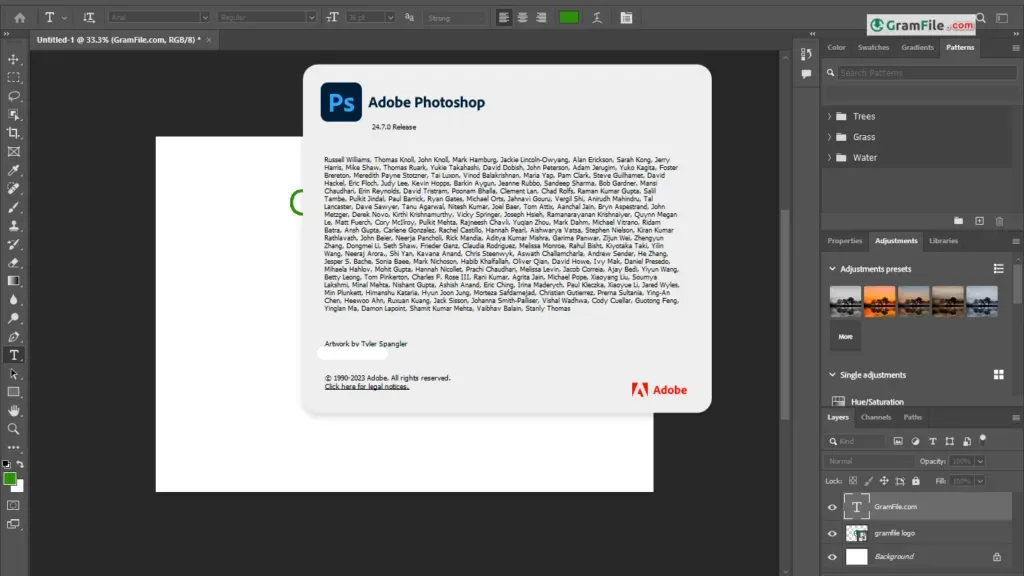
Step 4: Launch Photoshop from the Start menu once the installation finishes, then sign in if asked.
Which installer you get
This page lists the main installer, which usually targets 64-bit Windows. It is an online installer, so you need an internet connection during setup.
Windows on ARM laptops are supported too: Photoshop runs natively on ARM64 devices that meet the requirements.
Photoshop system requirements
- OS: Windows 11 or Windows 10 (Windows 11 is the safer choice, check Adobe’s page for current build support)
- CPU: a recent 64-bit Intel or AMD processor with AVX2 and SSE4.2 support, or an ARM64 device
- RAM: 8 GB minimum, 16 GB or more recommended
- Storage: free space for the app plus extra for scratch files, ideally on an SSD
- Internet: required for sign-in, activation and online features
Trial, license and activation
Sign in with your Adobe account and the 7-day free trial starts with the full app. Cancel before it ends if you do not want to be charged, because the trial converts to a paid plan by default.
How to update Photoshop
Open the Creative Cloud desktop app, go to Updates and install the latest Photoshop release. You can also check from inside Photoshop under the Help menu.
Fixes for common install problems
- Setup hangs or errors out: quit any running Adobe apps, start the installer with administrator rights and confirm the system drive has room to spare.
- No Photoshop option on an ARM laptop: update the Creative Cloud app, check for updates manually, then sign out and back in.
- Freezes on launch on ARM: update the OpenCL/OpenGL Compatibility Pack from the Microsoft Store.
Pros & Cons
What we liked
- Deep layer and mask control
- Precise selection and retouching tools
- Native ARM64 support on Windows
- Full-featured 7-day free trial
- Wide plug-in and brush support
What we didn't like
- Subscription only, no one-time purchase
- Steep learning curve
- Heavy on RAM and storage
Best Photoshop Alternatives
-
 Photopea
Free, online Photoshop-style image editing.
Conclusion
4.6out of 5 · 126 user ratings
Photoshop is not the only way to edit images on Windows, so it helps to see what else fits your budget.
The table compares it with three popular alternatives by price, platform and strength.
| App | Best For | Price | Platform | Standout Feature |
|---|---|---|---|---|
| Photoshop | Retouching, compositing and design work | Subscription, 7-day free trial | Windows, macOS | Layers, masks and AI selection tools |
| GIMP | Free, full-featured editing | Free | Windows, macOS, Linux | Open source with plug-ins and scripting |
| Photopea | Quick edits and opening PSD files | Free with ads | Web browser | Photoshop-style layout, no install |
| Paint.NET | Simple, fast everyday edits | Free | Windows | Light, quick interface |
Final verdict
Photoshop is worth it if you edit images regularly and want fine control over every pixel. The 7-day trial is the best way to find out whether it fits your workflow.
If your needs are simple, start with a free editor and upgrade only when you hit its limits.
FAQ
Is Photoshop free on Windows or only a trial?
Photoshop is a paid product with a free 7-day trial. After the trial you need a subscription to keep using it.
Can I run Photoshop on a Windows ARM laptop?
Yes, Photoshop runs natively on supported ARM64 Windows devices. Keep Windows and the Creative Cloud app updated, and use the compatibility pack from the Microsoft Store if Photoshop freezes at launch.
What happens when the Photoshop free trial ends?
The trial converts to a paid plan unless you cancel first. Cancelling during the trial avoids charges.
Can I buy Photoshop once instead of subscribing?
The full desktop version is sold as a subscription through Creative Cloud. Photoshop Elements is a separate, simpler editor sold under different terms.
How much RAM does Photoshop need on Windows 11?
8 GB is the minimum and 16 GB or more is recommended. Large files and AI tools run better with extra memory.
What is a good free alternative to Photoshop for Windows?
GIMP is the closest free desktop option, and Photopea works in a browser and opens PSD files. Paint.NET suits simple, quick edits.
Found a problem with this download? Report an outdated version, broken link, suspicious installer or incorrect information.
 Zoom Workplace
 Nitro PDF Pro
 Sumatra PDF
 IrfanView
 K-Lite Codec Pack
 WinRAR