

Download Details
- Version
- 29.0.16416 (latest)
- File size
- 80.2 MB
- License
- Free Trial
- Security scan
- VirusTotal: 61 of 61 engines say OK (0 flagged)
- SHA-256 checksum
9cace8d99ffa8b467fe23b2b083cd6d155c9f8021c07495da6d0477e31cd21f1- Developer
- Corel Corporation
- Supported OS
- Windows 11, Windows 10
- Installers
- 64-bit (x64), Offline
- Downloads
- 4784
- Rating
- 4.3 out of 5 · 41 reviews
- File name(s)
- winzip290-64.msi
 Reviewed by Eman Sakr
Tested on Windows 11 and 10 · · How we review
Screenshots
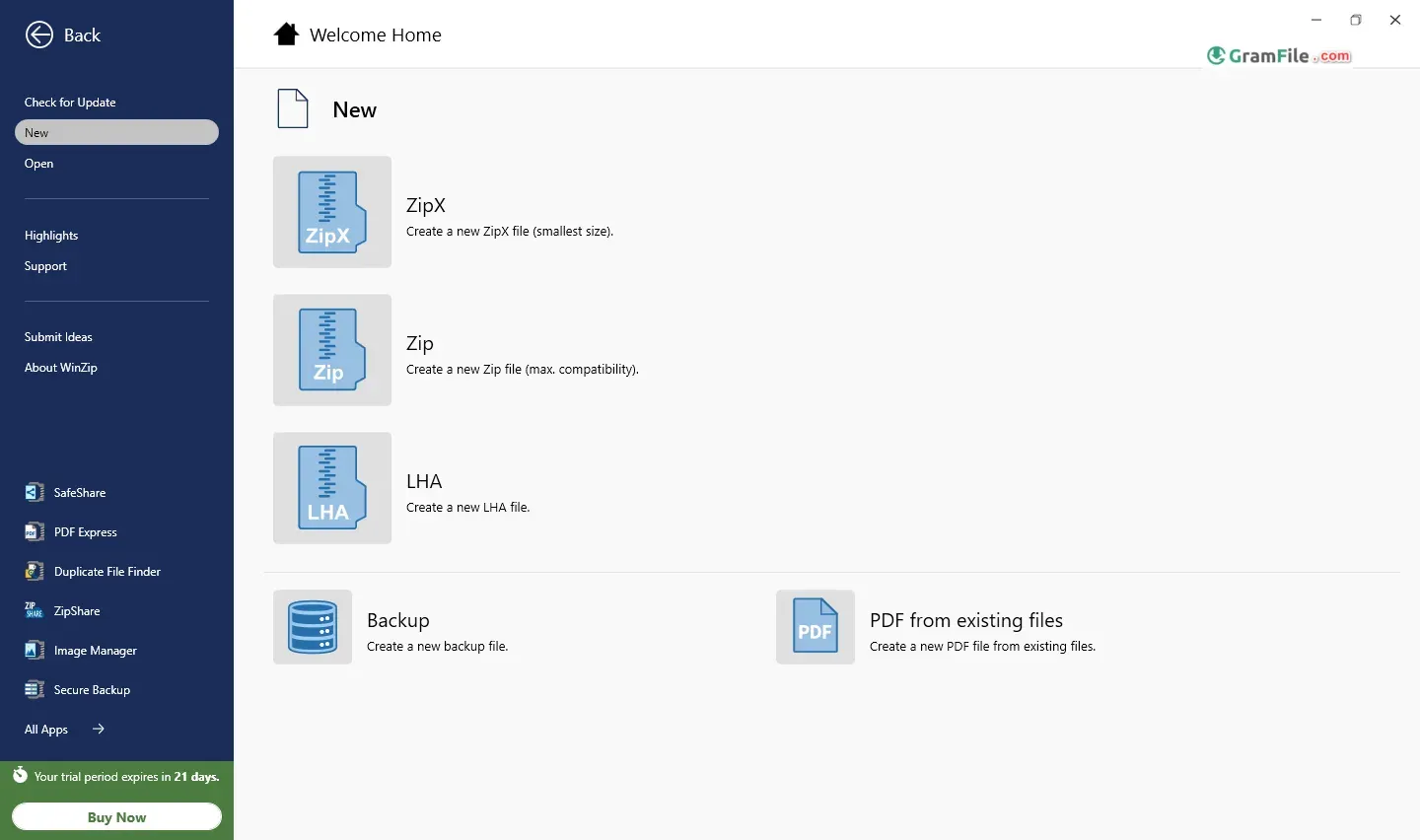
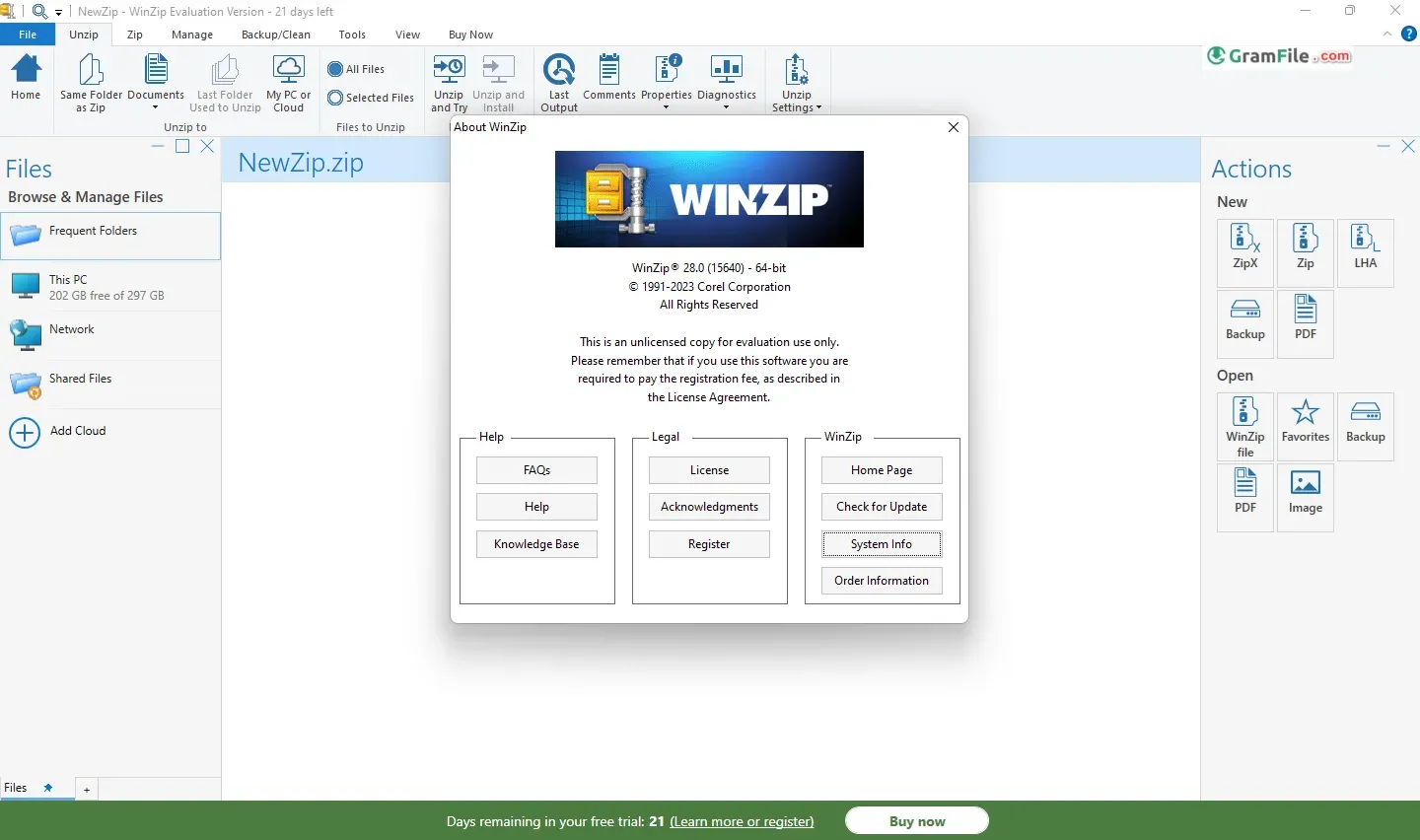
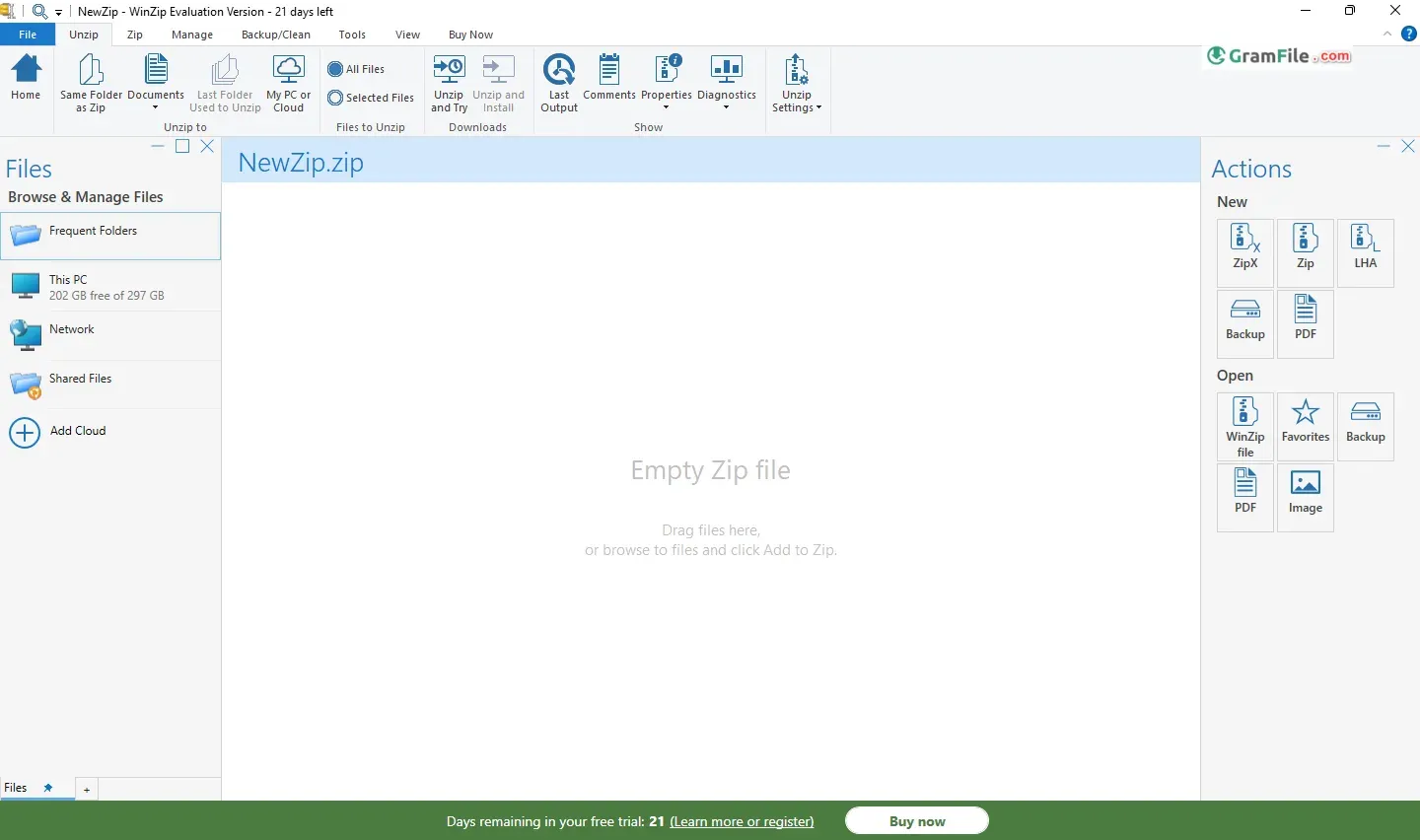
WinZip: The original gangster of file zipping (since 1990) for Windows users. Besides the classic zip and unzip functions, it boasts a comprehensive set of tools.
It tackles a wide range of archive formats, including the popular ZIP and RAR, making file sharing and storage a breeze. WinZip even throws in encryption to safeguard sensitive data during compression.
Interestingly, WinZip has evolved past basic archiving, offering additional features like file management, image conversion, and cloud integration, turning it into a one-stop shop for file handling.
Despite its free trial, it requires a purchase for continued use.
Let’s have a comprehensive review of WinZip, the versatile file compression and archiving tool.

Key Features
- Efficient Compression:
- WinZip excels at compressing files, reducing their size significantly. Whether you’re dealing with large documents, images, or folders, WinZip’s compression algorithms work swiftly and effectively.
- The software supports various formats, including ZIPX, ZIP, LHA, and LZH.
- Encryption and Security:
- WinZip ensures the security of your compressed files with 256-bit AES encryption. You can protect sensitive data by adding passwords to your archives.
- It’s a valuable feature for safeguarding confidential information during file transfers.
- Integrated PDF Conversion:
- WinZip includes an integrated PDF converter. Before compressing files, you can convert Word documents to PDFs or vice versa, saving time and streamlining your workflow.
- ZipSend:
- Sending large attachments via email can be cumbersome. WinZip’s ZipSend feature simplifies this process. It compresses files and transfers them seamlessly.
- No more struggling with oversized attachments in your mailbox!
- Self-Extracting ZIP Files:
- WinZip allows you to create self-extracting ZIP files. Recipients can unzip these files without needing any third-party applications.
- It’s a convenient way to share compressed content with others.
- Integration with Microsoft Windows and Outlook:
- WinZip integrates seamlessly with Microsoft Windows, making it accessible from the context menu.
- Additionally, there’s a separate plug-in for Microsoft Outlook, enhancing email compression and management.
Software Versions and Pricing
- Windows Version:
- WinZip was initially introduced for Microsoft Windows. It remains a powerful choice for Windows users.
- The pricing varies based on the version you choose. While the basic version covers essential features, higher-tier versions offer additional functionalities.
- Cross-Platform Availability:
- WinZip has expanded beyond Windows. Versions for Mac, Android, and iOS are now available.
- Regardless of the operating system, you’ll find consistent features like compression, encryption, and email companion capabilities.
is Corel WinZip free?
WinZip offers a free trial with basic functionalities like compressing and uncompressing ZIP files. However, to unlock its full potential for professional use, a paid license is recommended.
Beyond Compression: A Feature-Rich Suite
WinZip exceeds basic file compression. It offers a comprehensive suite of tools that enhance productivity and streamline workflows:
- PDF Tools: Edit, convert, and annotate PDF documents directly within WinZip.
- Image Manager: Batch resize and convert images for efficient storage and sharing.
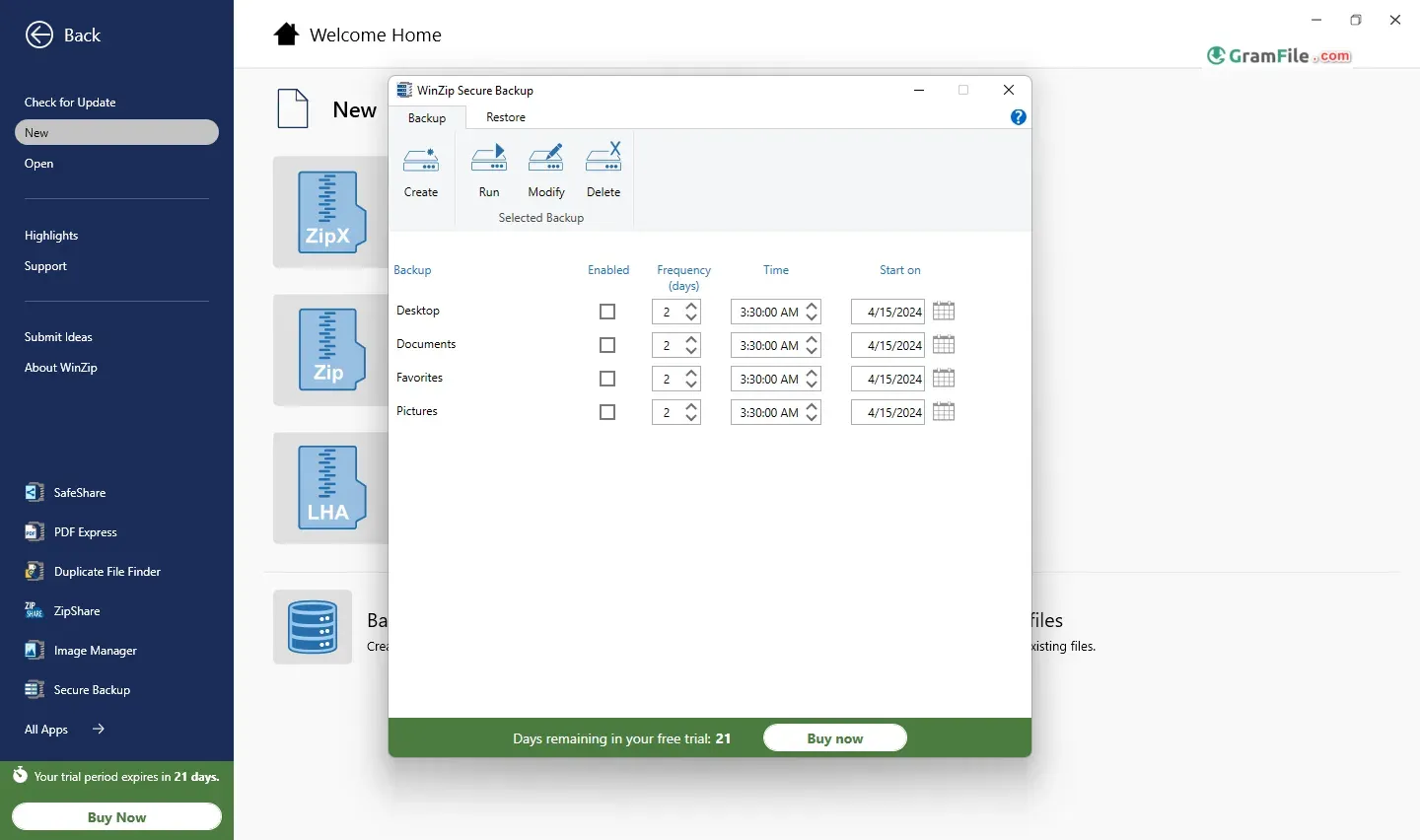
- Secure Backup: Schedule automatic backups to local drives or cloud storage for disaster recovery.
- Data Encryption: Encrypt entire folders or individual files for an added layer of security.
How to Download & Install
Downloading WinZip is a straightforward process. Also, the installation wizard guides you through the setup process, making it suitable for users of all technical backgrounds.
Download and Install
- Click on the above green download button and navigate to the download page.
- Follow the straightforward installation process, and you’ll have WinZip up and running in no time.


64-bit Version
- WinZip offers 64-bit version, ensuring compatibility with modern systems.
- The 64-bit version takes full advantage of system resources, enhancing performance.

Pros & Cons
What we liked
- Industry standard. Very reliable.
- Easy to use. Zips and unzips most formats.
- Strong encryption for secure file sharing.
What we didn't like
- Not free. Some features require paid upgrade.
- Less customizable than some free options.
- Can feel bloated for basic zipping needs.
Best WinZip Alternatives
-
 WinRAR
Best compression software for those who value efficiency over a free price tag.
-
 7-Zip
7-ZipShrinks files and folders for easier sharing and storage.
-
 PeaZip
A free, secure file archiver with a user-friendly interface.
-
 NanaZip
An intuitive and efficient file compression software that seamlessly compresses and extracts files
Conclusion
4.3out of 5 · 41 user ratings
For professionals who require a robust file compression and management solution, WinZip proves its merit. While the free version offers basic functionalities, the paid license unlocks a treasure trove of features that empower efficient file handling, data security, and streamlined workflows.
The availability of 64-bit, ARM64 versions, and offline installers caters to diverse system configurations and security protocols within professional environments.
In Conclusion:
WinZip continues to earn its place as a leader in file compression software for Windows PCs. Professionals looking for a powerful, secure, and user-friendly solution to manage their files efficiently will find WinZip an invaluable asset.
Found a problem with this download? Report an outdated version, broken link, suspicious installer or incorrect information.
 Zoom Workplace
 Nitro PDF Pro
 Sumatra PDF
 IrfanView
 K-Lite Codec Pack