

Download Details
- Version
- 7.47 (latest)
- File size
- 7.0 MB
- License
- Free
- Security scan
- VirusTotal: 71 of 71 engines say OK (0 flagged)
- SHA-256 checksum
f9952b2dab58f78ef56f4a9cda35cc77db643435bc56329fd930daba0bcb0e97- Developer
- Bandisoft.com
- Supported OS
- Windows 11, Windows 10, Windows 7
- Installers
- 64-bit (x64), 32-bit (x86), ARM (Arm64), Offline
- Downloads
- 3899
- Rating
- 4.1 out of 5 · 35 reviews
- File name(s)
- BANDIZIP-SETUP-STD-X64.EXE, BANDIZIP-SETUP-STD-ALL.EXE
 Reviewed by Eman Sakr
Tested on Windows 11 and 10 · · How we review
Screenshots
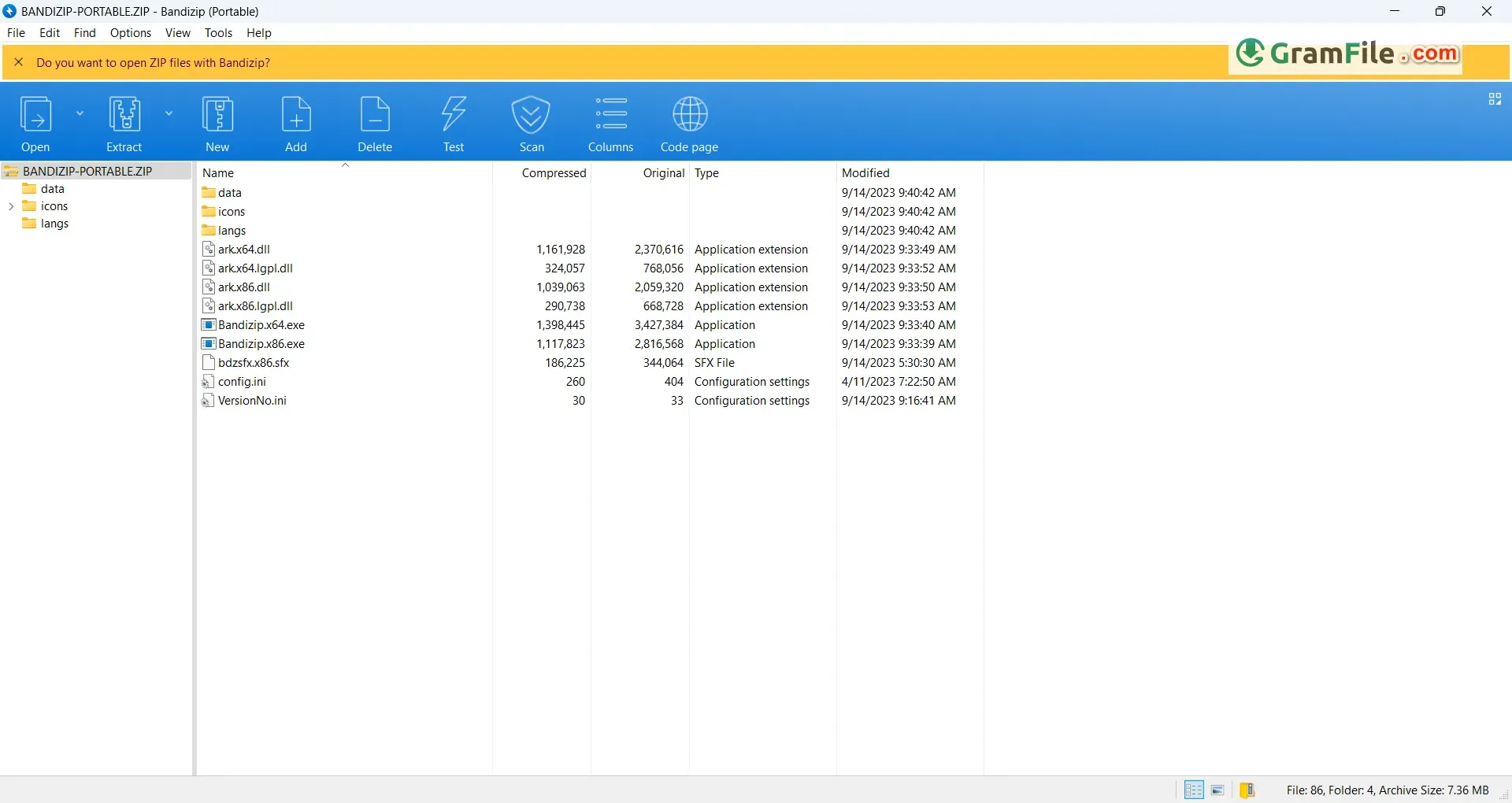
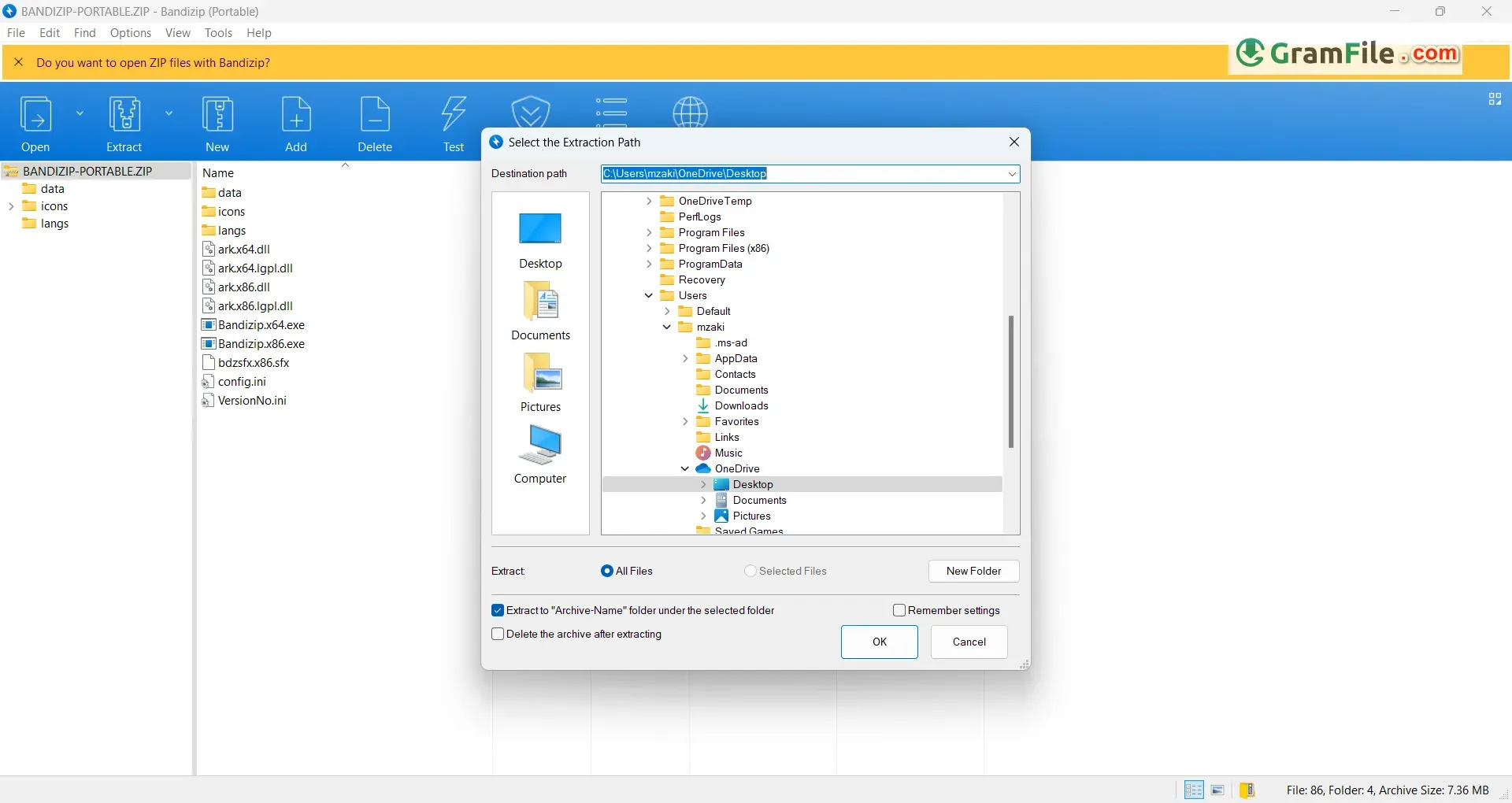
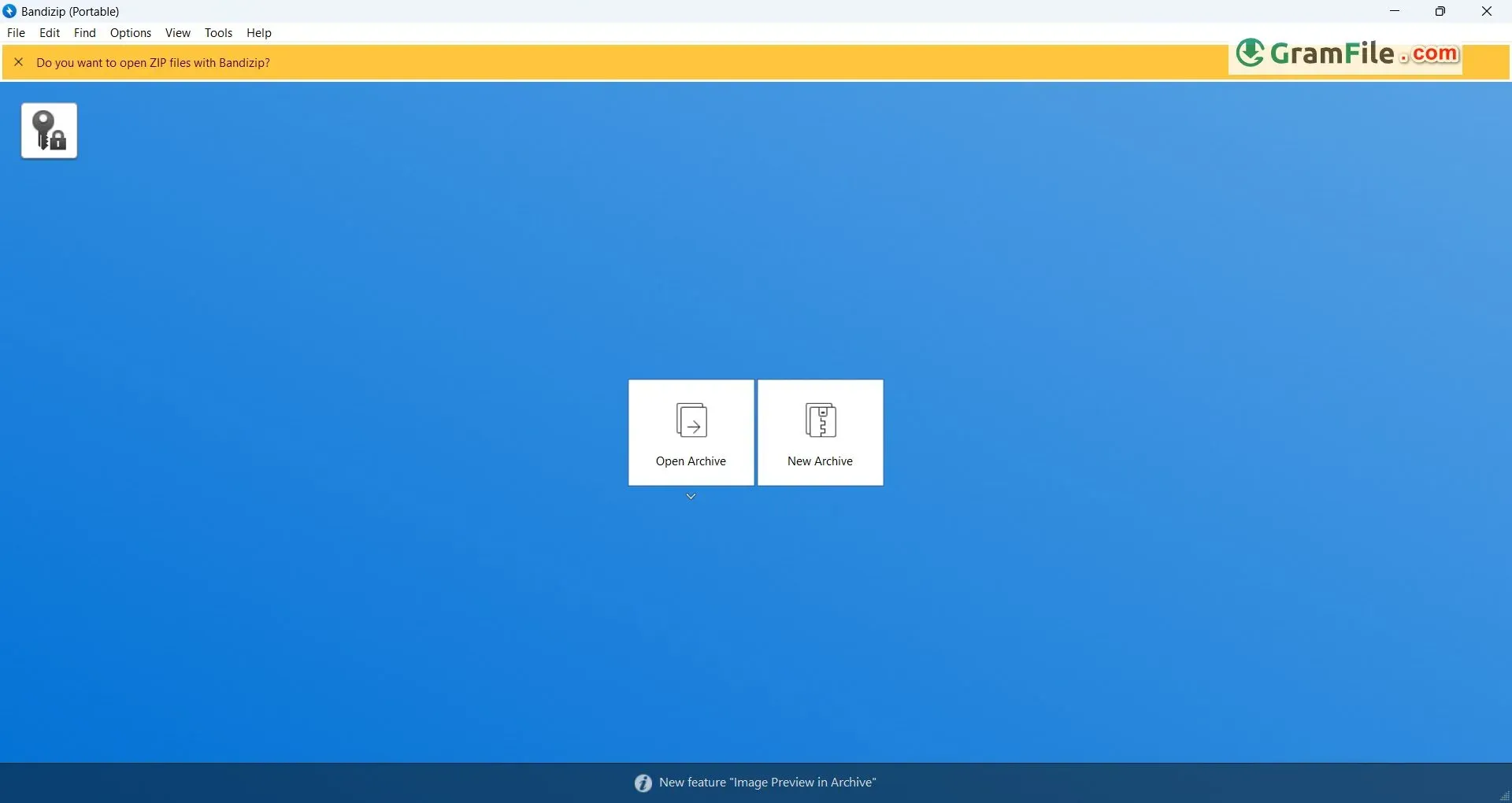
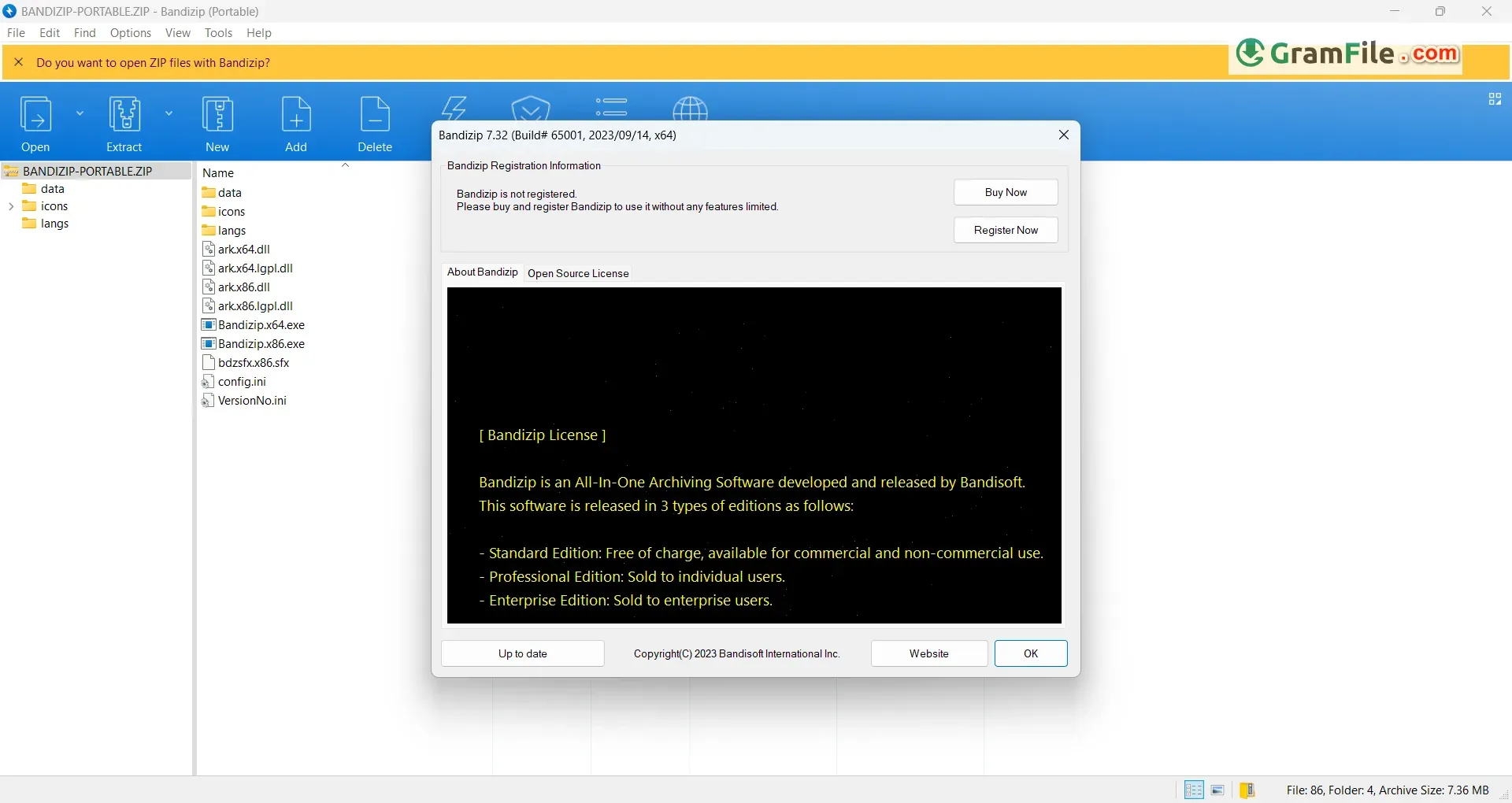
Bandizip is a powerful file archiver software specifically designed for Windows operating systems. It boasts exceptional compression and decompression speeds, making it a popular choice for users who frequently handle large files.
Bandizip offers a user-friendly interface that simplifies the process of creating compressed archives (like ZIP, 7Z, and TAR) and extracting files from various formats, including the widely used RAR format.
Notably, it excels at handling archives containing non-English characters, ensuring file names are displayed and extracted correctly.
Interestingly, the software’s development began in 2008 by a South Korean company named Bandisoft. Since then, it has garnered a loyal user base due to its efficient performance, free availability with a basic feature set, and a paid option offering advanced functionalities.
For Windows users seeking a comprehensive and efficient file compression solution, Bandizip stands out. Its exceptional speed, format flexibility, and focus on security make it an indispensable tool for anyone looking to streamline file management and optimize storage space.
It boasts an ultra-fast compression engine, making light work of large files. It supports a wide range of formats for creation, including ZIP, 7Z, and EXE, ensuring compatibility across different systems. Decompression prowess extends to even more formats, including the ever-popular RAR and ISO.
Boost Efficiency with Bandizip, Main Key Features:
- Blazing-fast compression shrinks files in a flash.
- Creates and extracts a vast array of formats, boosting compatibility.
- Integrates seamlessly with Windows Explorer for effortless access.
- Shields data with robust AES-256 encryption for ultimate security.
- Repairs corrupted archives and recovers forgotten passwords like a champ.
- Previews images within archives, saving you time and clicks.
- Optional antimalware scan during extraction provides an extra layer of protection.
Pros & Cons
What we liked
- Blazing-fast compression
- Wide format support (ZIP, 7Z, RAR, etc.)
- ️ Intuitive drag-and-drop & context menu integration
- AES-256 encryption for top security
- Repairs corrupted archives & recovers passwords
What we didn't like
- Limited features in free version (e.g., batch compression)
- No built-in cloud storage integration
Best Bandizip Alternatives



Found a problem with this download? Report an outdated version, broken link, suspicious installer or incorrect information.
Changelog - What's new in version 7.47
- Fixed a vulnerability that may allow arbitrary code to be excuted with admin privileges when uninstalling the program (KVE-2026-2462)- Fixed a vulnerability that may occur when processing MoTW info (KVE-2026-2248, KVE-2026-2099)
- Fixed a vulnerability that may occur when processing MoTW info (Thanks to Leon Kayaliev)
- Fixed a vulnerability that may occur when processing symbolic links (KVE-2026-2229)
- Other modifications
 Zoom Workplace
 Nitro PDF Pro
 Sumatra PDF
 IrfanView
 K-Lite Codec Pack