


7-Zip is a free and open-source file archiver for Windows, first launched in 1999. It’s known for its exceptional compression capabilities, particularly in its own 7z format. Beyond creating and unpacking 7z archives, 7-Zip works with numerous popular formats like ZIP, RAR, and GZIP.
This versatility, combined with its high compression ratios, allows users to significantly reduce file sizes for easier storage and sharing. Originally a niche program, 7-Zip gained widespread adoption due to its free, open-source nature and feature-rich functionality.
Today, it remains a powerful and user-friendly tool for anyone on Windows who needs to compress or decompress files.
While 7-Zip boasts a user-friendly graphical interface, its true power lies beneath the surface – in the robust 7-Zip command line.
Unmatched Compression
7-Zip’s 7z format offers exceptional compression ratios, often surpassing industry giants like WinZip and WinRAR. This translates to significant storage savings, especially for large file collections.
Format Flexibility
Beyond its native 7z format, 7-Zip supports a wide range of popular archive formats including ZIP, RAR, GZIP, and BZIP2. This versatility eliminates the need for multiple archiving tools.
Powerful Command Line
For power users and scripting enthusiasts, the 7-Zip command line provides granular control over archiving and extraction tasks. It integrates seamlessly with batch files and automation scripts, making it ideal for repetitive tasks.
Data Integrity and Security
7-Zip offers robust AES-256 encryption for both 7z and ZIP formats, safeguarding sensitive data. Additionally, it supports integrity checks to ensure data hasn’t been corrupted during compression or extraction.
Addressing Potential Concerns
Data Error Recovery
While 7-Zip offers data integrity checks, it may not always be able to recover severely corrupted archives. For critical data, consider using a dedicated data recovery tool alongside regular backups.
Available for Mac?
It’s important to note that 7-Zip’s primary development focuses on Windows. While there are unofficial builds for Mac, these may lack feature parity and security updates compared to the Windows version.
For Mac users, alternative archiving tools like Keka or The Unarchiver are strong contenders.
How to Download & Install
Downloading 7-Zip is very easy, just two steps:
- Click on the above green Download Button
- Download the appropriate installer
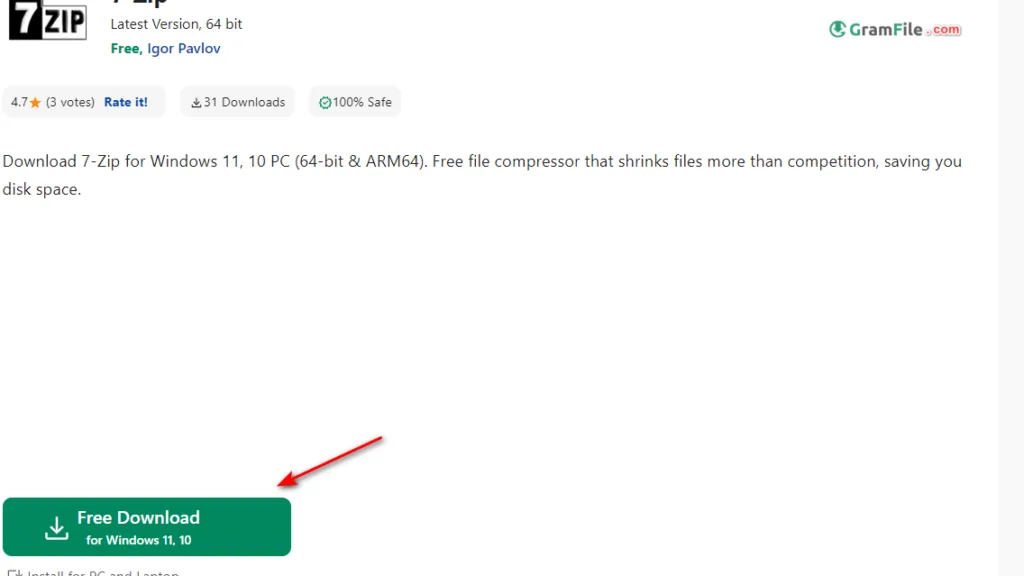
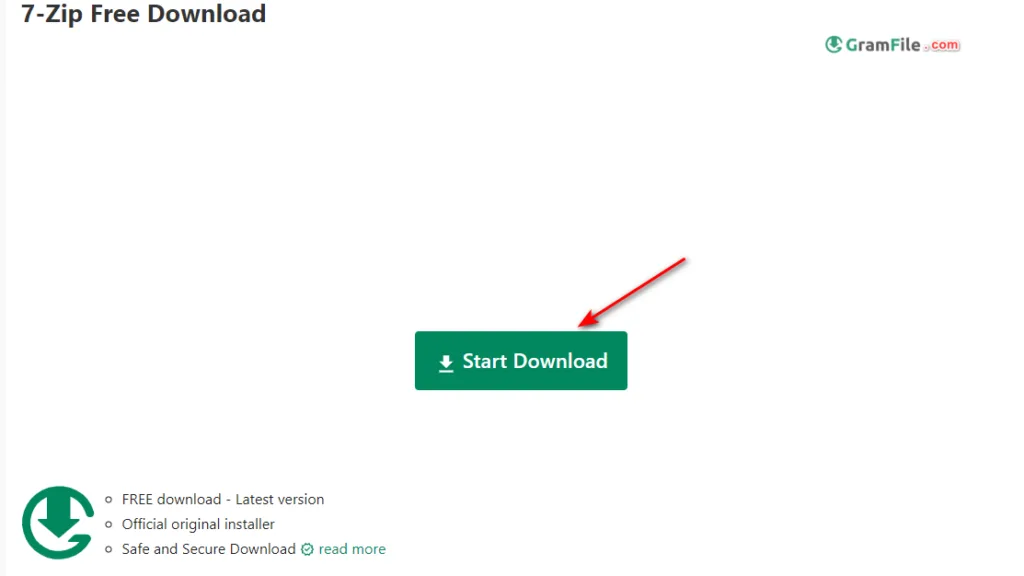
Important: The website is secure and offers both 32-bit (x86) and 64-bit (x64) versions. For Windows 11, the 64-bit version is recommended for optimal performance.
ARM Support
If you’re using a Windows 11 device with an ARM processor, there’s no separate download available at this time. However, the x64 installer might work with compatibility mode enabled (use with caution on ARM systems).
Portable Version
7-Zip offers a portable version that doesn’t require installation. This is ideal for situations where you can’t install software or want to carry 7-Zip on a USB drive.
Download the portable version from the 7-Zip website as well.
Safety: Is it Safe?
- Open-Source Trust: Being open-source means the code is publicly verifiable, reducing the risk of malicious code.
- Trusted Developer: Developed and maintained by Igor Pavlov, 7-Zip has a long history of being a safe and reliable application.
Additional Considerations
- Feature-Rich: 7-Zip goes beyond basic compression, offering features like high-security encryption, archive repair, and integration with the Windows context menu.
- Learning Curve: The interface might be slightly less intuitive compared to the built-in Windows compression tool. However, the extensive functionality is worth the initial learning curve.






