

Download Details
- Version
- 11.4.0 (latest)
- File size
- 10.9 MB
- License
- Free
- Security scan
- VirusTotal: 71 of 71 engines say OK (0 flagged)
- SHA-256 checksum
7c7e70f4bb64b0f8e6f088c33bb14d7791d9a7c1a762d062f3bfec1bbb8ac9d3- Developer
- PeaZip
- Supported OS
- Windows 11, Windows 10, Windows 7
- Installers
- 64-bit (x64), Portable, Offline
- Downloads
- 5048
- Rating
- 4.2 out of 5 · 46 reviews
- File name(s)
- peazip-11.4.0.WIN64.exe, peazip_portable-11.4.0.WIN64.zip
 Reviewed by Eman Sakr
Tested on Windows 11 and 10 · · How we review
Screenshots
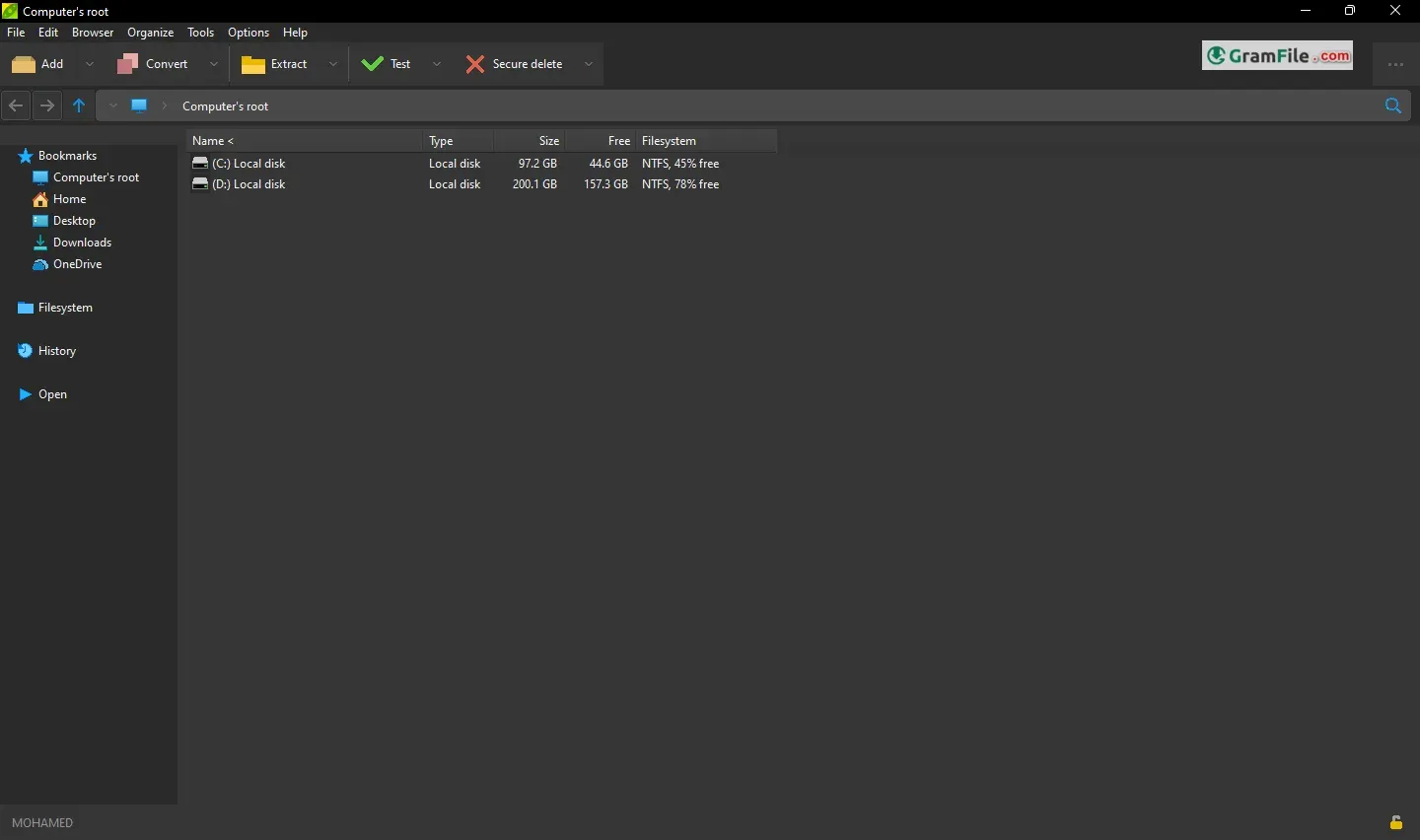
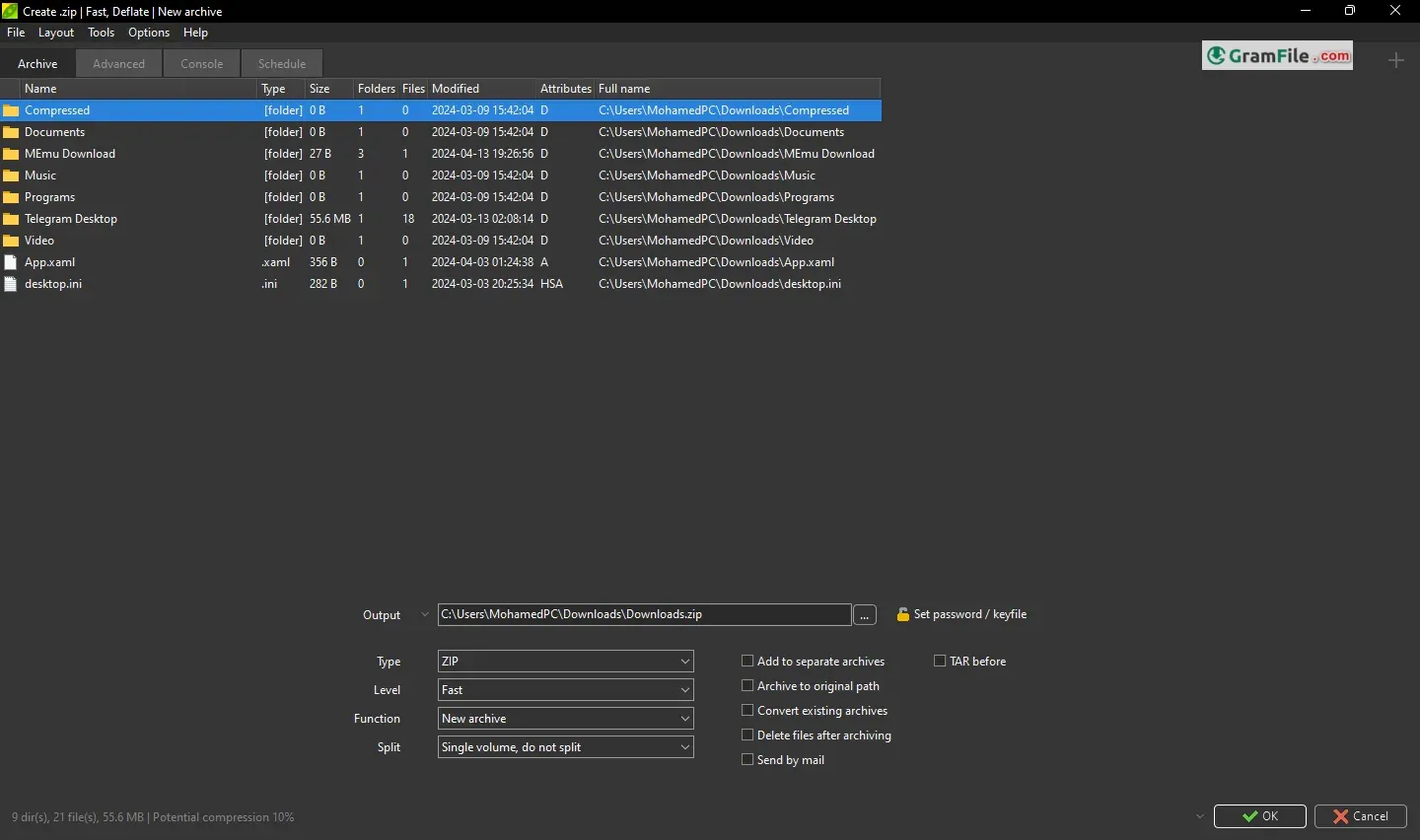
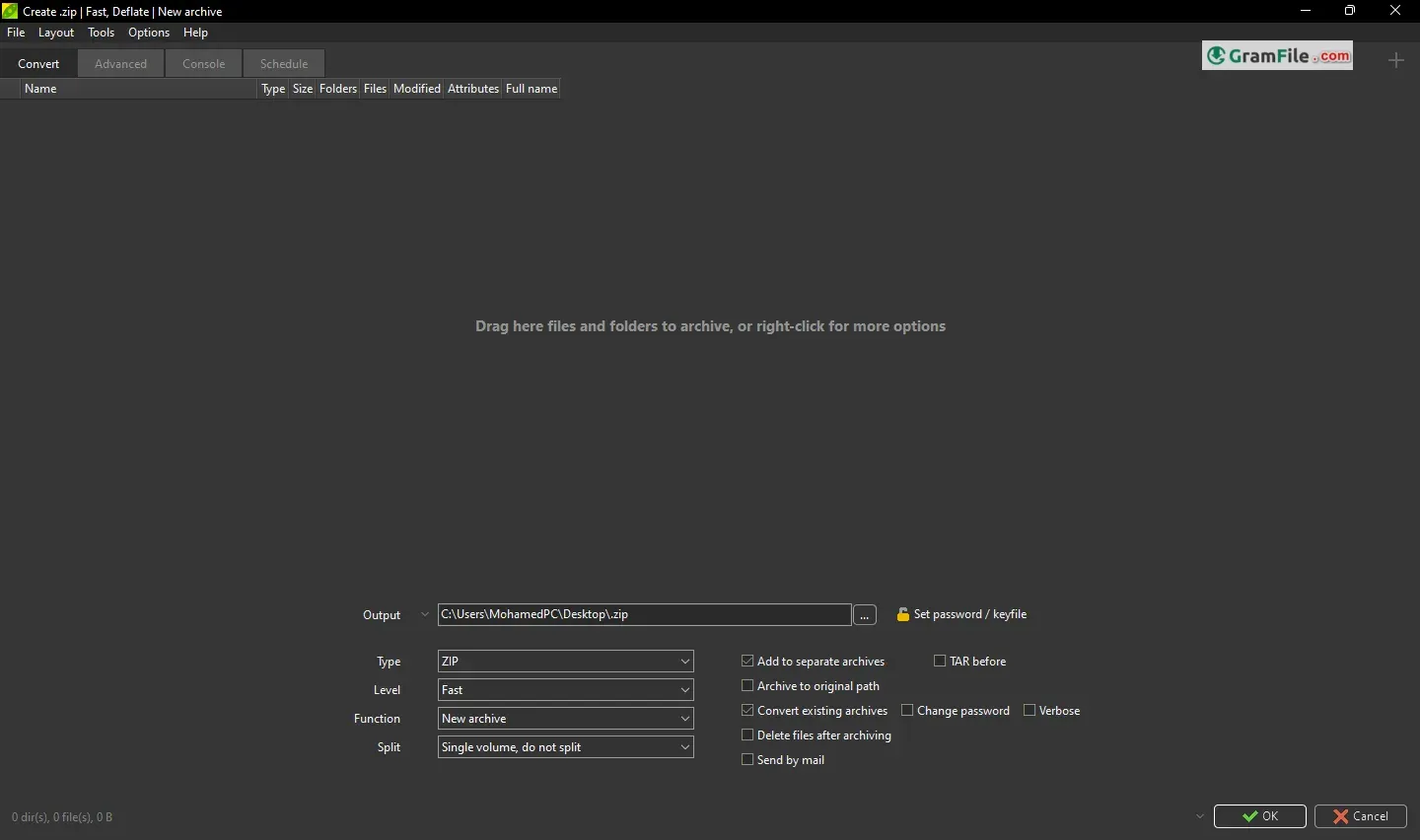
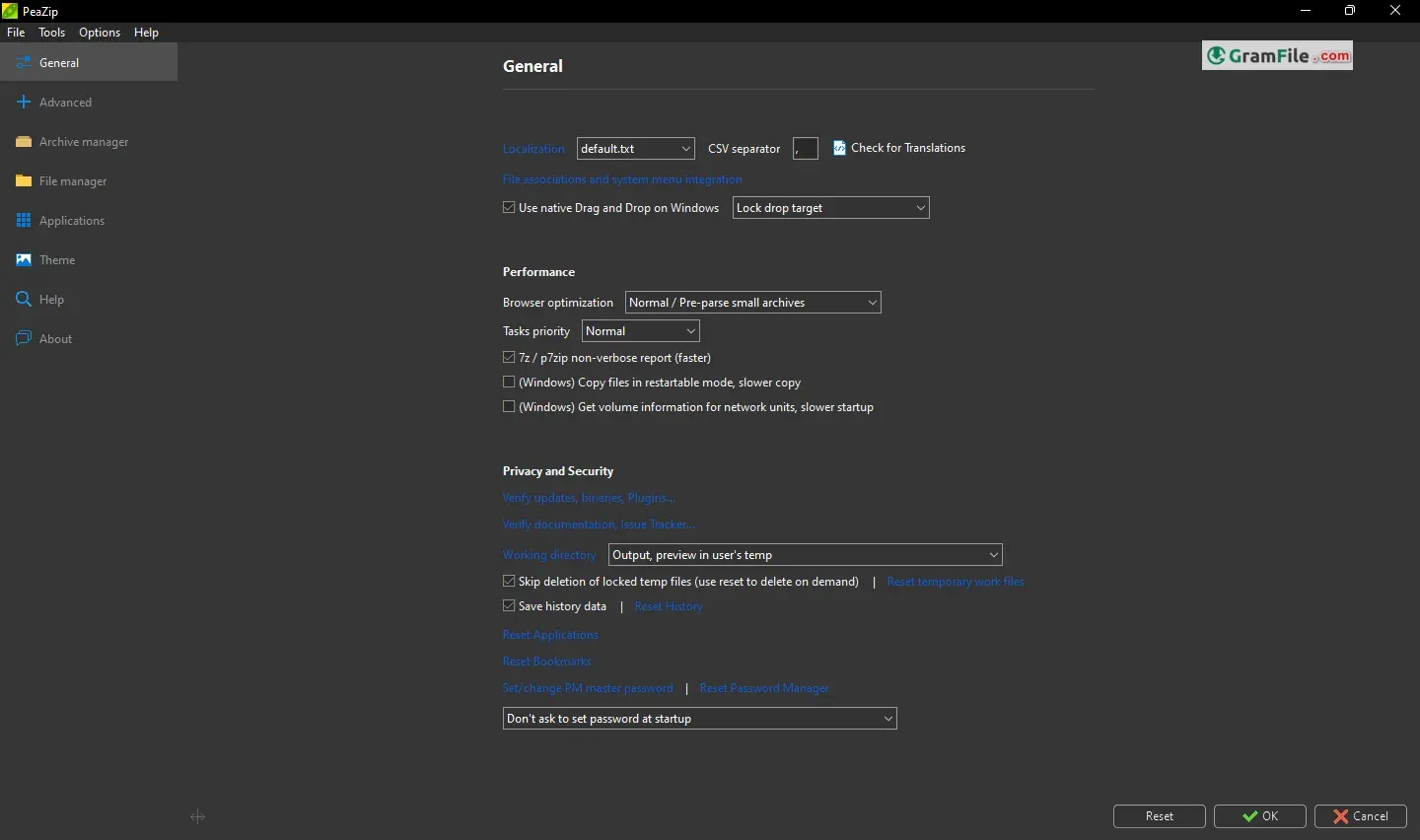
PeaZip is a free and open-source file archiver, offering a feature-rich alternative to proprietary software like WinZip or WinRAR.
Unlike its counterparts, it leverages the power of various open-source projects like 7-Zip and Zstandard, enabling it to support a massive range of archive formats exceeding 200.
This versatility translates to seamless extraction and creation of compressed archives in formats like ZIP, 7Z, RAR, and even less common ones like ISO and DMG. PeaZip’s functionality extends beyond basic compression, offering strong encryption to safeguard sensitive data and the ability to repair corrupted archives, a feature often absent in free software.
Interestingly, the project originated with the goal of providing functionalities often missing in similar programs. PeaZip’s commitment to open-source principles ensures a lightweight, secure, and user-friendly experience for Windows users looking to manage their files efficiently.
PeaZip offers a compelling alternative to paid archiving solutions for Windows users. Its comprehensive feature set, robust security measures, and user-friendly interface make it an excellent choice for both basic and advanced archiving needs.
PeaZip boasts support for an astonishing array of archive formats, exceeding 200, including the likes of RAR, 7Z, ZIP, and even less common formats like ISO and DMG. This eliminates the need for multiple programs, streamlining your workflow.
- Format Feast: PeaZip devours over 200 archive formats, from common (ZIP, RAR) to obscure (ISO, DMG).
- Security Savvy: Strong encryption, two-factor authentication, and a secure password manager keep your data safe.
- Conversion Chameleon: Effortlessly convert archives between formats for seamless compatibility.
- Duplicate Detective: Identify and eliminate storage-hogging duplicate files with ease.
- Drag-and-Drop Delight: User-friendly interface with drag-and-drop functionality simplifies file management.
- Portable Power: Use PeaZip on any Windows PC without installation – perfect for on-the-go needs.
- Open-Source Oasis: Free, transparent, and constantly evolving thanks to its active development community.
PeaZip vs 7-Zip: A Windows Archiving Showdown
For Windows users, the world of file archivers often boils down to two contenders: 7-Zip, the lightweight champion, and PeaZip, the feature-rich challenger. Both are free and open-source, but which one reigns supreme? Let’s break down their strengths and weaknesses to help you decide.
- PeaZip:
- Pros:
- User-Friendly Interface: PeaZip offers an intuitive and straightforward interface, making it easy for users to navigate.
- Wide Format Support: It supports various archive formats, including 7z, arc, zip, and more.
- Advanced Features: PeaZip includes features like strong encryption and error recovery.
- Cons:
- Slightly Slower: In terms of compression speed, PeaZip may be slightly slower than some alternatives.
- Larger Installer Size: The installation package is larger compared to some other tools.
- Overall Impression: PeaZip strikes a balance between simplicity and functionality, making it a solid choice for everyday users.
- Pros:
- 7-Zip:
- Pros:
- High Compression Ratio: 7-Zip excels in compressing files, especially in the 7z format.
- Lightweight: It has a minimal footprint and doesn’t consume excessive system resources.
- Open Source: Being open-source, it’s freely available and actively maintained.
- Cons:
- Basic Interface: The interface is functional but lacks the polish of some commercial tools.
- Limited Format Support: While it handles 7z and zip formats well, it lacks support for some proprietary formats.
- Overall Impression: 7-Zip is a powerhouse for compression, ideal for users who prioritize efficiency and don’t mind a no-frills interface.
- Pros:
Choose 7-Zip if:
- You prioritize the absolute smallest archive sizes.
- You value a lightweight and fast application.
- You only deal with common archive formats (ZIP, RAR, etc.).
Choose PeaZip if:
- You need to handle a wider variety of archive formats.
- You prefer a more user-friendly interface with additional features.
- Secure deletion, password management, or archive conversion are important.
Ultimately, both 7-Zip and PeaZip are excellent options. 7-Zip remains the king of compression, while PeaZip offers a more versatile and user-friendly experience. The best choice depends on your specific needs and preferences. Consider trying both – they’re free, after all!
Pros & Cons
What we liked
- Formats Galore (+200!)
- Security Champ (Encryption & 2FA)
- More Than Zipping (Convert, Find Duplicates, Secure Delete)
- Beginner Friendly (Drag & Drop)
- Free & Open Source (Bonus!)
What we didn't like
- Not Quite 7-Zip on Compression
- Feature Rich (Can Be Overwhelming for Basic Needs)
Best PeaZip Alternatives
-
 WinRAR
Best compression software for those who value efficiency over a free price tag.
-
 7-Zip
7-ZipShrinks files and folders for easier sharing and storage.
-
 WinZip
Compresses and protects your files. Zip it tight, keep it safe.
-
 NanaZip
An intuitive and efficient file compression software that seamlessly compresses and extracts files
Conclusion
4.2out of 5 · 46 user ratings
PeaZip offers a compelling option for Windows users seeking a free and feature-rich file archiver.
Supporting a whopping 200+ formats, it tackles common tasks like zipping and unzipping with ease, even handling obscure formats. PeaZip’s open-source foundation keeps it lightweight and secure, while offering encryption and even archive repair, a rarity in free software.
While the interface may not be the flashiest, and power users might crave more specialized features, it stands tall as a robust solution for most Windows users’ compression needs.
Found a problem with this download? Report an outdated version, broken link, suspicious installer or incorrect information.
Changelog - What's new in version 11.4.0
PeaZip 11.4.0 continues the effort to strengthen security, with improved validation of input, extensive use of range check, removal of use of console for backend tasks.Usability is also improved with enhanced auto-refresh for file browser, and ability to browse .lnk files destination dirs on Windows (Ctrl+P).
Backend are updated with Pea 1.34 and 7z/p7zip 26.04.
Sources are compiled with Lazarus 4.x, and are still compatible with Lazarus 3.x and 2.x.
A total of 243 file extensions are now supported as archives by PeaZip.
 Zoom Workplace
 Nitro PDF Pro
 Sumatra PDF
 IrfanView
 K-Lite Codec Pack