

Download Details
- Version
- 3.5.5 Build 46200 (latest)
- File size
- 20.6 MB
- License
- Free
- Developer
- BitTorrent Limited
- Supported OS
- Windows 11, Windows 10, Windows 7, Windows 8.1
- Installers
- 64-bit (x64), 32-bit (x86), Offline
- Downloads
- 5211
- Rating
- 4 out of 5 · 32 reviews
 Reviewed by Ahmed Madbouli
Tested on Windows 11 and 10 · · How we review
Screenshots
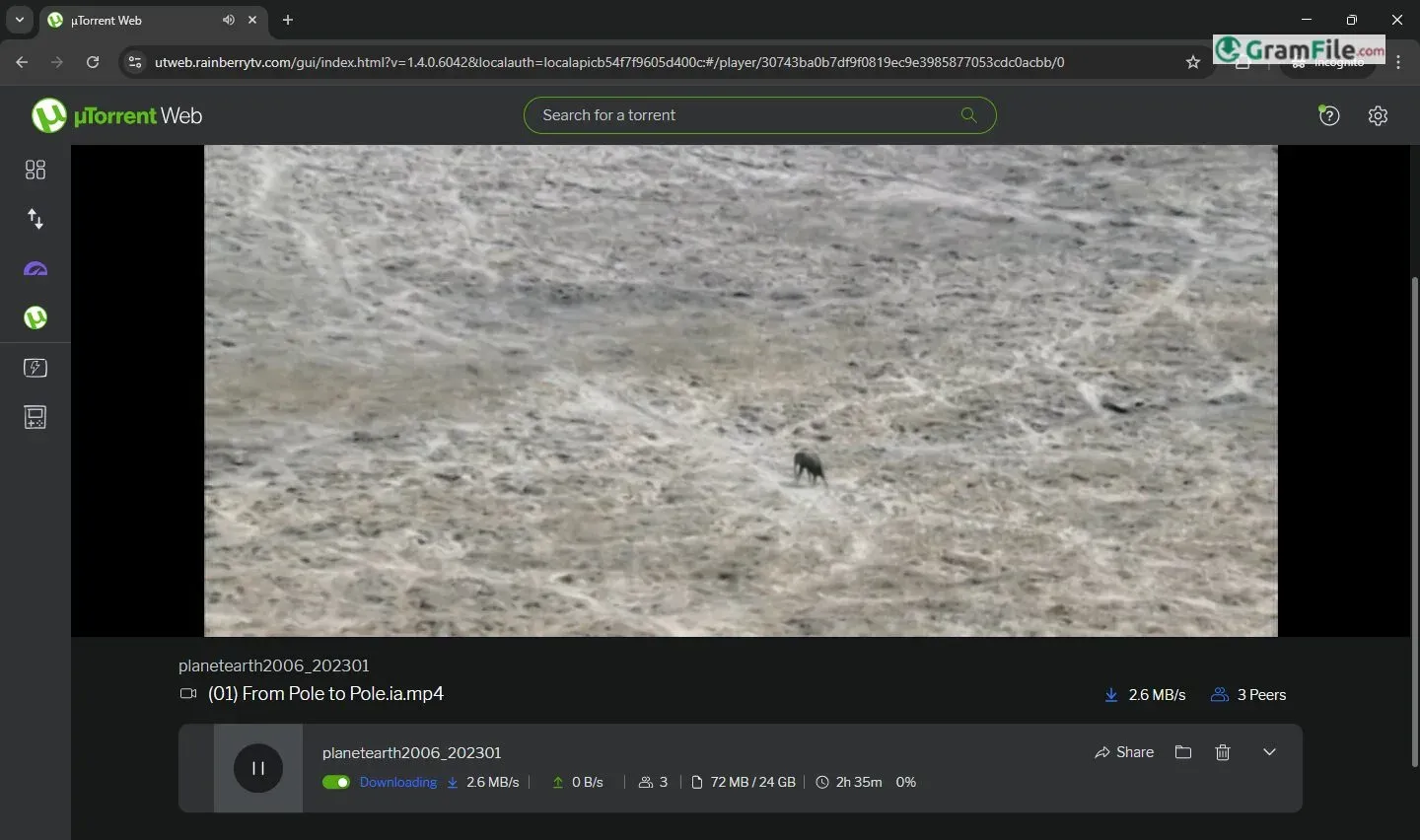
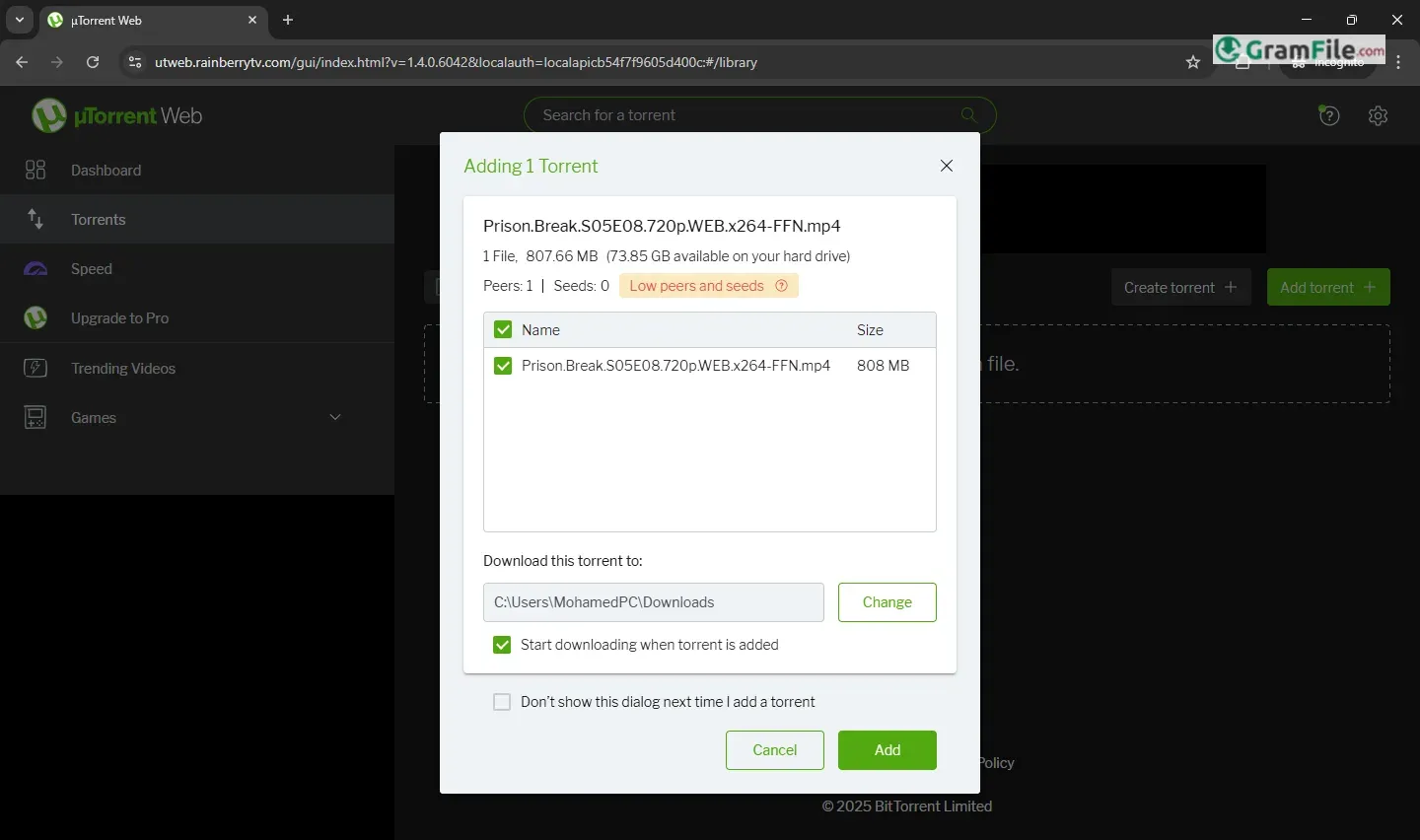
Need to download torrents but don’t want to install software? µTorrent Web brings the classic torrent experience straight to your browser. This lightweight, no-install version lets you grab files with just a few clicks, no desktop client required.
Originally launched as a companion to the flagship µTorrent app, µTorrent Web keeps things simple.
It runs directly in Chrome, Edge, or Firefox, using the same efficient tech but with a streamlined, browser-friendly approach. No heavy downloads, no system resources hogged, just magnet links and .torrent files handled in a tab.
But is it as powerful as the desktop version? Let’s explore it.
What is µTorrent Web?
µTorrent Web is the browser-based little brother of the classic µTorrent app. No installation, no desktop clutter, just open it in Chrome, Edge, or Firefox, and start downloading torrents instantly.
It’s like having a mini torrent engine living inside your browser tab.
Key Features (The Good Stuff)
- Zero Installation
- Works entirely in your browser—no downloading or setup. Just visit the site and go.
- Magnet Link & .Torrent Support
- Paste magnet links or upload .torrent files directly. No extra steps.
- Lightning-Fast Start
- Downloads begin immediately, no waiting for a desktop app to launch.
- Built-In Media Player
- Stream videos or music as they download—no need to wait for the full file.
- Bandwidth Control
- Limit upload/download speeds right in the browser.
- Cross-Platform Access
- Works on any device with a browser—Windows, Mac, even Chromebooks.
- Ad-Supported (But Not Terrible)
- Free version has ads, but they’re less intrusive than the desktop app.
The Catch?
- No Advanced Features
- Missing scheduling, RSS feeds, or detailed settings from the desktop version.
- Browser Tab Reliance
- Close the tab, and downloads pause (unless you keep it open).
- Privacy Trade-Off
- Since it’s browser-based, your downloads rely on your browser’s security.
Who’s It For?
- Casual downloaders who want speed and simplicity.
- Travelers/borrowed PCs—no install means no admin rights needed.
- Quick one-time downloads where firing up the full app feels like overkill.
How to Use µTorrent Web in 60 Seconds

Using µTorrent Web is stupidly simple – just fire up Chrome or Edge and head to the µTorrent Web page. See a magnet link you want? Click it and your download starts instantly.
Got a .torrent file? Drag it straight into your browser window. The clean interface shows your download progress, lets you pause/resume with one click, and even streams media files while they’re downloading.
No installations, no complicated settings – it’s torrenting stripped down to its bare essentials.
Pro tip: Keep your browser tab open until downloads finish, and consider enabling “Download to Folder” in settings to automatically save files where you want them. That’s it – you’re now torrenting without the hassle of desktop software.
Pros & Cons
What we liked
- No install
- Works instantly
- Streams while downloading
- Uses any browser
- Light on resources
What we didn't like
- Stops if tab closes
- Few settings
- Has ads
- Weak seeding options
- Privacy questions
Best µTorrent Web Alternatives
-
 qBittorrent
A free BitTorrent client that's lightweight, fast, and feature-packed.
-
 Transmission
It is a simple, fast torrent app for Windows, no ads, no bloat.
-
 Deluge
A lightweight torrent client that's simple but expandable with plugins.
-
 Tixati
A fast, ad-free torrent app with extra privacy controls.
Conclusion
4out of 5 · 32 user ratings
Why Choose It?
- Dead simple: Just open and go
- Zero install: Perfect for restricted computers
- Instant streaming: Watch while downloading
How It Stacks Up
- vs Desktop µTorrent: Less powerful but more convenient
- vs Seedr/Webtor: No registration needed
- vs qBittorrent: Much simpler but fewer features
The Bottom Line
µTorrent Web is your best bet when you need to grab something fast without installing software. It’s the “I just need this one torrent” solution. But if you torrent regularly, the desktop version still rules.
Found a problem with this download? Report an outdated version, broken link, suspicious installer or incorrect information.
 Zoom Workplace
 Nitro PDF Pro
 Sumatra PDF
 IrfanView
 K-Lite Codec Pack
 WinRAR