

Download Details
- Version
- 4.60.2175.0 (latest)
- File size
- 16.04 MB
- License
- Free
- Security scan
- VirusTotal: 56 of 57 engines say OK (1 flagged)
- SHA-256 checksum
65d6a09e0d20b041d022557f1ae2ccf9eb39b4549c5648e5cf9ad6af762a94f8- Developer
- Artem Izmaylov
- Supported OS
- Windows 11, Windows 10
- Installers
- 64-bit (x64), 32-bit (x86)
- Downloads
- 13133
- Rating
- 4.8 out of 5 · 97 reviews
 Reviewed by Mohamed Zaki
Tested on Windows 11 and 10 · · How we review
Screenshots
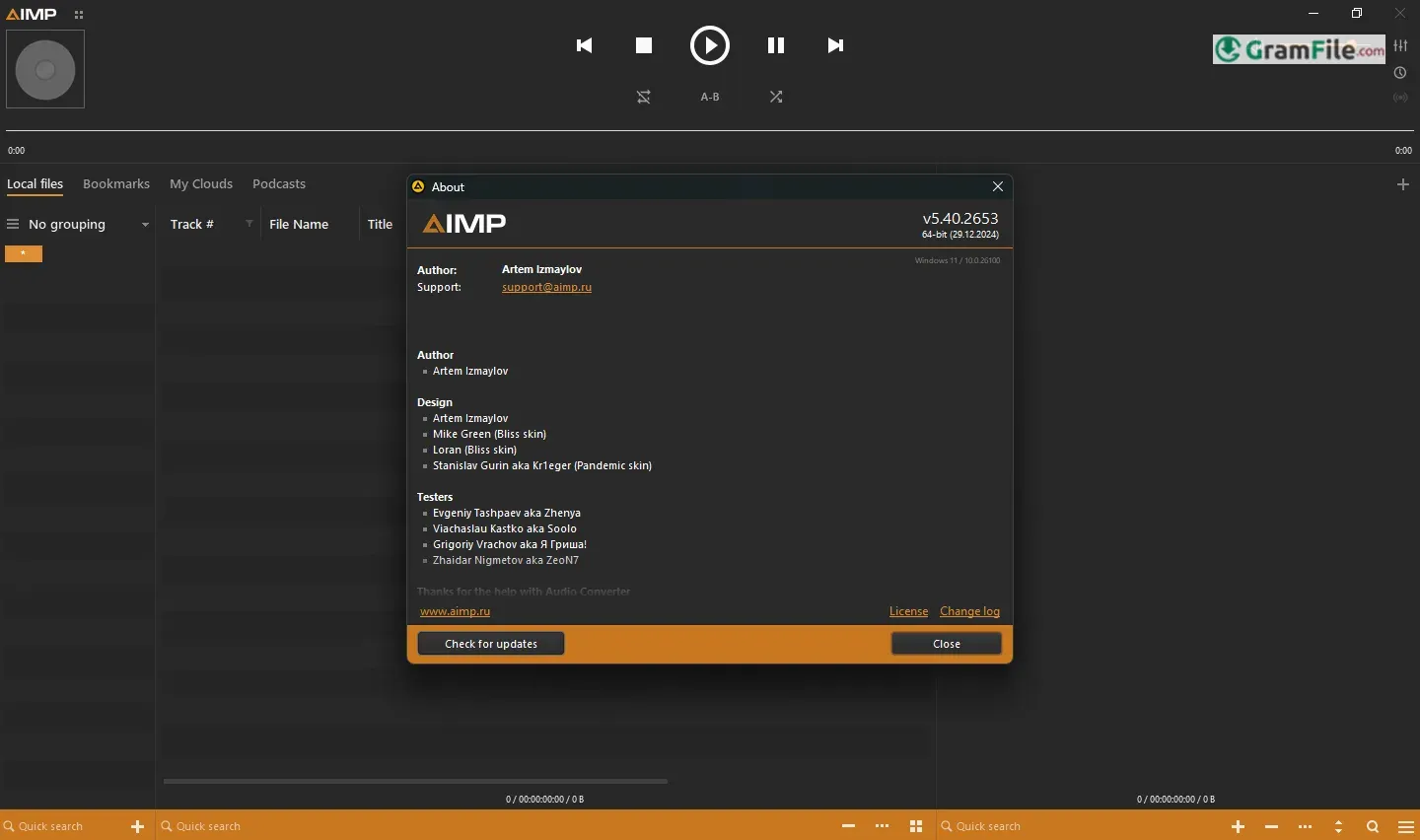
AIMP, a name that might not immediately ring bells for the casual listener, boasts a rich history deeply intertwined with the evolution of personal computing.
Emerging from the fertile ground of the early 2000s, AIMP, short for “Artem Izmaylov Media Player,” was born as a passion project by a Russian developer.
What began as a modest endeavor to create a lightweight yet powerful audio player quickly blossomed into a respected contender in the fiercely competitive audio player market.
Over the years, AIMP has quietly cultivated a loyal following, captivating users with its understated elegance, surprising depth of features, and unwavering commitment to performance and stability.
AIMP may not be the most well-known audio player, but it remains a compelling option for anyone seeking a lightweight, feature-rich, and highly customizable solution. Its focus on performance, audio quality, and user experience ensures a satisfying listening experience.
While the audio player landscape has evolved significantly, AIMP continues to demonstrate its enduring value, proving that sometimes, the underdogs can still deliver a knockout punch.
Lightweight and Resource-Friendly
AIMP remains remarkably lightweight, consuming minimal system resources. This makes it ideal for older machines or systems with limited RAM, ensuring smooth playback even with extensive music libraries.
Audio Quality
AIMP excels in audio quality, supporting a wide range of audio formats and offering high-quality output options.
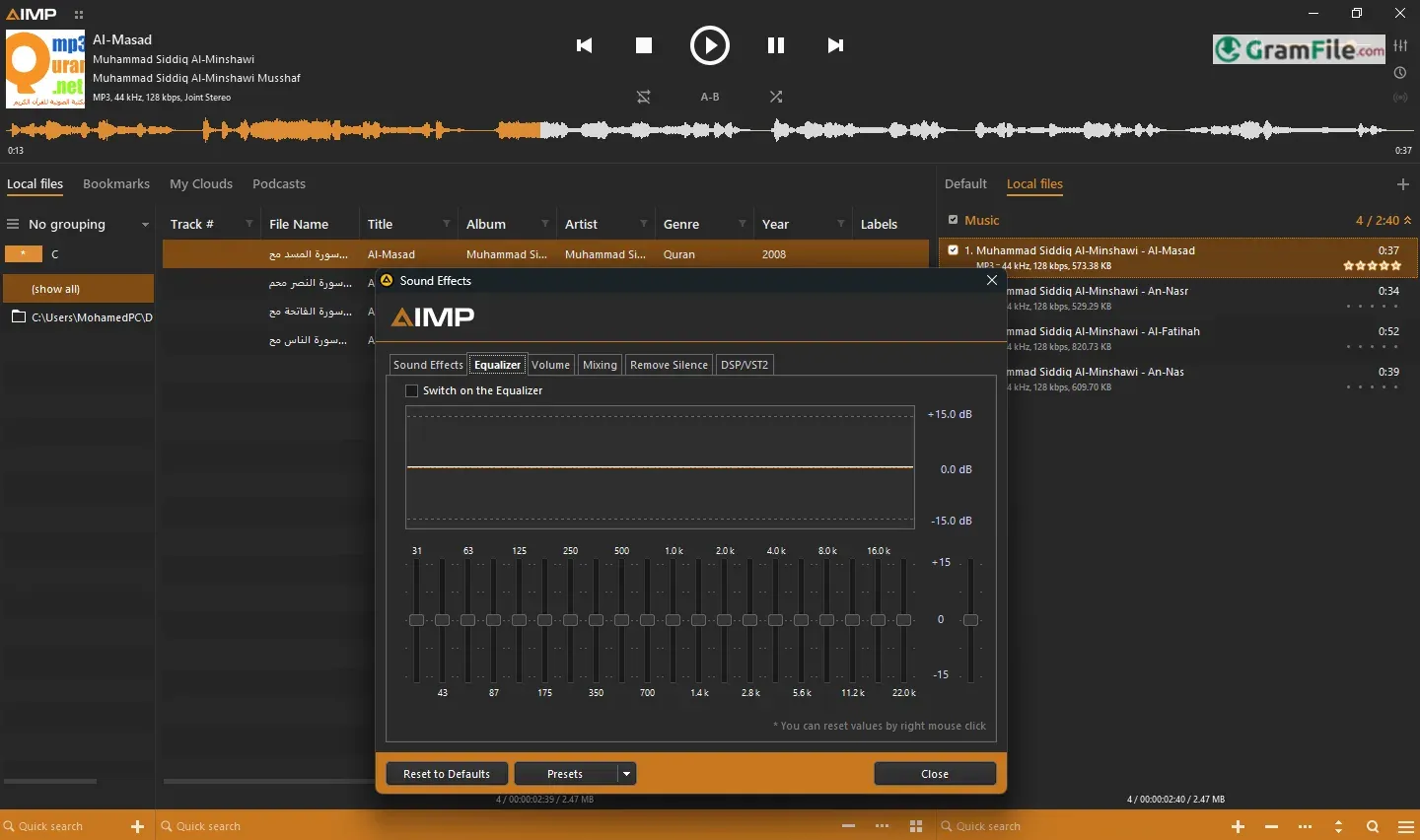
Powerful Equalizer
The built-in equalizer provides extensive control over audio playback, allowing users to fine-tune the sound to their preferences.
Advanced Tag Editing
AIMP boasts a robust tag editor that simplifies the process of organizing and managing music libraries.
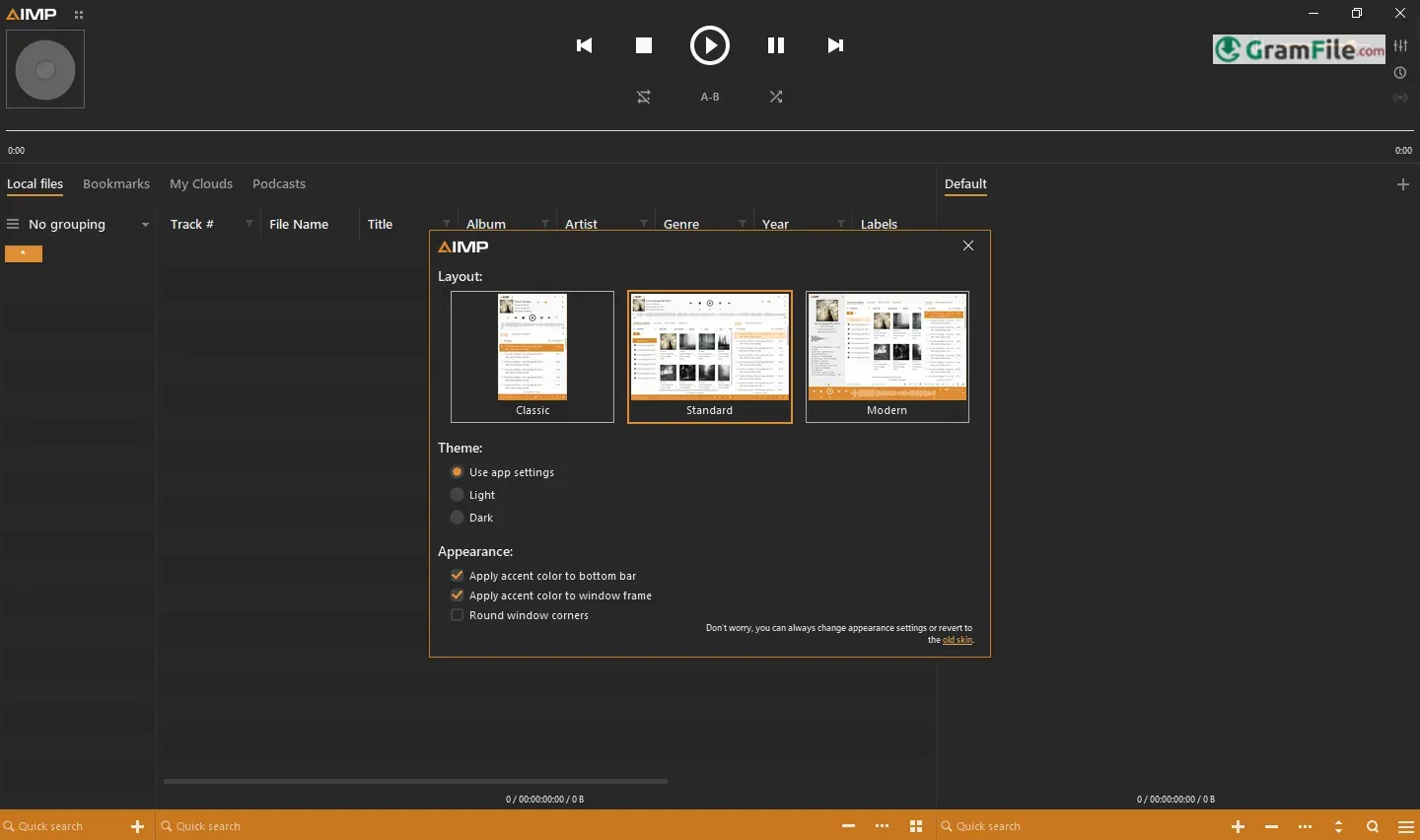
Extensive Customization: AIMP offers a high degree of customization, allowing users to tailor the player’s appearance and functionality to their liking.
The Portable 64-bit Version
AIMP’s portable 64-bit version is a standout feature. This version can be carried on a USB drive or stored in any convenient location, allowing users to enjoy their music libraries on any Windows machine without the need for installation.
This portability is a significant advantage for those who frequently work on different computers or prefer to keep their primary systems clean of unnecessary software.
Skins: A Touch of Personal Style
AIMP supports a wide variety of skins, enabling users to personalize the player’s appearance. From sleek and minimalist designs to visually striking and highly customized interfaces, there’s a skin to suit every taste.
This level of visual customization enhances the user experience and allows individuals to create a unique and enjoyable listening environment.
Key Features
- Lightweight and Resource-Efficient: Minimal system impact.
- High-Quality Audio Playback: Supports a wide range of formats.
- Powerful Equalizer: Precise audio adjustments.
- Advanced Tag Editor: Effortless music library organization.
- Extensive Customization: Skins, layouts, and more.
- Portable 64-bit Version: Enjoy music on any Windows machine.
- Playlist Management: Create, edit, and manage playlists with ease.
- Gapless Playback: Seamless audio transitions.
- Support for Audio CDs: Rip and play audio CDs.
- Built-in File Explorer: Conveniently browse and manage your music files.
- Low CPU Usage: Smooth playback on less powerful systems.
- User-Friendly Interface: Intuitive and easy to navigate.
- Regular Updates: Ongoing development and improvements.
Pros & Cons
What we liked
- Lightweight.
- High-fidelity audio.
- Powerful EQ.
- Tag editor.
- Highly customizable.
- Portable 64-bit.
- Playlist support.
- Gapless playback.
- User-friendly.
- Free to use.
What we didn't like
- Interface can feel dated.
- Limited streaming support.
- Less known than popular players.
Best AIMP Alternatives
-
 foobar2000
A minimalist, audiophile-grade audio player prioritizing performance and sound quality above all.
-
 MusicBee
A powerful audio player, manager and organizer.
-
 MediaMonkey
Expertly manages and organizes large audio libraries, offering powerful tagging, playback, and syncing across devices.
-
 Winamp
The classic audio player, back and better than ever. Experience the iconic interface, and enjoy the powerful features.
Conclusion
4.8out of 5 · 97 user ratings
AIMP may not be the most well-known audio player, but it remains a compelling option for anyone seeking a lightweight, feature-rich, and highly customizable solution. Its focus on performance, audio quality, and user experience ensures a satisfying listening experience.
While the audio player landscape has evolved significantly, AIMP continues to demonstrate its enduring value, proving that sometimes, the underdogs can still deliver a knockout punch.
I hope this review provides a unique and informative overview of AIMP for Windows!
Found a problem with this download? Report an outdated version, broken link, suspicious installer or incorrect information.
 Zoom Workplace
 Nitro PDF Pro
 Sumatra PDF
 IrfanView
 K-Lite Codec Pack
 WinRAR