

Download Details
- File size
- 21.5 MB
- License
- Free Trial
- Developer
- Bitdefender
- Supported OS
- Windows 11, Windows 10
- Installers
- 64-bit (x64), 32-bit (x86)
- Downloads
- 4395
- Rating
- 4.1 out of 5 · 36 reviews
 Reviewed by Ahmed Madbouli
Tested on Windows 11 and 10 · · How we review
Screenshots
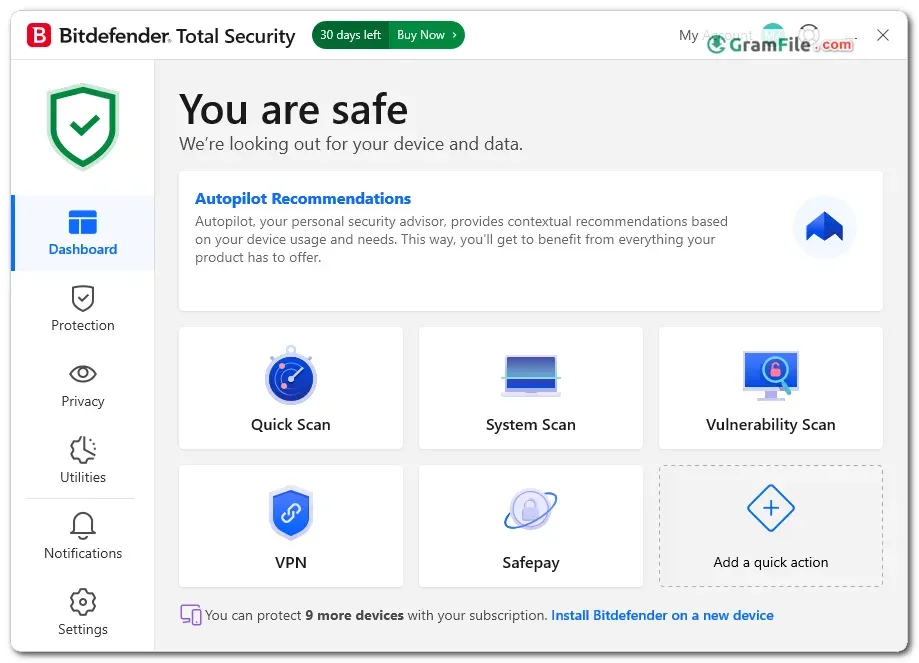

Bitdefender Total Security is a full security suite for home users who want antivirus, a protected banking browser, a firewall, a VPN and parental controls in one app.
It suits families and anyone who juggles a PC, a phone and a tablet. One subscription can cover several devices, depending on the plan.
It is worth trying if you want strong malware detection without a heavy system hit. The free trial lets you check that before you pay.
Keep in mind that the bundled VPN has a small daily data cap and that renewal prices rise after the first year.
What is Bitdefender Total Security?
Bitdefender Total Security is the all-round consumer suite from Romanian security company Bitdefender. On Windows it includes everything in Bitdefender Internet Security, plus cryptomining protection and a set of optimization tools.
It protects PCs, and the same subscription also extends to Mac, Android and iOS devices on supported plans.
Malware and Ransomware protection
The antivirus engine combines signature checks with behavior monitoring, so it can flag suspicious activity from threats that have no known signature yet.
Ransomware protection watches for unauthorized file encryption and lets you guard important folders. Web filtering blocks phishing and fraud pages before they load.
Tip: If you do online banking, use the Safepay browser for those sessions. It opens in an isolated window away from the rest of your system.
Privacy tools
The built-in VPN encrypts your traffic on public Wi-Fi. The anti-tracker extension limits the tracking scripts that follow you between sites.
A password manager and webcam and microphone protection round out the privacy side.
Tip: Turn on the webcam and microphone alerts if you use a laptop. You get a prompt whenever an app tries to use them.
Parental controls, firewall and tune-up tools
Parental controls let you filter content and set screen-time rules for kids. The firewall watches network traffic and blocks suspicious connections.
The optimization tools clean junk files and manage startup items. A file shredder deletes sensitive files for good.
Tip: Run the optimizer after a long period of installing and removing software, when startup items tend to pile up.
Where it annoys
The VPN allows only a small amount of data per day. For heavy streaming or downloading, you need to buy the premium VPN add-on.
Full system scans can be heavy on older machines. The renewal price is also higher than the first-year price, so check it before auto-renewal kicks in.
Tip: Schedule full scans for a time when you are away from the PC, such as overnight.
Free trial vs paid subscription
| Feature | Free trial | Paid subscription |
|---|---|---|
| Malware and ransomware protection | Included | Included |
| Safepay, firewall, parental controls | Included during the trial | Included |
| VPN data | Limited daily traffic | Limited daily traffic, unlimited with the premium VPN add-on |
| Duration | Limited trial period | Yearly subscription |
| Device coverage | Depends on the offer | Depends on the plan |
Is Bitdefender Total Security safe to install?
Yes. Bitdefender is an established security vendor, and this product comes from the developer’s own installer.
As with any security suite, install it on a clean system and remove other antivirus programs first.
Who should skip it
Skip it if you only want a basic free scanner. Microsoft Defender, built into Windows, covers the basics at no cost.
It is also a poor fit if you need unlimited VPN data without paying extra, or if your PC is very old and low on RAM.
How to Download & Install
Click the download button at the top of this page to get the EXE installer for Bitdefender Total Security.
Setup needs an internet connection and a free Bitdefender Central account.
- Step 1: Click the download button at the top of this page and save the EXE installer.
- Step 2: Uninstall any other antivirus first. Two real-time scanners on one PC cause slowdowns and conflicts.
- Step 3: Double-click the installer and approve the Windows User Account Control prompt.
- Step 4: Pick your language, accept the subscription agreement and click Install.
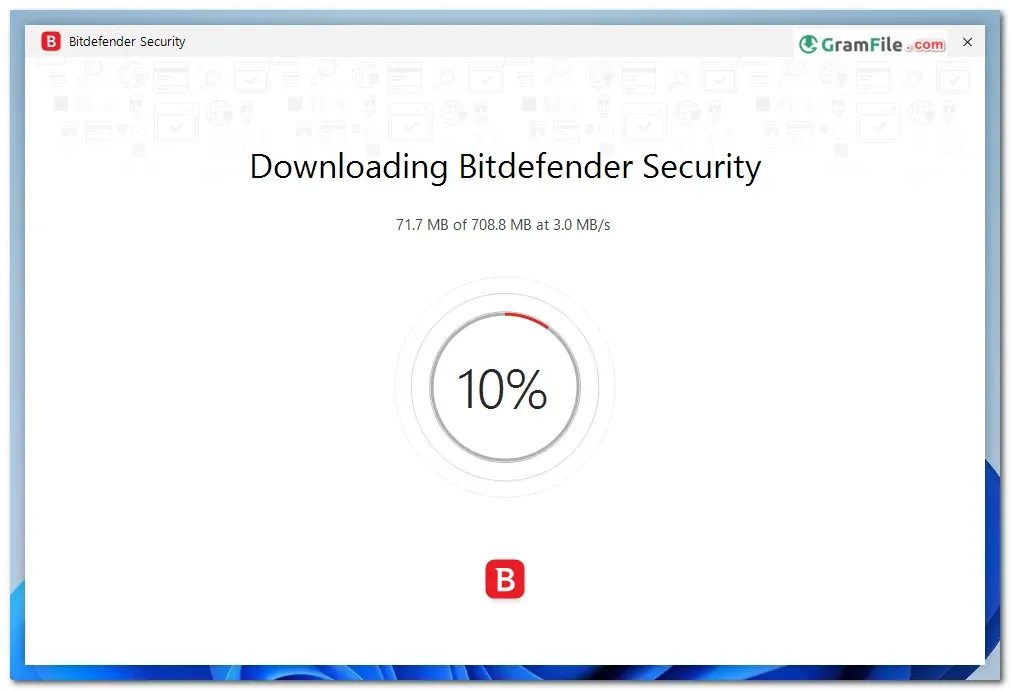
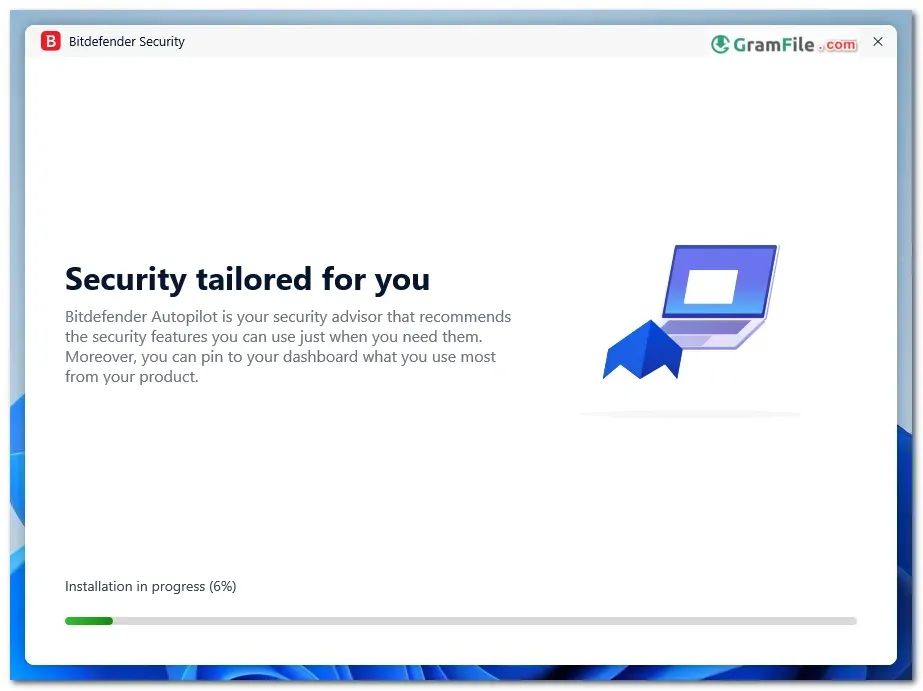
- Step 5: Wait while the installer fetches the protection components. Keep your internet on.
- Step 6: Sign in to Bitdefender Central or create an account, then start the free trial or enter your subscription code.
- Step 7: Restart the PC if asked, then run a first scan from the main window.
Installer types
The page offers one main installer for 64-bit Windows. It pulls the program components during setup, so a stable connection matters.
System requirements
- Operating system: Windows 11, Windows 10 (older Windows 8.1 and Windows 7 SP1 are listed by the vendor)
- Processor: 64-bit (x64) or 32-bit (x86)
- RAM: 2 GB
- Free disk space: 2.5 GB
- Internet connection for installation, activation and updates
License and activation
Total Security is a paid subscription with a free trial. Sign in to Bitdefender Central during setup to start the trial.
If you bought a code, enter it in the same account to activate the full subscription. Plans cover a set number of devices, so check yours before installing on more PCs.
How to update
Bitdefender updates its threat definitions and program components automatically in the background. Keep the app running and your PC online.
If automatic updates fail, install the latest installer from this page over the existing copy.
Fixing common install problems
- Setup stops or fails: Remove leftover traces of your old antivirus with its own removal tool, restart, and run the installer again.
- Stuck while fetching components: Check your connection, pause any VPN or proxy, and retry.
- Broken or half-finished install: Run Bitdefender’s own uninstall tool, reboot, then reinstall from this page.
Pros & Cons
What we liked
- Strong malware and ransomware protection
- Safepay browser protects online banking
- Parental controls and password manager included
- Covers several devices and platforms
- Free trial before you buy
What we didn't like
- VPN capped at limited daily data
- Renewal price rises after year one
- Full scans heavy on older PCs
Best Bitdefender Total Security Alternatives
-
 Norton 360
Antivirus suite with firewall, VPN and password manager in one subscription.
-
 McAfee Total Protection
Antivirus, firewall, VPN and identity monitoring bundled into one paid security suite.
-
 ESET Smart Security
Antivirus and firewall suite with gamer mode, anti-phishing and banking protection.
-
 Avira Internet Security
Internet security suite adding web protection, password manager and software updater.
Conclusion
4.1out of 5 · 36 user ratings
Choosing a security suite comes down to price, platforms and how many extras you will actually use.
The table below puts Bitdefender Total Security next to three well-known options.
| App | Best For | Price | Platform | Standout Feature |
|---|---|---|---|---|
| Bitdefender Total Security | Families and multi-device homes | Paid subscription, free trial | Windows, macOS, Android, iOS | Strong detection with Safepay and parental controls |
| Microsoft Defender | Basic built-in protection | Free | Windows | Preinstalled and integrated with Windows |
| Norton 360 | All-in-one bundle seekers | Paid subscription | Windows, macOS, Android, iOS | Bundled VPN and identity tools |
| Malwarebytes Premium | Lightweight extra layer | Paid subscription | Windows, macOS, Android, iOS | Fast, focused malware cleanup |
Final verdict
Bitdefender Total Security is a good pick for households that want one subscription to cover several devices. Its detection, ransomware protection and parental controls justify the price for most families.
Try the free trial first, and note the renewal price before you commit.
Found a problem with this download? Report an outdated version, broken link, suspicious installer or incorrect information.
 Internet Download Manager
 Sumatra PDF
 IrfanView
 WinRAR
 PotPlayer
 Google Chrome