

Download Details
- Version
- 20.0.7.0 (latest)
- File size
- 85.6 MB
- License
- Free Trial
- Security scan
- VirusTotal: 69 of 69 engines say OK (0 flagged)
- Developer
- ESET
- Supported OS
- Windows 11, Windows 10
- Installers
- 64-bit (x64), ARM (Arm64), Offline
- Downloads
- 6176
- Rating
- 4.4 out of 5 · 69 reviews
- File name(s)
- essp_nt64.exe
 Reviewed by Ahmed Madbouli
Tested on Windows 11 and 10 · · How we review
Screenshots
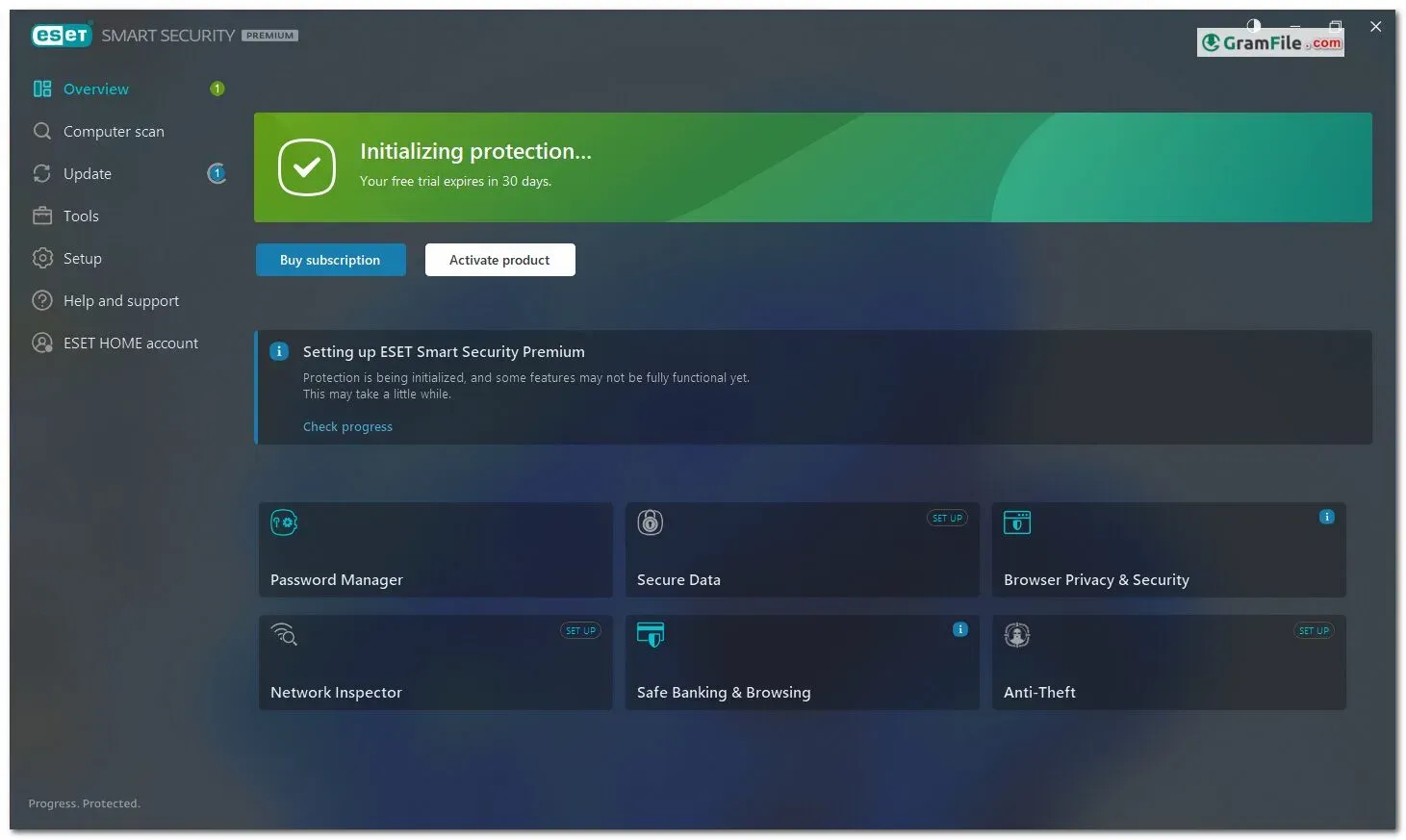
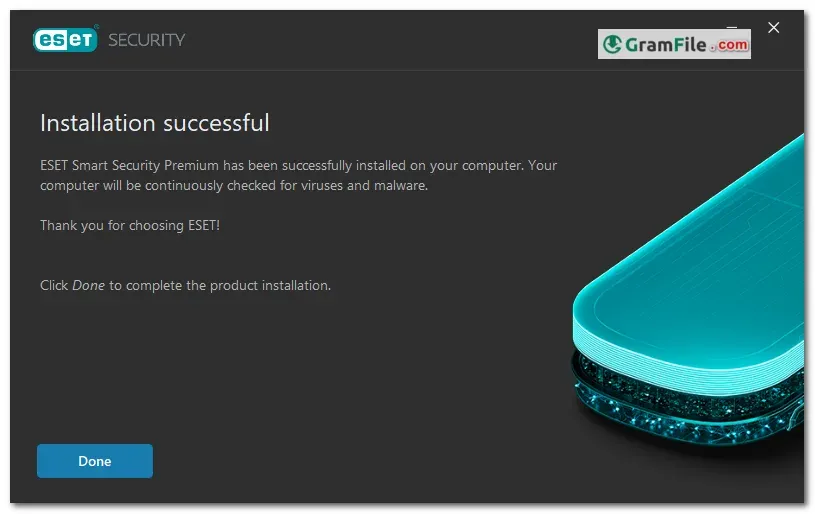
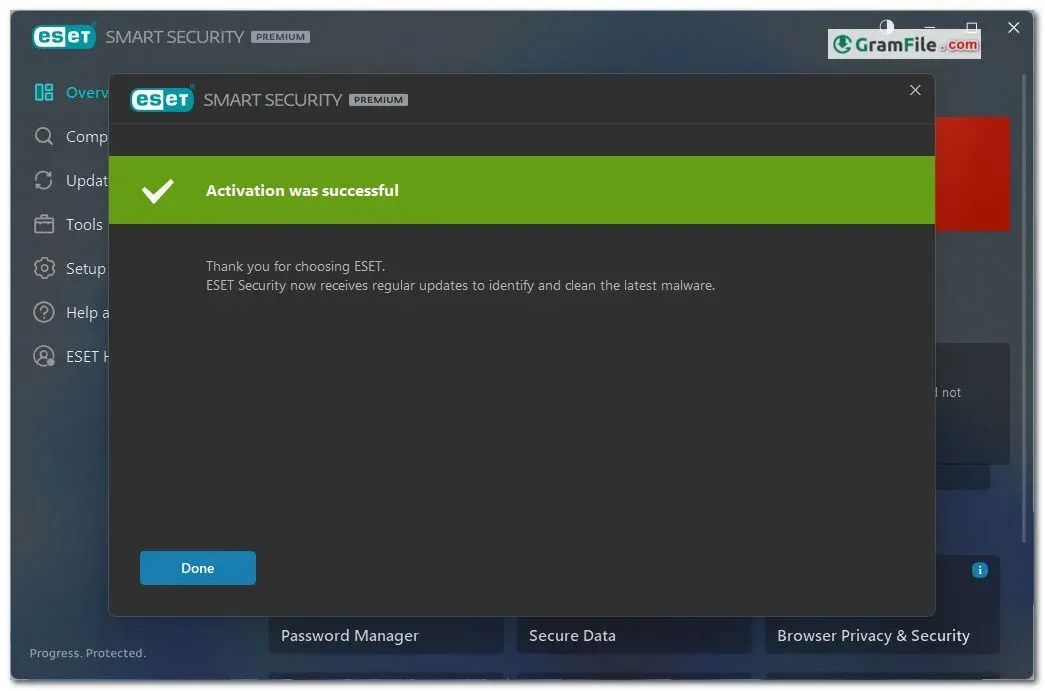
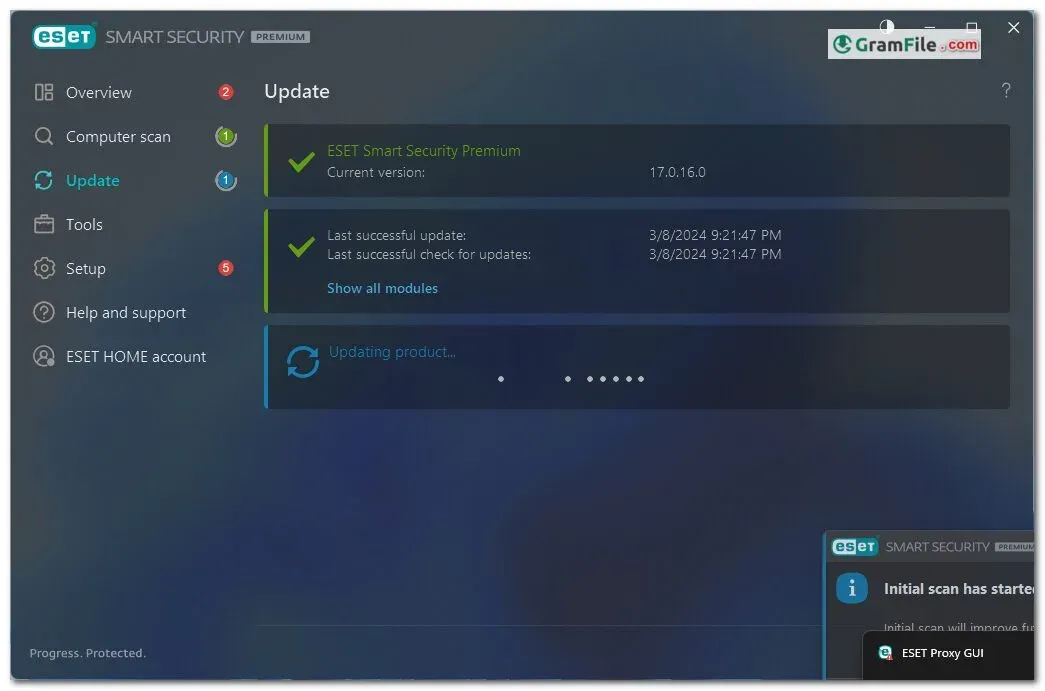
ESET Smart Security is a Windows security suite that bundles antivirus, a firewall, anti-phishing and banking protection in one app.
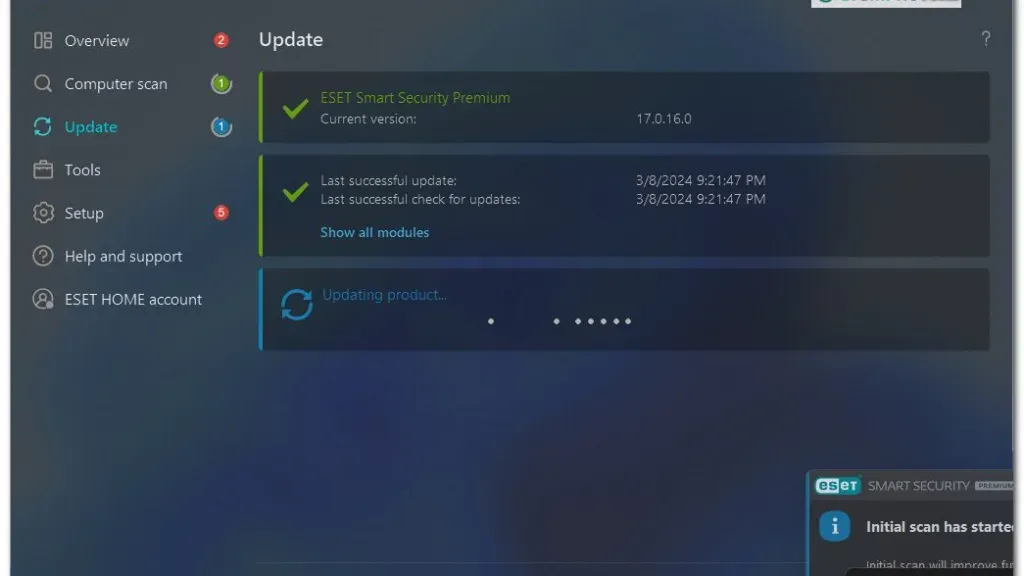
It suits people who want an all-in-one paid suite that stays quiet in the background, with Gamer Mode for full-screen apps.
It is worth trying through the 30-day free trial, because there is no permanent free version.
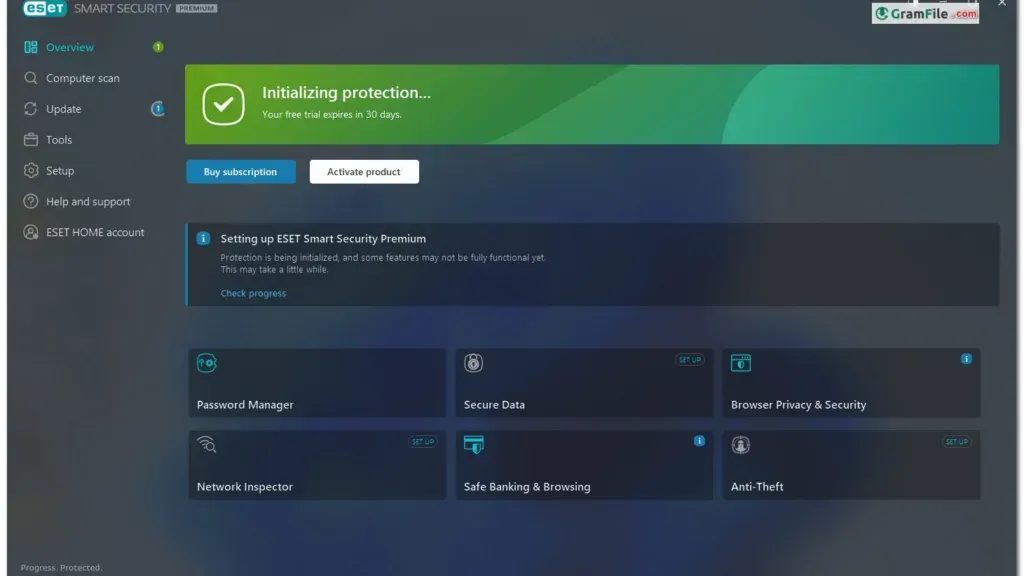
What is ESET Smart Security?
ESET Smart Security is a Windows security suite from ESET that protects against malware, phishing and network attacks.
It is sold as part of the ESET HOME Security Premium and Ultimate subscriptions, so the app name can differ from the plan name on your invoice.
That naming mismatch is cosmetic. The features come from the subscription you hold.
Protection: what it does well
- Real-time protection: files and activity are watched continuously, backed by cloud lookups and machine learning.
- Anti-phishing: fake sites that try to steal logins are blocked.
- Personal firewall: incoming and outgoing network traffic is monitored.
- Exploit Blocker: it watches for attacks on commonly targeted programs such as browsers and document readers.
- Ransomware Shield: it looks for behavior that suggests files are being encrypted.
- Banking and payment protection: a secure browser mode keeps online payments away from other processes.
Tip: use the secure browser mode whenever you log in to a bank or pay online.
Performance and Gamer Mode
ESET is built to have a small system footprint, so scans run without much fuss on an everyday PC.
Gamer Mode postpones pop-ups, updates and other heavy tasks while a full-screen app is running.
Tip: the same behavior helps during presentations and full-screen video, so notifications stay out of the way.
Extra tools in the suite
- Password Manager: stores logins and fills them in for you.
- Secure Data: encrypts sensitive files and removable drives.
- Anti-Theft: helps you track a lost or stolen laptop through your ESET account.
- Parental controls and anti-spam: filter what children can reach and clean up unwanted email.
Tip: if you already use a dedicated password manager, leave this one off to avoid keeping two vaults.
ESET Smart Security free vs paid
| Aspect | Free trial | Paid subscription |
|---|---|---|
| Cost | Free | Charged per device count and term |
| Time limit | 30 days | Length of your subscription |
| Features | Full suite to test | Full suite |
Is ESET Smart Security safe to install?
Yes. The installer on this page was checked with VirusTotal and came back clean.
The real risk is pirated keys and cracks from random sites, so stick to the trial or a legitimate subscription.
Who should skip it
- People who only want free basic protection, since Microsoft Defender is already built into Windows.
- Users who want identity monitoring, which sits in a higher ESET plan.
- Anyone on Windows on ARM who needs every feature to work.
Pros & Cons
What we liked
- Full antivirus, firewall and anti-phishing suite
- Gamer Mode postpones pop-ups and updates
- Includes password manager and file encryption
- 30-day free trial to test it
- Anti-theft for lost laptops
- Small system footprint
What we didn't like
- No permanent free version
- Subscription cost is higher than basic antivirus
- Some features limited on Windows on ARM
Best ESET Smart Security Alternatives
-
 Bitdefender Total Security
Security suite with ransomware protection, VPN and parental controls for home PCs.
-
 Norton 360
Antivirus suite with firewall, VPN and password manager in one subscription.
-
 McAfee Total Protection
Antivirus, firewall, VPN and identity monitoring bundled into one paid security suite.
-
 Avira Internet Security
Internet security suite adding web protection, password manager and software updater.
Conclusion
4.4out of 5 · 69 user ratings
A security suite is easier to judge next to the options you could pick instead.
Compare what you get, what it costs and which platforms you need to cover.
| App | Best For | Price | Platform | Standout Feature |
|---|---|---|---|---|
| ESET Smart Security | Windows users wanting an all-in-one suite | 30-day free trial, then paid | Windows | Gamer Mode plus password manager and encryption |
| Bitdefender Total Security | Households with mixed devices | Paid subscription | Windows, macOS, Android, iOS | Strong detection with low performance impact |
| Kaspersky Premium | Privacy-minded users | Paid subscription | Windows, macOS, Android, iOS | Strong protection with privacy tools |
| Microsoft Defender | Basic protection on a budget | Free (built into Windows) | Windows | Already installed, no extra setup |
Final verdict
ESET Smart Security is a good fit if you want a full Windows suite that stays out of your way, especially if you game or work in full-screen apps.
Try the 30-day trial first. If you only need basic protection, Microsoft Defender may be enough.
FAQ
Is ESET Smart Security free?
No, it comes with a 30-day free trial and then needs a paid subscription.
There is no permanent free version for Windows desktops.
Is ESET Smart Security safe to install?
Yes, the installer on this page was checked with VirusTotal and came back clean.
Always use the download button on this page rather than a crack or a random mirror.
Does ESET Smart Security work on Windows 11?
Yes, it supports Windows 11 and Windows 10.
Keep Windows updated, because ESET recommends running a current system.
What is the difference between ESET Smart Security Premium and ESET HOME Security Premium?
ESET Smart Security Premium is the Windows app included in the HOME Security Premium and Ultimate subscriptions.
The app name can stay the same while the plan name on your account differs.
Do I need to uninstall my old antivirus before installing ESET?
Yes, remove other antivirus software first, because two real-time scanners can conflict.
If a reinstall still fails, the official ESET Uninstaller clears leftover files.
Is there an offline installer for ESET Smart Security?
The database lists an offline option alongside the main installer.
Use the download button at the top of this page to see the available builds.
How do I stop ESET from interrupting games?
Gamer Mode handles this on its own by postponing pop-ups and updates during full-screen apps.
Check that it is enabled in the settings if you still see interruptions.
Found a problem with this download? Report an outdated version, broken link, suspicious installer or incorrect information.
 Internet Download Manager
 Sumatra PDF
 IrfanView
 WinRAR
 PotPlayer
 Google Chrome