

Download Details
- License
- Free Trial
- Developer
- McAfee
- Supported OS
- Windows 11, Windows 10
- Installers
- 64-bit (x64)
- Downloads
- 2591
- Rating
- 3.8 out of 5 · 16 reviews
 Reviewed by Ahmed Madbouli
Tested on Windows 11 and 10 · · How we review
Screenshots
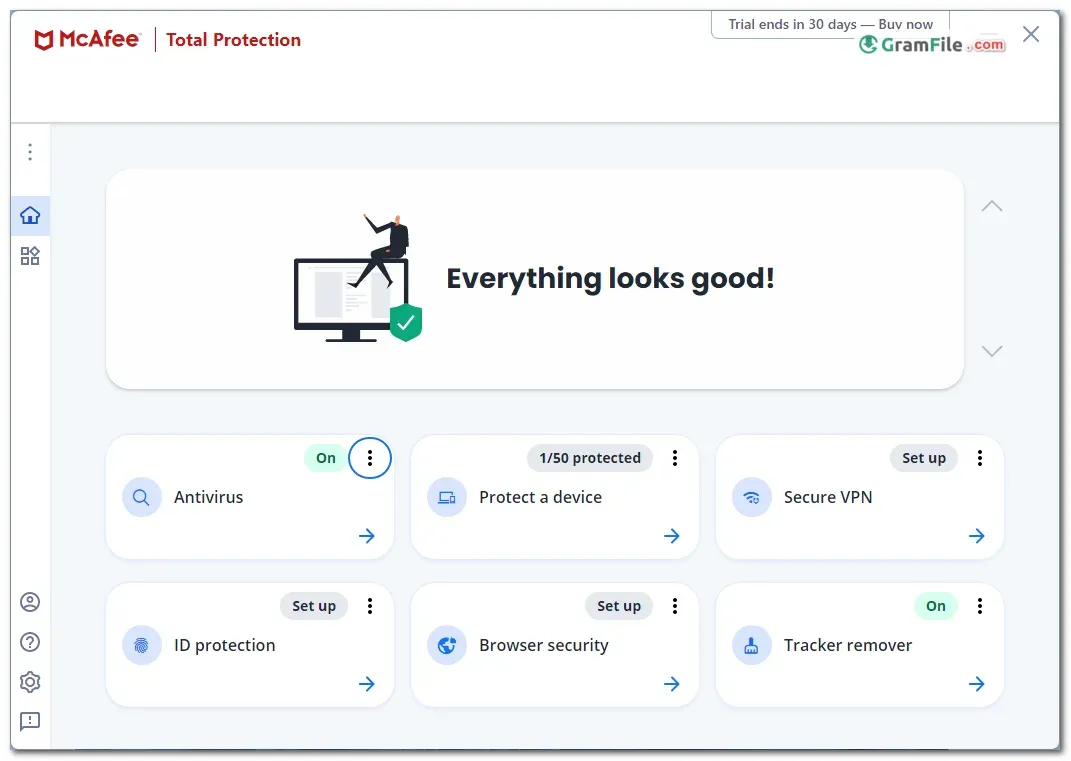
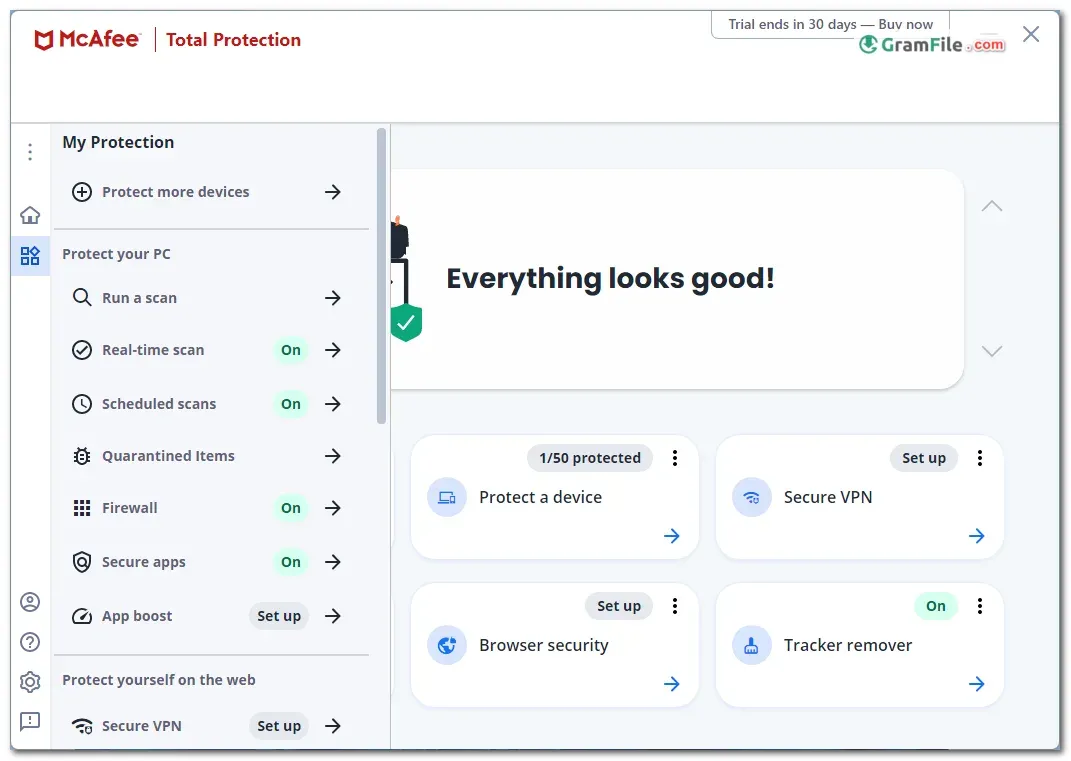
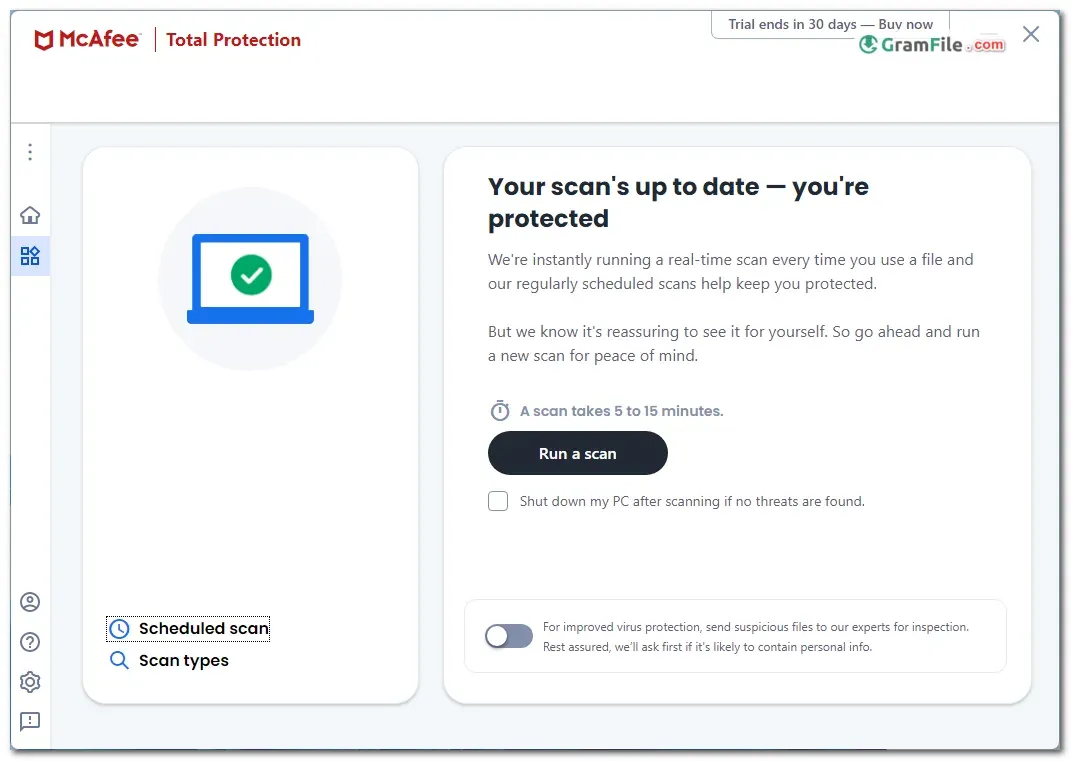
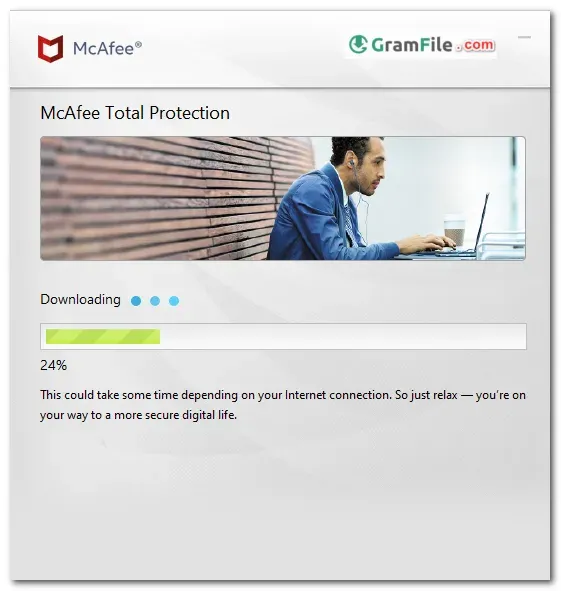
McAfee Total Protection is a paid security suite for Windows PCs. It combines antivirus, a firewall, web protection and privacy tools under one account.
It suits people who want one package for banking, shopping and family devices, and who would rather not piece together separate tools.
Some features depend on the plan you pick, including identity monitoring and the VPN, so check what is included before you pay.
The trial is the easy way to see whether it fits your PC.
What is McAfee Total Protection?
McAfee Total Protection is a consumer security suite from McAfee, a long-established security company. It goes beyond a plain virus scanner.
Depending on the plan, you get real-time antivirus, anti-phishing, a firewall, ransomware protection, a password manager and a VPN. Identity features such as dark web monitoring are plan dependent.
Malware Protection
The core protection covers viruses, malware and phishing pages in real time. Download protection checks files as they arrive.
The Protection Score gives you a quick view of what is switched on and what still needs attention.
Tip: After installing, open the Protection Score and turn on every item it flags. Most gaps come from features that are off by default.
Privacy and identity tools
Higher plans add identity monitoring and a VPN for public Wi-Fi. A file shredder helps when you need deleted files to stay deleted.
Tip: If you shop or bank on public networks, turn on the VPN before you connect.
Trial vs paid subscription
| Option | What you get | Good for |
|---|---|---|
| Free trial | Core protection for a limited period, McAfee account required | Testing speed and compatibility on your PC |
| Paid subscription | Ongoing protection, with extra tools depending on the plan | Daily use and multiple devices |
Is McAfee Total Protection safe to install?
McAfee is a well-known security vendor, and the installer on this page is the one from the developer.
Remove any other antivirus first, so two real-time scanners do not fight each other.
Who should skip it
Skip it if you only want a free, minimal scanner. Microsoft Defender already ships with Windows at no cost.
Also skip it if you run Windows Enterprise, which is not supported, or if you dislike subscription renewals.
How to Download & Install
Click the download button at the top of this page to get the EXE installer for McAfee Total Protection.
Follow the steps below to set it up on Windows 11 or Windows 10.
- Step 1: Click the download button at the top of this page and save the EXE installer.
- Step 2: Open the installer and click Yes when Windows asks for permission.
- Step 3: Sign in with your McAfee account or create a new one. The installer needs an internet connection.
- Step 4: Start the free trial, or activate your subscription if you already have one.
- Step 5: Let the installer finish. If it finds another antivirus, remove it when prompted.
- Step 6: Restart the PC, open McAfee and run a first scan.
Installer types
There is one main installer for 64-bit Windows. No separate portable version exists.
System requirements
- Windows 11 or Windows 10 (64-bit, x64 processor)
- 1 GHz processor or faster
- Internet connection (high-speed recommended)
- Windows Enterprise editions are not supported
License and activation
McAfee Total Protection starts as a free trial and continues as a paid subscription. You need a McAfee account to activate it.
Subscriptions often renew automatically, so check the renewal setting in your McAfee account if you only want the trial.
How to update
Virus definitions and program updates arrive automatically while you are online. You can also trigger a check from inside the app.
Fixing common install problems
- Another antivirus is installed: Two real-time scanners conflict. Uninstall the old one, restart, then run the McAfee installer again.
- Installer fails or stalls: Install pending Windows updates, restart and try again. McAfee expects a fully patched system.
- Unsupported edition: Windows Enterprise is not supported. Use a Home or Pro edition.
Pros & Cons
What we liked
- Real-time antivirus and anti-phishing
- Ransomware protection included
- Protection Score shows weak spots
- Firewall, VPN and password manager available
What we didn't like
- Features vary by plan
- Subscription renews automatically
- Interface favors feature tiles
Best McAfee Total Protection Alternatives
-
 Bitdefender Total Security
Security suite with ransomware protection, VPN and parental controls for home PCs.
-
 Norton 360
Antivirus suite with firewall, VPN and password manager in one subscription.
-
 ESET Smart Security
Antivirus and firewall suite with gamer mode, anti-phishing and banking protection.
-
 Avira Internet Security
Internet security suite adding web protection, password manager and software updater.
Conclusion
3.8out of 5 · 16 user ratings
Security suites differ more in extras than in basic scanning. A side-by-side view shows where McAfee fits.
Look at price, platform and the one feature each suite does best.
| App | Best For | Price | Platform | Standout Feature |
|---|---|---|---|---|
| McAfee Total Protection | Households wanting one suite for several devices | Free trial, then paid subscription | Windows, macOS, Android, iOS | Protection Score with bundled privacy tools |
| Bitdefender Total Security | Users who want light system impact | Paid subscription | Windows, macOS, Android, iOS | Strong malware detection with low resource use |
| Norton 360 | People who want backup and identity tools together | Paid subscription | Windows, macOS, Android, iOS | Bundled VPN, dark web monitoring and cloud backup |
| Microsoft Defender | Basic protection at no cost | Free | Windows | Built into Windows, nothing to install |
Final verdict
McAfee Total Protection is a solid pick if you want antivirus, a firewall and privacy tools from one vendor. Choose the plan carefully, because several features depend on it.
Start with the free trial, watch how your PC behaves, and cancel auto-renewal if it is not for you.
FAQ
Is McAfee Total Protection free?
It starts as a free trial, then continues as a paid subscription. A McAfee account is required to activate it.
Does McAfee Total Protection work on Windows 11?
Yes, it supports 64-bit Windows 11 and Windows 10. Windows Enterprise editions are not supported.
What are the system requirements for McAfee Total Protection?
You need a 64-bit Windows 11 or Windows 10 PC with a 1 GHz processor and an internet connection.
Do I need to uninstall my current antivirus first?
Yes, remove any other active antivirus before installing. Two real-time scanners can conflict and slow the system down.
Is McAfee Total Protection better than Microsoft Defender?
It depends on what you need. McAfee adds extras such as a VPN and identity tools on some plans, while Defender is free and built in.
How do I stop McAfee from renewing automatically?
Sign in to your McAfee account and turn off auto-renewal in the subscription settings. Do this before the trial ends if you do not want to be charged.
Found a problem with this download? Report an outdated version, broken link, suspicious installer or incorrect information.
 Internet Download Manager
 Sumatra PDF
 IrfanView
 WinRAR
 PotPlayer
 Google Chrome