

For years, keeping a computer running smoothly meant manual updates, troubleshooting, and hoping nothing crashed. Dell changed that with SupportAssist, a built-in tool designed to simplify PC care. Also, called Dell Support Assistant.
Originally launched in 2015, this software evolved from basic driver updates to a full-fledged maintenance assistant, automating diagnostics, optimizing performance, and even predicting hardware issues before they happen.
But does it truly deliver? In this review, we’ll break down how SupportAssist works, its strengths, and where it might fall short—helping you decide if it’s the right tool for your Dell machine.
If you own a Dell computer, you’ve probably seen SupportAssist pop up now and then, but what exactly does it do, and is it worth keeping around? This review cuts through the tech-speak to give you a clear, real-world look at Dell’s built-in maintenance tool.
What Is Dell SupportAssist?

Think of it as your PC’s personal assistant. It quietly runs in the background, handling routine tasks like:
- Driver & software updates (so you don’t have to hunt them down).
- Hardware health checks (spotting issues before they crash your system).
- Performance tuning (cleaning junk files and optimizing settings).
- Automated support (connecting you to Dell’s help desk if something’s wrong).
It’s pre-installed on most newer Dells, but you can also download it manually.
The Offline 64-bit Version
Now, people often search for an “offline 64-bit version.” Why? Well, sometimes, your computer’s internet is acting up, or you need to install it on a machine without a connection.
Dell provides a way to download the full installer, so you don’t need the internet during the setup.
To find that offline installer, you’ll have to look for the driver downloads for your particular machine on Dell’s website.
Usually, the download is provided as an executable file. This file contains all the necessary data to install the software without needing to pull down files from the internet during the install process.
Remember: If you want to install the latest version of SupportAssist or Dell Support Assistant, always use the online installer
Key Features & Highlights
- Automatic PC scans: Finds problems early.
- Driver updates: Keeps system software fresh.
- Performance tuning: Speeds up your PC.
- System cleanup: Removes junk files fast.
- Hardware checks: Tests memory, battery, and more.
- Predictive alerts: Warns before issues grow.
- Secure backups: Protects important data.
- One-click fixes: Solves common problems quickly.
- Support requests: Connects directly to Dell help.
- Warranty tracking: Shows coverage status.
How to Download & Install
Click on the above Green Download Button for official and direct download. This ensures you get a legitimate copy and avoid any potential malware.
Run the installer – Just double-click the file and follow the prompts (no tricky steps).
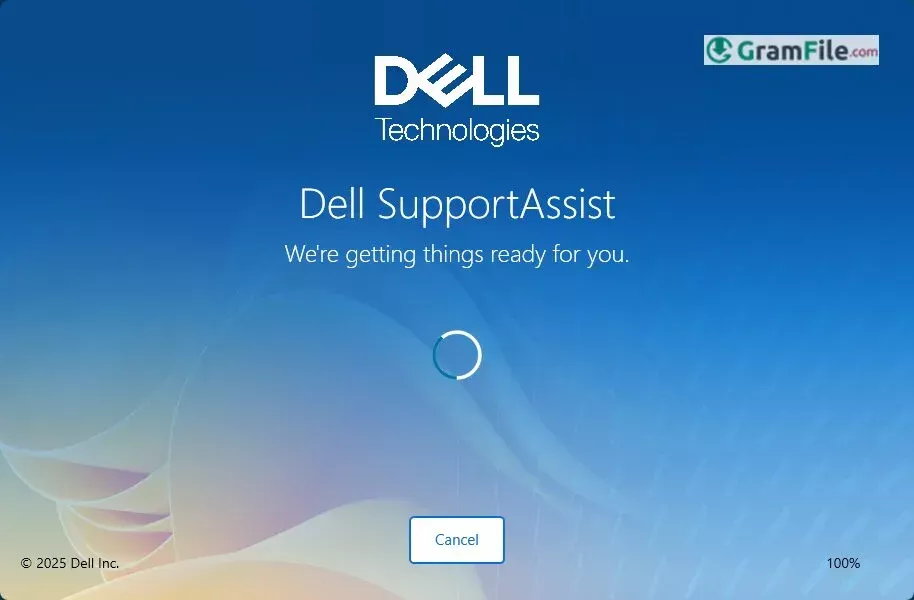
Let it do its thing – Once installed, it’ll start scanning your system automatically.