

Download Details
- Version
- 0.177.4.0 (latest)
- File size
- 863.0 MB
- License
- Free
- SHA-256 checksum
69f828186938f25c738f758a3c7f3f2ef45068d753f9a5eaa45d155253de4626- Developer
- DuckDuckGo
- Supported OS
- Windows 11, Windows 10
- Installers
- 64-bit (x64), Offline
- Downloads
- 7479
- Rating
- 4.6 out of 5 · 36 reviews
 Reviewed by Mohamed Zaki
Tested on Windows 11 and 10 · · How we review
Screenshots
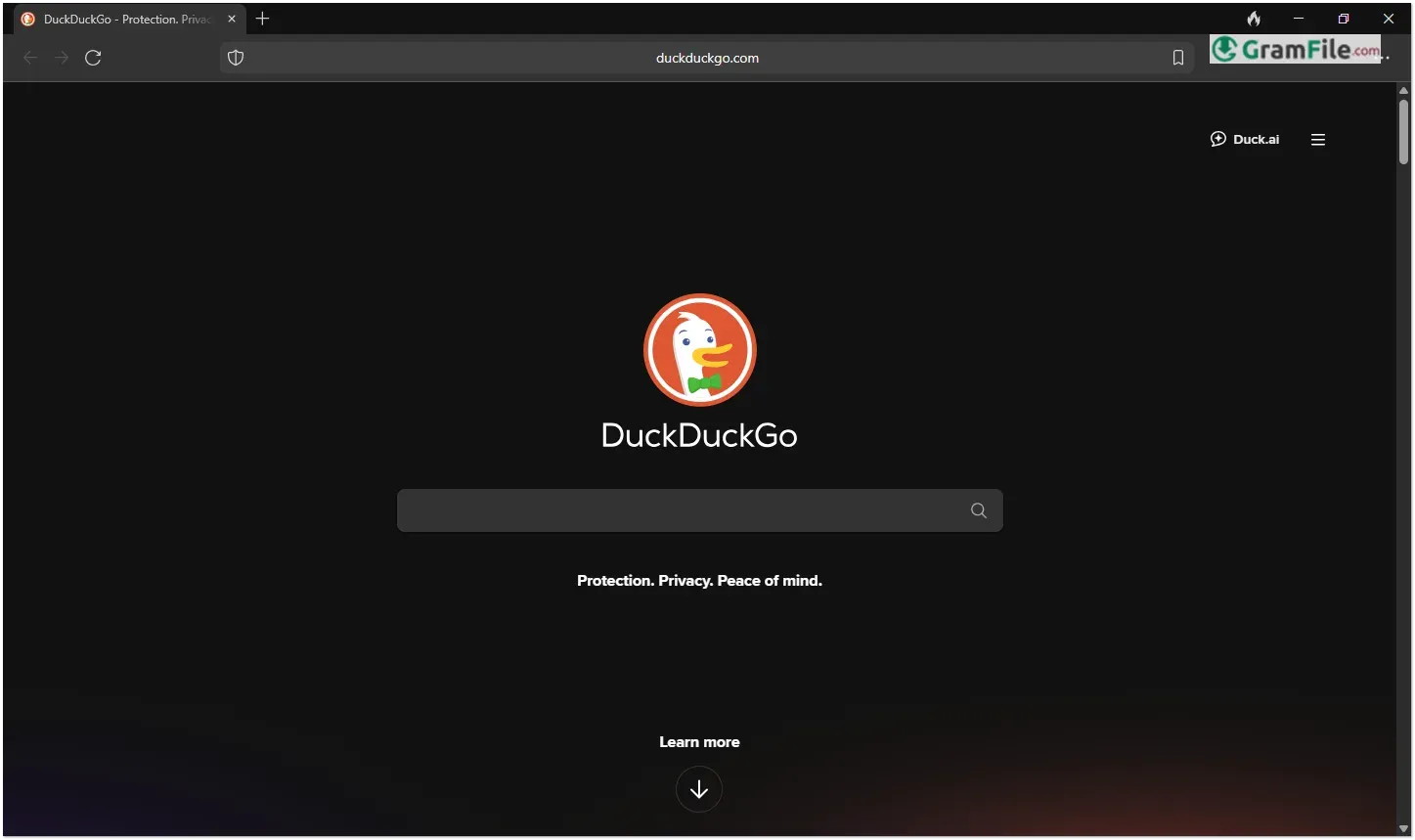
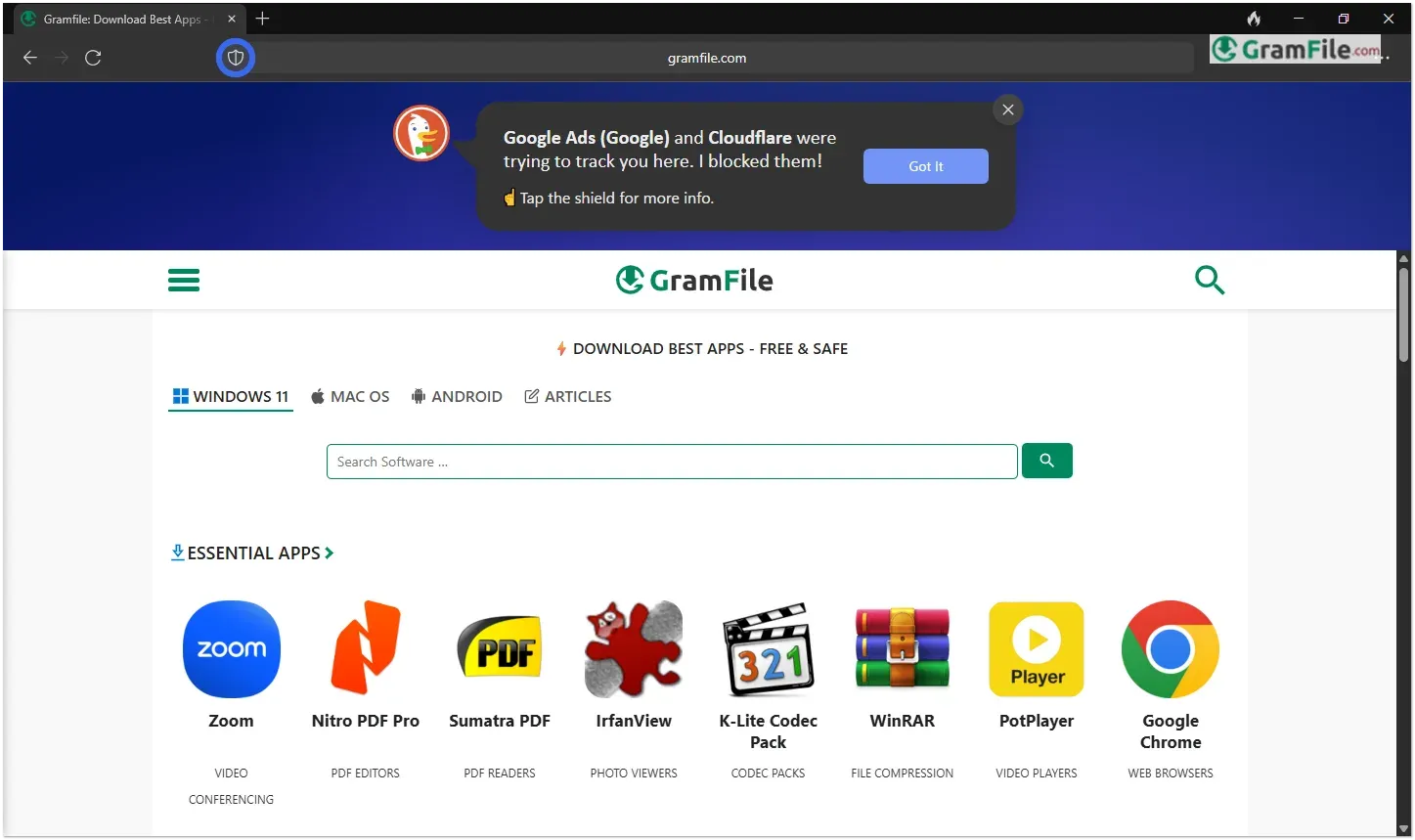
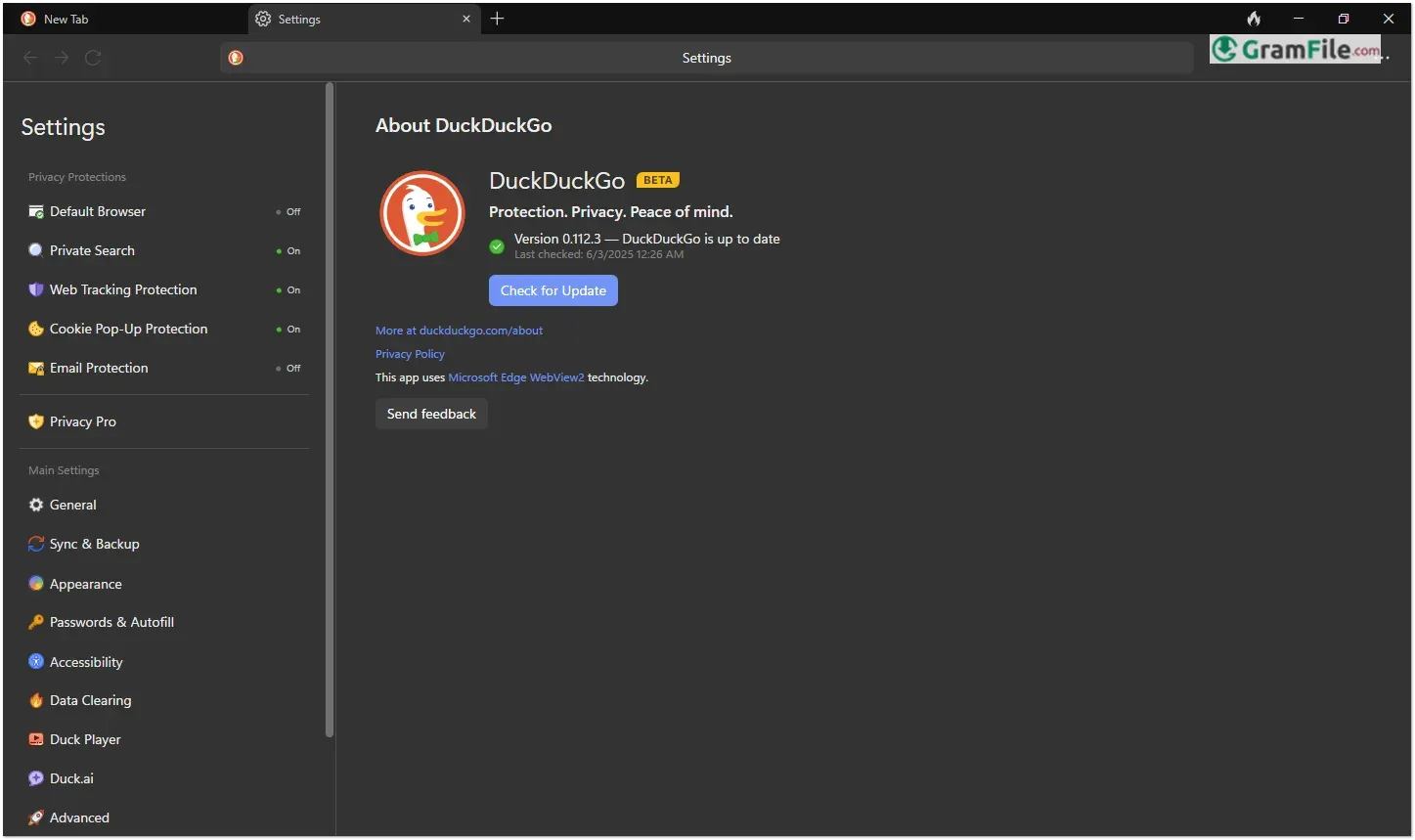
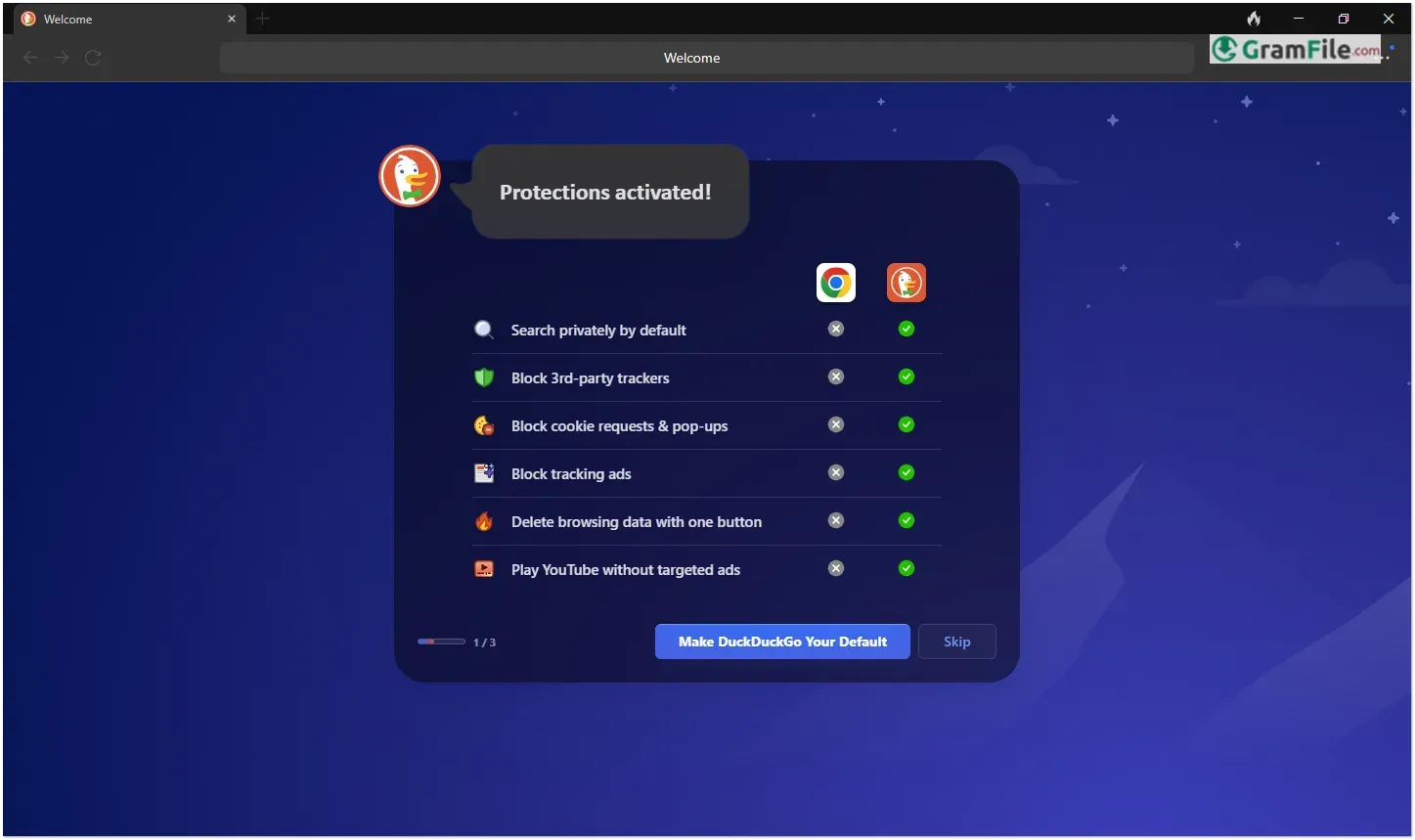
Born from the popular privacy-focused search engine, DuckDuckGo’s Windows browser brings its “no tracking” philosophy to your desktop.
Launched in 2022 as an extension of their mobile browser success, it represents the company’s direct challenge to data-hungry browsers.
Unlike competitors that treat privacy as an optional feature, DuckDuckGo builds complete protection into every aspect – from its search integration to automatic tracker blocking. The browser maintains a minimalist design while offering essential tools like email protection and one-click data clearing.
As online surveillance grows increasingly sophisticated, DuckDuckGo delivers a refreshing alternative for Windows users who value simplicity and privacy by default.
This review examines whether it can truly replace mainstream browsers while keeping its privacy promises.
What Is DuckDuckGo Browser?
DuckDuckGo Browser is a privacy-first web browser for Windows that blocks hidden trackers, forces encrypted connections, and prevents data collection by default.
Built by the team behind the private search engine, it strips away unnecessary features to focus on speed and security.
Unlike Chrome or Edge, it doesn’t save your history, track your clicks, or require an account, just clean, fast browsing.
How to Use DuckDuckGo Browser
Getting started is refreshingly simple. Just install and open the browser, you’re immediately protected with tracker blocking and encryption.
The clean interface works like any browser: type URLs in the address bar or search directly using DuckDuckGo.
For extra privacy, use the Fire Button (flame icon) to instantly erase all tabs and browsing data. Want to customize? Settings are minimal but useful, toggle cookie permissions, enable email protection, or adjust appearance in a few clicks.
Unlike other browsers, there’s no account setup, no sync complications – it just works while keeping your activity private by default.
The browser even grades each site’s privacy protection so you always know who’s trying to track you.
Main Features
Tracker Radar Blocker
Automatically stops hidden ad trackers and data collectors before they load. Pages render cleaner and load noticeably faster without all the privacy-invading junk.
Always-On Encryption
Forces websites to use secure HTTPS connections whenever possible, keeping your activity shielded from prying eyes on public networks.
Search Leak Protection
Prevents search terms from being embedded in URLs where other sites could harvest them. Your searches stay between you and DuckDuckGo.
One-Click Data Purge (Fire Button)
Instant “burner browser” mode – wipes all tabs, cookies and history with a single click. No digging through settings to cover your tracks.
Smart Cookie Management
Automatically blocks third-party cookies while intelligently allowing necessary site functionality to prevent login issues.
Email Protection (Beta)
Generates unique @duck.com aliases to shield your real email address from spam lists and data brokers.
Memory-Efficient Design
Lightweight architecture uses fewer system resources than Chrome – ideal for older PCs or multitaskers.
Clean, Distraction-Free UI
Thoughtful minimalist interface removes clutter while keeping essential controls within easy reach.
Independent Infrastructure
Runs on DuckDuckGo’s own privacy-focused network – no reliance on Google services or shared data pipelines.
Transparent Privacy Policy
The company’s business model doesn’t depend on selling your data – they make money through private search ads and partnerships.
How to Download & Install
1. Download: Click on the above Green Download Button for official and direct download.

2. Install: Run the downloader installer, no complicated setup, just click through.

3. Browse: Open and start surfing privately immediately. No accounts, no setup.
Now, the browser is installed and ready for use. Enjoy a private and fast browsing!
System Requirements
To run DuckDuckGo Browser smoothly, your PC needs:
- Windows 10 or 11 (64-bit versions only)
- 4GB RAM (8GB recommended for multitasking)
- 200MB free storage (lightweight installation)
- Modern CPU (Intel/AMD processors from 2015 or later)
- Active internet connection (for updates and security features)
The browser works on most modern Windows PCs without demanding high-end hardware. Even older machines (as long as they run Windows 10) should handle it fine.
No fancy graphics cards or excessive resources needed, DuckDuckGo keeps things simple and efficient.
Pros & Cons
What we liked
- Automatic tracker/ad blocking
- No data collection or tracking
- One-tap history deletion
- Lightweight and fast
What we didn't like
- Fewer extensions than Chrome/Firefox
- Some website compatibility issues
- No cross-device syncing
Best DuckDuckGo Browser Alternatives
-
 Google Chrome
A super speedy and secure web browser with regular updates.
-
 Microsoft Edge
Your modern, secure web browser built with smarts to boost browsing.
-
 Firefox Browser
Free, secure, customizable web browser by a non-profit.
-
 Vivaldi Browser
Supercharge your browsing with a customizable and privacy-focused explorer.
Conclusion
4.6out of 5 · 36 user ratings
Why Choose It?
DuckDuckGo Browser is for those who want privacy without the hassle. Unlike Chrome or Edge that track you by default, it automatically blocks ads, trackers, and data collection from the moment you launch it.
The one-click Fire Button gives peace of mind, instantly wiping your session like you were never there.
DuckDuckGo vs. The Rest
- Vs. Chrome/Firefox: No complicated settings to tweak for privacy – protection is built-in from the start
- Vs. Brave: Simpler approach without crypto bloat or confusing rewards systems
- Vs. Edge: Zero Microsoft telemetry or forced integrations
- Vs. Tor: Much faster for daily use while still blocking most tracking
The Bottom Line
This isn’t your do-everything browser, it’s your “I value privacy” browser.
While power users might miss some extensions, and syncing isn’t an option, DuckDuckGo delivers what it promises: A truly private browsing experience that doesn’t slow you down.
For Windows users tired of being tracked across the web, it’s the simplest way to take back control.
Found a problem with this download? Report an outdated version, broken link, suspicious installer or incorrect information.
 Zoom Workplace
 Nitro PDF Pro
 Sumatra PDF
 IrfanView
 K-Lite Codec Pack
 WinRAR