

Download Details
- Version
- 157.0.1 (latest)
- File size
- 89.4 MB
- License
- Free
- Security scan
- VirusTotal: 56 of 56 engines say OK (0 flagged)
- SHA-256 checksum
8d75486af835d4a1d7f3042db4d1bfcbe3e144a091c44d2f553ba323d11aca04- Developer
- Mozilla
- Supported OS
- Windows 11, Windows 10
- Installers
- 64-bit (x64), 32-bit (x86), ARM (Arm64), Portable, Offline
- Downloads
- 9131
- Rating
- 4.4 out of 5 · 90 reviews
- File name(s)
- Firefox Setup 157.0.1.exe
 Reviewed by Ahmed Madbouli
Tested on Windows 11 and 10 · · How we review
Screenshots
Finding a secure and fast web browser is not an easy task, right? It’s also easier than ever, thanks to the new version of Firefox Browser from Mozilla.
Almost anybody can use Firefox for Windows, all you need is a PC or laptop and an internet connection.
It is free and supports 64 bit and 32 bit systems. So, even if you’re a new internet user, you won’t have to waste a lot of time comparing available web browsers and choosing the right one for you.
In this article, I’m going to discuss how to download and install Firefox Browser on your device. In addition, we will highlight the main features of the latest version update.
Ready? Let’s start!
Firefox, the fiery orange fox gracing your screens, represents far more than just a web browser.
Developed by the non-profit Mozilla Foundation, it champions privacy, security, and open-source innovation.
This guide explores the world of Firefox, equipping you with the knowledge to download, install, customize, and leverage its full potential.
64-bit and arm64 Versions
Modern computers often utilize 64-bit architecture for improved performance. Firefox offers a 64-bit version that leverages this power for faster browsing and smoother handling of complex webpages.
For ARM-based devices like some Chromebooks and smartphones, a specifically optimized arm64 version exists, ensuring optimal performance on these machines.
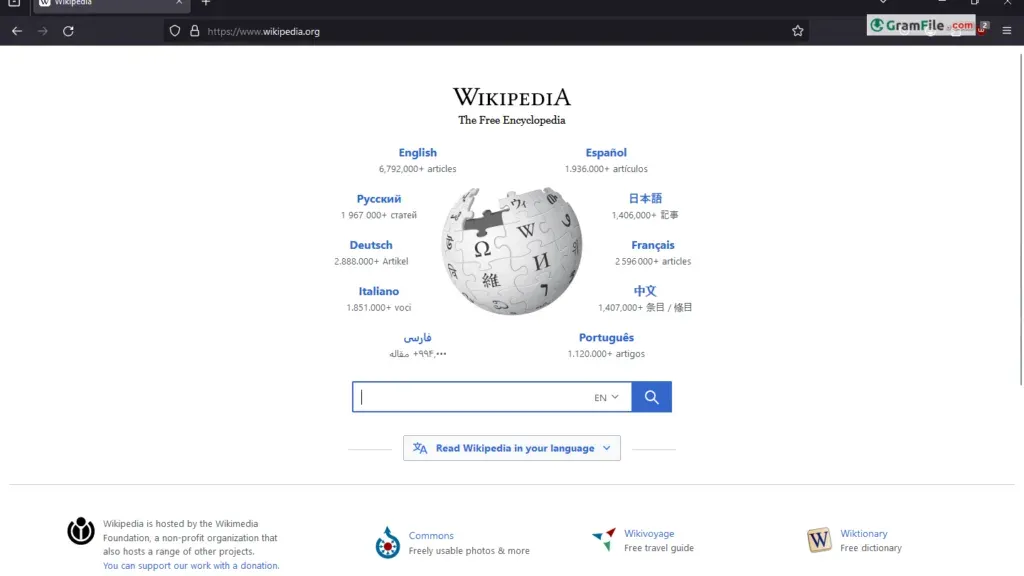
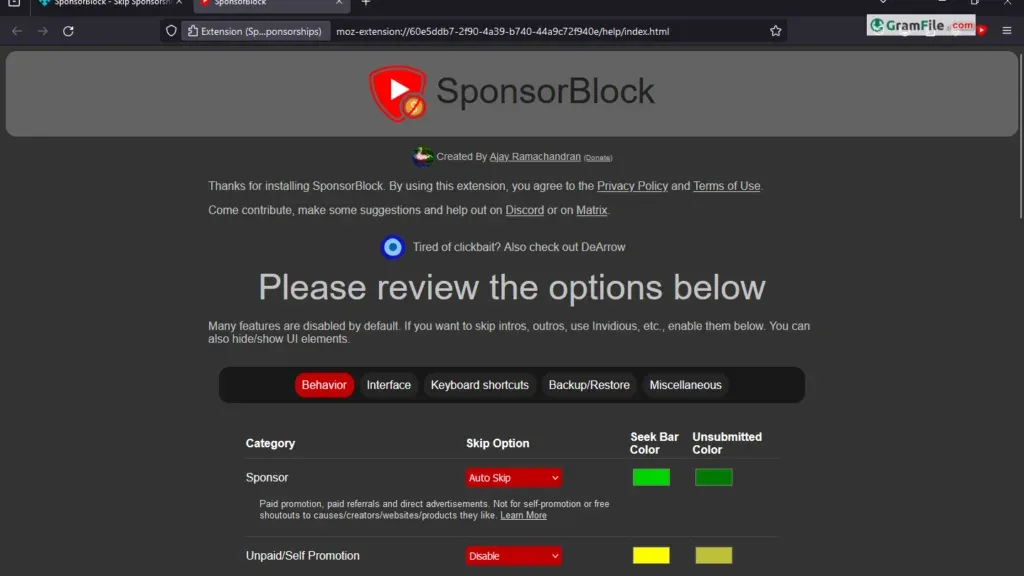
SponsorBlock Firefox: Silence the Sponsorship Noise
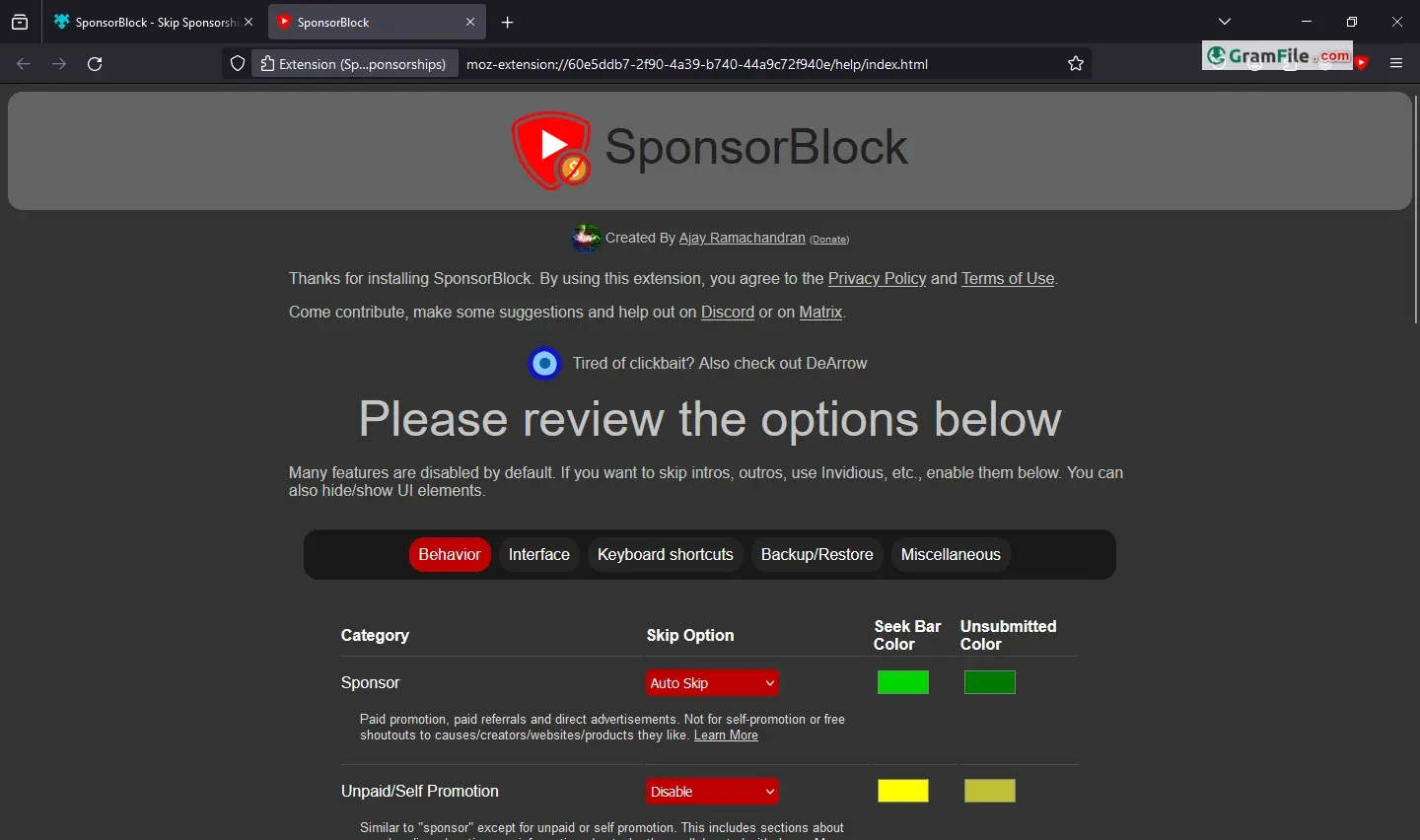
Tired of intrusive sponsor segments interrupting your favorite YouTube videos? Look no further than SponsorBlock, a fantastic community-driven extension for Firefox.
Once installed, SponsorBlock automatically skips past sponsor segments, letting you enjoy uninterrupted content. This extension is a shining example of the vast customization options Firefox offers.
Extending Your Reach: The Power of Extensions
Firefox’s true strength lies in its extensibility. The official Firefox Add-ons website (https://addons.mozilla.org/en-US/firefox/) boasts a treasure trove of free extensions.
From productivity tools like grammar checkers and password managers to privacy enhancers and ad-blockers, these extensions tailor your browsing experience to your specific needs.
Main Features
- Privacy Focused: Blocks trackers and defends against fingerprinting by default.
- Security Features: Protects you from malware, phishing and data breaches.
- Free Password Manager: Creates, stores, and auto-fills strong passwords for you.
- Customizable: Change the look and feel of your browser to fit your style.
- Add-ons: Add new features and functionality to your browser with extensions.
- Syncs Across Devices: Access your bookmarks, passwords, and history from any device.
- Fast Performance: Browse the web quickly and efficiently.
- Private Browsing: Browse the web without saving your history or cookies.
- Built-in PDF Editor: Edit PDFs directly in Firefox without having to download another program.
- Picture-in-Picture: Watch videos in a floating window while you browse other tabs.
How to Download & Install
Preparation:
- System Requirements: Head to the Mozilla website (https://support.mozilla.org/en-US/kb/supported-platforms-and-system-requirements) to ensure your Windows system meets the minimum requirements for smooth operation.
- Download Option: Choose between two methods:
-
- Online Installer: Visit the official download page (https://www.mozilla.org/en-US/firefox/windows/) and click the big orange “Download Now” button. This option automatically detects your Windows version and downloads the most suitable installer.
- Offline Installer: Prefer to be prepared? Download the offline installer from the same page by clicking the small down arrow next to the “Download Now” button and selecting “Windows Offline Installer.” This allows installation even without an internet connection.
Downloading:
Once you click “Download Now,” the installer file (usually named “Firefox Setup.exe”) will begin downloading. The download time depends on your internet speed.
Installation:
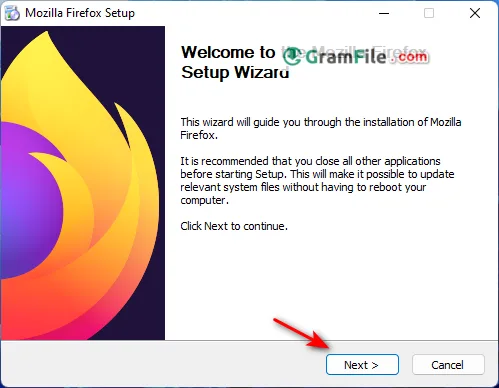
- Locate the downloaded file: After download completion, navigate to your downloads folder (usually “Downloads”) using File Explorer.
- Run the installer: Double-click the downloaded “Firefox Setup.exe” file.
- User Account Control (UAC) Prompt (Windows Vista and Later): You might see a prompt asking for permission to make changes to your computer. Click “Yes” to proceed.
- Installation Wizard: The Firefox Setup Wizard will appear. Here’s a breakdown of the options:
-
- Default Browser: Check the box if you want Firefox to become your default web browser. This means any web links you click will open in Firefox.
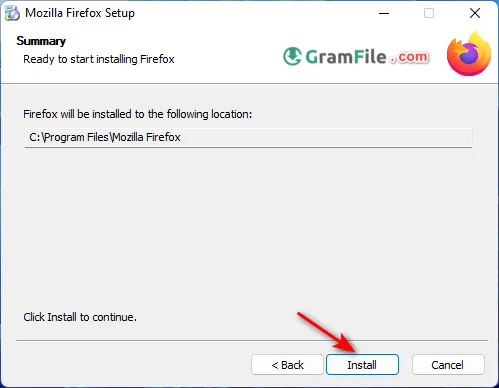
- Installation Folder: By default, Firefox installs in “C:\Program Files\Mozilla Firefox.” You can change this location by clicking “Browse” and selecting a different folder. (Not recommended for most users).
- Shortcut Creation: The wizard will create shortcuts for Firefox on your Start Menu and Desktop by default. You can uncheck these options if you don’t want them.
- Click “Install”: The installation process will begin. A progress bar will indicate the completion status.
- Finish: Once the installation is complete, you’ll see a “Finish” button. Click it to launch Firefox.
Congratulations! You’ve successfully downloaded and installed Firefox on your Windows PC. Now, you can start exploring the web with a privacy-focused and customizable browser.
Uninstalling Firefox: When It’s Time to Move On
If Firefox no longer suits your needs, uninstalling it is a breeze. The process differs slightly depending on your operating system.
Generally, you can find Firefox in your Control Panel (Windows), Applications folder (Mac), or through package management tools (Linux). Locate Firefox, initiate the uninstall process, and follow the prompts.
Pros & Cons
What we liked
- Free, open-source, and highly customizable.
- Fast performance.
- Strong privacy features.
- Wide range of extensions.
What we didn't like
- Can be less stable than Chrome
- Smaller selection of extensions compared to Chrome
- May require more tweaking for optimal performance
Best Firefox Browser Alternatives
-
 Google Chrome
A super speedy and secure web browser with regular updates.
-
 Microsoft Edge
Your modern, secure web browser built with smarts to boost browsing.
-
 Vivaldi Browser
Supercharge your browsing with a customizable and privacy-focused explorer.
-
 Brave Browser
The privacy-focused browser that rewards you for your time online.
Conclusion
4.4out of 5 · 90 user ratings
We’ve covered everything you need to know about Firefox Browser. Now you can download, install and update your browser to the latest version.
Firefox stands as a powerful and customizable web browser with a strong focus on user privacy and open-source innovation. Latest version introduces faster and safer web browsing for 64 bit and 32 bit PC and laptop.
Of course, Firefox is not the only good web browser to consider, but it has many features that deserve trying. In addition, it has a portable version which means you can try it without a real installation.
Try it Now and wait any longer!
FAQ
Does Firefox still work on Windows 7, Windows 8.1 and Windows 10?
Windows 10 and Windows 11 are supported. Mozilla ended security updates for Windows 7, 8 and 8.1 in early 2026, so those systems no longer get safe, current Firefox builds. Upgrade the operating system instead of relying on an old browser, and check Mozilla’s system requirements page for the latest details.
Which Firefox download should I choose: 64-bit, 32-bit, ARM64 or the offline installer?
Choose 64-bit for most Windows 11 and Windows 10 PCs. Pick 32-bit only on a 32-bit system and ARM64 only on Windows devices with an ARM processor. The offline installer contains everything, which helps on slow connections or when you set up several computers.
Does uBlock Origin still work in Firefox, and is it better than Chrome for ad blocking?
Firefox still supports the older extension format the full version of uBlock Origin relies on, and Mozilla has said it has no current plans to remove it. Chrome has moved to the newer format, which limits classic ad blockers. Policies can change, so check Mozilla’s add-ons site before relying on a specific extension.
How do I import bookmarks and passwords from Chrome or Edge into Firefox?
Open the Bookmarks menu, choose Manage bookmarks, then Import and Backup, and select Import data from another browser. For passwords, type about:logins in the address bar, open the three dot menu and choose Import from another browser. Close the other browser first.
How do I make Firefox my default browser on Windows 11?
Open Firefox, go to Settings, then General, and click Make Default. If Windows does not apply it, open Windows Settings, then Apps, then Default apps, choose Firefox and set it for HTTP, HTTPS and HTML. Windows 11 stores these choices per file type.
Why is Firefox slow or using too much memory, and how do I fix it?
Open about:processes to find the tab or extension using the most resources and close or remove it. Then restart in Troubleshoot Mode from the Help menu to test without extensions. If problems continue, update your graphics driver or use Refresh Firefox from the about:support page, which keeps bookmarks and passwords.
Found a problem with this download? Report an outdated version, broken link, suspicious installer or incorrect information.
Changelog - What's new in version 157.0.1
Version 157.0.1, first offered to Release channel users on October 6, 2026Fixed
- Fixed downloads failing on macOS when Firefox is set to ask where to save files but doesn't have permission to access the Downloads folder. (Bug 2077390)
- Fixed the sidebar getting stuck on the Bookmarks or AI Chatbot panel for some users. (Bug 2076296)
- Fixed the Restore from Backup option not appearing during onboarding on Windows. (Bug 2073401)
- Security fix.
- Reference link to 157.0 release notes.
 Zoom Workplace
 Nitro PDF Pro
 Sumatra PDF
 IrfanView
 K-Lite Codec Pack
 WinRAR