

Download Details
- Version
- 1.3.210.0 (latest)
- File size
- 252.0 MB
- License
- Free
- Security scan
- VirusTotal: 58 of 58 engines say OK (0 flagged)
- SHA-256 checksum
d55d79710edfeaa107a62f2ea007bec1eeeac8b715a43c2ba3858eec7bc60337- Developer
- Epic Games, Inc.
- Supported OS
- Windows 11, Windows 10
- Installers
- 64-bit (x64), ARM (Arm64), Offline
- Downloads
- 17544
- Rating
- 4.6 out of 5 · 57 reviews
- File name(s)
- EpicInstaller-20.3.3.msi
 Reviewed by Mohamed Zaki
Tested on Windows 11 and 10 · · How we review
Screenshots
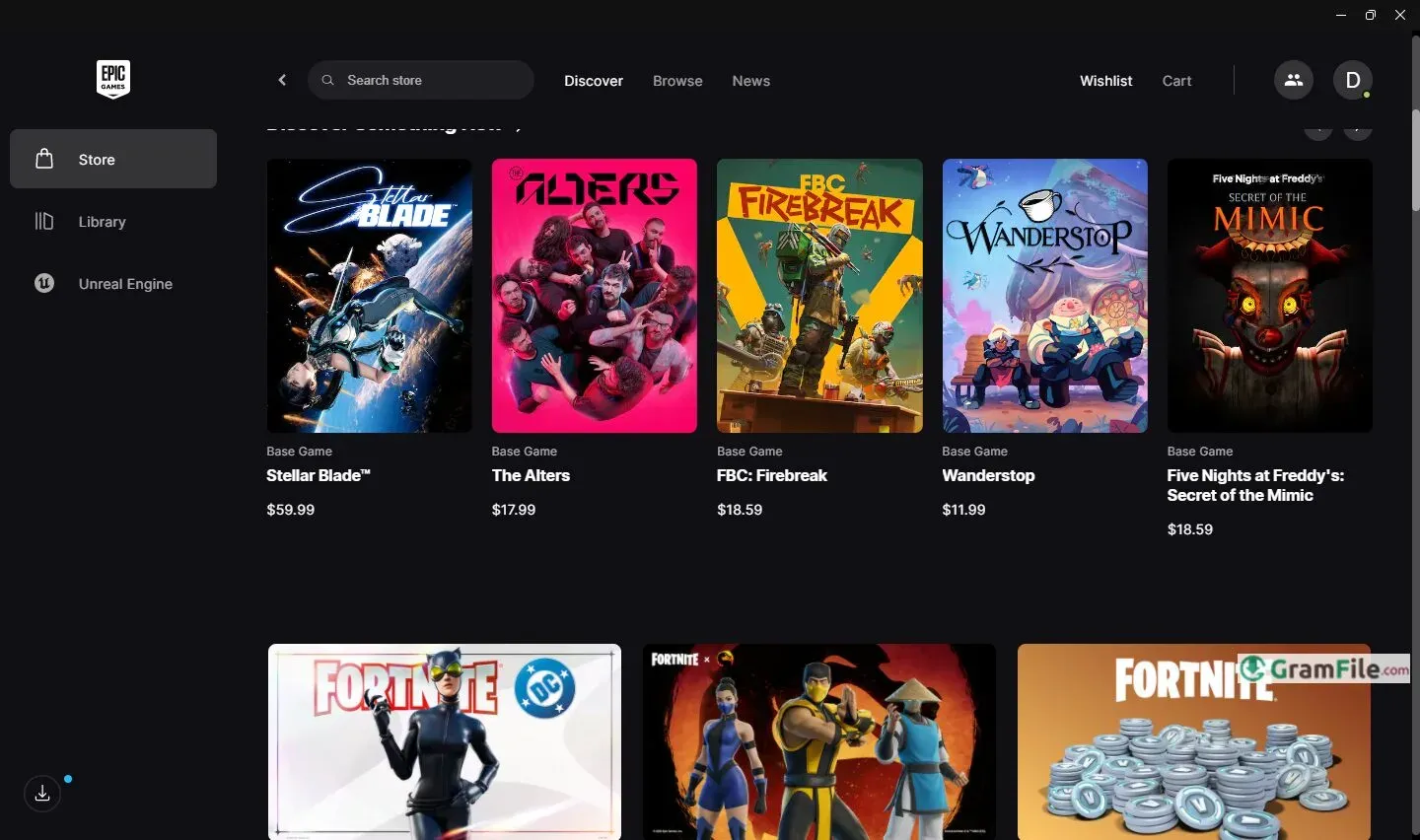
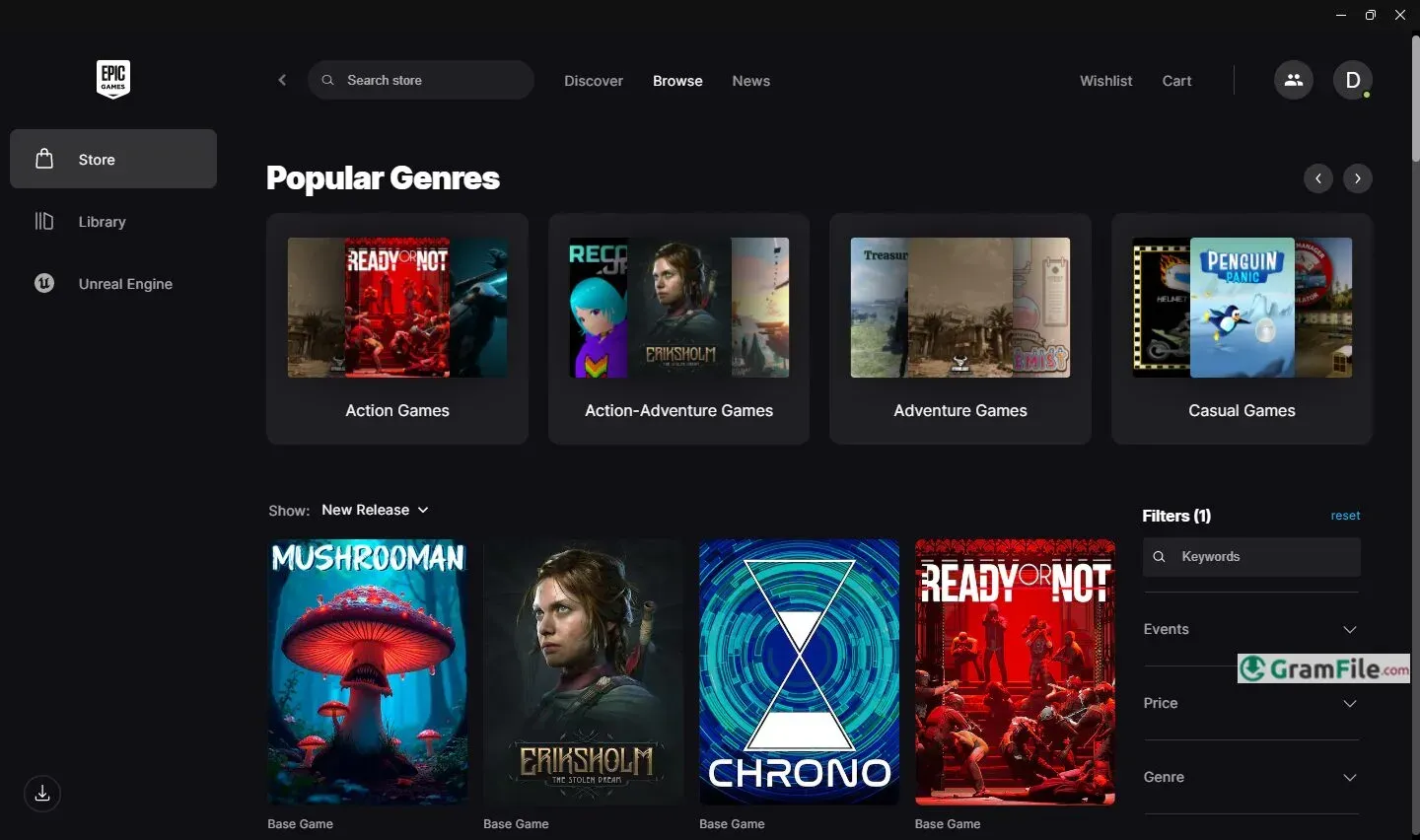
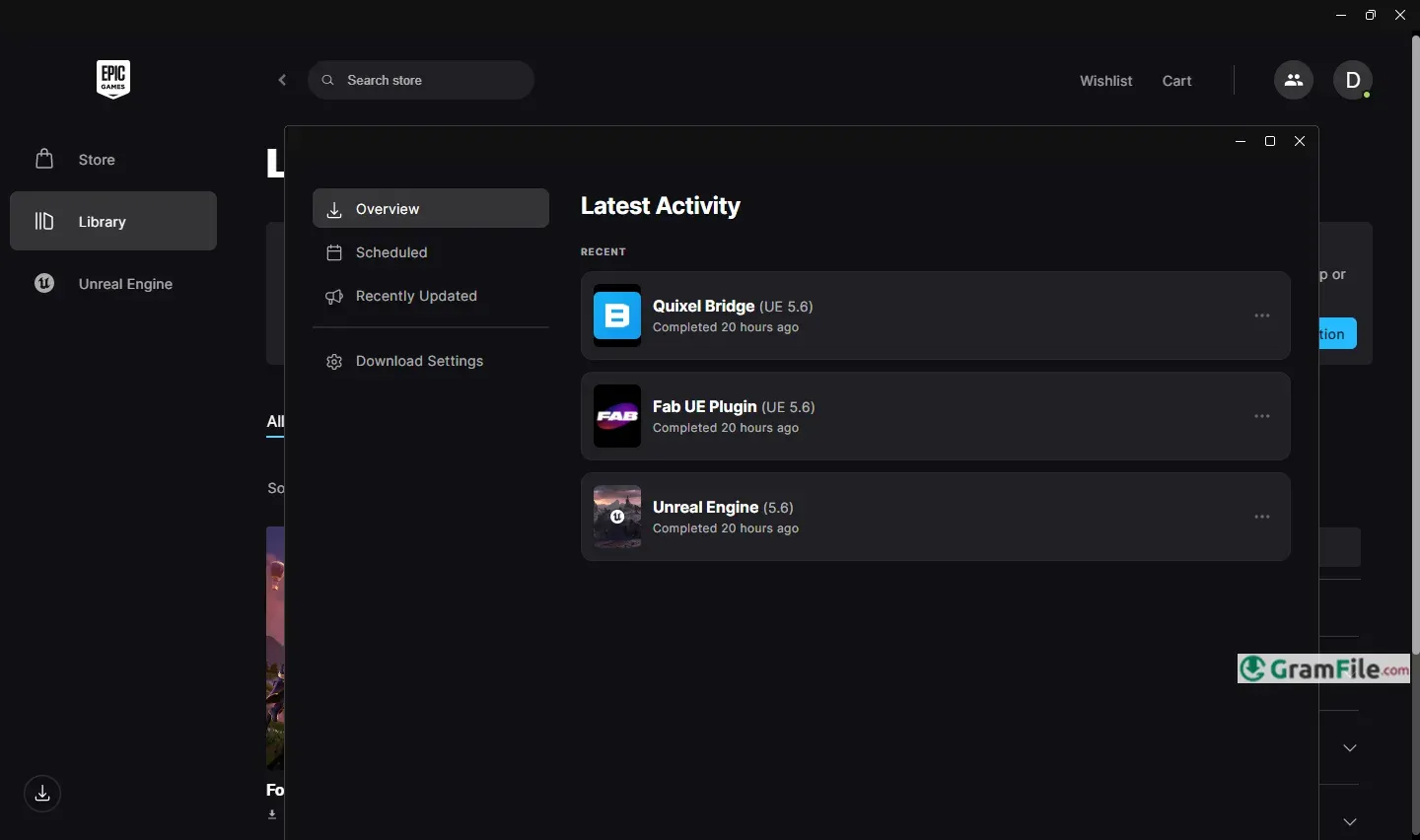
Every PC gamer has heard of the Epic Games Launcher by now. Whether you love it or just tolerate it for the free games, there’s no denying it’s become a must-have app.
It’s a simple way to buy, download, and play games, but Epic has turned it into something bigger with exclusive releases, developer showcases, and those infamous weekly freebies that keep us all checking back.
Epic launched this app back in 2018, right when Fortnite was exploding, and they’ve been hustling ever since to make it a real competitor to Steam.
So, what is the Epic Games Launcher? Think of it as your game library and storefront, but with a twist.
Made by the Fortnite creators, this app lets you buy, download, and play PC games in one place. But here’s why people actually care: Epic gives away free games every week, no strings attached. Yeah, really.
It’s not just a store, though. The launcher keeps your games updated automatically, saves your progress to the cloud (so you won’t lose hours of gameplay), and even lets you squad up with friends.
It’s clean, simple to navigate, and doesn’t slow down your system.
Epic launched this back in 2018, and it quickly surprised PC gaming by obtaining exclusives like Borderlands 3 and Kingdom Hearts, plus tossing freebies like GTA V and Civilization VI at users. Love it or hate it, it’s forced rivals to step up their game.
- Exclusive Releases: Play major games (Alan Wake 2, Dead Island 2) months before they hit other stores.
- Cloud Saves: Pick up where you left off, even if you switch PCs. No sweat.
- Friend System: Squad up, chat, and track buddies—simple but gets the job done.
- Unreal Engine Hub: If you tinker with game dev, it’s your gateway to tools, assets, and tutorials.
- Lightweight Design: Installs fast, updates quietly, and won’t slow down your rig.
System Requirements
- Windows 10 or 11 (64-bit)
- A dual-core processor from the last decade (Intel or AMD).
- 4 GB of RAM
- About 1 GB of free storage for the launcher itself (games need extra space!).
- A DirectX 11-capable GPU: even basic modern graphics cards handle this.
- Internet access (obviously, for downloads and updates).
Pros & Cons
What we liked
- Free games weekly.
- Exclusive titles first.
- Cloud saves work.
- Clean, fast design.
- Fair to creators.
- Light on RAM.
What we didn't like
- No reviews.
- Few payment options.
- No forums.
- Occasional bugs.
Best Epic Games Launcher Alternatives
-
 Steam
SteamA gaming hub for buying, playing, and managing PC games.
-
 Minecraft Launcher
It is the official hub to download, manage, and play Minecraft and its various versions easily.
-
 Dolphin Emulator
Run GameCube and Wii games on your PC with simple and fun gameplay.
-
 Java for Minecraft
The specific software environment that allows the game to run smoothly on your computer.
Conclusion
4.6out of 5 · 57 user ratings
Why choose it? Simple: free games and exclusives you can’t play elsewhere. If you want AAA titles at zero cost (GTA V, Civilization, Borderlands), or crave hot new releases months before Steam, Epic delivers. It’s clean, quiet, and respects your PC’s resources.
Epic vs. Others (Like Steam)
- 🎁 Epic gives free weekly games; Steam rarely does.
- ⚡ Epic runs lighter; Steam feels heavier with features.
- 💸 Epic takes just 12% from devs; Steam takes 30%.
- ❌ But Epic lacks reviews/forums; Steam’s community tools win.
Verdict?
Install it. Claim the freebies. Use it for exclusives. Ignore the haters, you’re getting free games. Just keep Steam for everything else.
Found a problem with this download? Report an outdated version, broken link, suspicious installer or incorrect information.
 Zoom Workplace
 Nitro PDF Pro
 Sumatra PDF
 IrfanView
 K-Lite Codec Pack
 WinRAR