

Download Details
- Version
- 3.8 (latest)
- File size
- 3.12 GB
- License
- Free
- Developer
- Valve Corporation
- CPU Support
- 64-bit (x64), Offline
- Downloads
- 8271
- Rating
- 4.3 out of 5 · 35 reviews
- File name(s)
- steamdeck-oobe-repair-20260707.10-3.8.14.img.bz2
 Reviewed by Mohamed Zaki
Tested on PC, Virtual Machine · · How we review
Screenshots
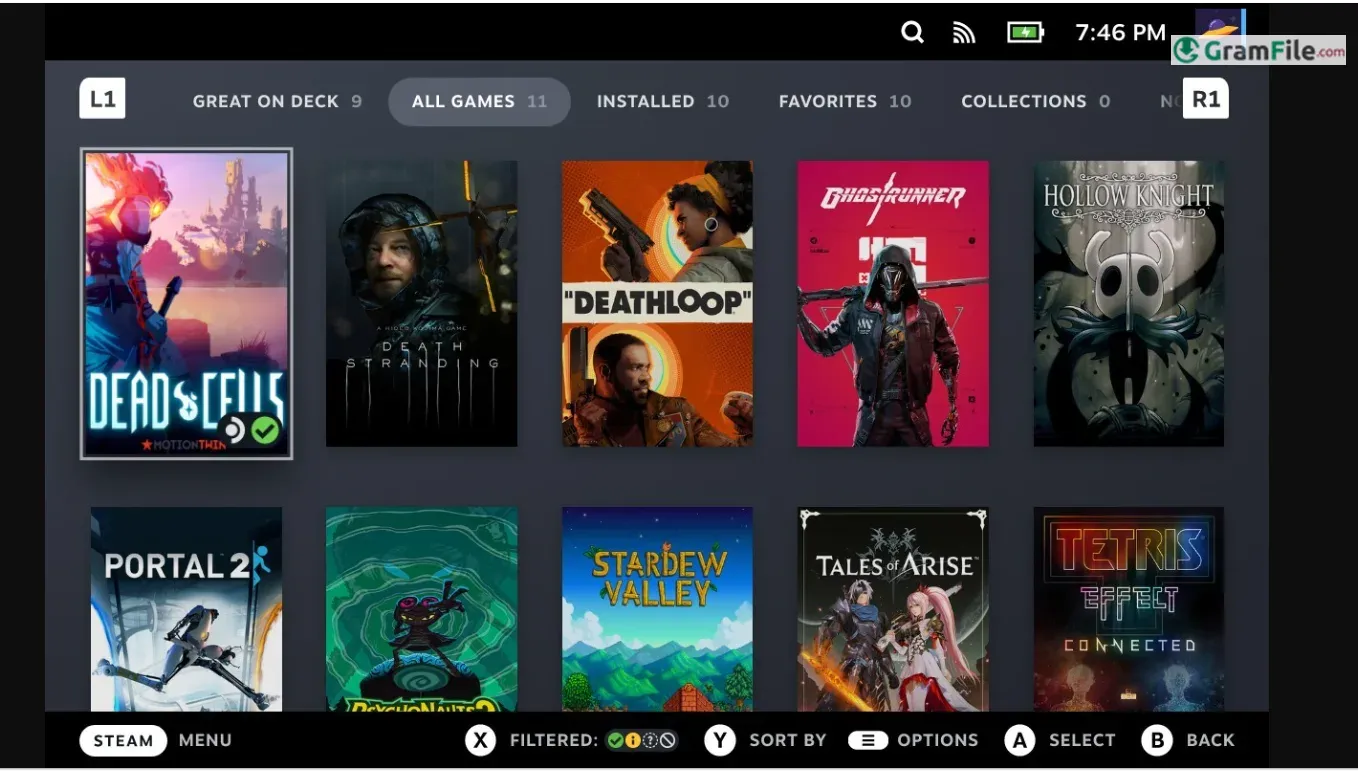
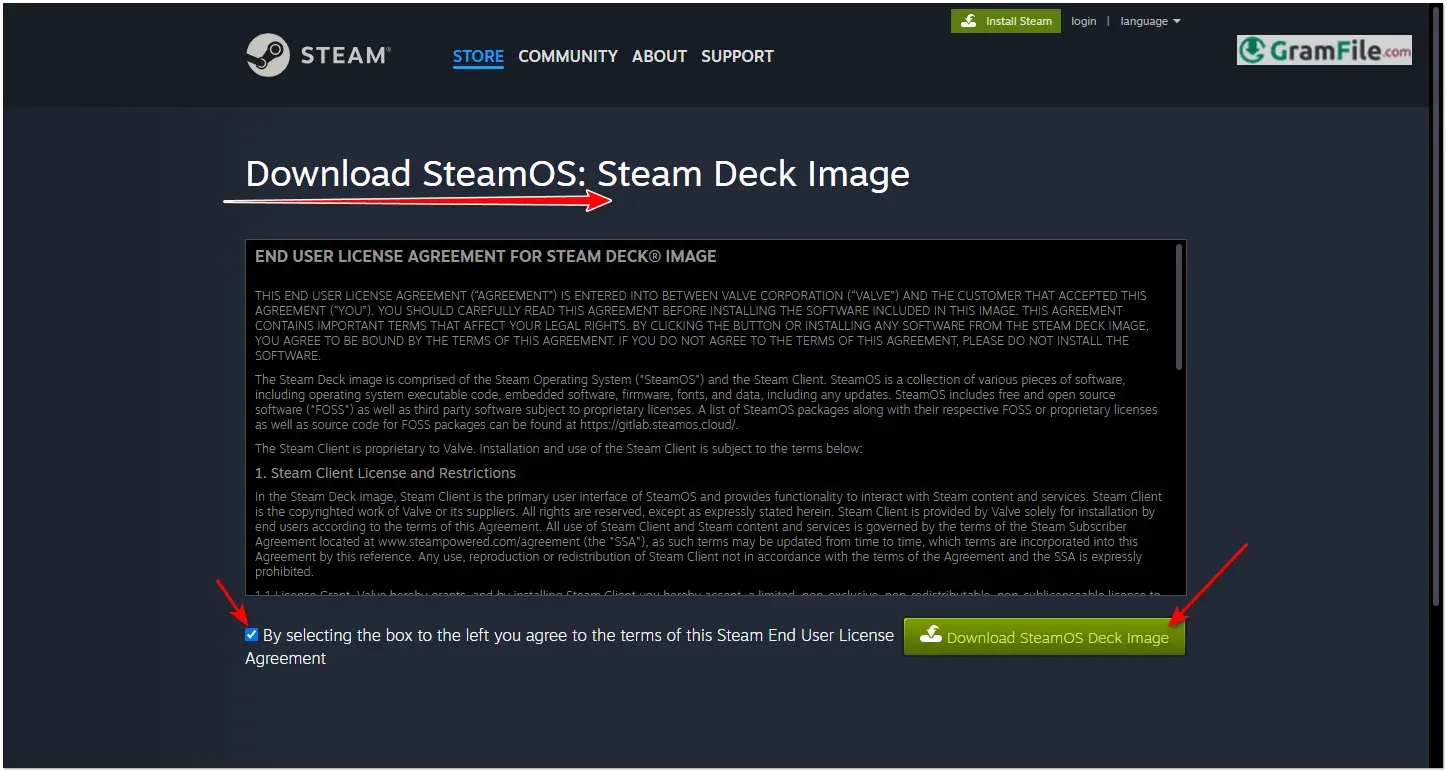
SteamOS is Valve’s free, Arch Linux-based operating system built for gaming, and as of version 3.8 it’s no longer locked to the Steam Deck.
If you own a PC with an AMD graphics card, you can now install the same OS that runs Valve’s own hardware, officially, without hacks or workarounds.
It’s a strong pick for anyone who wants a console-like, low-friction way to play their Steam library, especially handheld and living-room PC owners.
It’s not a Windows replacement yet: NVIDIA cards aren’t supported, and anti-cheat-heavy multiplayer games mostly won’t launch. If your GPU is AMD and your library leans single-player or co-op, it’s worth the download.
What is SteamOS?
SteamOS is a free operating system built by Valve specifically for playing games, first shipped in 2013 for the ill-fated Steam Machines and rebuilt from the ground up in 2022 as the software running the Steam Deck.
It’s based on Arch Linux, boots straight into a controller-friendly “Big Picture”-style interface called Game Mode, and includes Proton, Valve’s compatibility layer that lets most Windows-only games run without modification.
SteamOS 3.8: the version that changes everything
SteamOS 3.8, released in June 2026, is the point where SteamOS stopped being “the Steam Deck’s OS” and became a real PC operating system option. Two changes drive that:
- Official PC installation for AMD GPUs. Valve’s own Steam Machine FAQ now states you can build a SteamOS PC with “whatever PC parts you want,” provided the graphics card is AMD. This isn’t a community mod anymore, it’s Valve-supported and Valve-updated.
- The Steam Machine. Valve’s new SteamOS-powered console-style desktop, built around a custom AMD RDNA 3 GPU, runs this same OS out of the box. If you don’t want to build your own rig, buying one gets you the identical experience pre-installed.
Under the hood, 3.8 also moved the desktop environment to KDE Plasma 6.4.3, switched to Wayland by default, and picked up a newer Linux 6.16 kernel with better GPU memory management for discrete cards, a change aimed directly at desktop and Steam Machine users, not just the Deck.
Handheld support: Steam Deck, ROG Ally, Legion Go, and others
The Steam Deck remains the fully supported reference device, alongside the Steam Machine and the Lenovo Legion Go S, both officially “Powered by SteamOS.”
Other AMD-based handhelds, including the ASUS ROG Ally and the original Lenovo Legion Go, get improved but not fully certified support directly from Valve, with controller mapping, TDP control, and firmware updates for several more devices (OneXPlayer, GPD Win series, Anbernic, Legion Go 2) added in the 3.8 cycle.
For handhelds Valve doesn’t officially cover at all, the community project HoloISO remains the fallback route, though it’s unofficial and unsupported by Valve.
NVIDIA and Intel: the current gap
If your PC has an NVIDIA card, SteamOS isn’t installable yet. Valve has confirmed it’s working with NVIDIA on official support, and Intel Arc compatibility is also being worked on, but neither has a public timeline.
This is the single biggest reason to hold off if you’re not on AMD hardware already, and it’s also why Linux alternatives like Bazzite (which supports NVIDIA through a different, mutable architecture) have picked up users who don’t want to wait.
Proton and game compatibility
Proton is what makes SteamOS usable as a daily gaming OS rather than a Linux experiment.
It translates Windows API calls so most Steam games run without a native Linux build, and compatibility for any specific title can be checked ahead of time on ProtonDB.
The catch is multiplayer games using kernel-level anti-cheat: since SteamOS requires Secure Boot to be off, titles protected by Vanguard, EAC in kernel mode, or similar systems generally won’t launch, which rules out a meaningful chunk of competitive shooters.
Is SteamOS good for general computing?
Not really, and Valve doesn’t pretend otherwise. Desktop Mode gives you a real KDE Plasma desktop with a browser and basic productivity apps, but SteamOS is tuned for gaming performance and console-style navigation first.
If you need a daily-driver Linux desktop for work, a general-purpose distro is still the better fit.
How to Download & Install
Direct download: Download SteamOS from GramFile – SHA-256 verified, no bundleware, no third-party installer wrapping the file. Click the download button at top of this page.
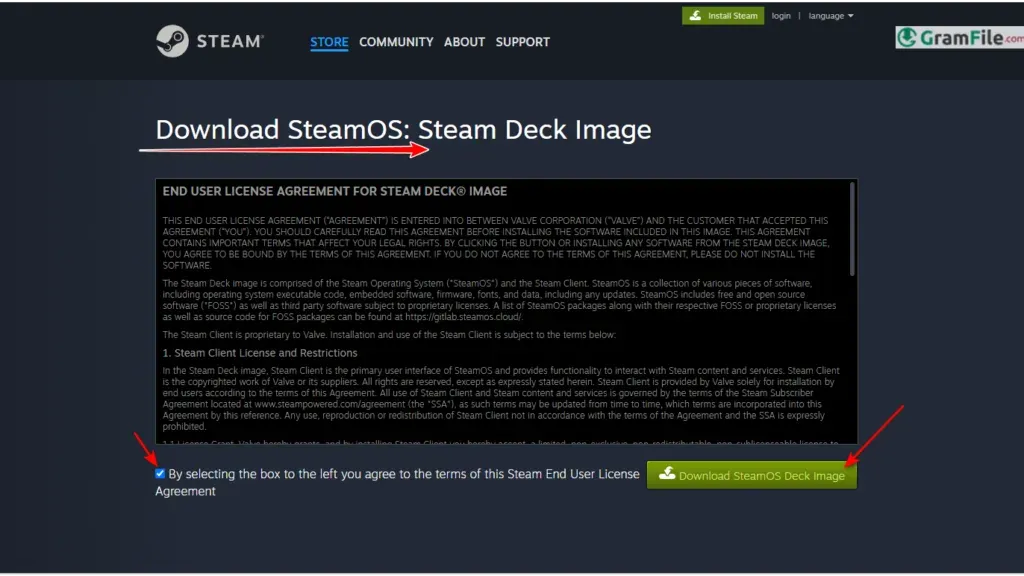
- Click on the above Green Download Button for official and direct download. This ensures you get a legitimate copy and avoid any potential malware.
- Download the SteamOS ISO image (latest version, e.g., SteamOS 3.8).
Available image types
- Steam Deck recovery image – official, for restoring or reinstalling SteamOS on a Steam Deck
- SteamOS 3.8 DIY installer image – official, for building your own SteamOS PC with an AMD GPU
- SteamOS 2.0 (legacy) – old Debian-based release, mostly of historical interest now that 3.8 supports PCs directly
System requirements (SteamOS 3.8 and above, PC install)
- CPU: 64-bit x86 processor, quad-core or better recommended
- GPU: AMD Radeon graphics card (RX 6000/RDNA2 or RX 7000/RDNA3 series get the best-tested results; RDNA4 is supported via the Linux 6.16 kernel and Mesa 26.1.2). NVIDIA and Intel Arc are not officially supported yet.
- RAM: 8GB minimum, 16GB recommended for smoother desktop mode
- Storage: 64GB minimum, NVMe SSD strongly recommended
- Firmware: UEFI boot required, and Secure Boot must be disabled — this is also why kernel-level anti-cheat (Riot Vanguard, EA anti-cheat, Activision’s system) won’t run
- USB: 3.0 port and a drive of 16GB or larger for installation media
License
SteamOS is free and open-source. There’s no license key or activation step – you just need a Steam account to sign in after setup and access your game library.
How to update
Game Mode: Settings → System → System Update
Desktop Mode: open the KDE “Discover” software center or run a system update from the terminal; SteamOS 3.8 uses an image-based (atomic) update system, so updates apply as a full system snapshot rather than individual package patches, which is why rollbacks are cleaner than on a typical Linux distro.
Pros & Cons
Pros
- Completely free and open-source
- Now installs on AMD desktop PCs
- Runs most Windows games via Proton
- Powers Steam Deck and Steam Machine
- Fast, low-overhead, console-like interface
- Atomic updates make rollbacks safer
Cons
- No NVIDIA GPU support yet
- Kernel-level anti-cheat games won’t run
- Not built for general desktop use
Best SteamOS Alternatives
-
 Windows 11
A simple and smooth system that makes your PC feel modern and attractive.
-
 Windows 10
A smart and stable operating system made for everyone.
-
 Windows 7 Professional
A stable and dependable operating system for professionals.
Conclusion
4.3out of 5 · 35 user ratings
Current SteamOS is a genuinely different proposition than it was before.
It’s still the best way to get a console-like experience out of the Steam Deck, but the 3.8 update turns it into a real option for anyone building an AMD gaming PC or living-room rig, not just handheld owners.
The NVIDIA gap keeps it from being a universal Windows replacement for now, but for AMD-based systems running mostly single-player and co-op libraries, it’s a legitimate, well-supported, zero-cost choice.
SteamOS vs Others
| App | Best For | Price | Platform | Standout Feature |
|---|---|---|---|---|
| SteamOS | Steam Deck, Steam Machine, AMD PCs | Free | Linux (Arch-based) | Official Valve support, Proton built in |
| Bazzite | NVIDIA users wanting a SteamOS-like setup | Free | Linux (Fedora-based) | Works on NVIDIA and AMD alike |
| CachyOS | Performance-focused Linux gamers | Free | Linux (Arch-based) | Heavy CPU/GPU performance tuning |
| Windows 11 | Widest game and anti-cheat compatibility | Paid (license) | Windows | New Xbox full-screen gaming mode for handhelds |
SteamOS FAQ
Can I install SteamOS on a regular PC?
Yes. Since SteamOS 3.8, Valve officially supports installing SteamOS on any desktop PC built with an AMD graphics card, using the same DIY installer image used for custom Steam Machine builds.
Does SteamOS support NVIDIA GPUs?
No, not yet. SteamOS 3.8 only officially supports AMD graphics cards; Valve has confirmed it’s working with NVIDIA on future support but hasn’t given a release date.
What is the latest version of SteamOS?
SteamOS 3.8 is the current stable branch as of mid-2026, bringing KDE Plasma 6.4.3, Wayland by default, official AMD PC installation, and initial support for the Steam Machine.
Is SteamOS free?
Yes, SteamOS is completely free and open-source, with no license fee or activation step required beyond signing in with a Steam account.
Can I install SteamOS on the ROG Ally or Legion Go?
Yes. The Lenovo Legion Go S has full official “Powered by SteamOS” support, while the ASUS ROG Ally and original Legion Go get improved but not fully certified support directly from Valve; other handhelds can use the unofficial HoloISO project instead.
Does SteamOS run Windows games?
Yes, through Proton, Valve’s compatibility layer that runs most Windows-only Steam games on Linux without modification, though titles with kernel-level anti-cheat generally won’t launch since SteamOS requires Secure Boot disabled.
What is the Steam Machine?
The Steam Machine is Valve’s new SteamOS-powered desktop gaming console, built around a custom AMD RDNA 3 GPU, announced alongside the SteamOS 3.8 release as a pre-built alternative to installing SteamOS on your own PC.
What are the system requirements to install SteamOS on a PC?
SteamOS 3.8 needs a 64-bit AMD-GPU system with UEFI boot, Secure Boot disabled, at least 8GB of RAM, and a 64GB or larger SSD, with an AMD Radeon RX 6000 or RX 7000 series card recommended for the best-tested results.
Found a problem with this download? Report an outdated version, broken link, suspicious installer or incorrect information.