
Download Details
- Version
- Service Pack 1 (SP1), Build 7601 (latest)
- File size
- 2.96 GB
- License
- Free Trial
- SHA-256 checksum
ee69f3e9b86ff973f632db8e01700c5724ef78420b175d25bae6ead90f6805a7- Developer
- Microsoft Corporation
- CPU Support
- 64-bit (x64), 32-bit (x86), Offline
- Downloads
- 8797
- Rating
- 4.6 out of 5 · 38 reviews
- File name(s)
- en_windows_7_enterprise_with_sp1_x64_dvd_u_677651.iso, en_windows_7_enterprise_with_sp1_x86_dvd_u_677710.iso
 Reviewed by Mohamed Zaki
Tested on PC, Virtual Machine · · How we review
Screenshots
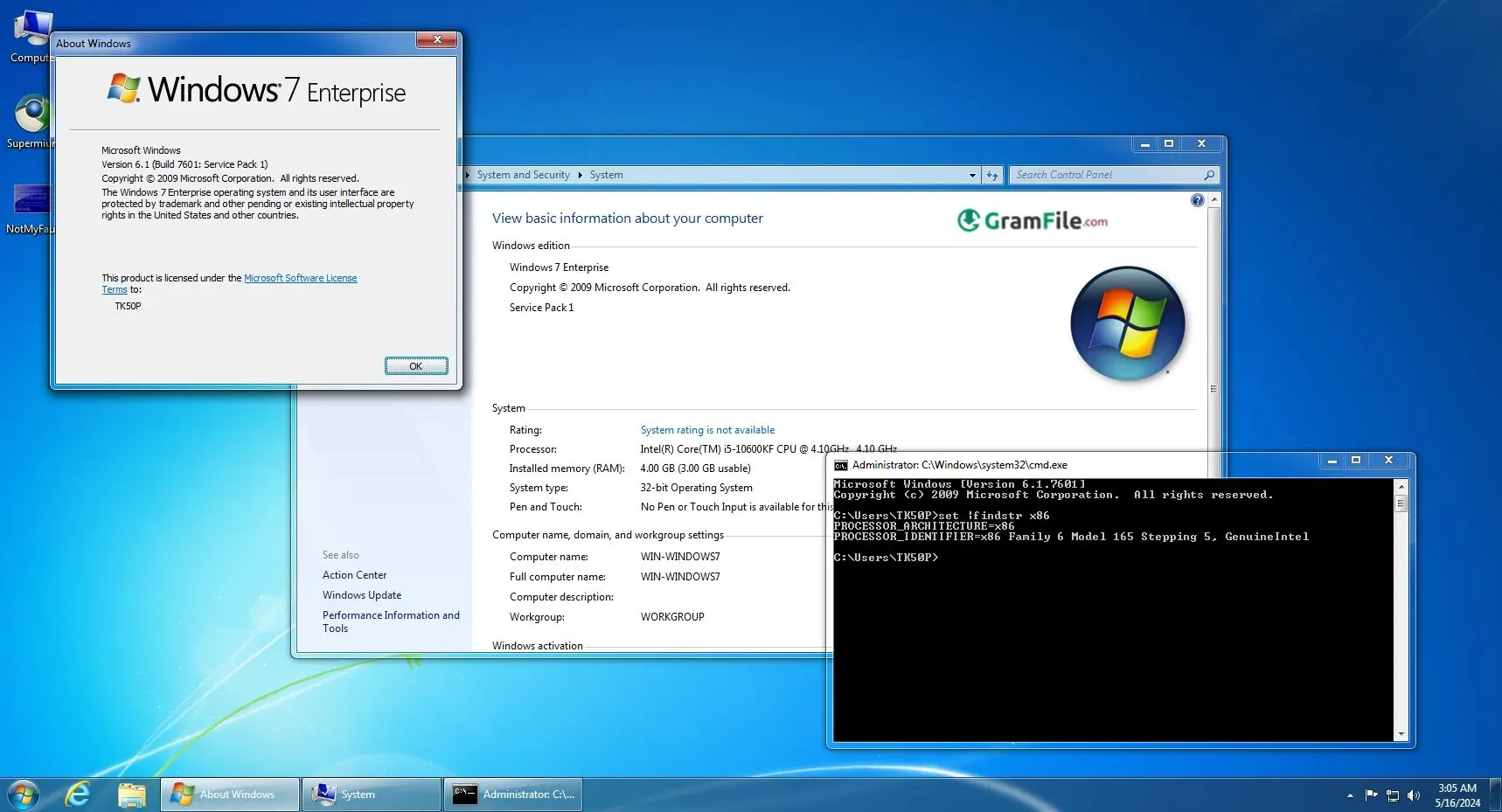
Windows 7 Enterprise is Microsoft’s premium business edition of the Windows 7 family, designed specifically for organizations that require advanced security, multilingual support, and reliable performance across large networks.
It delivers a stable, fast, and polished computing experience, built around productivity and long-term reliability.
While Windows 7 has reached its official end of support, Windows 7 Enterprise still remains a relevant option for specialized corporate environments, virtual labs, compatibility setups, and organizations maintaining legacy software.
Windows 7 Enterprise was introduced as the most comprehensive edition in the lineup, offering features not available in Windows 7 Professional or Home Premium. These included advanced encryption, direct corporate network access, and centralized management tools.
For many companies, the Enterprise Edition became a long-term standard, widely adopted across banks, government departments, schools, and global corporations.
What Is Windows 7 Enterprise?
Windows 7 Enterprise is the highest-tier edition of Windows 7 designed exclusively for businesses, large organizations, and government departments.
It includes all the features of Windows 7 Professional and adds advanced tools such as BitLocker, AppLocker, DirectAccess, BranchCache, Multilingual User Interface (MUI) packs, and enhanced virtualization capabilities.
It is built to deliver strong security, centralized management, and high efficiency across corporate networks.
Unlike retail versions, Windows 7 Enterprise was available only through Microsoft’s Volume Licensing program. This made it ideal for organizations needing to deploy hundreds or thousands of devices with consistent configurations.
Features & Highlights
- Faster system boot.
- Stronger file encryption.
- Improved taskbar design.
- Better network stability.
- Enhanced search function.
- Streamlined device management.
- Smarter power usage.
- Multilingual interface tools.
- Virtual desktop support.
- Cleaner system updates.
How to Download & Install
Below is a clean, clear, SEO-friendly and user-friendly installation guide.
Step 1: Get the ISO File
- Use an official or licensed corporate source.
- Ensure the ISO file is clean, unchanged, and matches your organization’s volume licensing agreement.
Step 2: Create Installation Media
- Use a USB flash drive (8GB or more).
- Run a tool like Windows USB/DVD Download Tool or Rufus.
- Select the ISO and create a bootable USB.
Step 3: Boot the Device
- Insert the USB.
- Restart the PC.
- Enter BIOS/UEFI (usually F2, F12, or DEL).
- Change boot order to USB first.
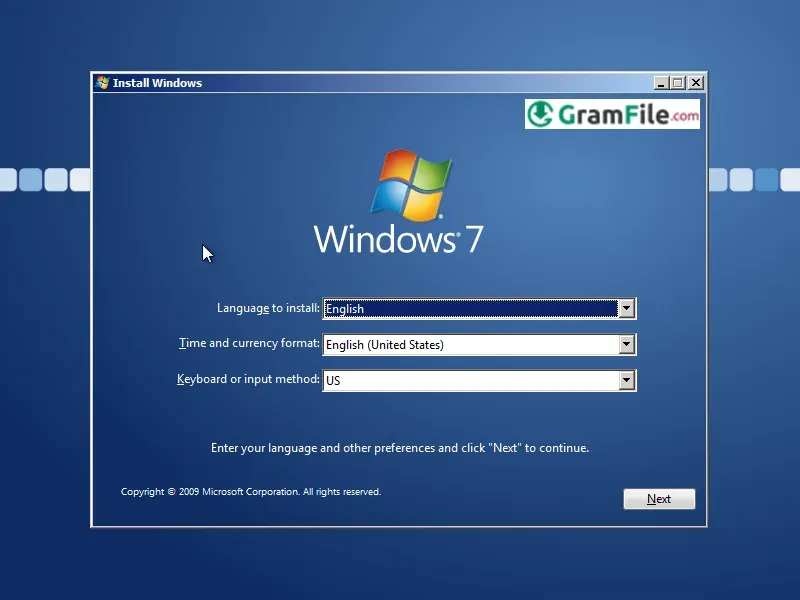
Step 4: Start the Installer
- Choose language and region.
- Select “Install Now”.
- Enter your volume license key or skip to activate later.
Step 5: Partition the Drive
- Choose custom installation.
- Select or create partitions.
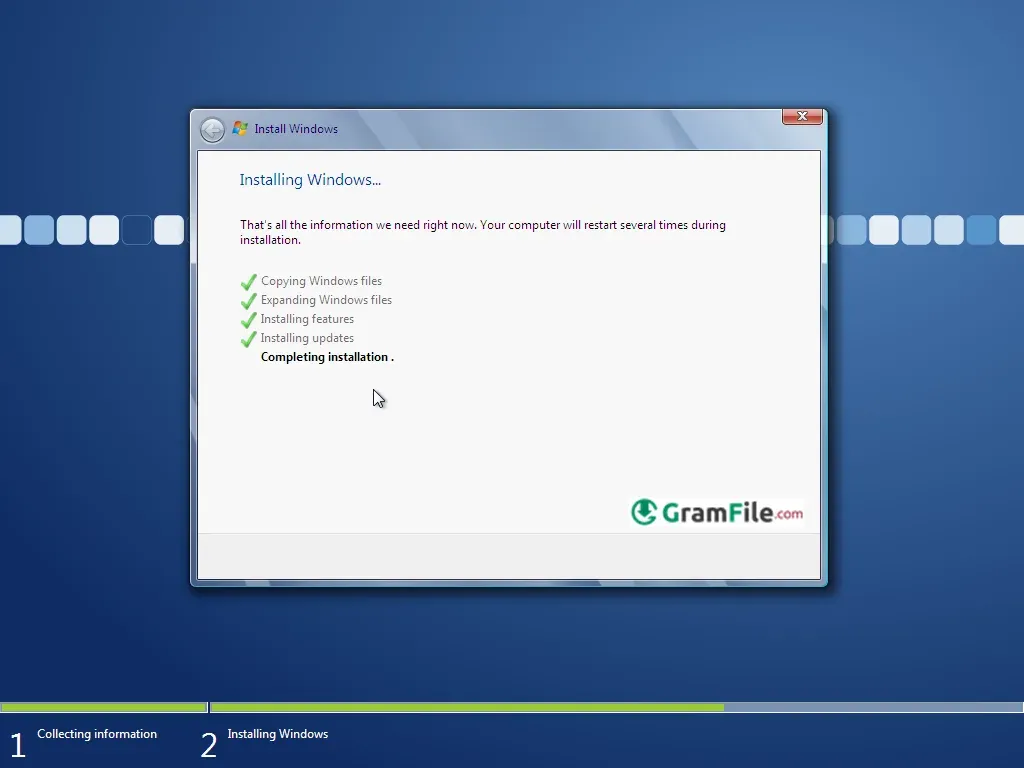
- Proceed with installation.
Step 6: Setup
- Create a user account.
- Set time zone.
- Connect to a network.
- Install drivers and updates.
Step 7: Activate
- Use your enterprise activation method: MAK or KMS server.
After these steps, Windows 7 Enterprise will be ready for use with full features enabled.
System Requirements
While Windows 7 Enterprise is lighter than many modern systems, it still needs a baseline configuration.
Minimum Requirements:
- Processor: 1 GHz or faster (32-bit or 64-bit)
- RAM:
- 1 GB (32-bit)
- 2 GB (64-bit)
- Storage:
- 16 GB (32-bit)
- 20 GB (64-bit)
- Graphics: DirectX 9 with WDDM 1.0 driver
- Display: 800×600 or higher
Recommended Requirements (for best performance):
- Processor: Dual-core or better
- RAM: 4–8 GB
- Storage: SSD for faster boot and load times
- Graphics: Dedicated or modern Intel HD integrated GPU
How to Buy and Activate
Windows 7 Enterprise is not sold as a retail product. It is available through:
- Microsoft Volume Licensing agreements
- Corporate licensing portals
- Authorized enterprise partners
Activation Methods:
- KMS (Key Management Service) for large networks
- MAK (Multiple Activation Key) for limited activations
Warning: Avoid Serials, Cracks, and Patches
Using cracked versions of Windows 7 is dangerous. It exposes your system to:
- Hidden malware
- Stolen data
- Tracking tools
- Corrupted system files
- Legal issues
Always use genuine activation through licensed business channels.
Pros & Cons
Pros
- Easy to manage.
- Runs very stable.
- Great multilingual tools.
- Strong security features.
- Works with legacy apps.
Cons
- No new updates.
- Old driver support limited.
- Lacks modern features.
- Requires enterprise license.
- Not ideal for gaming.
Best Windows 7 Enterprise Alternatives
-
 Windows 11
A simple and smooth system that makes your PC feel modern and attractive.
-
 Windows 10
A smart and stable operating system made for everyone.
-
 Windows 7 Professional
A stable and dependable operating system for professionals.


Found a problem with this download? Report an outdated version, broken link, suspicious installer or incorrect information.