

Download Details
- Version
- Service Pack 1 (SP1), Build 7601 (latest)
- File size
- 3.09 GB
- License
- Free Trial
- SHA-256 checksum
E2764CF9C06FC51E4F556BB6675A840D0E8E6BD507C938CAAC4EBCCDF0AD771B- Developer
- Microsoft Corporation
- CPU Support
- 64-bit (x64), 32-bit (x86), Offline
- Downloads
- 7479
- Rating
- 4.5 out of 5 · 43 reviews
- File name(s)
- Win7_HomeBasic_SP1_English_COEM_x64.iso, Win7_HomeBasic_SP1_English_COEM_x86.iso
 Reviewed by Mohamed Zaki
Tested on PC, Virtual Machine · · How we review
Screenshots
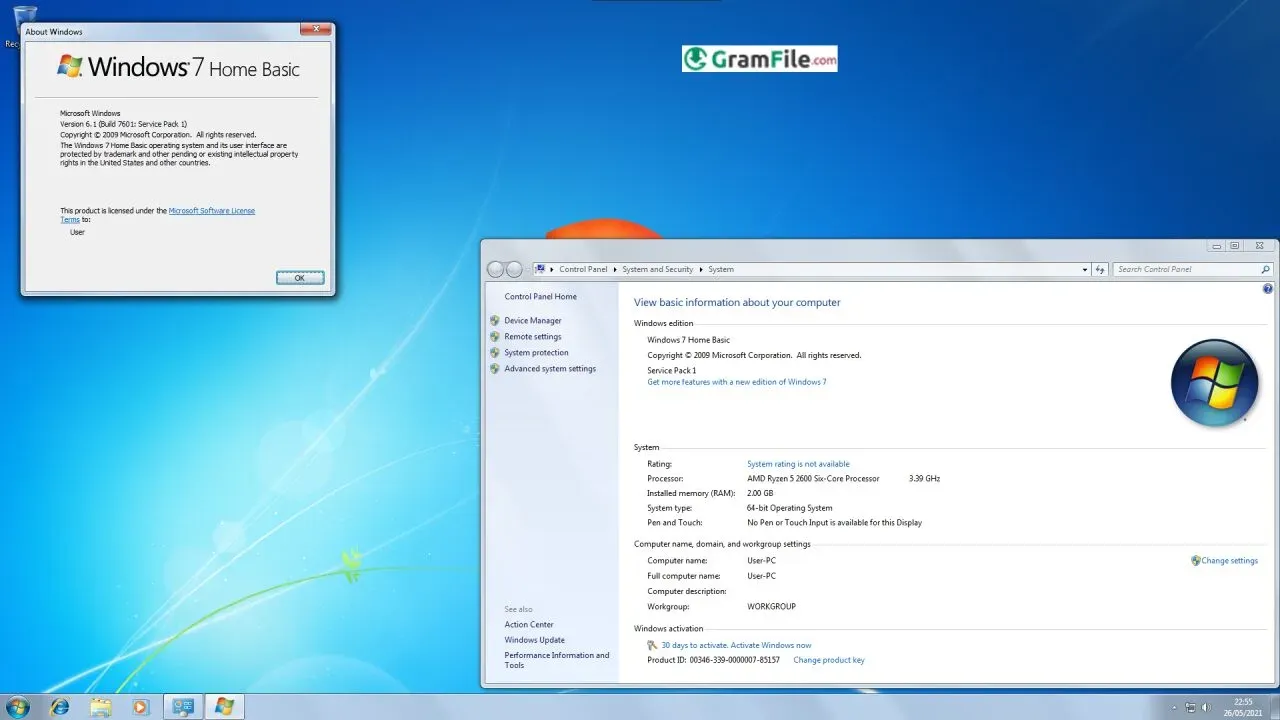
Windows 7 Home Basic arrived during a time when computers were shifting from bulky traditional setups to more user-friendly, visually appealing, and internet-centric machines.
It was built as an affordable, simplified edition of Windows 7 for users who needed stability and clarity more than advanced features.
Unlike the more premium editions, Home Basic focused on speed, reduced visual effects, and a straightforward interface suitable for older hardware and everyday users.
The history of Windows 7 Home Basic traces back to Microsoft’s strategic release of multiple editions of Windows 7 in 2009. The goal was simple: offer each type of user – personal, professional, corporate, and high-end – an edition tailored to their needs and hardware.
Home Basic served emerging markets and regions where affordability and performance were more important than glossy animations and high-end tools. Over time, it became known for being one of the most stable “low-cost Windows” versions ever released.
Key Features & Highlights
- Fast performance on old hardware.
- Clean and simple interface.
- Low resource usage.
- Supports essential apps.
- Stable file system.
- Easy control panel navigation.
- Basic networking tools included.
- Windows Media Player support.
- Smooth window management.
- Quick startup and shutdown.
Best Windows 7 Home Basic Alternatives
-
 Windows 11
A simple and smooth system that makes your PC feel modern and attractive.
-
 Windows 10
A smart and stable operating system made for everyone.
-
 Windows 7 Professional
A stable and dependable operating system for professionals.


Found a problem with this download? Report an outdated version, broken link, suspicious installer or incorrect information.