

Download Details
- Version
- Service Pack 1 (SP1), Build 7601 (latest)
- File size
- 5.47 GB
- License
- Free Trial
- SHA-256 checksum
dec04cbd352b453e437b2fe9614b67f28f7c0b550d8351827bc1e9ef3f601389- Developer
- Microsoft Corporation
- CPU Support
- 64-bit (x64), 32-bit (x86), Offline
- Downloads
- 19209
- Rating
- 4.6 out of 5 · 54 reviews
- File name(s)
- 7601.24214.180801-1700.win7sp1_ldr_escrow_CLIENT_ULTIMATE_x64FRE_en-us.iso, 7601.24214.180801-1700.win7sp1_ldr_escrow_CLIENT_ULTIMATE_x86FRE_en-us.iso
 Reviewed by Mohamed Zaki
Tested on PC, Virtual Machine · · How we review
Screenshots
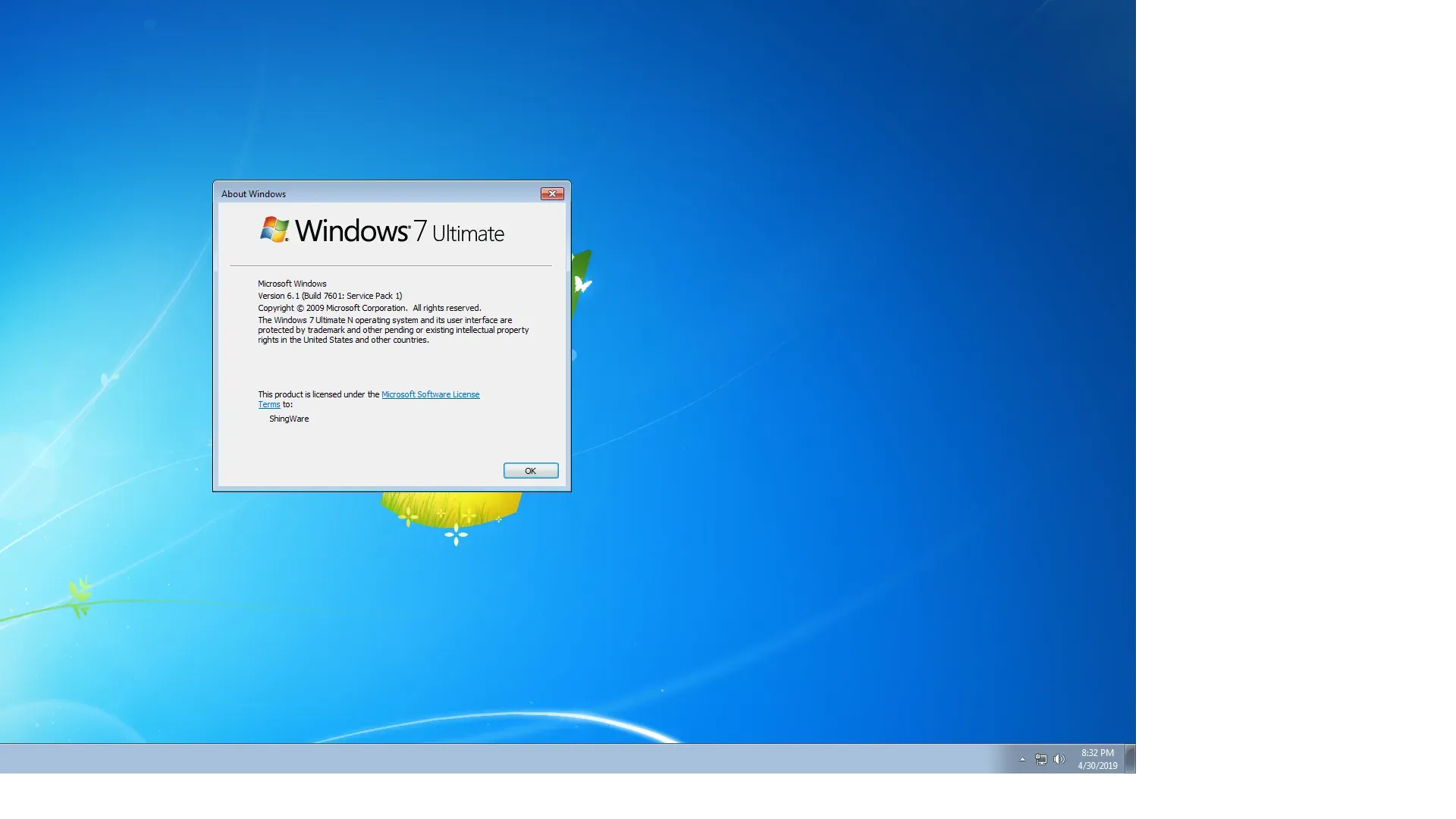
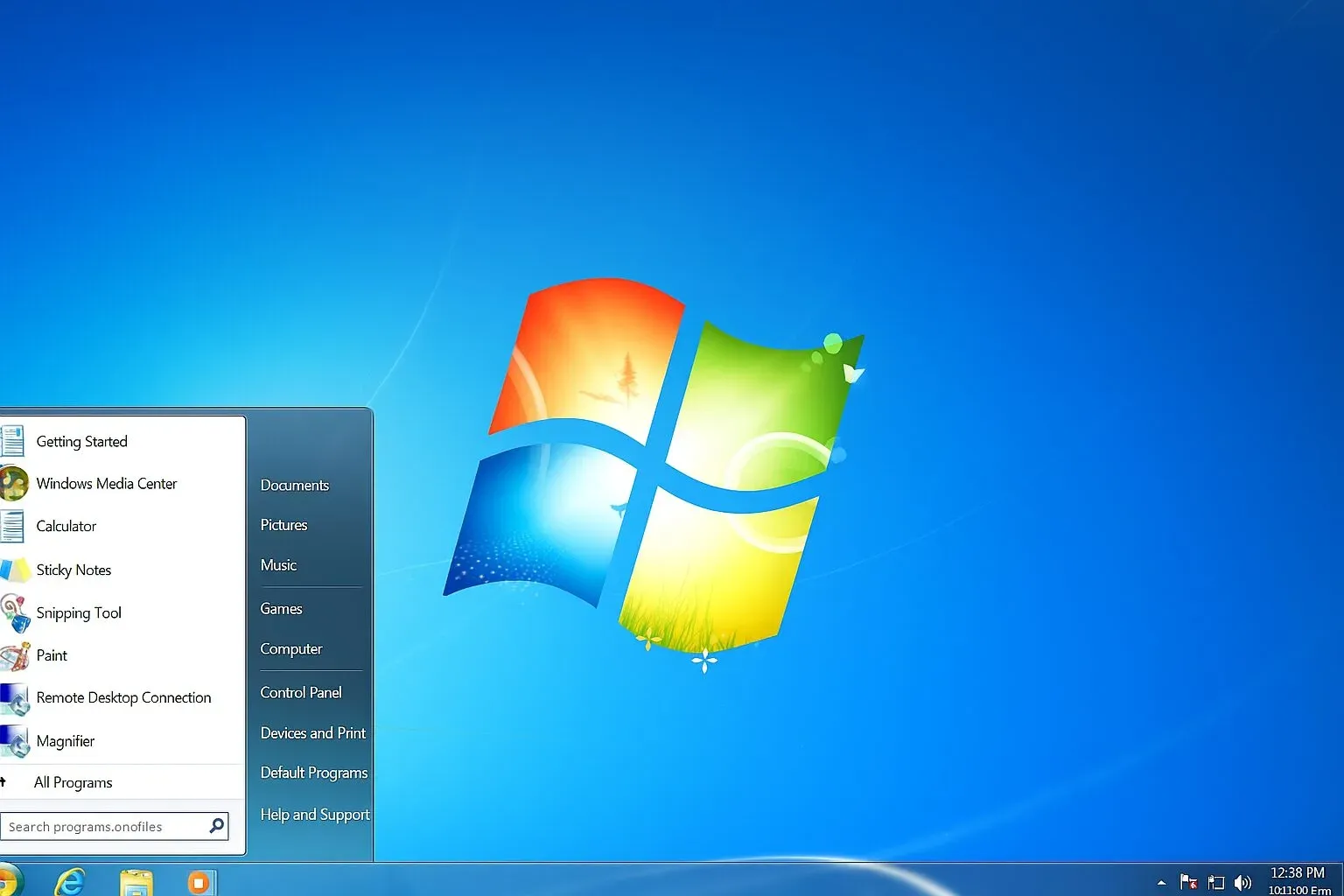
When Microsoft launched Windows 7 Ultimate back in 2009, it didn’t just release another operating system, it restored people’s trust in Windows.
After the performance issues and confusion that surrounded Windows Vista, users wanted something smooth, stable, and dependable. Windows 7 arrived as that fresh start.
Among all the editions, Windows 7 Ultimate stood out as the most powerful version. It was built for people who needed everything, strong security, advanced networking, language flexibility, and excellent performance, all in one place.
It quickly became a favorite among professionals, businesses, and tech lovers. What made it special was its balance between power and simplicity.
It could run smoothly on older PCs yet also take full advantage of modern hardware. The interface felt cleaner, faster, and more intuitive. Even today, many still call Windows 7 Ultimate one of the most reliable systems Microsoft ever made.
What Is Windows 7 Ultimate?
Windows 7 Ultimate is the most feature-rich edition in the Windows 7 family. Think of it as the “everything included” version.
It combines the best of Home Premium and Professional, then adds top-tier tools like BitLocker encryption, multilingual interface packs, and advanced networking capabilities.
It was designed for people who wanted full control, from business professionals who handle sensitive data to everyday users who just wanted their computers to work without problems.
The system feels fast, polished, and practical, whether you’re editing documents, designing graphics, or just browsing online.
The desktop is clean, the icons are clear, and navigation is effortless. It’s an operating system that still feels comfortable to use, even in 2025.
Key Features & Highlights
- Beautiful Aero Glass desktop visuals.
- Fast startup and shutdown times.
- Smooth multitasking and file handling.
- BitLocker drive encryption for protection.
- XP Mode to run older programs.
- Easy backup and restore tools.
- Full multilingual interface support.
- Better touch and handwriting input.
- Jump Lists for quick access.
- DirectX 11 for better gaming performance.
- Device Stage for connected gadgets.
- Automatic driver installation.
- Simplified Control Panel and system tools.
How to Download & Install
1. Get ready
Back up your important files before you begin. Make sure your PC meets the minimum requirements.
2.Download the ISO file
Obtain the official Windows 7 Ultimate ISO from our download page (Click on the above green download button and choose your version)
3.Create a bootable USB drive
Use a tool like Rufus or the Windows USB/DVD Tool. Insert your USB (at least 8 GB) and write the ISO onto it.
4. Start the installation
Restart your PC, open the boot menu (usually by pressing F12, F9, or Esc), and choose your USB drive.
5. Follow on-screen instructions
Pick your language, region, and keyboard layout. Select “Custom install” if you’re doing a clean installation.
6. Enter your product key
Use your genuine license key for activation. This ensures updates and stability.
7. Finish setup
Create your username and password, adjust time zone, and complete setup. Once done, install drivers and run Windows Update.
That’s it. Your computer is ready with a fresh, stable, and elegant Windows 7 Ultimate.
System Requirements
- Processor: 1 GHz or faster
- RAM: 1 GB (32-bit) or 2 GB (64-bit)
- Storage: 16 GB (32-bit) or 20 GB (64-bit)
- Graphics: DirectX 9 compatible
- Display: 800×600 or higher
Even older computers can run Windows 7 Ultimate smoothly, which was one of its biggest strengths.
Different Editions of Windows 7
Microsoft offered several editions of Windows 7:
- Starter: Simplified version for small notebooks.
- Home Basic: Basic features for budget PCs.
- Home Premium: For everyday users at home.
- Professional: For small business and office work.
- Enterprise: For large-scale corporate use.
- Ultimate: The complete edition with all features unlocked.
Windows 7 Ultimate combines all these into one complete package, no missing tools, no limited features.
How to Buy and Activate
Although official sales have ended, genuine product keys are still available through authorized digital retailers or unused OEM licenses.
To activate:
- Go to Control Panel → System and Security → System.
- Click Activate Windows now.
- Enter your 25-character product key.
- Follow on-screen prompts for online or phone activation.
Always use a genuine product key. Activation ensures your Windows is stable, secure, and eligible for updates.
Warning About Cracks and Serials
Be careful of fake activators or “free” serials online. They might seem tempting, but they often come with hidden malware or backdoors. Using cracked software can disable updates, corrupt your files, or compromise your privacy.
It’s always smarter – and safer – to use a legitimate copy. Genuine Windows runs faster, stays secure, and gives peace of mind.
Pros & Cons
Pros
- Smooth, reliable performance.
- Elegant and simple interface.
- Great compatibility with apps.
- Light on system resources.
- Excellent for both home and office.
Cons
- No new updates available.
- Limited modern hardware support.
- Not optimized for cloud storage.
- Some apps require newer systems.
- Security support officially ended.
Best Windows 7 Ultimate Alternatives
-
 Windows 11
A simple and smooth system that makes your PC feel modern and attractive.
-
 Windows 10
A smart and stable operating system made for everyone.
-
 Windows 7 Professional
A stable and dependable operating system for professionals.


Conclusion
4.6out of 5 · 54 user ratings
Windows 7 Ultimate remains one of the most respected operating systems ever made. It combined elegance, simplicity, and power into one solid package.
Even after newer versions came out, it continues to have a loyal user base because it’s fast, stable, and dependable.
Why Choose Windows 7 Ultimate?
Because it’s everything you need, a smooth experience, reliable performance, and complete control. It doesn’t overcomplicate things; it simply helps you get your work done effortlessly.
Windows 7 Ultimate vs. Others
| System | Key Differentiator |
| vs. Windows Vista | Far superior performance, stability, and user acceptance. |
| vs. Windows 10/11 | Lacks modern security features, cloud integration, and ongoing support. |
| vs. macOS | Different philosophy; Windows is highly versatile for hardware and software. |
| vs. Linux | Better application compatibility for proprietary software, but less open source. |
Windows 7 Ultimate is for those who prefer stability over constant change. It’s an OS that feels timeless, one that reminds you of when computers just worked, quietly, efficiently, and beautifully.
Found a problem with this download? Report an outdated version, broken link, suspicious installer or incorrect information.