
Download Details
- Version
- Service Pack 3 (SP3) (latest)
- File size
- 589.1 MB
- License
- Free Trial
- SHA-256 checksum
5b880ae0bf40305d8f61633d96a2aefee264d1eddb80b692c79522e38fbd7cd4- Developer
- Microsoft Corporation
- CPU Support
- 64-bit (x64), 32-bit (x86), Offline
- Downloads
- 9207
- Rating
- 4.4 out of 5 · 46 reviews
- File name(s)
- en_winxp_pro_x86_build2600_iso.iso, en_windows_xp_pro_ia64bit_2003.iso
 Reviewed by Mohamed Zaki
Tested on PC, Virtual Machine · · How we review
Screenshots
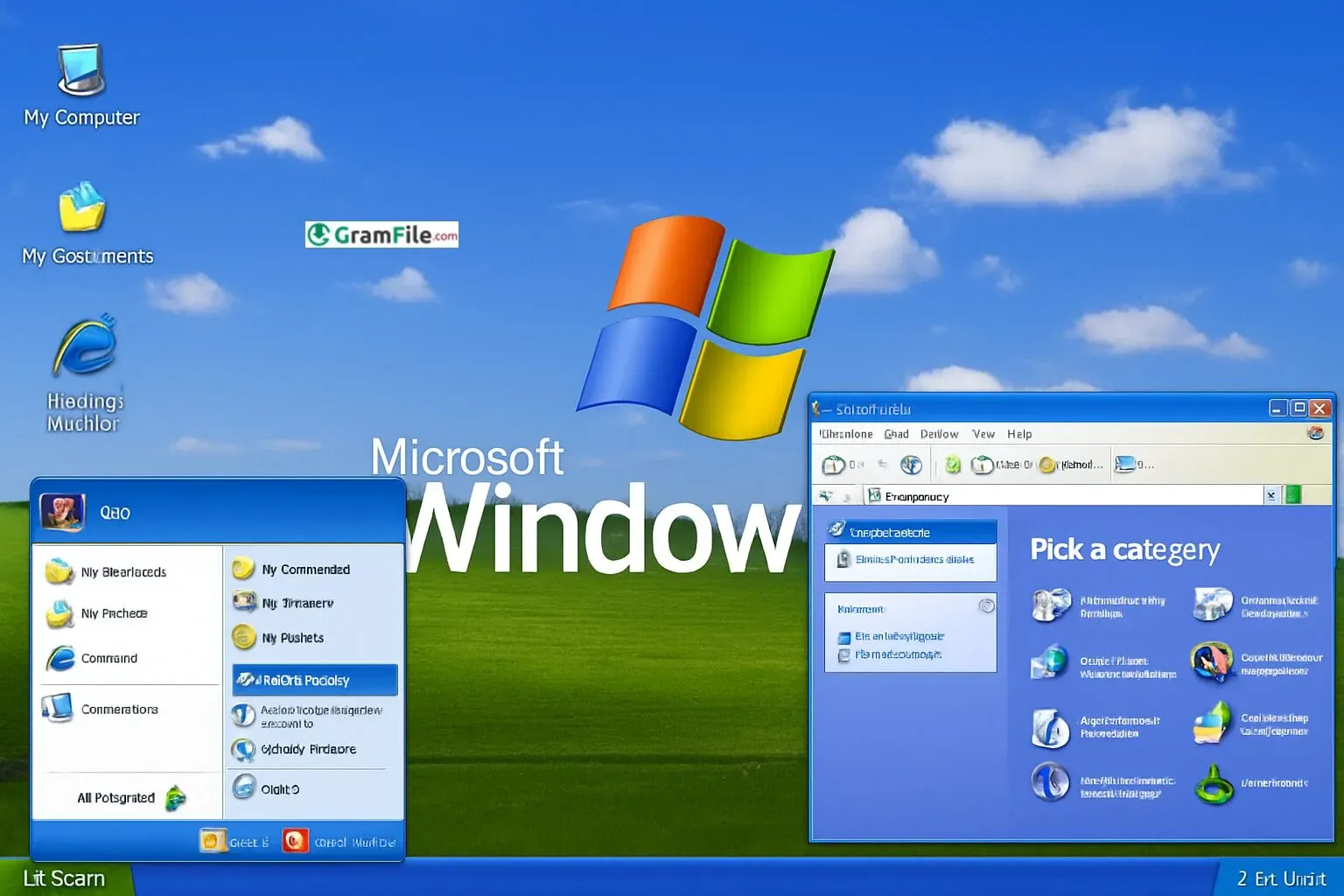
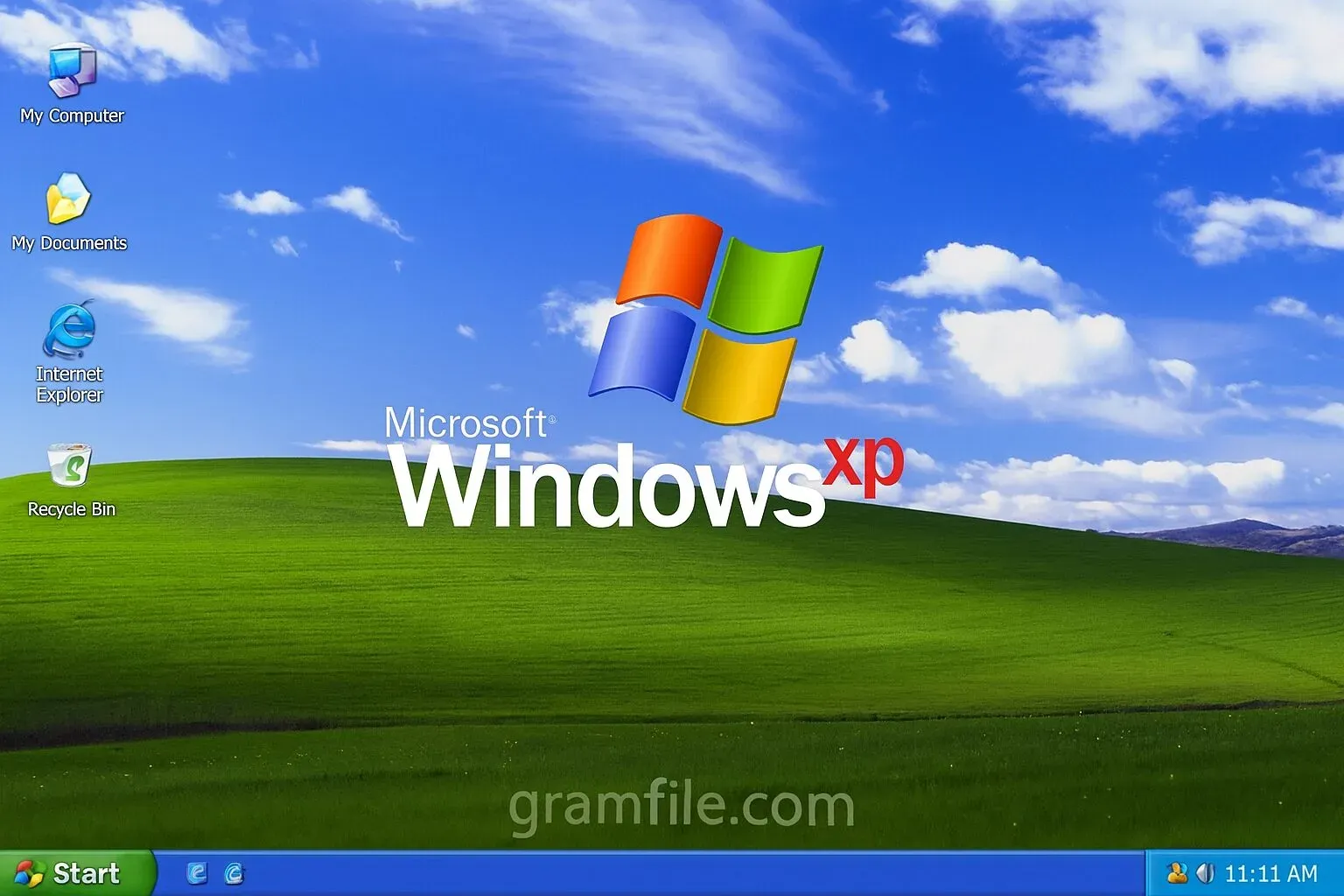
Released by Microsoft in October 2001, Windows XP was the perfect OS of performance, simplicity, and reliability. It wasn’t just a new version, it was a redefinition of what people expected from a home and business operating system.
Before XP, users had to choose between the stability of Windows 2000 or the home-focused design of Windows Me. Microsoft decided to merge the best of both worlds – the professional NT technology and the friendly Windows interface – into a single system that could do everything.
The result was XP: “Experience.” The name alone reflected Microsoft’s goal, to make computing feel smoother, faster, and more enjoyable for everyone.
Its lifespan extended far beyond expectations, and even after official support ended in 2014, many users still ran it for its lightness and stability.
What is Windows XP?
Windows XP is a personal computer operating system produced by Microsoft, released almost 25 years ago.
It stands for “eXPerience” and was the first consumer-facing Windows OS built on the Windows NT kernel, offering vastly improved stability and performance compared to its predecessors.
It introduced a redesigned graphical user interface, a streamlined Start Menu, and a host of new features aimed at enhancing the digital lifestyle.
Latest Updates and New Features
- Enhanced firewall and security patches
- Improved wireless networking support
- Remote Desktop integration
- Faster user switching
- Better USB and device recognition
Key Features and Highlights
- Simple, colorful interface
- Faster boot and shutdown
- Strong stability from NT technology
- Improved file management tools
- System Restore and Recovery Console
- ClearType for better text display
- Task-based Control Panel design
- Automatic updates for security
- Remote Assistance for support
- Built-in CD burning support
How to Download & Install
- Get the installation file or CD image: You can obtain the official ISO if you have a valid product key or an old installation disc. Download from our Download Page.
- Create a bootable USB or CD: Use tools like Rufus to write the ISO to a USB drive.
- Boot from the installation media: Insert the USB or CD and restart your PC. Press the appropriate key (usually F12 or Esc) to select boot options.
- Follow setup instructions: Choose your partition, format the drive (preferably NTFS), and start the installation.
- The Graphical Setup: After a reboot, the installation continues in a graphical mode. Follow the on-screen prompts to:
- Set your Regional and Language options.
- Enter your Name and Organization.
- Enter your 25-character Product Key (found on your CD case or COA sticker on an old PC).
- Set a Computer Name and an Administrator Password (highly recommended).
- Set the correct Date and Time.
- Enter your product key: A valid license key is required for activation.
- Wait for the setup to complete: Once installed, XP will restart and show the classic desktop.
- Install drivers and updates: Make sure hardware drivers are installed for smooth operation.
Installation was surprisingly easy for its time, one of the main reasons XP became so popular.
File: en_windows_xp_professional_with_service_pack_3_x86_cd_x14-80428.iso
Size: 589.13G
System Requirements
Despite its age, Windows XP was built to run efficiently even on limited hardware.
Minimum Requirements:
- Processor: 233 MHz or higher
- RAM: 64 MB (128 MB recommended)
- Hard Disk: 1.5 GB of available space
- Display: Super VGA (800×600)
- CD-ROM or USB drive
Recommended for Smooth Use:
- Processor: 500 MHz or faster
- RAM: 256 MB or more
- Storage: 5 GB available
- Graphics: DirectX compatible card
Its light resource needs made XP ideal for old and low-end PCs that newer Windows versions couldn’t handle.
Different Editions
- Windows XP Home Edition: Designed for casual and home users.
- Windows XP Professional: Built for business and power users, offering domain support and advanced networking.
- Windows XP Media Center Edition: Focused on entertainment with media playback and TV features.
- Windows XP Tablet PC Edition: Created for touchscreen and pen-enabled devices.
- Windows XP Starter Edition: A lightweight, low-cost version for emerging markets.
Each edition targeted a different type of user, showing how versatile XP truly was.
How to Buy and Activation
Originally, Windows XP was sold as a CD package or preinstalled on new computers. After installation, users had to activate it online or by phone using a 25-character product key. Activation linked the license to your hardware to prevent piracy.
Today, official sales have ended, but users who already own a valid license can reinstall and reactivate it on supported hardware.
Pros & Cons
Pros
- Fast and stable performance.
- Very easy to use.
- Runs on low-end hardware.
- Simple and clean interface.
- Highly compatible with old software.
Cons
- No modern security updates.
- Outdated hardware drivers.
- Limited modern app support.
- Risky online use today.
- Not suitable for new systems.
Best Windows XP Alternatives
-
 Windows 11
A simple and smooth system that makes your PC feel modern and attractive.
-
 Windows 10
A smart and stable operating system made for everyone.
-
 Windows 7 Professional
A stable and dependable operating system for professionals.
Conclusion
4.4out of 5 · 46 user ratings
Windows XP remains a milestone in computing history. It balanced power, simplicity, and design in a way that no other version had before.
Its lightweight performance, clean interface, and stability made it a favorite for millions of users worldwide.
Why Choose Windows XP?
Choose XP if you’re working with old hardware, need a retro experience, or want to run classic programs that no longer function on modern Windows versions. It’s ideal for offline use, testing, and nostalgia-driven projects.
Windows XP vs. Others (Modern OS)
| Feature | Windows XP (2001) | Modern OS (Windows 10/11) |
| Security | Zero updates, extremely vulnerable | Constant, robust security patches |
| Compatibility | Excellent with 2000-2005 software | Excellent with modern software/apps |
| Performance | Very fast on period hardware | Fast on modern multi-core hardware |
| Networking | Basic, simple, vulnerable | Highly secure, cloud-integrated |
| Browser | Cannot run modern web browsers | Full support for Chrome, Edge, Firefox |
Found a problem with this download? Report an outdated version, broken link, suspicious installer or incorrect information.