

Download Details
- Version
- 8.7.27159 (latest)
- File size
- 22.19 MB
- License
- Free
- Security scan
- VirusTotal: 57 of 57 engines say OK (0 flagged)
- SHA-256 checksum
9ec07c1a1774f0fb6d5cd66a5539a81b04adb640776244cacfb7554e83b12da2- Developer
- iSpring Solutions, Inc.
- Supported OS
- Windows 11, Windows 10, Windows 7, Windows 8.1
- Installers
- 64-bit (x64), 32-bit (x86), Offline
- Downloads
- 31744
- Rating
- 4.6 out of 5 · 146 reviews
- File name(s)
- free_cam_8_7_0.msi
 Reviewed by Ali Mohamed
Tested on Windows 11 and 10 · · How we review
Screenshots
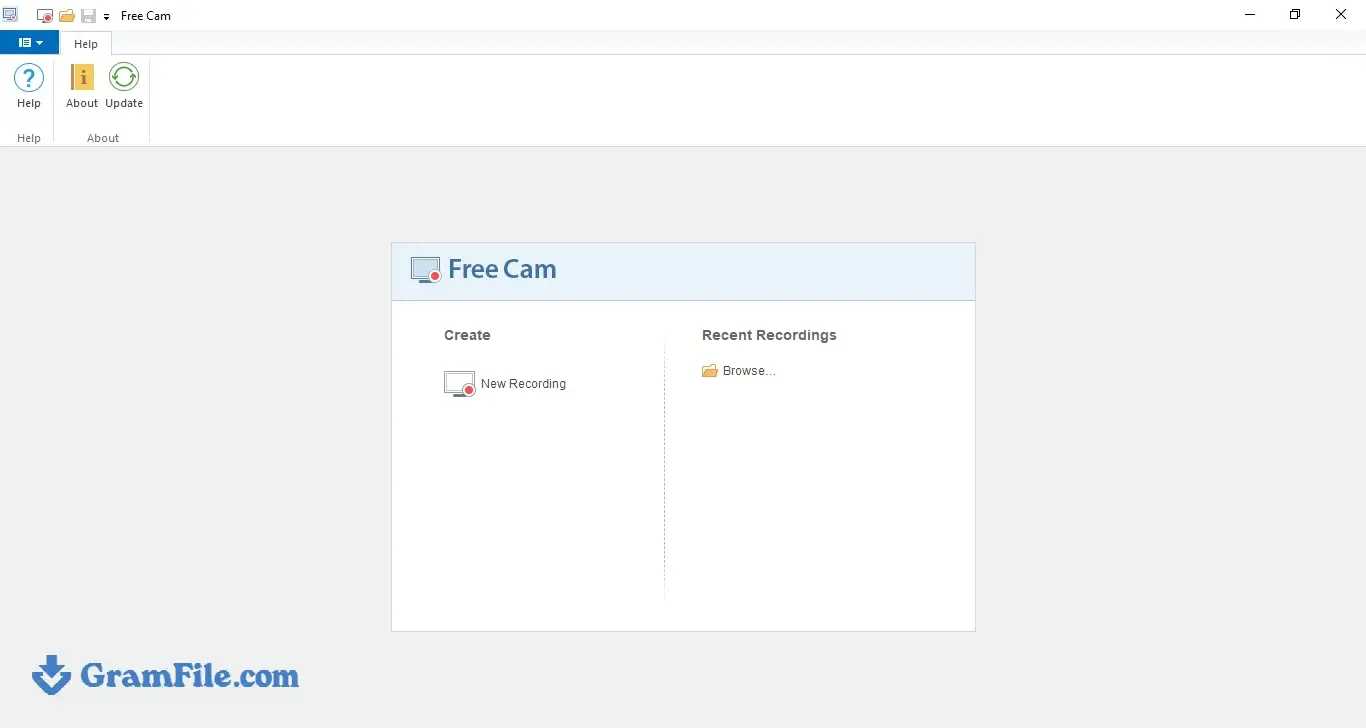
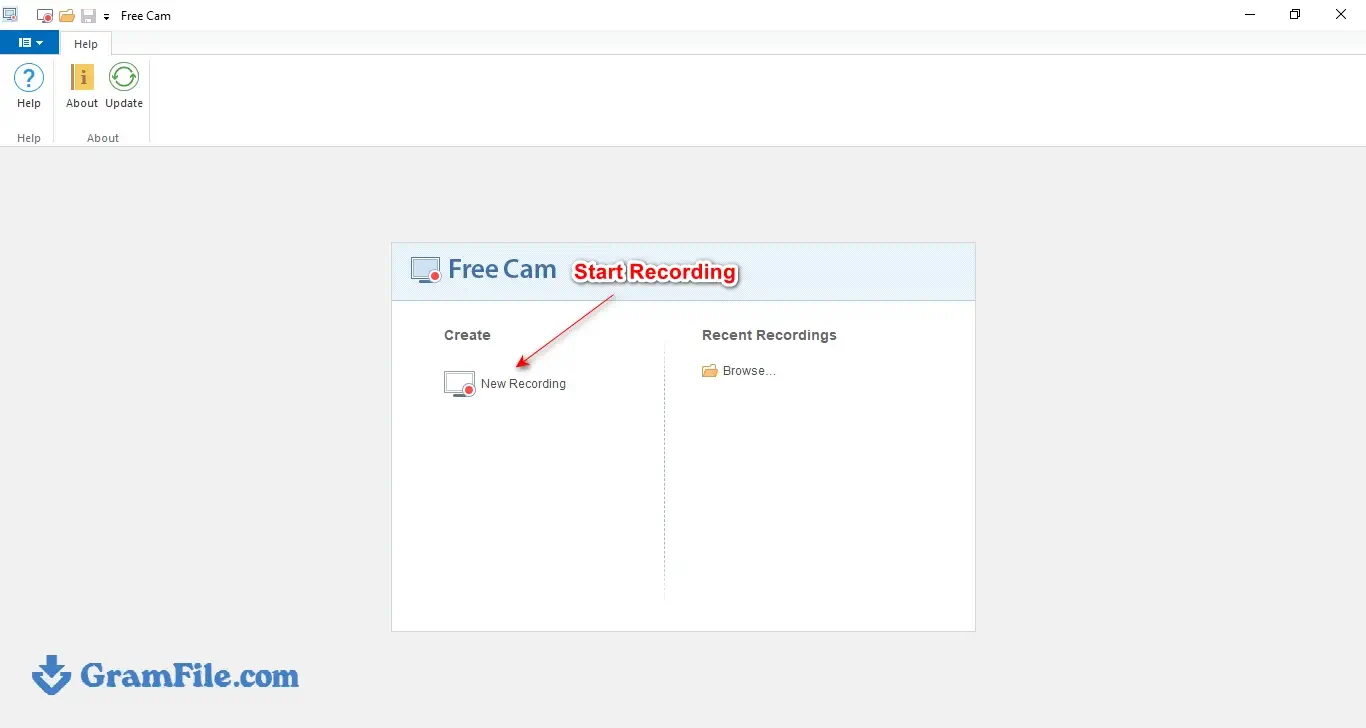
Free Cam is a Windows screen recorder from iSpring that captures your screen, microphone and system sound with no watermark and no time limit.
It suits teachers, trainers and anyone making quick how-to videos who wants a basic editor in the same window.
It is worth downloading if 720p WMV output is enough for you.
If you need webcam capture or MP4 files, look at the paid Cam Pro or at OBS Studio.
What is Free Cam?
Free Cam is a Windows screen recorder made by iSpring, the company behind a well-known e-learning authoring suite. It is built for lesson videos, software walkthroughs and quick demos.
It does the basics (record, trim, clean up audio, export) and stays out of the way.
Recording options: full screen, window or custom area
Before you press record, you choose what gets captured: the whole screen, a single window or a rectangle you drag out yourself.
A custom area suits tutorials, since viewers see only the app you are teaching and none of your desktop clutter.
Voice over and system audio
Free Cam records your microphone for voice over and the sound your PC plays, so you can capture app audio or lay background music under a lesson.
If you search for a screen recorder that records system audio on Windows, this is the feature that matters.
Mouse highlight and click sounds
A highlighted cursor and optional click sounds help viewers follow where you are pointing. It is a small feature, but it matters in software demos where people lose the pointer on a busy screen.
Built-in editor
After recording, you can cut out mistakes, mute selected stretches, add fade-in and fade-out, adjust volume and run noise removal over the whole voice track.
It is not a layered timeline editor. It handles clean-up and nothing more, which is also why it takes minutes to learn.
Saving and sharing
Videos save as WMV in HD up to 720p. After signing in, you can send a finished clip straight to YouTube.
MP4 export in Free Cam is not part of the free edition; it belongs to Cam Pro. If you need MP4, a free converter such as HandBrake can turn the WMV files into it.
Free Cam vs Cam Pro
Cam Pro adds webcam recording, annotations, hotkey hints, MP4 export and a multi-track timeline.
If your lessons need a talking head or on-screen callouts, you will outgrow the free version quickly. For plain screen walkthroughs, you may never need the upgrade.
Who should use it
Teachers, trainers, support staff and YouTubers making how-to clips are the target audience. Gamers and streamers should look at OBS Studio, since 720p WMV output is not built for high-frame-rate capture.
How to Download & Install
Download link: get the installer from the GramFile Download Page.
Installer type: the developer ships one standard Windows offline installer.
System requirements
- Windows 11, 10, 8 or 7, 32-bit or 64-bit
- Intel or AMD processor at 1 GHz or faster.
Install steps
Download the installer from the GramFile page.
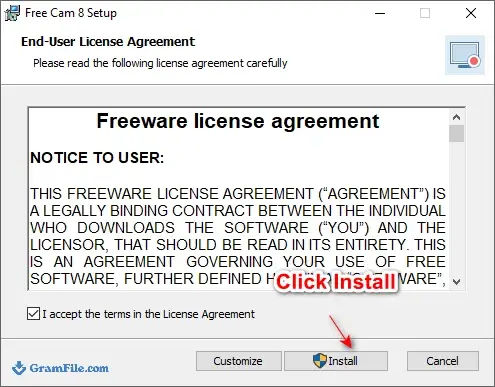
Run it and accept the license agreement.
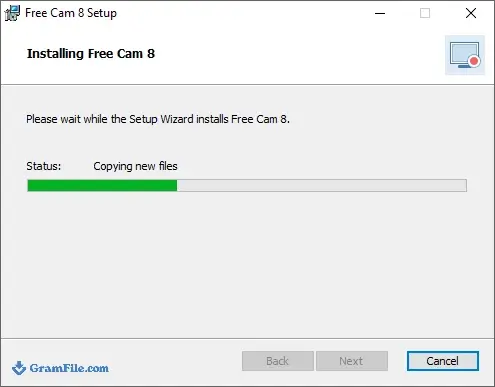
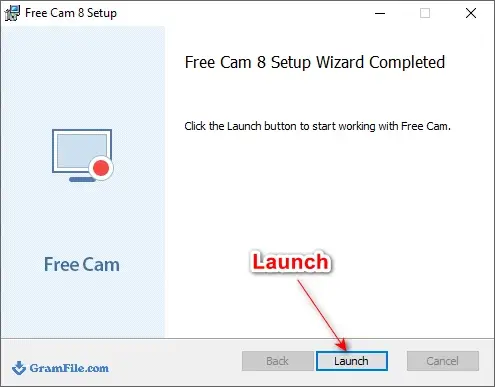
Launch Free Cam and start a new recording.
License: freeware. There is no serial number, trial clock or activation step. The paid upgrade is a separate product, iSpring Cam Pro.
How to update
Download the newest installer from the GramFile page and run it over your current install.
Exported videos are ordinary files, so they stay where they are. To remove the app, open Settings, go to Apps, pick Free Cam and click Uninstall.
Pros & Cons
What we liked
- No watermark, no time limit
- Records screen, mic and system audio
- Built-in editor trims and cleans audio
- One-click YouTube upload
- Simple interface, quick to learn
What we didn't like
- Windows only
- WMV output, capped at 720p
- No webcam recording or annotations
Best Free Cam Alternatives
-
 OBS Studio
Free software to turn your PC into a live streaming or recording studio.
-
 ScreenPal
A simple way to record and show what you're doing on your computer.
-
 Movavi Screen Recorder
Easily captures anything on your computer screen as a video or screenshot.
-
 ShareX
A tool for capturing and sharing screen images and other files quickly.
Conclusion
4.6out of 5 · 146 user ratings
Free Cam is a straightforward pick for anyone who needs clean screen recordings on Windows without paying or fighting a watermark.
Its limits are plain: WMV output, 720p and no webcam. Take it for tutorials and lessons.
Pick OBS Studio if you stream or need MP4, and ShareX if you want screenshots and recordings in one tool.
| App | Best For | Price | Platform | Standout Feature |
|---|---|---|---|---|
| Free Cam | Tutorials and lesson videos | Free | Windows | Built-in audio editor and YouTube sharing |
| OBS Studio | Streaming and advanced recording | Free (open source) | Windows, macOS, Linux | Scenes and multi-source mixing |
| ShareX | Screenshots plus recordings | Free (open source) | Windows | Capture workflows and auto-upload |
| Xbox Game Bar | Quick app-window clips | Free (built in) | Windows 10/11 | Opens with a keyboard shortcut |
FAQ
Is Free Cam really free?
Yes. The app is freeware with no watermark and no recording time limit. Only the separate Cam Pro product costs money.
Is Free Cam safe to download?
Yes, when you download it from the developer or a trusted directory like GramFile. Free Cam is made by iSpring, an established e-learning software company, and GramFile does not wrap its download links in bundled offers.
Can Free Cam record system audio and microphone?
Yes. It records your microphone for voice over and the sound your PC plays, including app audio.
Does Free Cam work on Windows 11?
Yes, Free Cam works on Windows 11. We tested it on Windows 11 at GramFile. The developer’s own page only names Windows 10, 8 and 7, but the app runs on Windows 11 as well.
What format does Free Cam save videos in?
Free Cam saves videos as WMV in HD up to 720p. MP4 export is a Cam Pro feature, but a free converter like HandBrake can convert the WMV files.
Can I record just part of the screen with Free Cam?
Yes. You can record the full screen, a single window or a custom area you select.
How do I uninstall Free Cam?
Open Windows Settings, go to Apps, select Free Cam from the list and click Uninstall.
Found a problem with this download? Report an outdated version, broken link, suspicious installer or incorrect information.
 Zoom Workplace
 Nitro PDF Pro
 Sumatra PDF
 IrfanView
 K-Lite Codec Pack
 WinRAR