

Download Details
- Version
- 16.0.20228.20124 (latest)
- File size
- 6.3 MB
- License
- Free Trial
- Security scan
- VirusTotal: 71 of 71 engines say OK (0 flagged)
- SHA-256 checksum
f266bc16834fbfae5aa7aca7c27ed5f393cac0bb2acebc2d5bb2dd7813cf7497- Developer
- Microsoft Corporation
- Supported OS
- Windows 11, Windows 10, Windows 7, Windows 8.1
- Installers
- 64-bit (x64), 32-bit (x86)
- Downloads
- 16842
- Rating
- 4.6 out of 5 · 65 reviews
- File name(s)
- setup.exe
 Reviewed by Ali Mohamed
Tested on Windows 11 and 10 · · How we review
Screenshots
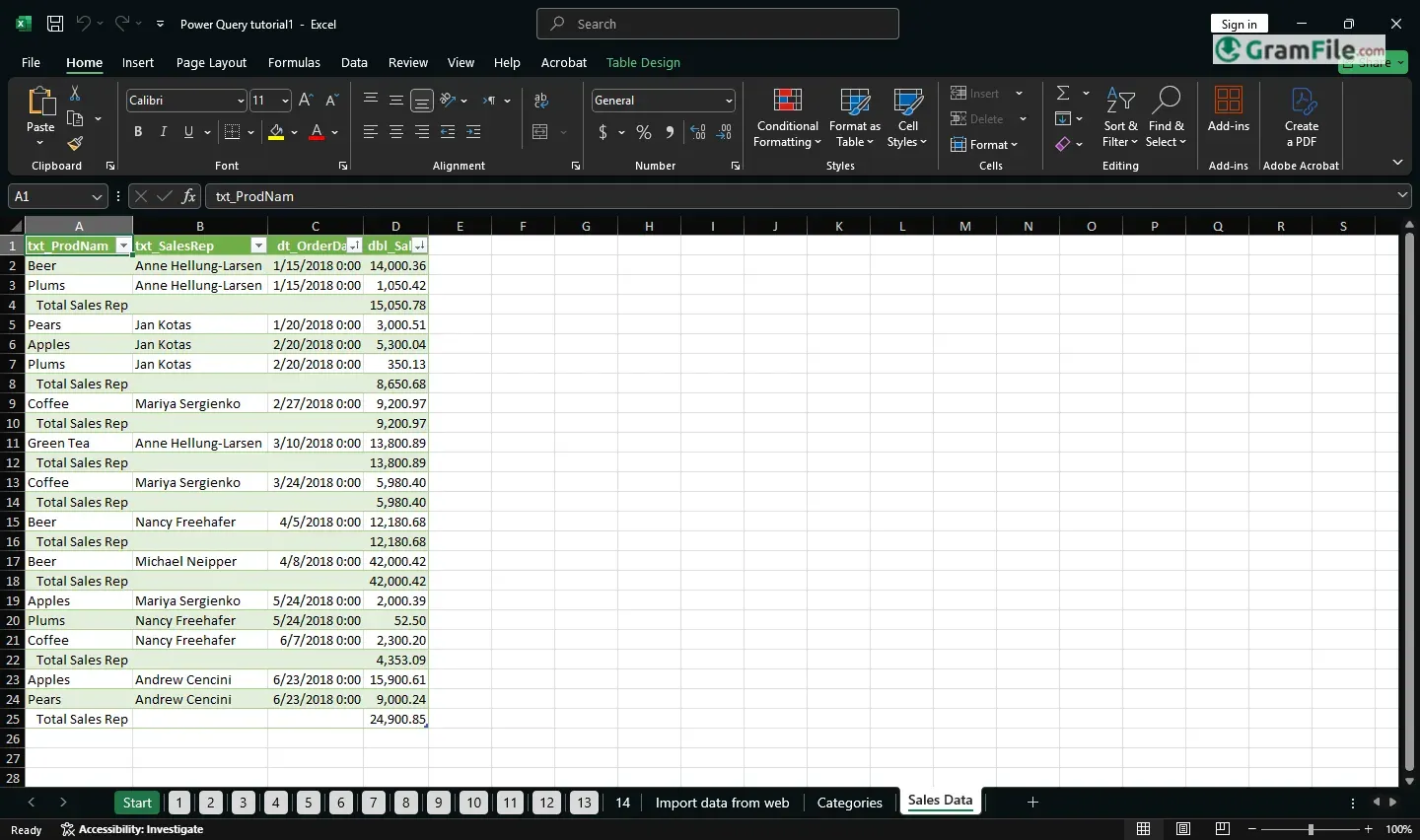
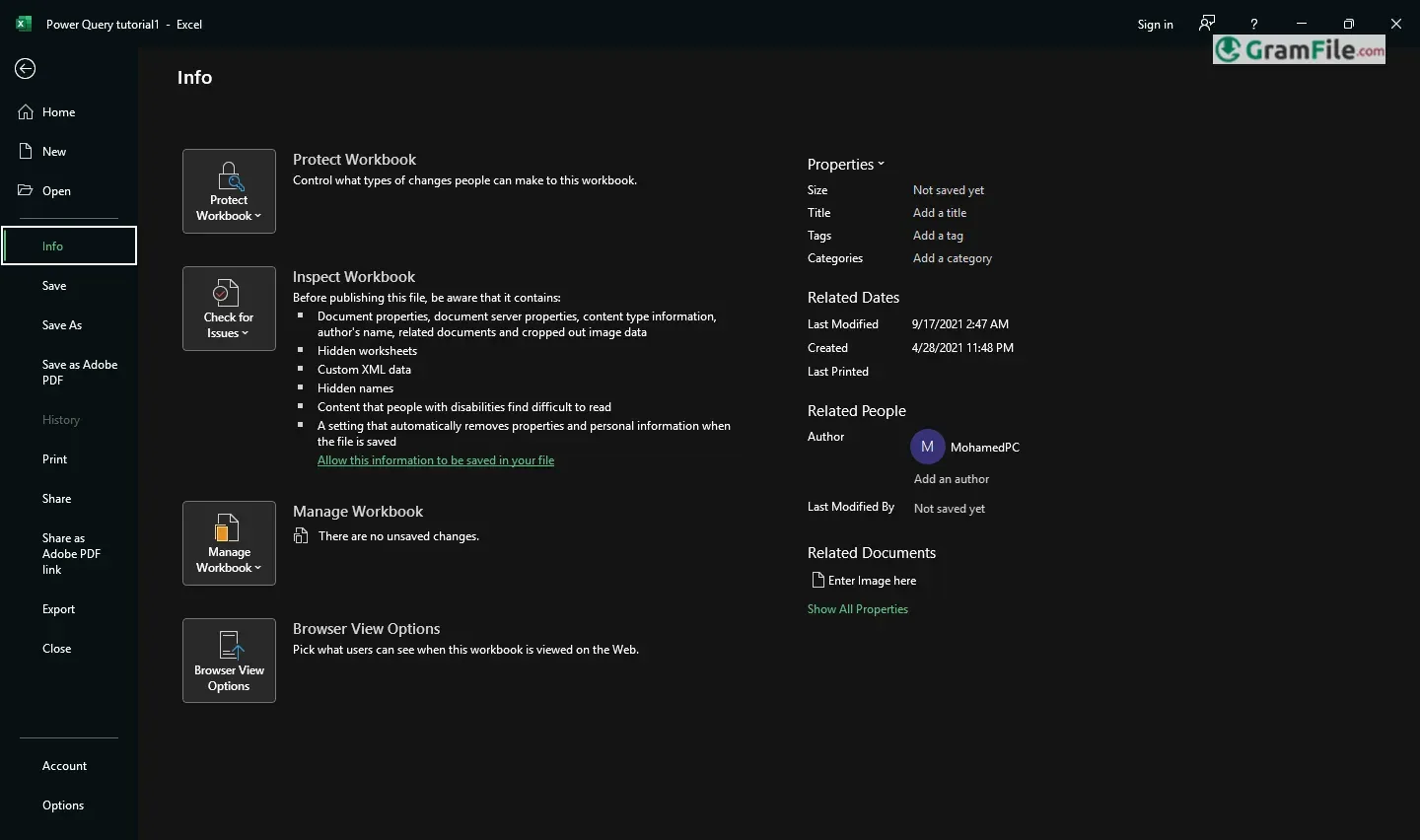
For over 35 years, Microsoft Excel has been the go-to tool for turning numbers into insights.
What started as a simple grid for calculations has evolved into a powerful platform with pivot tables, AI analytics, and real-time collaboration.
From financial modeling to everyday budgeting, Excel adapts to any task while staying refreshingly intuitive. It’s not just software, it’s how the world works with data.
What is Microsoft Excel?
Imagine a digital super-notebook that not only stores numbers but also calculates, analyzes, and even visualizes them for you, that’s Excel in a nutshell.
Born in 1985 and perfected over decades, this spreadsheet wizard turns messy data into clear tables, insightful charts, and automated reports.
Whether you’re tracking expenses, analyzing sales, or just making a to-do list, Excel handles it with ease.
Smarter Formulas That Almost Read Your Mind
- XLOOKUP – Finds data without the headache (goodbye, VLOOKUP struggles)
- Dynamic Arrays – Formulas that automatically spill results down your sheet
- LET function – Name calculations once, use everywhere (like math shortcuts)
Pivot Tables – Your Data’s Best Friend
Turn 10,000 rows of chaos into clear insights with drag-and-drop. Sales by region? Expenses by month? Done before your coffee cools.
AI-Powered Tools (Yes, Really)
- Ideas Pane – Spots trends you’d miss and suggests charts instantly
- Data Types – Link “France” to real-time geography/population data
Collaboration That Actually Works
- Real-time co-editing – See teammates’ changes live (no more “final_final_v3” files)
- @mentions in comments – Tag colleagues right in cells
Visuals That Don’t Look Like 1995
- Modern charts – Waterfalls, funnels, and maps that present beautifully
- Conditional Formatting – Automatic color-coding for deadlines/budgets
Power Query – The Silent Superhero
Clean messy data from PDFs/websites with point-and-click (no coding needed)
How to Download & Install
System Requirements
Before you install spreadsheets, let’s check if your computer is ready:
- Operating System: Windows 10 or 11 (64-bit) – the newer, the better
- Processor: At least a 1.6 GHz dual-core chip (like an Intel i3 or AMD Ryzen 3)
- Memory: 4GB RAM minimum (8GB if you work with big files)
- Storage: 4GB free space (more if installing the full Office suite)
- Display: 1280×768 resolution (so you can see all those ribbon tabs clearly)
- Extras: Internet for updates and cloud features
Older PCs? Excel might run, but complex formulas could feel sluggish.
Pro tip: If your computer handles Netflix and email fine, it’ll likely manage Excel.
How to Download and Install

- Get It: Click on the above Green Download Button for official and direct download. This ensures you get a legitimate copy and avoid any potential malware.
- Choose Your Version: Pick between a one-time purchase or a subscription (Microsoft 365 for regular updates).
- Install: Click “Download,” run the file, and follow the prompts, no tech skills needed.
- Open & Go: Launch Excel from your Start menu, and you’re ready to create your first spreadsheet.
Pros & Cons
What we liked
- Handles any data task
- Everyone uses it
- Instant calculations
- Great visuals, makes charts easily
What we didn't like
- Costs too much
- Hard to master
Best Microsoft Excel Alternatives
-
 Microsoft 365 (Office)
Rents you the latest Office apps with cloud storage for always-on access.
-
 Microsoft Office 2024
A one-time purchase offline installer - Pro Plus 64-bit office suite.
-
 Microsoft Office 2016
A stable desktop office suite with smart cloud sharing and collaboration features.
-
 Microsoft Office 2021
A one-time purchase offline setup of Word, Outlook, and PowerPoint (2021).
Conclusion
4.6out of 5 · 65 user ratings
Let’s be real, you could use other spreadsheet tools. Google Sheets is free, LibreOffice is open-source, and niche apps promise “simplicity.” But here’s why Excel remains the undisputed champion:
- Muscle Memory for the Modern World
- Every office job assumes you know it. Every tutorial exists for it. Every finance team relies on it.
- Depth Without Drama
- Need basic math? Easy.
- Building a financial model? Done.
- Other tools buckle under complexity—Excel just works.
- The Ecosystem Edge
- Power BI, Teams, and Outlook integration? Seamless.
- Alternatives feel like islands; Excel’s part of a continent.
When to Look Elsewhere
- Google Sheets: If real-time collaboration is your only priority.
- Numbers (Mac): For pretty charts but weak calculations.
- Specialty apps: Only if you do one task (like just budgets).
Bottom Line
Excel’s like a trusted toolbox, it might feel heavy at first, but when you need the right tool, nothing else fits your hand quite the same.
FAQ
4.6
Found a problem with this download? Report an outdated version, broken link, suspicious installer or incorrect information.
 Zoom Workplace
 Nitro PDF Pro
 Sumatra PDF
 IrfanView
 K-Lite Codec Pack
 WinRAR