

Download Details
- File size
- 7.1 MB
- License
- Free Trial
- Developer
- Microsoft Corporation
- Supported OS
- Windows 11, Windows 10
- Installers
- 64-bit (x64), ARM (Arm64), Offline
- Downloads
- 27140+
 Reviewed by Mohamed Zaki
Tested on Windows 11 and 10 · · How we review
Screenshots
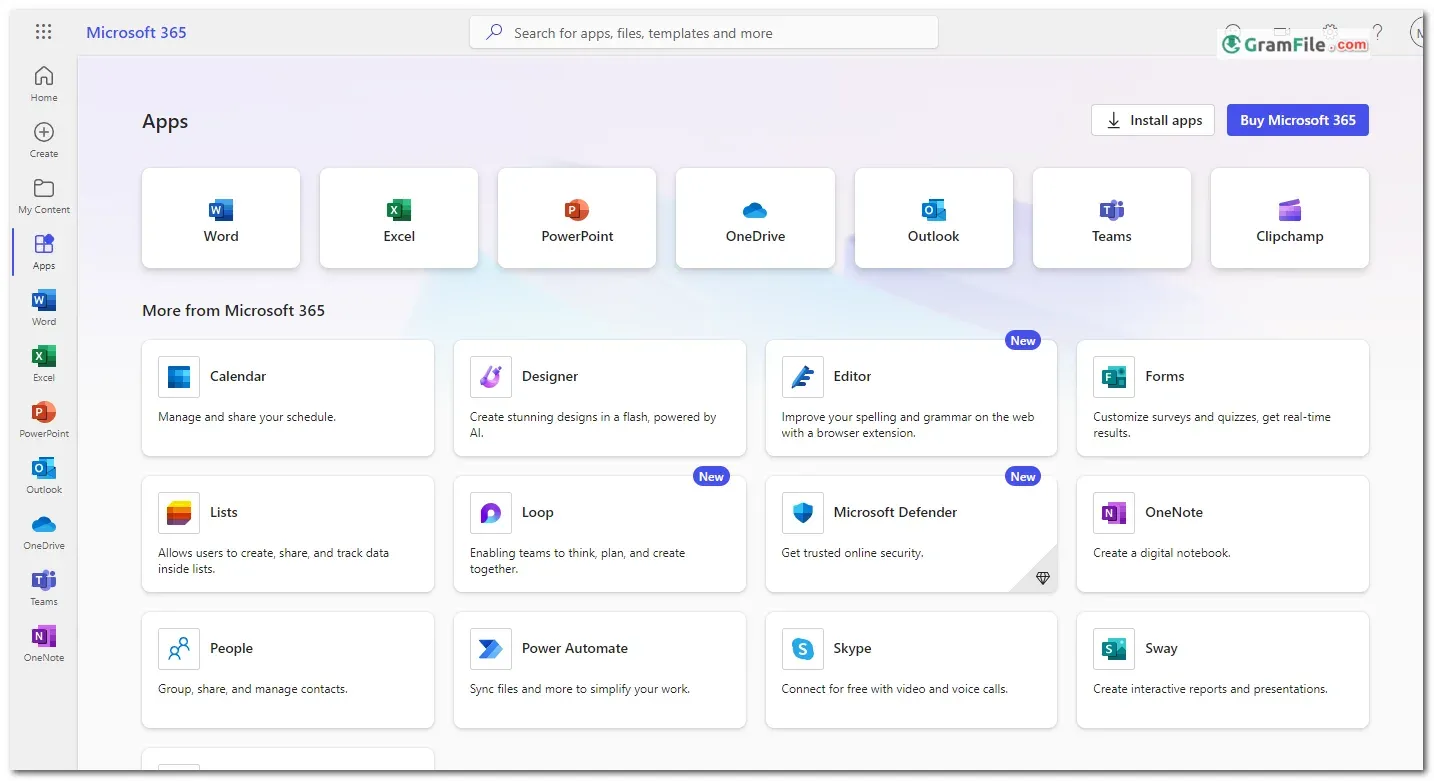

Microsoft 365, formerly known as Office 365, is a subscription-based service that delivers the familiar Microsoft Office suite along with cloud-based features and benefits.
This modern take on productivity software goes beyond just installing Word, Excel, and PowerPoint.
It offers access to these programs on various devices, along with constant updates, 1 terabyte of OneDrive cloud storage for file saving and collaboration, and access to web-based versions of the applications.
Born from the evolution of the traditional Office suite, Microsoft 365 keeps users connected and productive in an ever-changing digital landscape.
Microsoft 365, the cloud-powered evolution of the traditional Office suite, has become a cornerstone of productivity for Windows PCs.
But is it worth the subscription, or are you better off with the free alternatives? This review dives into the key features of Microsoft 365 for Windows, helping you decide if it harmonizes with your workflow.

Powerhouse Productivity Apps
The familiar faces of Word, Excel, PowerPoint, and Outlook are all present, constantly updated with new features and AI-powered enhancements.
From crafting grammatically-perfect documents in Word to leveraging Excel’s dynamic charts and data analysis tools, Microsoft 365 empowers you to create impactful presentations and manage communication seamlessly.
Cloud Collaboration Symphony
Gone are the days of emailing bulky attachments. OneDrive, the integrated cloud storage solution, grants access to your files from any device, fostering real-time collaboration with colleagues.
Co-author documents, edit spreadsheets simultaneously, and ensure everyone is on the same page, regardless of location.
Security for the Modern Workplace
In today’s threat landscape, data security is paramount. Microsoft 365 boasts robust security features, including automatic file backups and advanced encryption.
With additional features like information rights management and multi-factor authentication, you can breathe easy knowing your work is protected.
Beyond the Desktop
Microsoft 365 extends your productivity beyond the desktop. The mobile apps allow you to stay on top of tasks, review documents, and participate in discussions on the go.
This seamless integration ensures you’re never out of the loop, even when you’re away from your PC.
Word: Your AI-Powered Writing Companion
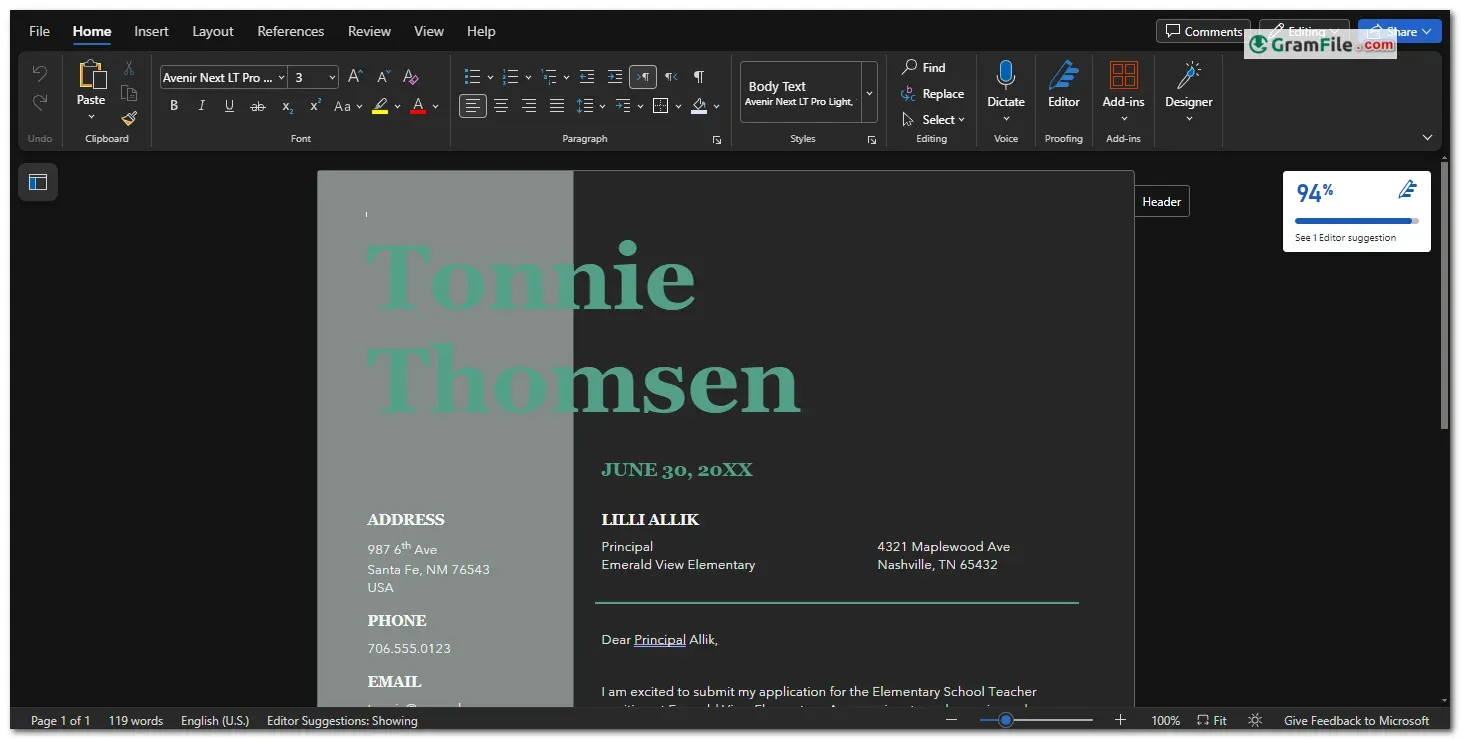
The cornerstone of written communication, Word in Microsoft 365 goes beyond basic document creation. AI-powered features like Editor suggest stylistic improvements, grammar checks, and even plagiarism detection.
Dictate your ideas and watch them appear on screen with real-time transcription, making document creation a breeze.

PowerPoint: Captivate Your Audience with Copilot

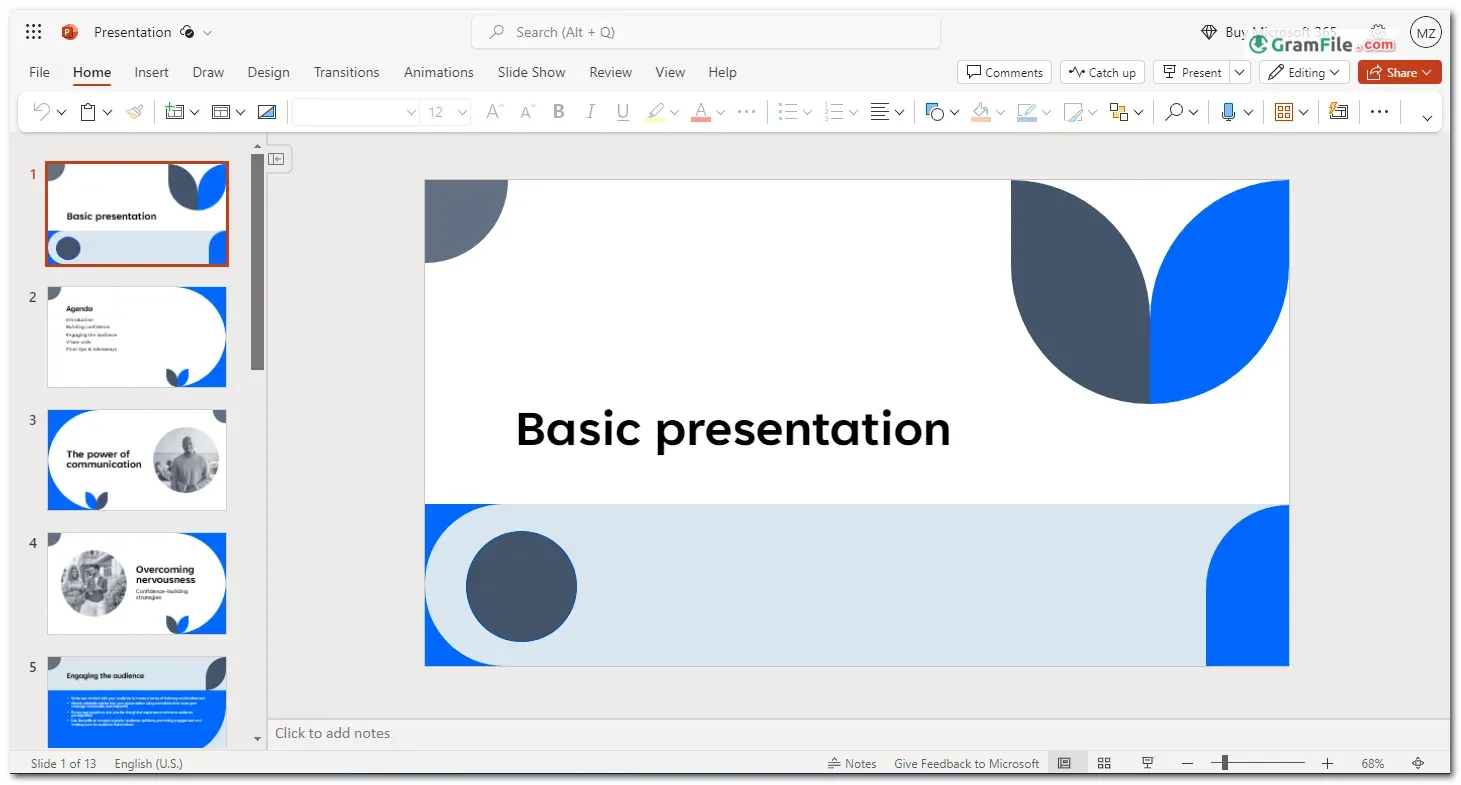
Craft stunning presentations with the familiar tools of PowerPoint. But Microsoft 365 takes it a step further.
Introducing Copilot, an AI assistant that analyzes your text and suggests relevant visuals, data insights, and even creative transitions. Focus on your message, and let Copilot elevate the presentation’s visual impact.

Clipchamp: Unleash Your Inner Video Editor
Microsoft 365 throws in a surprise – Clipchamp, a user-friendly video editor. This built-in tool lets you create engaging video content directly within the suite.
From adding royalty-free stock footage and music to leveraging AI-powered features like automatic captions and text-to-speech, Clipchamp empowers you to create impactful video content without needing complex editing software.

Key Features
- Always Evolving Apps: Word, Excel, PowerPoint, and Outlook with constant updates and AI smarts.
- Cloud Collaboration Symphony: Real-time co-authoring and file access from anywhere with OneDrive.
- Fort Knox Security: Automatic backups, encryption, and advanced access controls keep your data safe.
- Mobile Mastery: Stay productive on the go with mobile apps for all core functionalities.
How to Download & Install
Microsoft 365 boasts a streamlined download and installation process, but navigating the different options can be confusing. Here’s a breakdown for a smooth setup:
Simplicity Reigns: Downloading Microsoft 365 is a breeze. Simply click on the above Green Download Button. Then, download the installer from the download page.
One click starts the download, and an intuitive installer guides you through the process.

System Requirements
The system requirements for Microsoft Office and Microsoft 365 can vary depending on the specific version and features you’re using. However, these are the general guidelines based on available information:
- Operating System: Windows 10 build 14393 or later.
- RAM: At least 2 GB for 32-bit Microsoft 365 Apps, but 4 GB is recommended.
- Disk Space: Sufficient free disk space.
- Browser: Use the latest version of Safari, Chrome, Edge, or Firefox.
- CPU: A modern processor.
- Video: DirectX 9 or later with WDDM 1.0 driver.
Additional Notes:
- Keep your .NET Framework up-to-date (version 4.6.1 or later).
- These requirements may vary based on the specific Microsoft 365 plan or Office application you’re using.
- Always refer to official Microsoft resources for the most accurate and up-to-date information.
Pros & Cons
What we liked
- Secure cloud: Access files securely anywhere, anytime.
- Forever updates
- Access files & apps from any device, anywhere.
- Easy collaboration
What we didn't like
- Subscription Cost: Ongoing monthly/yearly fees.
- Reliant on Internet
- Data security relies on Microsoft’s cloud infrastructure.
Best Microsoft 365 (Office) Alternatives
-
 Microsoft Office 2024
A one-time purchase offline installer - Pro Plus 64-bit office suite.
-
 Microsoft Office 2016
A stable desktop office suite with smart cloud sharing and collaboration features.
-
 Microsoft Office 2021
A one-time purchase offline setup of Word, Outlook, and PowerPoint (2021).
-
 LibreOffice
Free, powerful alternative to Microsoft Office for Windows.
Conclusion
4.6out of 5 · 121 user ratings
Microsoft 365 for Windows offers a compelling package for individuals and businesses alike.
With its ever-evolving feature set, cloud-based accessibility, and robust security, it empowers you to work smarter, not harder. However, the subscription model might not suit everyone, and free alternatives offer basic functionality.
Who Should Consider It?
- Professionals seeking a comprehensive suite of productivity tools.
- Teams requiring real-time collaboration and cloud-based file sharing.
- Businesses prioritizing data security and advanced features.
Ideal for: Busy professionals, collaborative teams, security-conscious businesses.
Before You Subscribe
- Consider your budget and workflow needs.
- Explore free alternatives for basic functionality.
- Ensure a stable internet connection for optimal cloud integration.
Ultimately, Microsoft 365 for Windows is a powerful productivity suite that can significantly enhance your workflow.
By carefully weighing the features and subscription model against your specific needs, you can decide if it’s the perfect harmony for your professional symphony.
Found a problem with this download? Report an outdated version, broken link, suspicious installer or incorrect information.
Must-Have Windows Apps
-
 Zoom Workplace
 Zoom Workplace
 Nitro PDF Pro
 Sumatra PDF
 IrfanView
 K-Lite Codec Pack
 WinRAR