

Download Details
- Version
- Service Pack 3 (12.0.6798.5000) (latest)
- File size
- 317.11 MB
- License
- Free Trial
- Developer
- Microsoft Corporation
- Supported OS
- Windows 11, Windows 10, Windows 7, Windows 8.1
- Installers
- 64-bit (x64), 32-bit (x86), Offline
- Downloads
- 17174
- Rating
- 4.4 out of 5 · 50 reviews
 Reviewed by Mohamed Zaki
Tested on Windows 11 and 10 · · How we review
Screenshots
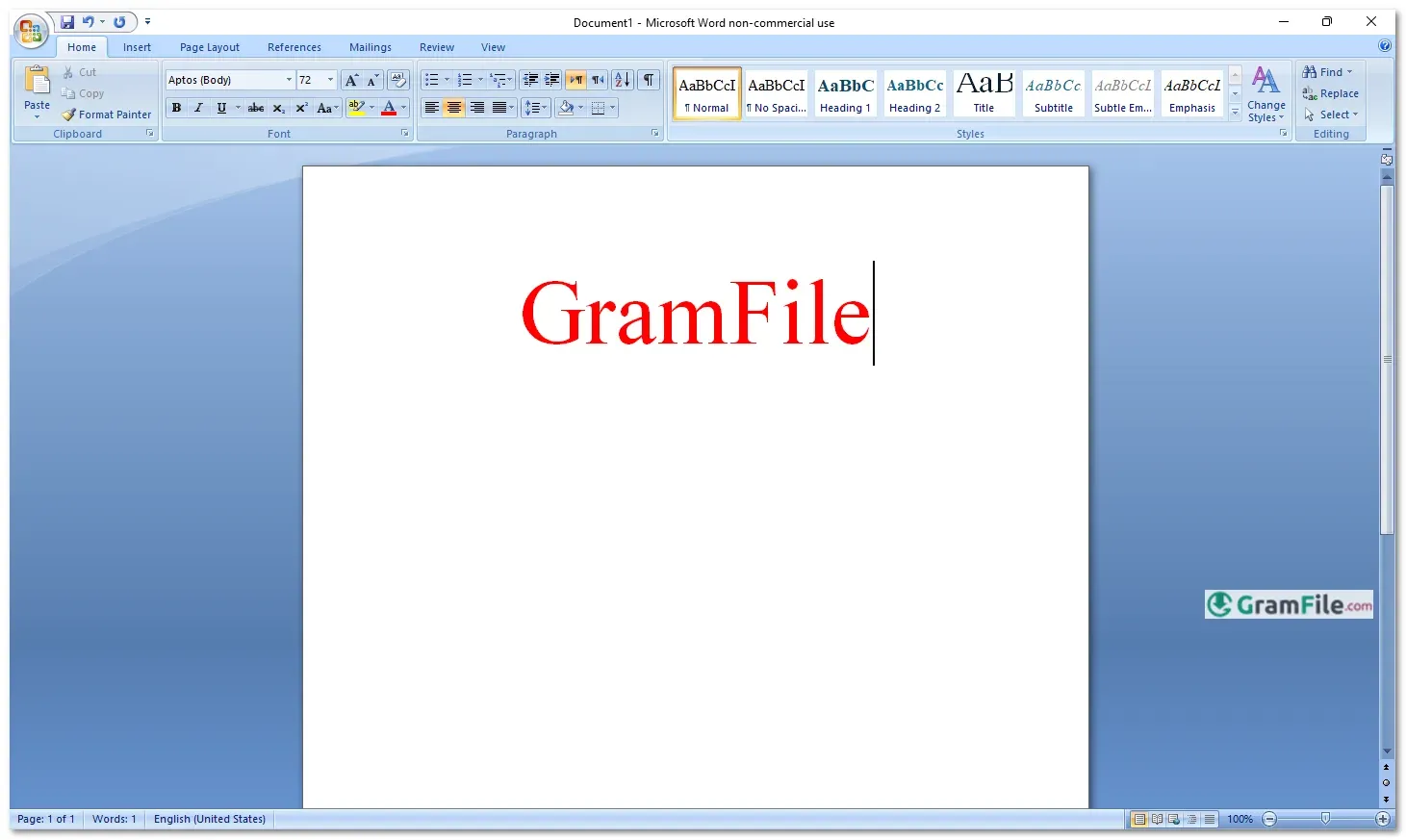
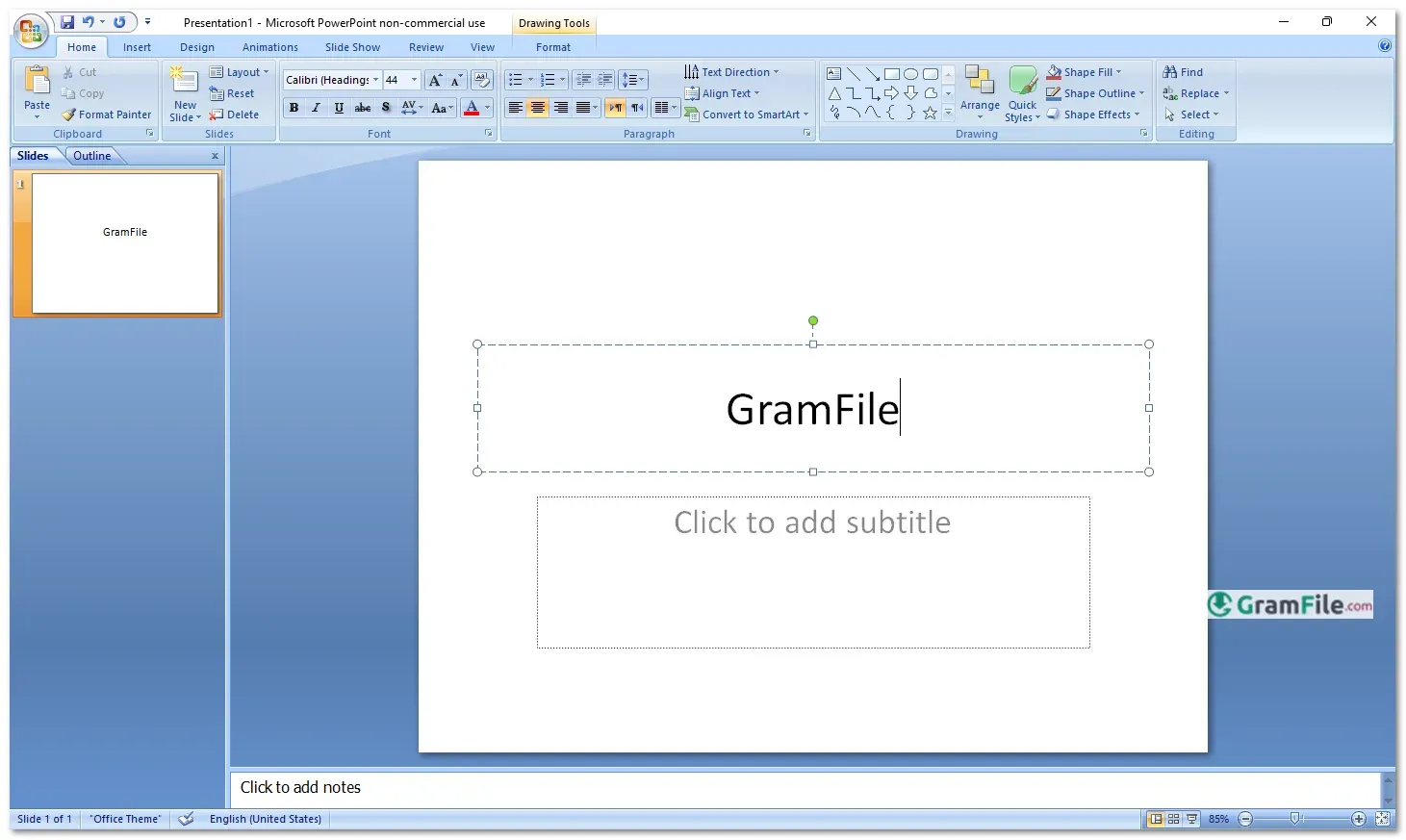
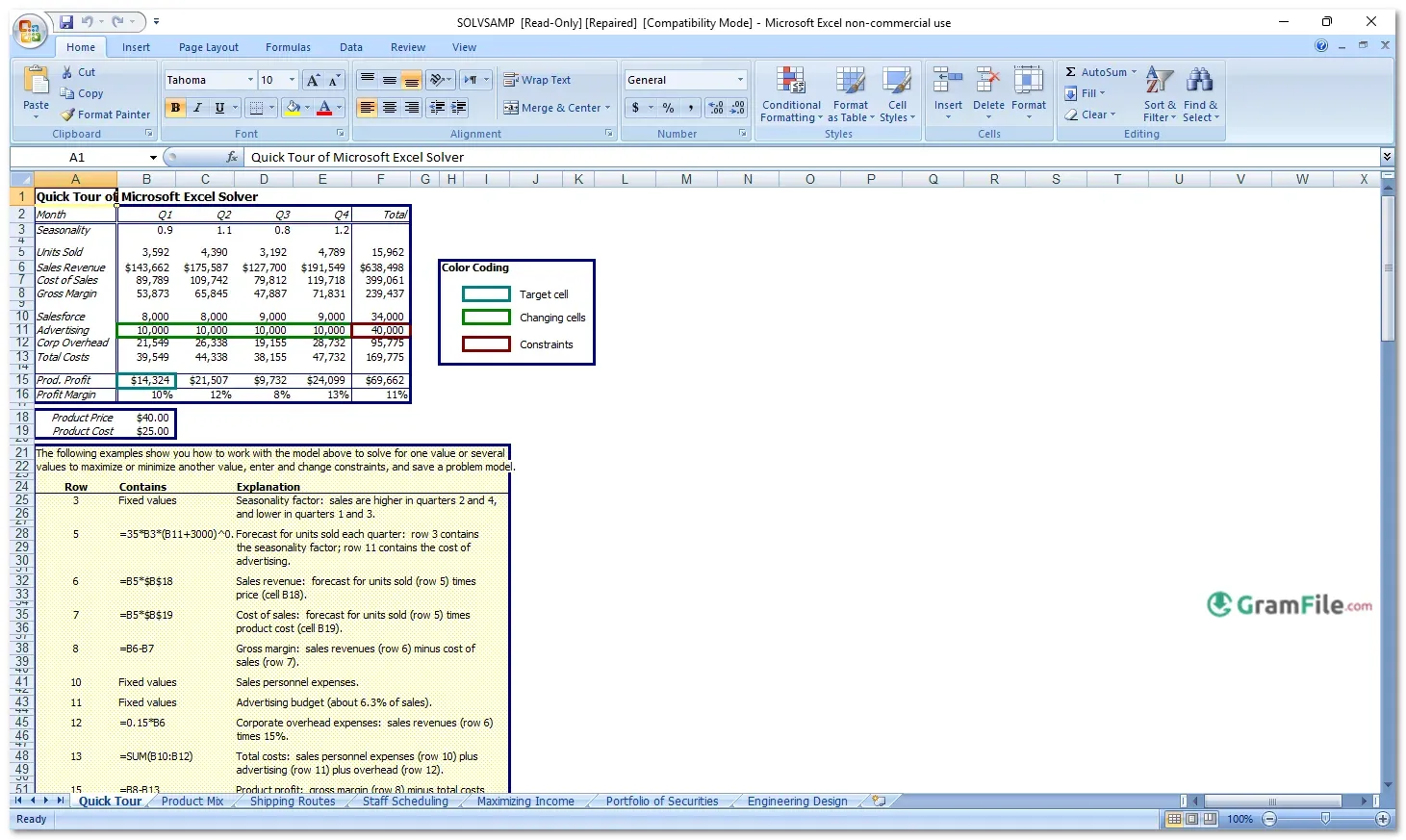
Microsoft Office 2007 is one of the most important office software releases ever made, known for introducing a bold new design and improving everyday productivity tasks.
Before Office 2007, Microsoft Office looked almost the same for many years. Menus and toolbars were crowded, confusing for new users, and slow to explore.
In late 2006, Microsoft decided to rethink everything. Office 2007 was released for Windows with a completely new interface called the Ribbon.
This change was risky, but it worked. It helped users find tools faster and made common tasks easier.
Over time, Office 2007 became a turning point that influenced all later Office versions and even other software products. Today, it is remembered as a milestone, not just another update.
What Is Microsoft Office 2007?
Microsoft Office 2007 is a productivity software suite for Windows designed to help users create documents, spreadsheets, presentations, emails, and more.
It includes popular applications like Word, Excel, PowerPoint, and Outlook. The main goal of Office 2007 was to improve usability, reduce complexity, and help users work faster with fewer clicks.
It introduced modern file formats, smarter tools, and a cleaner working experience compared to older versions.
Included Office Applications
- Microsoft Word 2007
- Microsoft Excel 2007
- Microsoft PowerPoint 2007
- Microsoft Outlook 2007
- Microsoft Publisher 2007
- Microsoft OneNote 2007
Key Features and Highlights
- Ribbon replaces old menus
- Faster access to tools
- Modern document formats
- Cleaner workspace design
- Better visual previews
- Improved file recovery
- Stronger email protection
How to Download & Install
Step 1: Download the installer
Download the Office 2007 setup file from a trusted and legitimate source. Make sure the file is complete and not modified.
Step 2: Check system compatibility
Confirm that your Windows version supports Office 2007 before starting installation.
Step 3: Run the setup file
Double-click the installer file and allow it to run. Administrative permission may be required.
Step 4: Enter the product key
When prompted, enter your valid Office 2007 product key.
Step 5: Choose installation type
Select “Typical” for default installation or “Custom” to choose specific applications.
Step 6: Complete installation
Wait for the setup process to finish, then restart your computer if required.
System Requirements
Microsoft Office 2007 is lightweight compared to modern office suites.
- Operating System: Windows XP SP2, Windows Vista, Windows 7
- Processor: 500 MHz or faster
- RAM: 256 MB minimum
- Storage: Around 2 GB free space
- Display: 1024×768 or higher resolution
64-Bit Support
Microsoft Office 2007 is primarily a 32-bit application. Official 64-bit versions were not widely available at the time.
However, it runs smoothly on 64-bit Windows systems using compatibility layers, making it usable even on modern hardware.
How to Buy and Activate
Originally, Office 2007 was sold as a boxed product or digital license with a 25-character product key. Activation is done during or after installation using this key. Activation helps verify that the copy is genuine and allows full access to all features.
Warning About Serials, Cracks, and Patches
Using cracked versions, fake serials, or patched installers is highly risky. These copies often include viruses, spyware, or hidden backdoors.
They can damage your system, steal personal data, or cause software instability. In many cases, cracked Office versions stop working suddenly or fail to save files properly. Always avoid illegal copies to protect your data and system.
Pros & Cons
What we liked
- Simple modern interface
- Fast on older systems
- Offline installation support
- Strong core applications
- Lightweight and stable
What we didn't like
- No cloud integration
- Outdated security features
- Limited modern compatibility
- No official portable version
- No active support
Best Microsoft Office 2007 Alternatives
-
 Microsoft 365 (Office)
Rents you the latest Office apps with cloud storage for always-on access.
-
 Microsoft Office 2024
A one-time purchase offline installer - Pro Plus 64-bit office suite.
-
 Microsoft Office 2016
A stable desktop office suite with smart cloud sharing and collaboration features.
-
 Microsoft Office 2021
A one-time purchase offline setup of Word, Outlook, and PowerPoint (2021).
Conclusion
4.4out of 5 · 50 user ratings
Why Choose Microsoft Office 2007?
Microsoft Office 2007 remains a solid choice for users who want a simple, fast, and reliable office suite without modern complexity.
It runs well on older computers, offers all essential productivity tools, and introduced a design that shaped the future of office software.
For offline work, basic document creation, and learning purposes, it still delivers real value.
Microsoft Office 2007 vs Others
Compared to older Office versions, Office 2007 is more user-friendly and visually organized.
Compared to newer versions, it lacks cloud features and real-time collaboration but feels lighter and faster. Unlike subscription-based alternatives, it does not require ongoing payments.
For users who prefer ownership, simplicity, and offline reliability, Office 2007 still stands strong.
Found a problem with this download? Report an outdated version, broken link, suspicious installer or incorrect information.
 Zoom Workplace
 Nitro PDF Pro
 Sumatra PDF
 IrfanView
 K-Lite Codec Pack
 WinRAR