

Download Details
- Version
- 26225.1806.5074.1452 (latest)
- File size
- 274.5 MB
- License
- Free
- Security scan
- VirusTotal: 48 of 48 engines say OK (0 flagged)
- SHA-256 checksum
6470be915aba85ae6d1ceeb547ec8d08183ff0aa70defd04e30a2e58206c3ada- Developer
- Microsoft Corporation
- Supported OS
- Windows 11, Windows 10
- Installers
- 64-bit (x64), 32-bit (x86), ARM (Arm64), Offline
- Downloads
- 9418
- Rating
- 4.6 out of 5 · 82 reviews
- File name(s)
- MSTeams-x64.msix, MSTeams-x86.msix, MSTeams-arm64.msix
 Reviewed by Mohamed Zaki
Tested on Windows 11 and 10 · · How we review
Screenshots
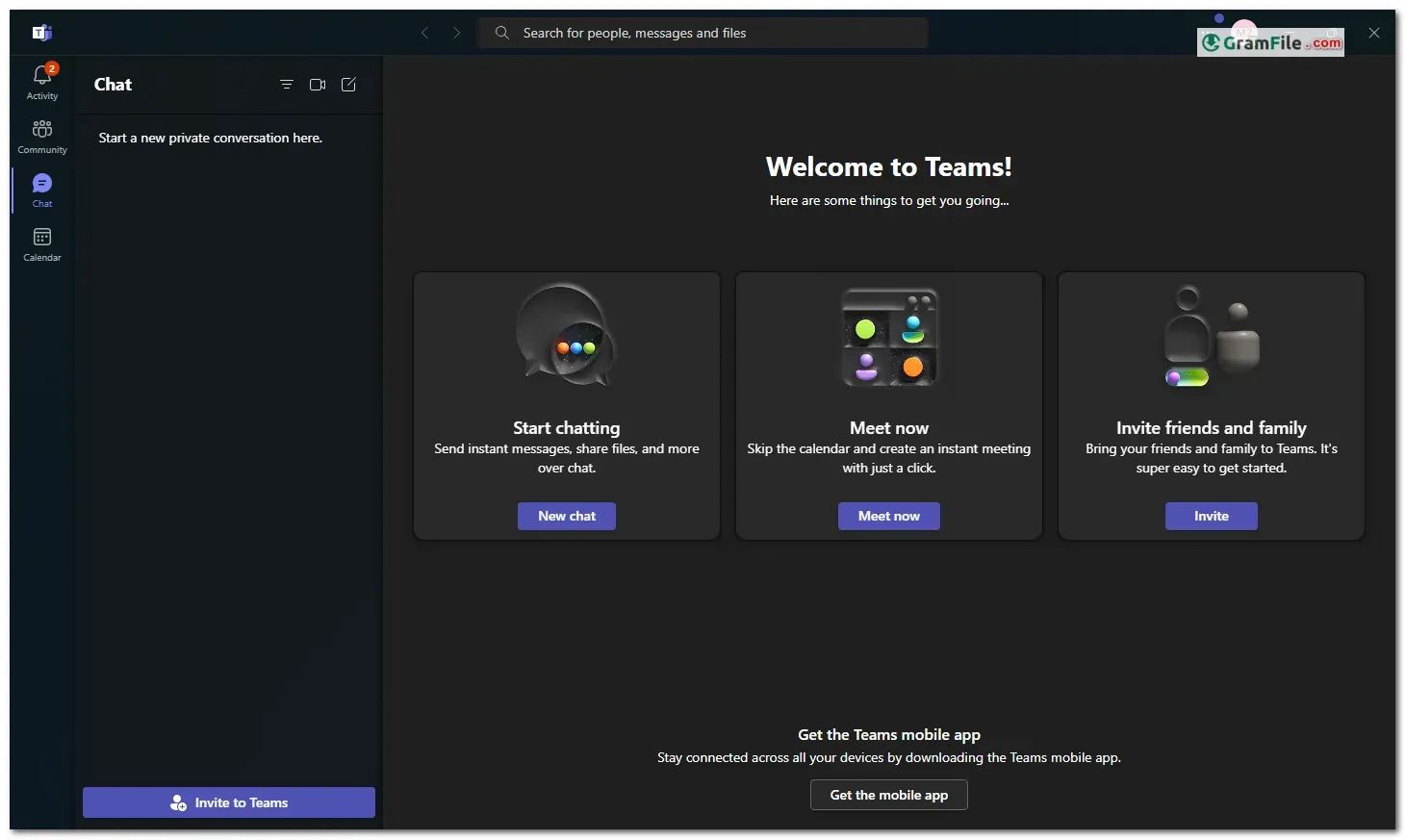
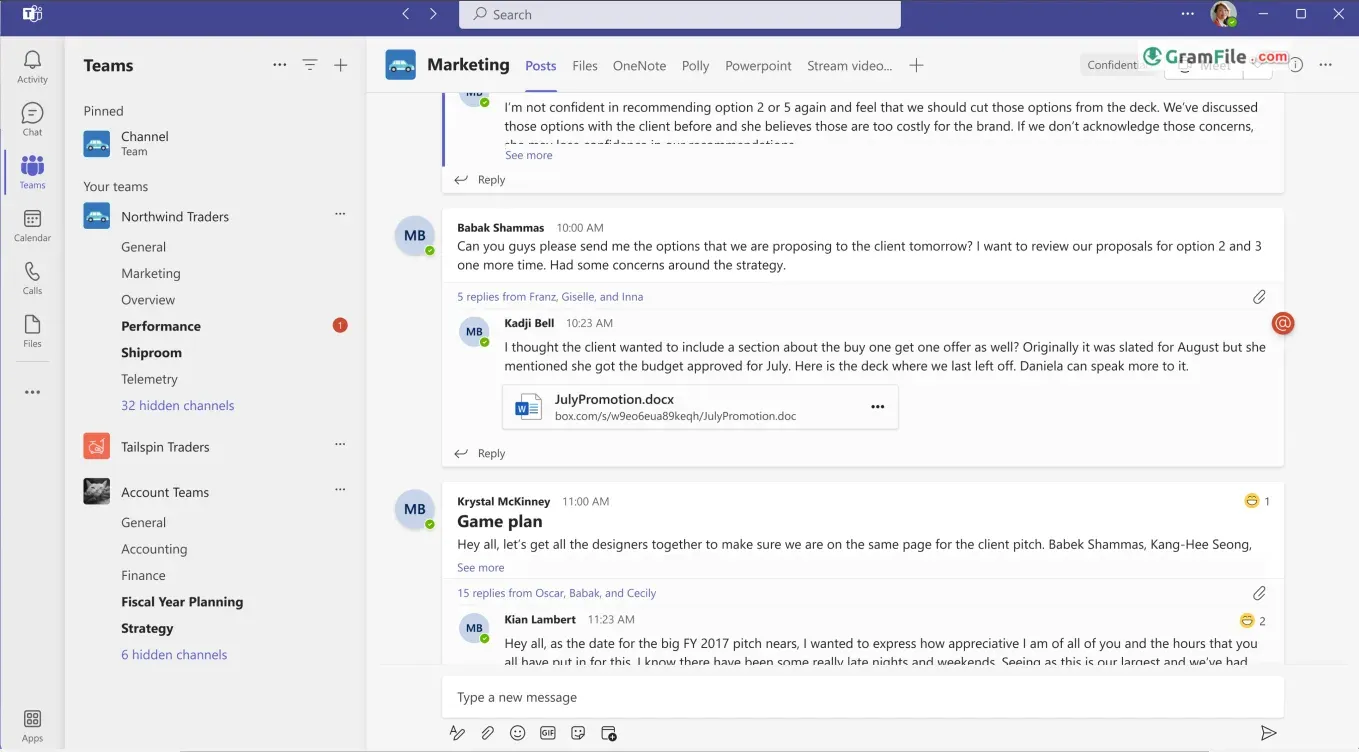
A central hub for communication and collaboration, Microsoft Teams for Windows is a free application that brings teamwork to the digital age. Launched in 2016, this feature-rich platform from Microsoft goes beyond simple chat.
It lets you hold video meetings, share screens, collaborate on documents in real-time, and manage tasks, all within a unified interface.
Microsoft Teams integrates seamlessly with other Microsoft 365 applications, making it a natural fit for businesses already invested in the Microsoft ecosystem.
While a free version exists with limitations, paid subscriptions unlock extended meeting durations, increased storage capacity, and additional functionalities.
Overall, Microsoft Teams for Windows offers a powerful and versatile solution for communication and collaboration in today’s digital workplace.
Microsoft Teams for Windows PC has emerged as a central hub for communication and collaboration, aiming to streamline workflows and foster a connected work environment.

Creating a Meeting: Simple and Intuitive
Scheduling a meeting in Teams is awesome. With a few clicks, you can invite participants, set an agenda, and choose between video conferencing or audio calls. Screen sharing and file collaboration further enhance the interactive experience.

Beyond the Desktop: A Web-Based Companion
The beauty of Teams lies in its accessibility. While the Windows PC app offers a feature-rich experience, a web version mirrors its core functionality. This allows access from any device with a browser, ensuring you stay connected on the go.
Essentials for Smaller Teams
For smaller teams or those new to the platform, Microsoft Teams Essentials offers a cost-effective option. This paid plan provides core features like chat, video meetings, and file sharing, making it a valuable stepping stone for streamlined collaboration.
Free vs. Paid: Understanding the Options
The basic functionalities of Teams, including chat and limited video calls, are available for free. However, features like extended meeting recording, larger storage capacity, and advanced analytics come with paid subscriptions through Microsoft 365 or Office 365 plans.
Signing In and Guest Access: Flexibility for All
Signing in to Teams requires a Microsoft account associated with your organization or a free personal account for individual use.
However, Teams offers “guest join” functionality. This allows external participants to join meetings without needing a Teams account, providing flexibility for collaboration beyond organizational boundaries.
Key Features
All-in-One Hub: Microsoft Teams brings together messaging, conferencing, and file sharing under one roof, making it convenient for businesses of all sizes.
- Tight Integration: Seamlessly connects with other Microsoft apps, ensuring a cohesive experience for Microsoft 365 users.
- Customizable: Highly adaptable to your organization’s needs and workflow.
- Video Conferencing: Equipped with robust video calling and voice over IP (VoIP) phone features.
- In-App Messaging: Efficient communication within teams.
- Plentiful Integration Options: Easily integrates with other tools and services.
- Included with Microsoft 365 Business Accounts and Windows 11: No additional cost for eligible users.
Pros & Cons
What we liked
- All-in-one: Chat, meet, collaborate – simplifies workflows.
- Web accessible: Stay connected from any device.
- Easy meetings: Effortless scheduling, video calls, & file sharing.
- Guest access: Flexible collaboration beyond your organization.
What we didn't like
- Advanced features require paid subscriptions.
- Mastering advanced features might take time.
Best Microsoft Teams Alternatives
-
 Zoom Workplace
Turns your computer into a video conference room in your pocket.
-
 Google Meet
Enables you to hold video meetings for work, school, or catching up with friends.
Conclusion
4.6out of 5 · 82 user ratings
Microsoft Teams for Windows stands as a powerful tool for communication and collaboration, offering a robust feature set and web accessibility.
The freemium model is suitable for various needs, while the Essentials plan provides a cost-effective option for smaller teams.
However, it’s important to consider your specific needs and choose the most suitable plan. While guest join offers flexibility, some advanced features require paid subscriptions.
Overall, Teams is a valuable asset for businesses seeking a unified communication platform, but a thorough evaluation of your needs is crucial before diving in.
Found a problem with this download? Report an outdated version, broken link, suspicious installer or incorrect information.
 Nitro PDF Pro
 Sumatra PDF
 IrfanView
 K-Lite Codec Pack
 WinRAR