

Download Details
- Version
- 12.0.6038.3000 (latest)
- File size
- 24.5 MB
- License
- Free
- SHA-256 checksum
47ce4e64fdb5044df4c07f8c155b07b44e0aa1a23e417258e3c33b2e0de15c55- Developer
- Microsoft Corporation
- Supported OS
- Windows 11, Windows 10, Windows 7, Windows 8.1
- Installers
- 64-bit (x64), 32-bit (x86)
- Downloads
- 19731
- Rating
- 4.2 out of 5 · 51 reviews
 Reviewed by Ahmed Madbouli
Tested on Windows 11 and 10 · · How we review
Screenshots
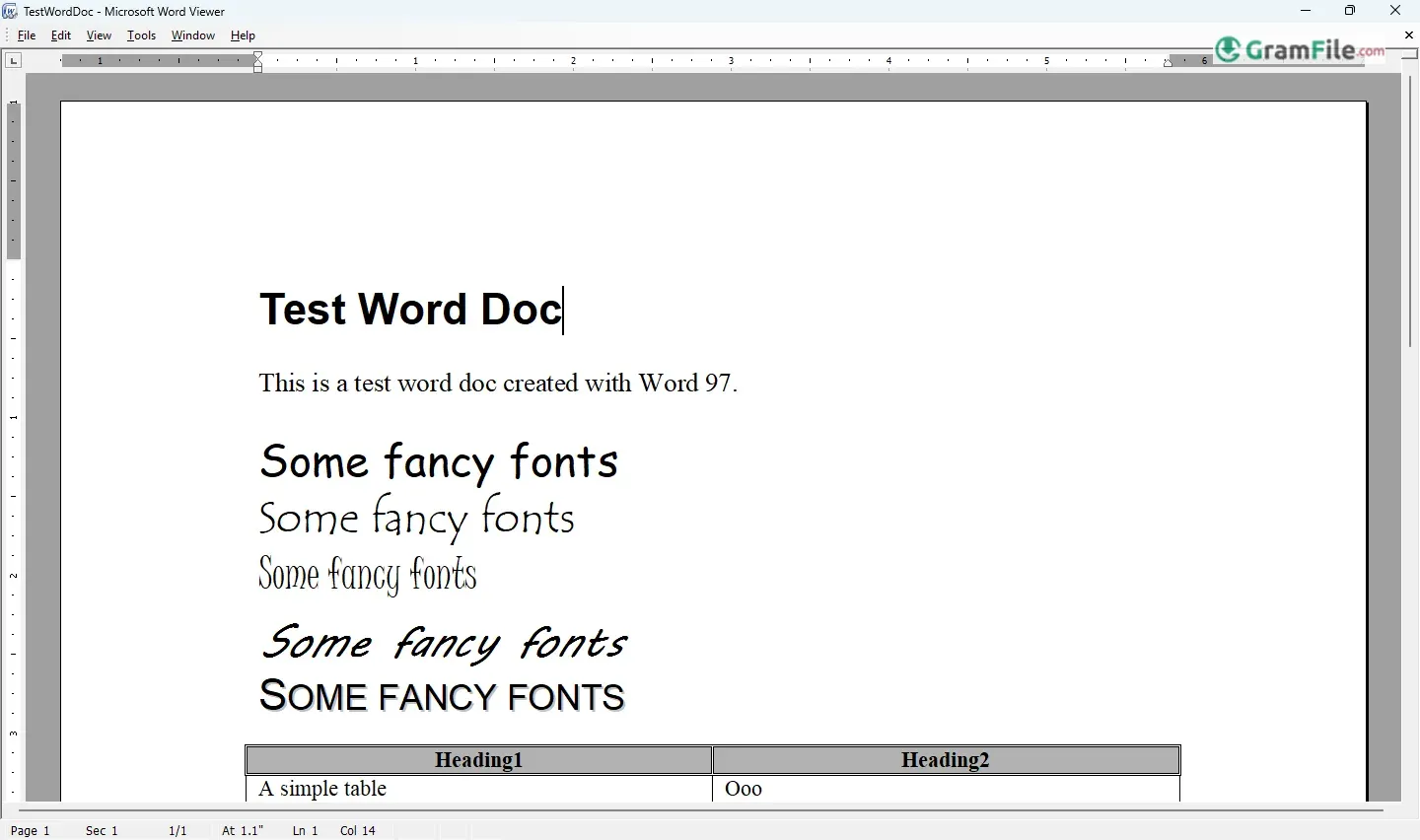
Microsoft Word Viewer is a free application that enables users to open, view, and print Microsoft Word documents without installing the full Office suite.
Designed for efficiency, it provides essential document viewing capabilities while maintaining minimal system resource usage.
Launched in the late 1990s, Word Viewer serves as a practical tool for businesses, students, and home users who need reliable access to DOC and DOCX files without editing features.
While Microsoft no longer updates the program, it remains a functional option for basic document viewing needs.
In today’s digital landscape, alternatives like Word Online and Office Mobile apps offer more modern solutions, but Word Viewer continues to be a straightforward choice for quick, no-frills file access.
What is Microsoft Word Viewer?
Microsoft Word Viewer is a free, lightweight application that lets you open and read Word documents when you don’t have Microsoft Office installed.
Think of it as a “read-only” version of Word, perfect for quickly checking documents without editing them.
While Microsoft no longer supports it (discontinued in 2017), it remains useful for older systems or temporary viewing needs.
Key Features
- Document Compatibility: Opens .DOC and .DOCX files (from Word 97 up to 2013 formats).
- Printing Support: Lets you print documents exactly as they appear.
- Copy-Paste Functionality: Extract text or images for use elsewhere.
- Zoom & Navigation: Adjust view settings and scroll through pages easily.
- Low System Requirements: Works smoothly even on older PCs.
Pros & Cons
What we liked
- Free forever
- Opens any .DOC/.DOCX file
- Zero editing = perfect for secure viewing
- Tiny install (under 25MB)
- Prints exactly as formatted
What we didn't like
- No longer updated (security risk)
- Can’t edit or save documents
- Sometimes struggles with complex layouts
- 32-bit only (no modern 64-bit support)
Best Microsoft Word Viewer Alternatives
-
 Microsoft 365 (Office)
Rents you the latest Office apps with cloud storage for always-on access.
-
 Microsoft Office 2024
A one-time purchase offline installer - Pro Plus 64-bit office suite.
-
 Microsoft Office 2016
A stable desktop office suite with smart cloud sharing and collaboration features.
-
 Microsoft Office 2021
A one-time purchase offline setup of Word, Outlook, and PowerPoint (2021).
Found a problem with this download? Report an outdated version, broken link, suspicious installer or incorrect information.
 Zoom Workplace
 Nitro PDF Pro
 Sumatra PDF
 IrfanView
 K-Lite Codec Pack
 WinRAR