

Download Details
- Version
- 16.0.20228.20124 (latest)
- File size
- 6.3 MB
- License
- Free Trial
- Security scan
- VirusTotal: 71 of 71 engines say OK (0 flagged)
- SHA-256 checksum
f266bc16834fbfae5aa7aca7c27ed5f393cac0bb2acebc2d5bb2dd7813cf7497- Developer
- Microsoft Corporation
- Supported OS
- Windows 11, Windows 10, Linux
- Installers
- 64-bit (x64), 32-bit (x86), ARM (Arm64)
- Downloads
- 9712
- Rating
- 4.6 out of 5 · 79 reviews
- File name(s)
- setup.exe
 Reviewed by Ahmed Madbouli
Tested on Windows 11 and 10 · · How we review
Screenshots
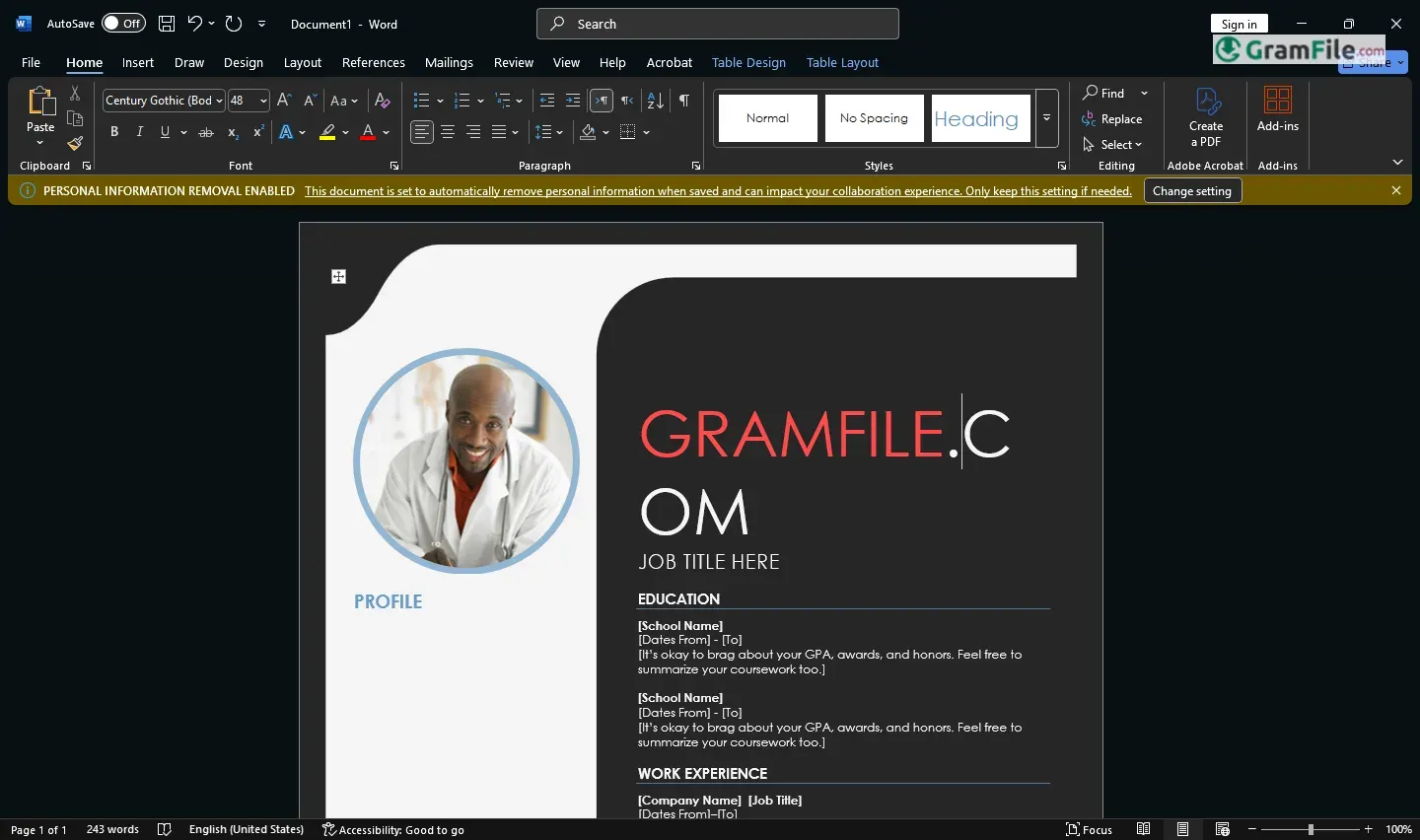
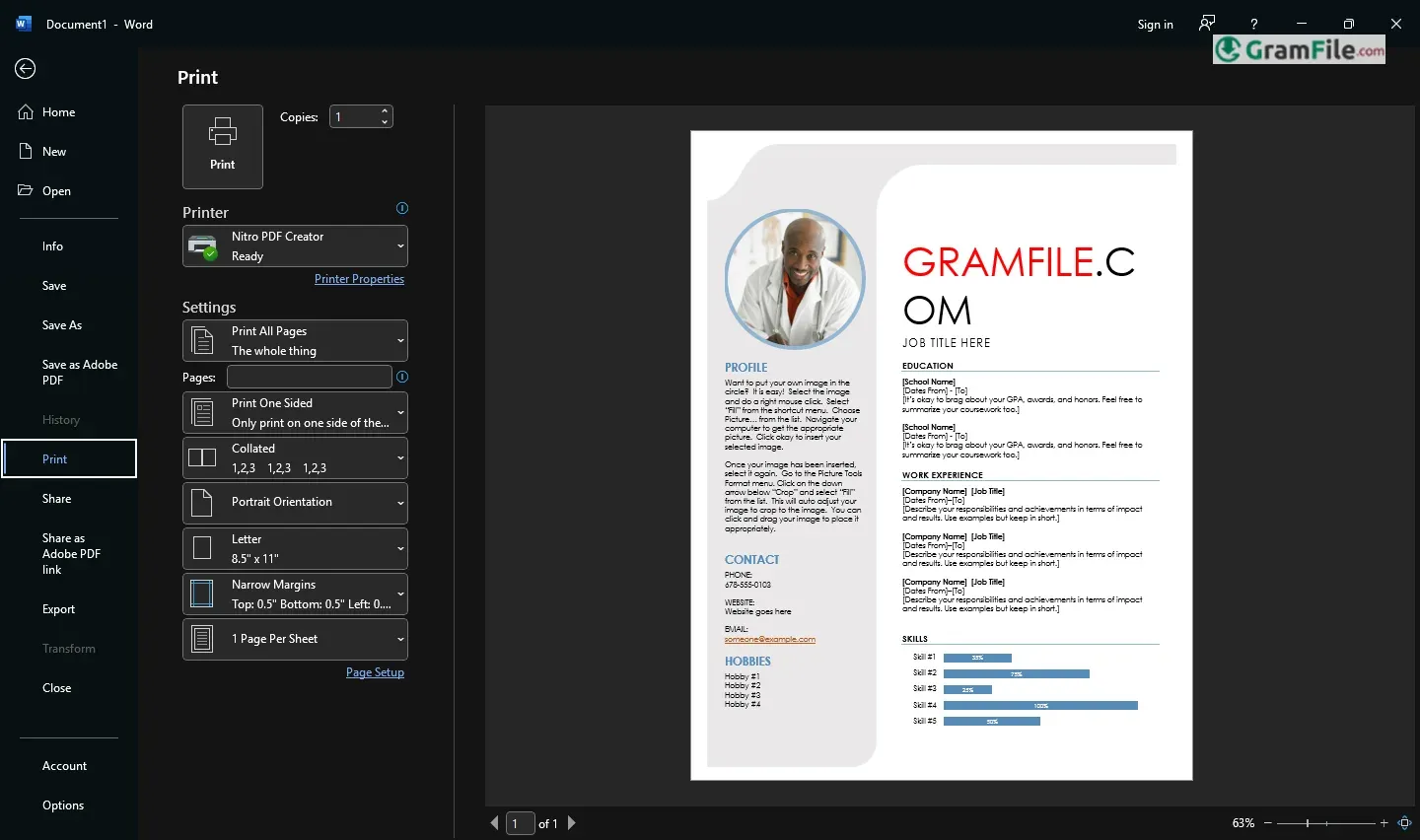
Microsoft Word is the world’s leading word processor, trusted by millions to craft everything from quick notes to polished reports.
Packed with powerful tools for writing, formatting, and collaboration, it remains the go-to choice for professionals, students, and everyday users.
Launched in 1983 for MS-DOS and later optimized for Windows, Word revolutionized document editing with features like WYSIWYG (“What You See Is What You Get”) formatting.
Over decades, it evolved from a simple text editor to a cloud-connected powerhouse, integrating spell check, real-time co-authoring, and AI-powered suggestions.
Today, it’s the core of Microsoft 365 but still thrives as a standalone app.
What Is Microsoft Word?
Microsoft Word is the world’s most popular word processor – the digital equivalent of a super-powered typewriter.
Whether you’re writing a school essay, business report, or just a shopping list, Word gives you all the tools to create professional-looking documents with ease.
Why Millions Choose Word
- Familiar interface that’s easy to learn
- Works perfectly with other Office programs
- Cloud saving so you never lose your work
- Regular updates with new features
Let’s be honest, when you need to write something important, you open Word. Not because you have to, but because nothing else gives you this perfect mix of power and simplicity. Here’s what makes it special:
The Features You Actually Use
- Real-Time Collaboration – See colleagues typing in the document while you work, like digital magic
- Flawless Formatting – Fonts, spacing, and layouts that always look right when printed
- Smart Editing – Editor feature catches grammar mistakes and suggests clearer phrasing
- Cloud Everywhere – Start on your laptop, finish on your phone – all auto-saved
The Hidden Gems Most People Miss
- Dictation – Speak instead of type (and it actually works)
- Quick Parts – Save reusable text snippets for contracts or forms
- Read Aloud – Have Word proofread your work back to you
- Dark Mode – Easy on eyes for late-night writing sessions
Why It Beats Free Alternatives
- Tables that don’t break when you edit them
- Comments that stay where you put them
- Images that behave instead of jumping around
- Templates that actually look professional
Who It’s Perfect For
- Students who need perfect formatting
- Office workers creating shared documents
- Writers who want powerful editing tools
- Anyone who hates fighting with their word processor
How to Download & Install
- Purchase Options:
- Buy as a standalone product (one-time purchase)
- Subscribe to Microsoft 365 (includes regular updates)
- Free limited online version at Office.com
- Installation Made Simple:
- Download from Microsoft’s official website
- Run the installer – it guides you step-by-step
- Sign in with your Microsoft account for full features
Pros & Cons
What we liked
- Gold standard for documents
- Perfect formatting every time
- Best collaboration tools
- Works offline flawlessly
- Tons of time-saving features
What we didn't like
- Expensive subscription
- Heavy on old computers
- Can be overwhelming
- Requires Microsoft login
Best Microsoft Word Alternatives
-
 Microsoft 365 (Office)
Rents you the latest Office apps with cloud storage for always-on access.
-
 Microsoft Office 2024
A one-time purchase offline installer - Pro Plus 64-bit office suite.
-
 Microsoft Office 2016
A stable desktop office suite with smart cloud sharing and collaboration features.
-
 Microsoft Office 2021
A one-time purchase offline setup of Word, Outlook, and PowerPoint (2021).
Conclusion
4.6out of 5 · 79 user ratings
Let’s cut to the chase – Word wins because it just works. While free options exist, they all stumble where Word stands strong.
Pick Word for
- Documents that always look right (no formatting surprises)
- Working with others without headaches
- Features that actually save you time
How it compares
- Google Docs: Great for quick shares, but messy with complex docs
- LibreOffice: Free but feels old, often messes up layouts
- Simple text editors: Faster for notes, useless for real work
Truth time
Yes, Word costs money. But for important documents – resumes, contracts, reports – it’s worth every penny. Free tools work until you need them to work perfectly… then they let you down.
“The difference between typing and writing professionally.”
Found a problem with this download? Report an outdated version, broken link, suspicious installer or incorrect information.
 Zoom Workplace
 Nitro PDF Pro
 Sumatra PDF
 IrfanView
 K-Lite Codec Pack
 WinRAR