

Download Details
- Version
- 3.6.1 (latest)
- File size
- 23.8 MB
- License
- Paid
- Security scan
- VirusTotal: 68 of 68 engines say OK (0 flagged)
- SHA-256 checksum
b407c39d82398aff52602ae98a2b7cd904023a5f6d1e88416dc30b2c31a3cf56- Developer
- Inc.Private Internet Access, Inc.
- Supported OS
- Windows 11, Windows 10
- Installers
- 64-bit (x64), ARM (Arm64), Offline
- Downloads
- 6220
- Rating
- 4.6 out of 5 · 32 reviews
- File name(s)
- pia-windows-x64-3.6.1-08339.exe, pia-windows-arm64-3.6.1-08339.exe
Screenshots
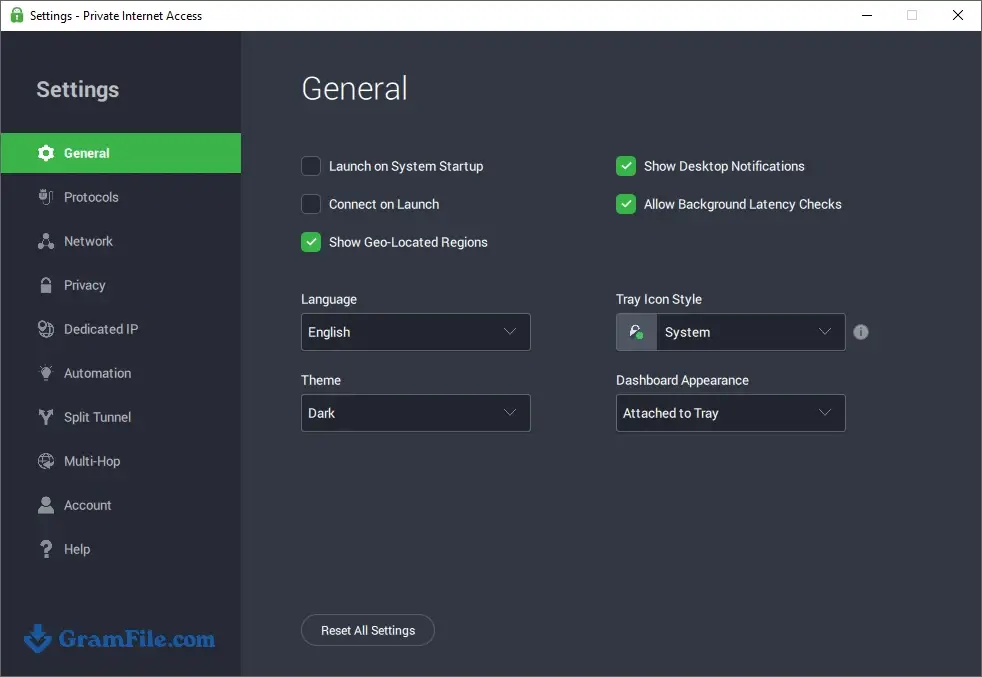
Private Internet Access (PIA) is a paid VPN for Windows that hides your IP address and encrypts your traffic.
It suits people who like to adjust settings: protocol choice, port forwarding, split tunneling and a kill switch are all built in.
The app is free to install, but you need a subscription to connect. A 30-day money-back guarantee covers the first purchase, so you can test it before committing.
If you want a one-click VPN and nothing else, a simpler app may fit better.
What is Private Internet Access?
Private Internet Access, made by Private Internet Access, Inc., is a VPN client that routes your traffic through encrypted servers.
It has been around since 2010 and has a loyal following among privacy-minded users and people who torrent.
What PIA does well
The Windows app supports both WireGuard and OpenVPN, so you can choose speed or a more established protocol.
A kill switch cuts your internet if the VPN drops, and split tunneling lets chosen apps bypass the tunnel.
One subscription covers an unlimited number of devices, which helps in a busy household.
Port forwarding, a proxy section and multi-hop are included for people who want finer control.
Tip: If you only need the VPN for a browser or torrent client, use split tunneling and leave everything else on your normal connection.
Where it can annoy
The settings menus are deep, and beginners may not know what half the options do.
Streaming unblocking has been described as a mixed bag in independent reviews, so do not buy it only for that.
Tip: Leave the defaults on for everyday use. They are secure out of the box, and you can tweak later if needed.
Privacy and extras
PIA states a no-logs policy and publishes open-source apps. An ad and malware blocker is built in.
Optional paid add-ons include a dedicated IP and an antivirus.
Tip: If a site blocks you, switch to another server in the same country before changing protocols.
Free download vs paid subscription
| Feature | App only (no plan) | With subscription |
|---|---|---|
| Install the Windows app | Yes | Yes |
| Connect to VPN servers | No | Yes |
| Unlimited devices | No | Yes |
| 30-day money-back guarantee | Not applicable | Yes |
Is Private Internet Access safe to install?
The installer was checked with VirusTotal and came back clean.
The VPN service also stores no activity logs by its own policy, which is worth reading on the official site before you buy.
Who should skip it
Skip PIA if you want a permanently free VPN, because there is no free plan.
Also skip it if you prefer a very simple interface with almost no settings.
How to Download & Install
Click the download button at the top of this page to get the PIA installer, a standard EXE file for Windows 11 and Windows 10.
Prefer a different CPU build? Pick the 64-bit installer for most PCs or the ARM64 installer for ARM devices.
Step 1: Click the download button at the top of this page and save the installer to your PC.
Step 2: Double-click the installer. The setup runs automatically, so there are no long option screens to work through.
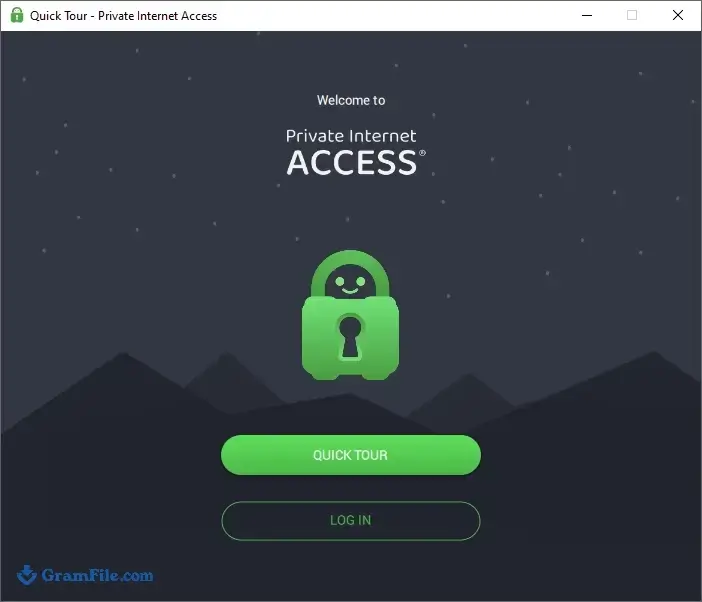
Step 3: When the app opens, the Quick Tour appears. Skim it or skip it, then continue to the login screen.
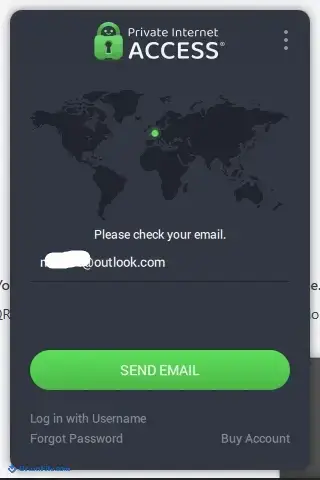
Step 4: Sign in with the email and password of your PIA account. If you do not have an account yet, buy a plan on the PIA website first.
Step 5: Pick a location or leave it on automatic, then click the connect button.
Installer types
PIA ships as a regular installer for Windows. There is a main build for 64-bit PCs and a separate ARM64 build for ARM-based Windows devices.
System requirements
- Windows 11 or Windows 10
- A 64-bit (x64) or ARM64 processor
- An active internet connection and a PIA account
License and activation
The app itself costs nothing to install, but connecting requires a paid PIA subscription. Sign in with your account email and password and the VPN unlocks.
All plans come with a 30-day money-back guarantee, according to the official site.
How to update PIA
PIA supports automatic updates on most devices. If something misbehaves, check for a newer release manually and install it over the current one.
Fixes for common install and connection problems
- Antivirus blocks the connection: VPNs change how your network works, so security software can interfere. Add a PIA exception in your antivirus.
- Connects, but no internet: Open the Network settings and use the default PIA DNS. Then try another protocol such as WireGuard or OpenVPN.
- Stuck on connecting: Another VPN adapter or a broken routing table can be the cause. Reset Windows network settings, or uninstall PIA and install it again.
Pros & Cons
What we liked
- Unlimited devices on one subscription
- Kill switch and split tunneling included
- WireGuard and OpenVPN supported
- Port forwarding for P2P users
- 30-day money-back guarantee
What we didn't like
- No permanent free plan
- Many settings overwhelm beginners
- Streaming unblocking is inconsistent
Best Private Internet Access (PIA) Alternatives
-
 Proton VPN
A secure and user-friendly app that shields your online activities with military-grade encryption.
-
 Psiphon
Lets you browse freely and securely, breaking through restrictions with ease.
-
 NordVPN
Keeps your online activity private, secure, and unrestricted with easy-to-use protection.
-
 Windscribe VPN
A secure and versatile VPN that lets you browse privately and access blocked content.
Conclusion
4.6out of 5 · 32 user ratings
VPNs differ mostly in price, ease of use and extra tools, so it helps to compare a few side by side.
The table below shows where PIA sits next to three well-known options.
| App | Best For | Price | Platform | Standout Feature |
|---|---|---|---|---|
| Private Internet Access | Power users and torrenters | Paid subscription | Windows, macOS, Linux, Android, iOS | Port forwarding and deep customization |
| NordVPN | All-round use | Paid subscription | Windows, macOS, Linux, Android, iOS | Threat Protection ad and malware blocker |
| ExpressVPN | Simple one-click use | Paid subscription | Windows, macOS, Linux, Android, iOS | Easy, uncluttered app |
| ProtonVPN | Trying a VPN for free | Free tier and paid plans | Windows, macOS, Linux, Android, iOS | Free plan from a Swiss provider |
Final verdict
PIA is a good fit if you want control over protocols, ports and which apps use the VPN.
With a 30-day refund window, it is easy to test on your own PC before you commit.
FAQ
Is Private Internet Access free?
No. The app is free to install, but connecting requires a paid subscription.
All plans include a 30-day money-back guarantee.
Is PIA VPN safe to use on Windows?
The installer was checked with VirusTotal and came back clean.
PIA also states a no-logs policy for its VPN service.
Does PIA work on Windows 11?
Yes, it supports Windows 11 and Windows 10. There are builds for 64-bit and ARM64 PCs.
How many devices can I use with one PIA account?
An unlimited number. One subscription covers every device you own.
Which protocol should I choose in PIA, WireGuard or OpenVPN?
WireGuard is usually faster, while OpenVPN is the more established option.
Try WireGuard first and switch if a network blocks it.
Why won’t PIA connect on my PC?
Common causes are antivirus interference, another VPN adapter or a damaged network setup.
Add a PIA exception to your antivirus, reset Windows network settings, or reinstall the app.
Found a problem with this download? Report an outdated version, broken link, suspicious installer or incorrect information.
Changelog - What's new in version 3.6.1
- Windows: Experimental arm64 support- Windows: Updated to Wintun driver 0.14.1
- Windows: Wintun is now the default for OpenVPN connections. This should improve the bandwidth
- Windows: Only PIA clients can now send RPC calls to disconnect or logout the user from the VPN
- MacOS: Unprivileged users can no longer prevent the PIA client from installing
- All: Fixed a potential bug that could cause the client to crash when opening deep links
- All: Killswitch will now stay on after subscription expiry
 Zoom Workplace
 Nitro PDF Pro
 Sumatra PDF
 IrfanView
 K-Lite Codec Pack
 WinRAR