

Download Details
- Version
- 2.7.2 (latest)
- File size
- 11.3 MB
- License
- Free
- Security scan
- VirusTotal: 71 of 71 engines say OK (0 flagged)
- Developer
- Ltd.VS Revo Group
- Supported OS
- Windows 11, Windows 10, Windows 7, Windows 8.1
- Installers
- 64-bit (x64), 32-bit (x86), Portable, Offline
- Downloads
- 9819
- Rating
- 4.6 out of 5 · 61 reviews
- File name(s)
- revosetup.exe, RevoUninstaller_Portable.zip
 Reviewed by Eman Sakr
Tested on Windows 11 and 10 · · How we review
Screenshots
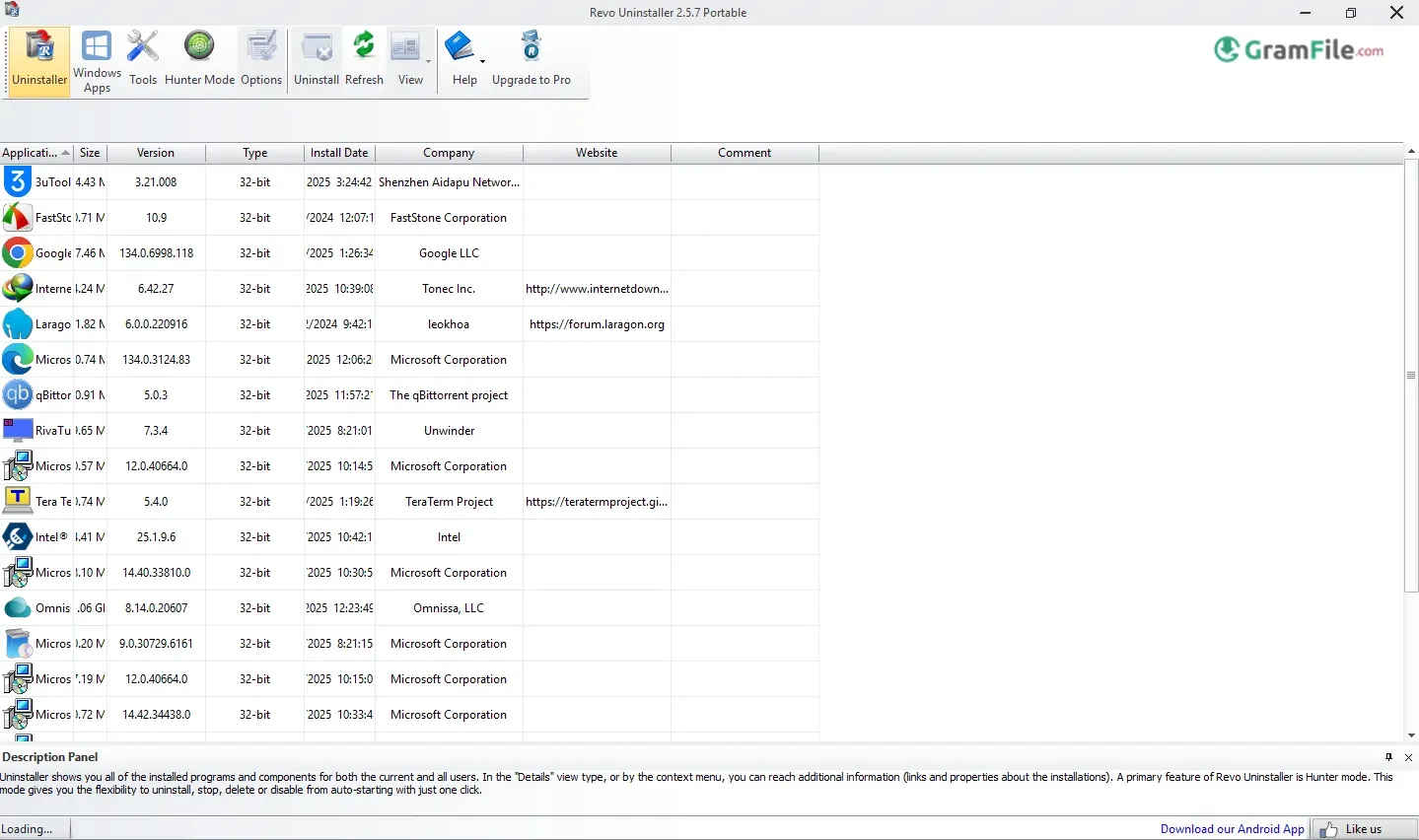
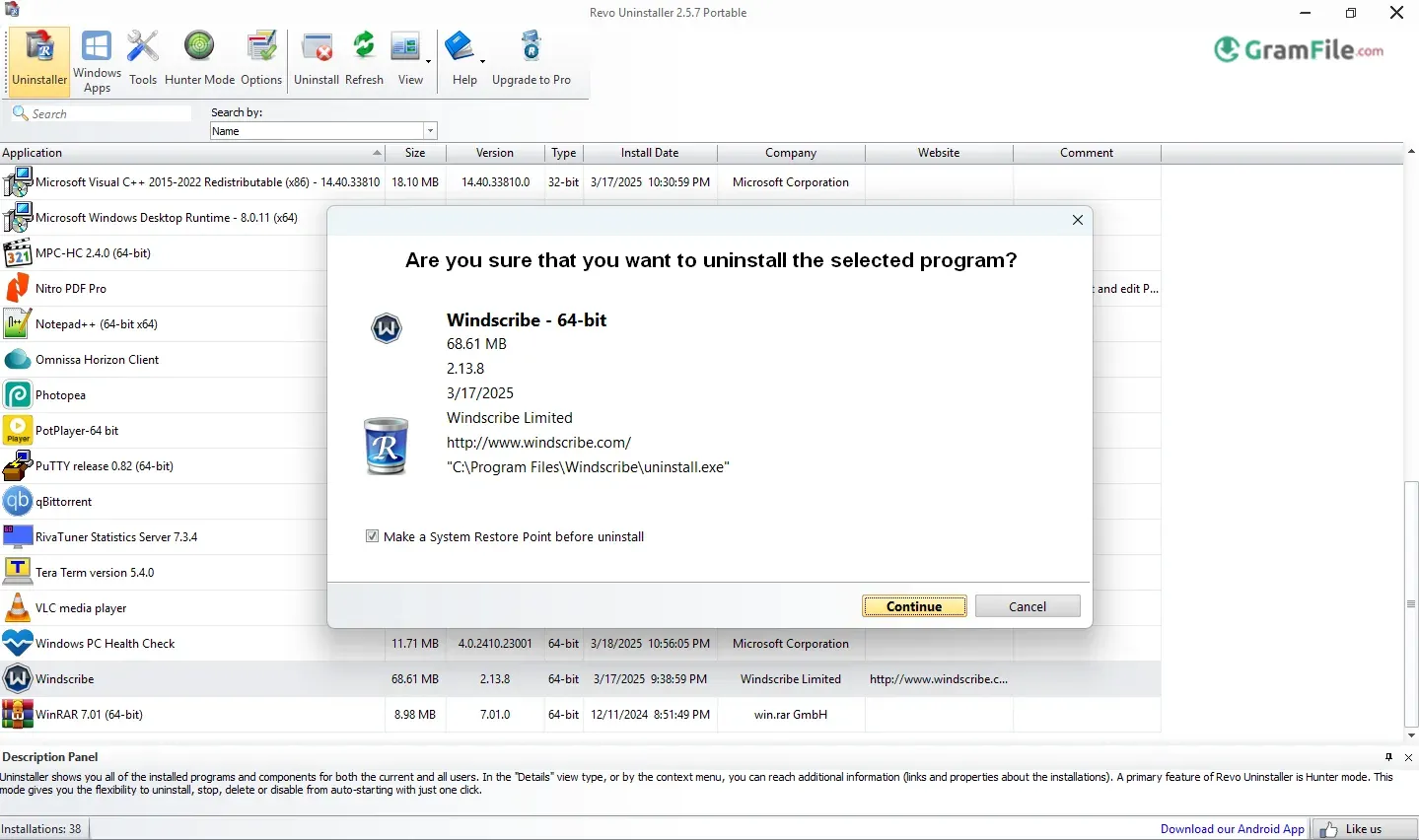
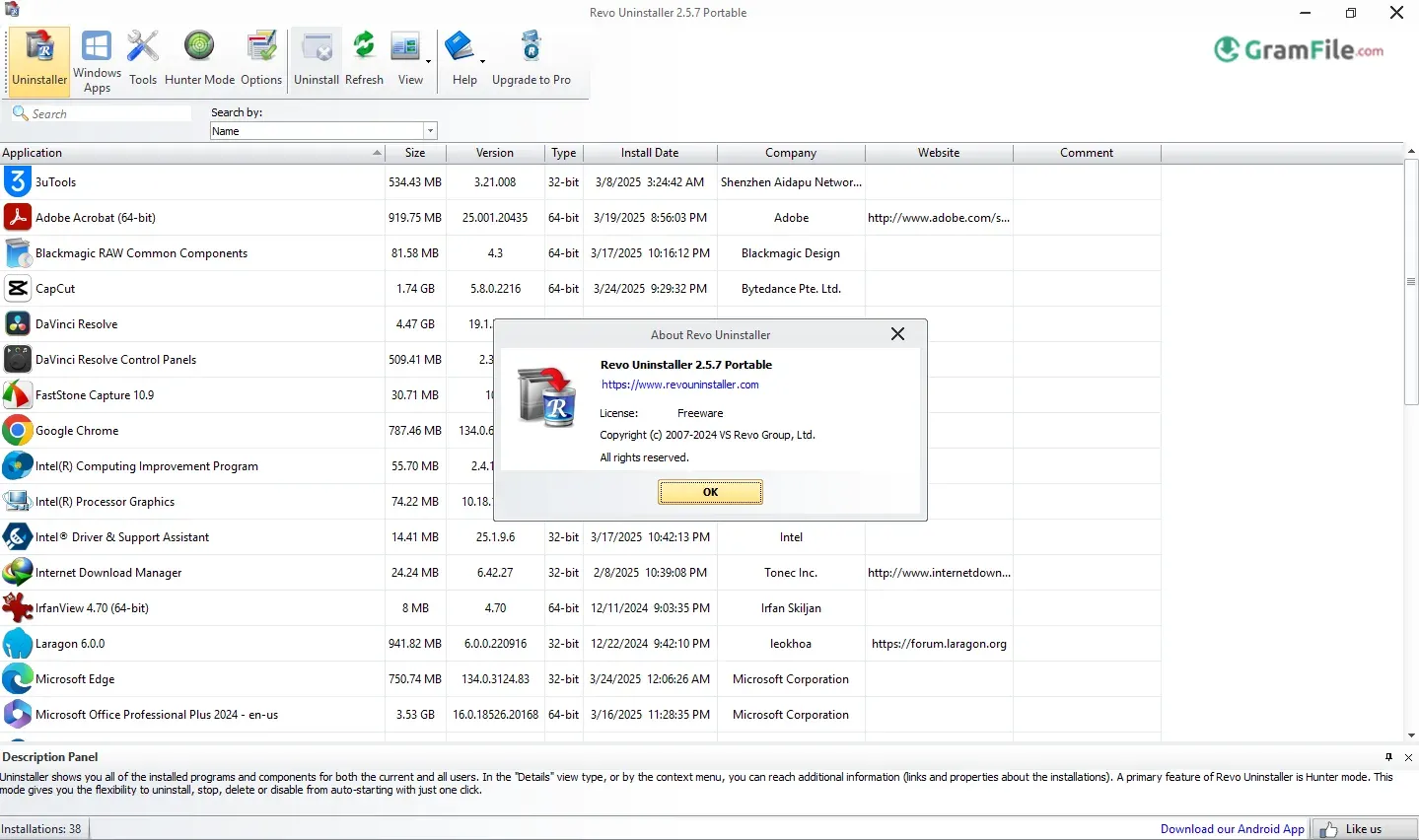
Having old programs on your computer can be a real pain. When you try to uninstall them the usual way, they often leave behind lots of junk files, broken parts in your system, and hidden folders. Over time, all this leftover stuff can really slow your computer down.
That’s where Revo Uninstaller comes in handy. It’s not like the basic uninstaller that comes with Windows, which just deletes the main program.
Revo Uninstaller digs deep to find everything a program leaves behind, making sure it’s completely gone.
Revo Uninstaller first came out in 2008 and quickly became popular because it cleans much better than regular uninstall tools.
Over the years, it’s gotten even better at finding hidden files, runs faster, and even has extra tools like cleaning up junk files. That’s why many people, from everyday users to computer experts, love using it.
So, does it really work as well as people say? Let’s find out!
You know how it goes: you uninstall a program, but your computer still feels slow, or you keep finding old files months later? That’s because the uninstaller built into Windows only does a basic job. It leaves behind a mess that clogs up your computer and makes it sluggish.
Well, that’s where Revo Uninstaller comes to the rescue! It doesn’t just remove programs; it completely cleans them off your system. It hunts down all those hidden files, broken bits, and other digital junk that most other tools miss.
What Is Revo Uninstaller?
Revo Uninstaller is a super helpful tool for your Windows computer that does much more than the regular “Add/Remove Programs” you find.
Instead of just deleting the main parts of a program, it really digs deep into your computer. It finds and gets rid of every single bit of that application, things like hidden settings, temporary files, and empty folders that get left behind.
The amazing result? Your computer becomes cleaner and faster, without all that useless digital clutter building up over time.
Why Do People Love Revo Uninstaller?
A few key reasons make it stand out:
- Forced Uninstall: Removes stubborn programs that won’t uninstall normally.
- Hunter Mode: Drag a crosshair over any app (even tray icons) to instantly uninstall it.
- Real-Time Monitoring: Tracks new installations to make future removals even cleaner.
- Junk Cleaner Tools: Bonus features to delete temporary files, browser leftovers, and more.
Key Features & Highlights
- Deep Uninstalls – Removes programs completely, including leftovers.
- Forced Removal – Deletes stubborn apps that won’t uninstall normally.
- Hunter Mode – Drag a crosshair to instantly uninstall any program.
- Real-Time Install Tracking – Monitors new setups for cleaner future removals.
- Junk File Cleaner – Sweeps away temporary files and useless clutter.
- Quick/Multiple Uninstalls – Batch-remove several programs at once.
- Registry Cleaner – Finds and fixes broken entries after uninstalls.
- Portable Version – Run it from a USB without installing.
- Browser Extensions Cleaner – Removes unwanted toolbars and plugins.
- Lightweight & Fast – Works quickly without slowing down your PC.
Pros & Cons
What we liked
- Deep cleans programs
- Removes difficult to remove apps
- Helpful Hunter Mode
- Speeds up your PC
- Includes extra tools
What we didn't like
- Free version has limited features.
- Can be too aggressive.
Best Revo Uninstaller Alternatives
-
 Display Driver Uninstaller (DDU)
Completely removes old graphics drivers, no leftovers, no mess.
Conclusion
4.6out of 5 · 61 user ratings
Choose Revo if you want
- Zero leftover junk after uninstalls (files, folders, registry entries).
- Hunter Mode: zap stubborn apps instantly by dragging a crosshair over them.
- Bloatware removal (including pre-installed Windows/Microsoft Store apps).
- Safety first with automatic restore points + registry backups.
- Free version that’s powerful, or a Pro upgrade ($25-30) for forced uninstalls, real-time tracing, and portable USB use.
Revo vs. Alternatives
| Competitor | Revo’s Edge |
|---|---|
| Windows Built-in | Removes hidden leftovers & bloatware. |
| IObit | More thorough scans + Hunter Mode. |
| Geek Uninstaller | Extra tools (junk cleaner, evidence shredder). |
| Ashampoo | Simpler interface, better support. |
Keep in Mind
- It is Windows-only (no Mac/Linux).
- Licensing details could be clearer.
- Interface looks functional but dated.
The Verdict
Revo is the gold standard for deep, worry-free uninstalls. It’s ideal for:
- Casual users (free version).
- Techies/IT pros (Pro’s portable mode).
- Anyone tired of sluggish, cluttered systems.
Skip if you need macOS support – but for Windows, nothing cleans deeper.
Found a problem with this download? Report an outdated version, broken link, suspicious installer or incorrect information.
Changelog - What's new in version 2.7.2
- Improved – Scanning algorithms for leftovers- Fixed minor bugs
- Updated language files
 Zoom Workplace
 Nitro PDF Pro
 Sumatra PDF
 IrfanView
 K-Lite Codec Pack
 WinRAR