

Download Details
- Version
- 156.1.98.63 (latest)
- File size
- 160.08 MB
- License
- Free
- Security scan
- VirusTotal: 70 of 70 engines say OK (0 flagged)
- SHA-256 checksum
6c139a6915432e72b626ce8566865f12854f744310c19543c498ecfd87d5cffa- Developer
- Brave Software Inc
- Supported OS
- Windows 11, Windows 10
- Installers
- 64-bit (x64), 32-bit (x86), ARM (Arm64), Portable, Offline
- Downloads
- 7549
- Rating
- 4.4 out of 5 · 65 reviews
- File name(s)
- BraveBrowserStandaloneSilentSetup.exe, BraveBrowserStandaloneSilentSetup32.exe, BraveBrowserStandaloneSilentSetupArm64.exe
 Reviewed by Mohamed Zaki
Tested on Windows 11 and 10 · · How we review
Screenshots
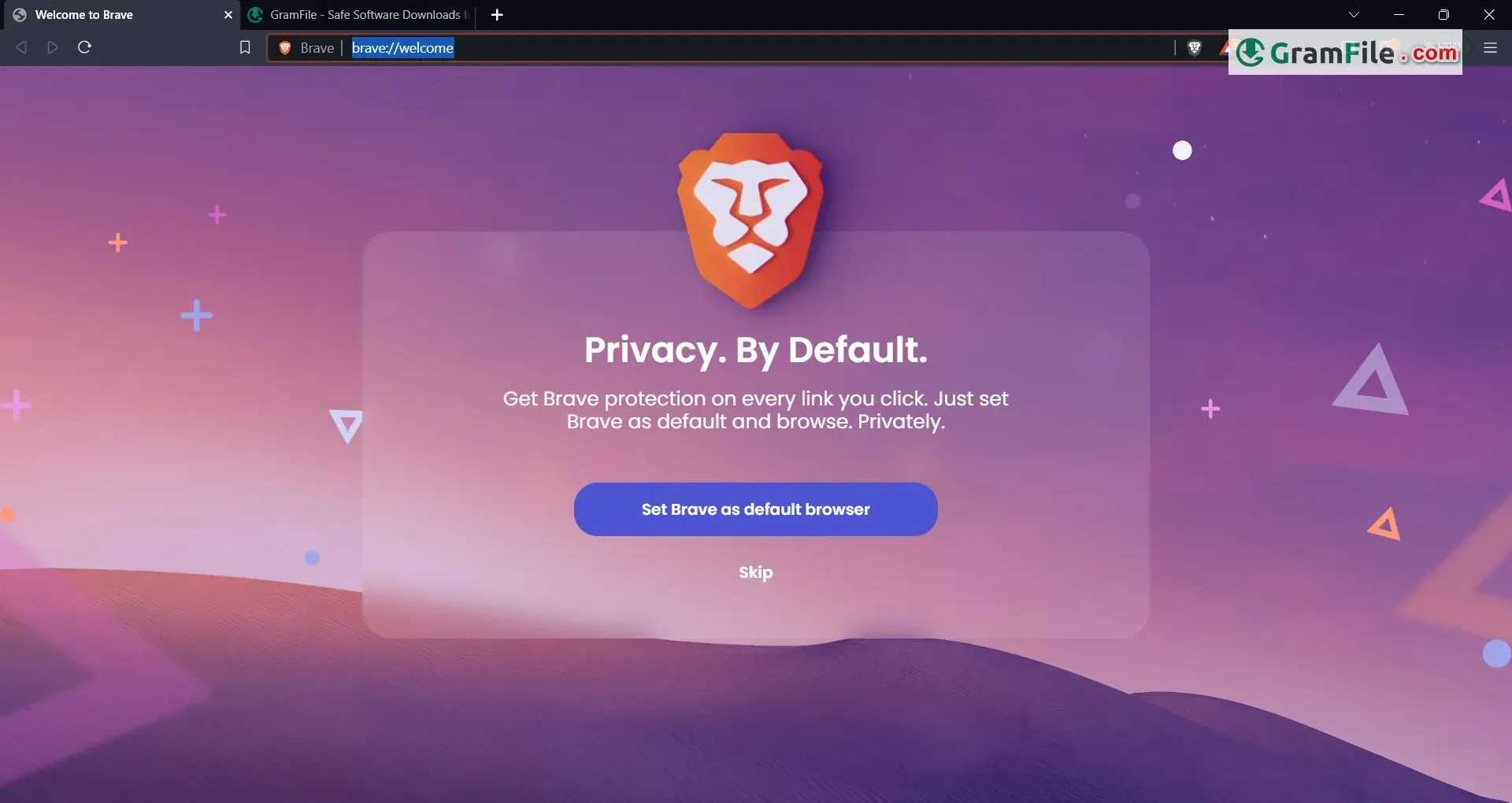
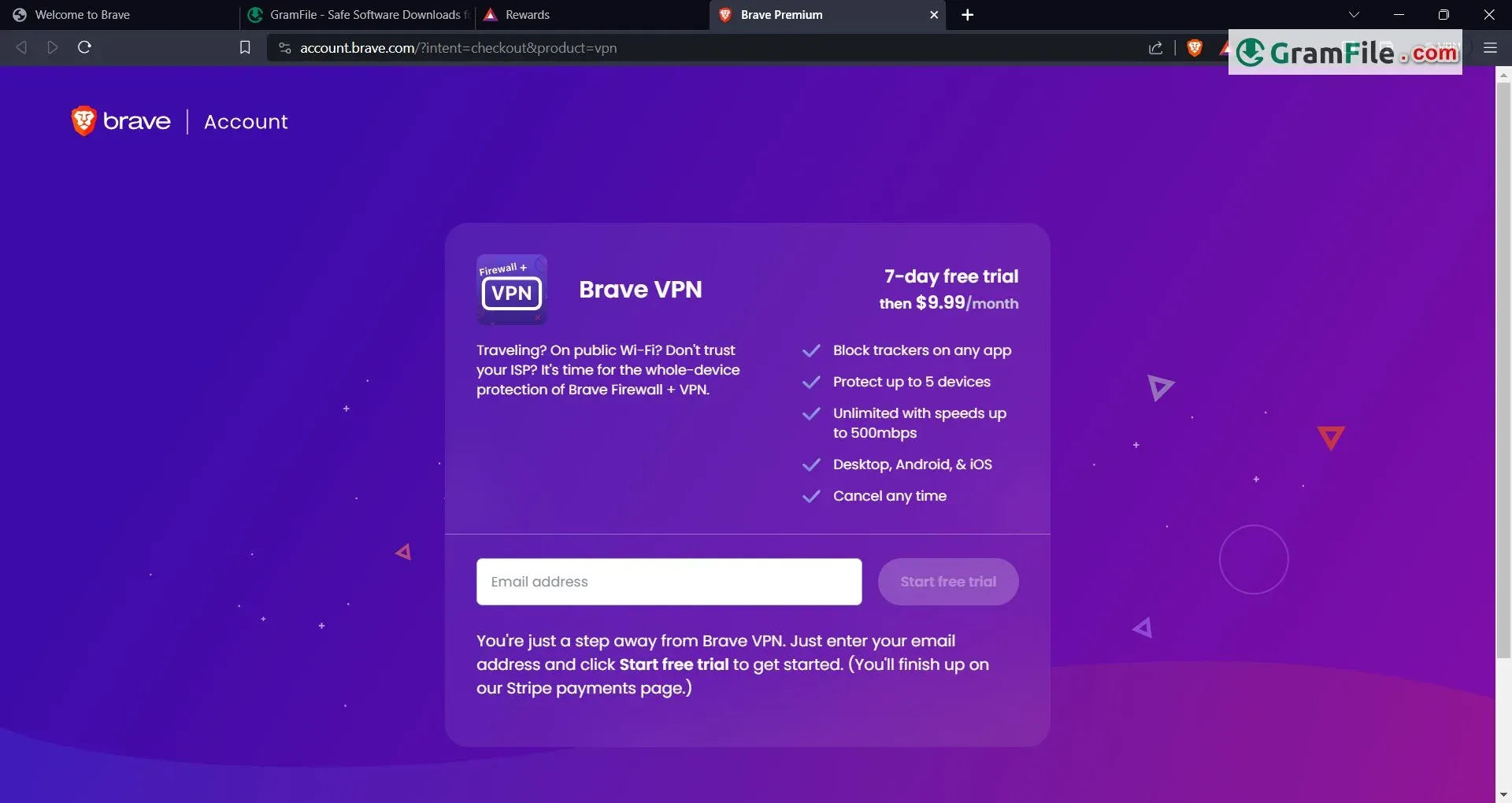
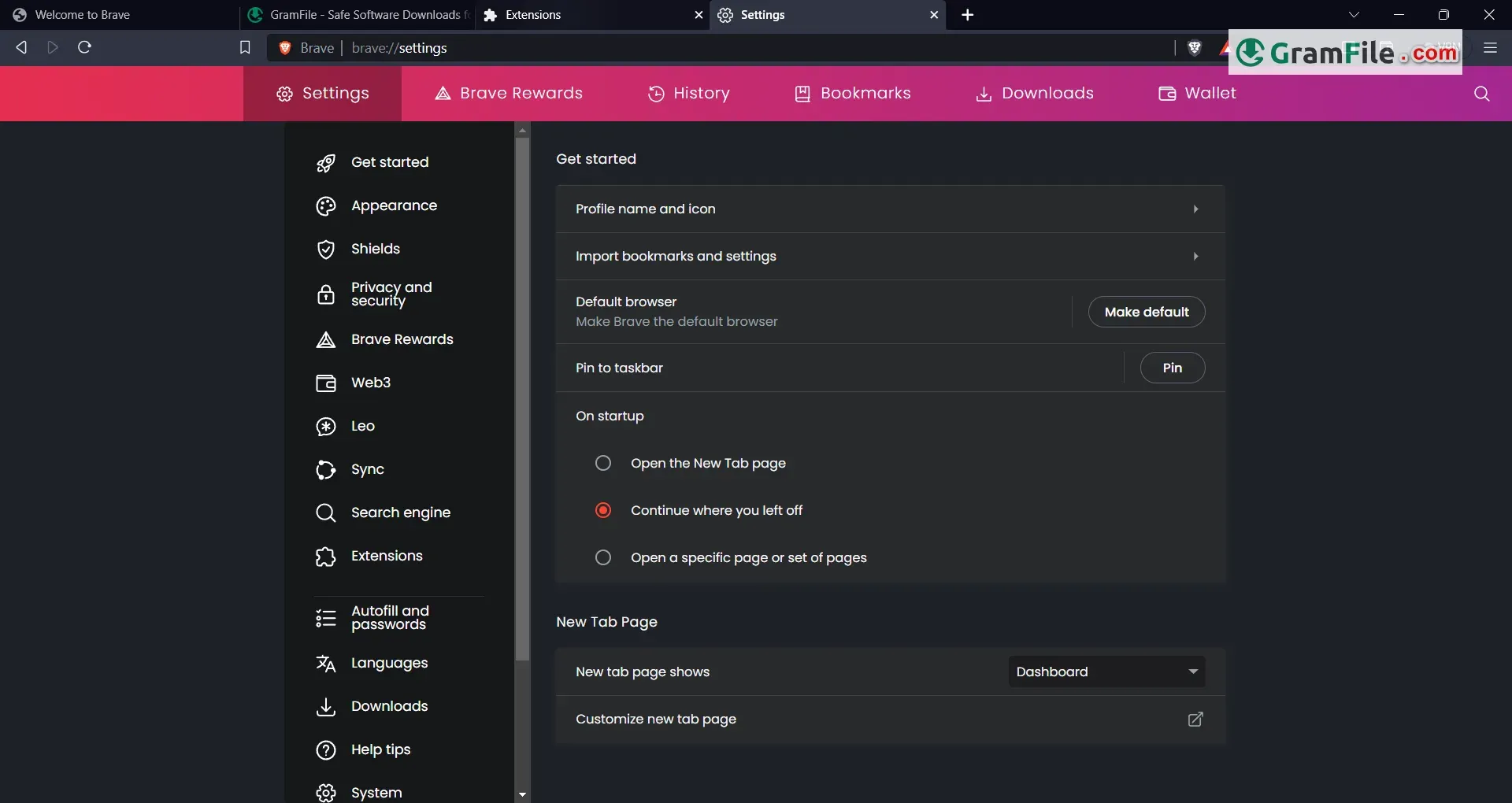
Brave Browser is a free, open-source web browser specifically designed for Windows (alongside macOS and Linux) that prioritizes user privacy and security.
Unlike traditional browsers that rely on ad revenue, it blocks ads and trackers by default. This not only safeguards your online activity from prying eyes but also significantly improves browsing speed by eliminating resource-hogging ads.
Launched in 2016 by Brendan Eich, co-founder of Mozilla Firefox, Brave has gained traction for its focus on user control. It introduces the concept of Brave Rewards, where users can opt into viewing privacy-focused ads and earn Basic Attention Tokens (BAT), a cryptocurrency that can be used for tipping content creators or converted to traditional currency.
With its emphasis on speed, security, and user empowerment, Brave Browser stands out as a unique alternative for Windows users seeking a more private and efficient browsing experience.
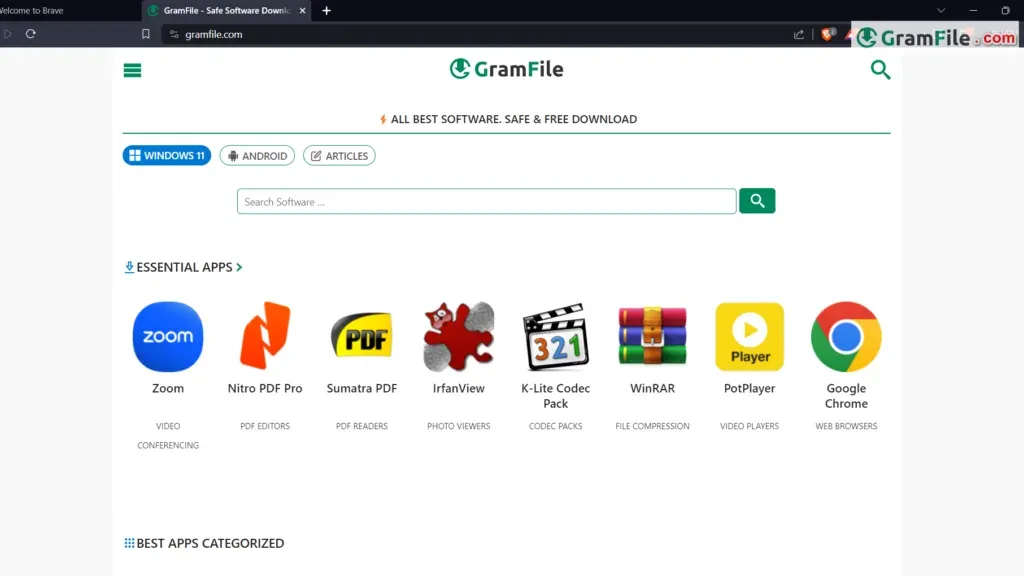
Brave Browser stands out as a compelling option for Windows PC users seeking a combination of security, privacy, and performance. Here’s a closer look at its key features, download process, and compatibility:
Unmatched Privacy
Brave blocks ads and trackers by default, preventing them from collecting your data and slowing down your browsing experience. This built-in protection, called Brave Shields, offers a significant improvement over other browsers that require additional extensions for similar functionality.
Enhanced Security
Brave utilizes a Chromium base, the same foundation as Google Chrome, which benefits from continuous security updates and a large security researcher community. Additionally, Brave upgrades connections to HTTPS whenever possible, further safeguarding your browsing activity.
Ad and Tracker Blocking: Brave is renowned for its robust ad-blocking capabilities. It prevents intrusive ads and trackers from slowing down your browsing experience.
Blazing Speed
By eliminating ads and trackers, Brave significantly reduces page load times. This translates to a noticeably faster and more responsive browsing experience.
Optional Rewards System
Brave offers a unique rewards program where users can opt-in to view privacy-focused ads and earn Basic Attention Tokens (BAT). These tokens can be used for various purposes, including supporting your favorite content creators or tipping websites directly.
64-bit and ARM64 Versions
- 64-bit Version: Brave offers a fully native 64-bit version for Windows. It ensures better performance and stability on 64-bit systems.
- ARM64 Version: Recently, Brave introduced native ARM64 support for Windows. If you’re using an ARM64 device (such as Windows 11 on ARM PCs), this version provides an even faster browsing experience.
Offline Installer
If you prefer an offline installation, you can download the Brave Browser offline installer for Windows 11, 10, or 8 (both 64-bit and 32-bit versions) from our download page.
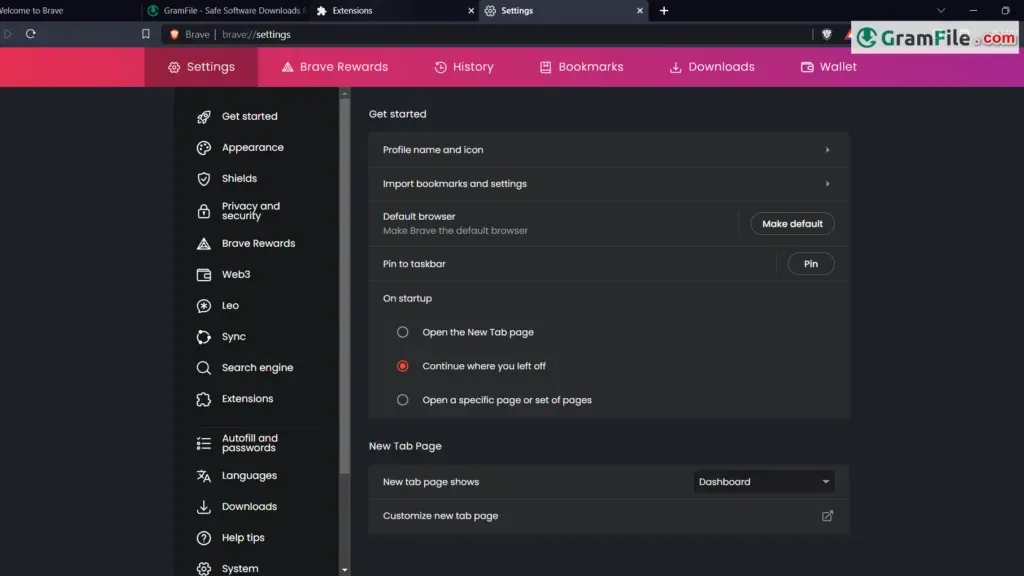
Pros & Cons
What we liked
- Blocks ads & trackers.
- Built-in crypto wallet.
- Rewards for watching ads.
What we didn't like
- Less extensions.
- Newer (fewer features).
- Limited token use.
Best Brave Browser Alternatives
-
 Google Chrome
Fast, free and secure web browser with regular updates.
-
 Microsoft Edge
Free Chromium browser for Windows with built-in PDF tools.
-
 Firefox Browser
Free, privacy-focused browser from Mozilla for Windows
-
 Vivaldi Browser
Free, customizable Chromium browser with built-in tools.
Conclusion
4.4out of 5 · 65 user ratings
Brave Browser for Windows PC offers a compelling alternative to traditional browsers. Its focus on speed, security, and user privacy makes it a strong contender. The familiar interface ensures a smooth transition, while the built-in ad blocking and Brave Shields features empower you to take control of your online experience.
The optional rewards program adds a unique layer, allowing you to potentially earn while you browse. If you’re looking for a secure and speedy browser that prioritizes user privacy, Brave is definitely worth a try.
Found a problem with this download? Report an outdated version, broken link, suspicious installer or incorrect information.
 Zoom Workplace
 Nitro PDF Pro
 Sumatra PDF
 IrfanView
 K-Lite Codec Pack
 WinRAR