

Download Details
- Version
- 5.34.57.2 (latest)
- File size
- 36.71 MB
- License
- Free
- Developer
- Apple
- Supported OS
- Windows 11, Windows 10, Windows 7, Windows 8.1
- Installers
- 64-bit (x64), 32-bit (x86), Offline
- Downloads
- 12586
- Rating
- 3.6 out of 5 · 104 reviews
 Reviewed by Mohamed Zaki
Tested on Windows 11 and 10 · · How we review
Screenshots
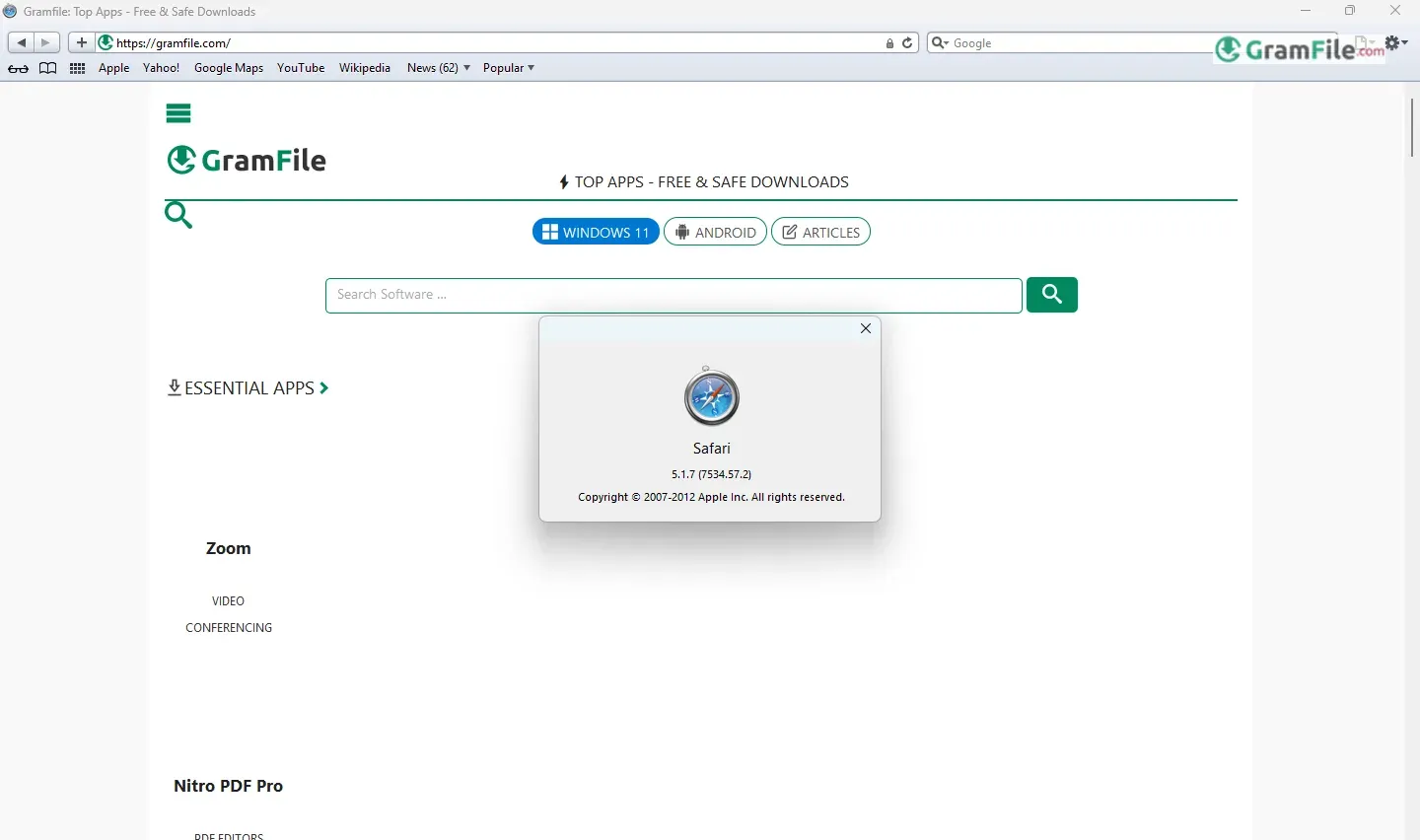
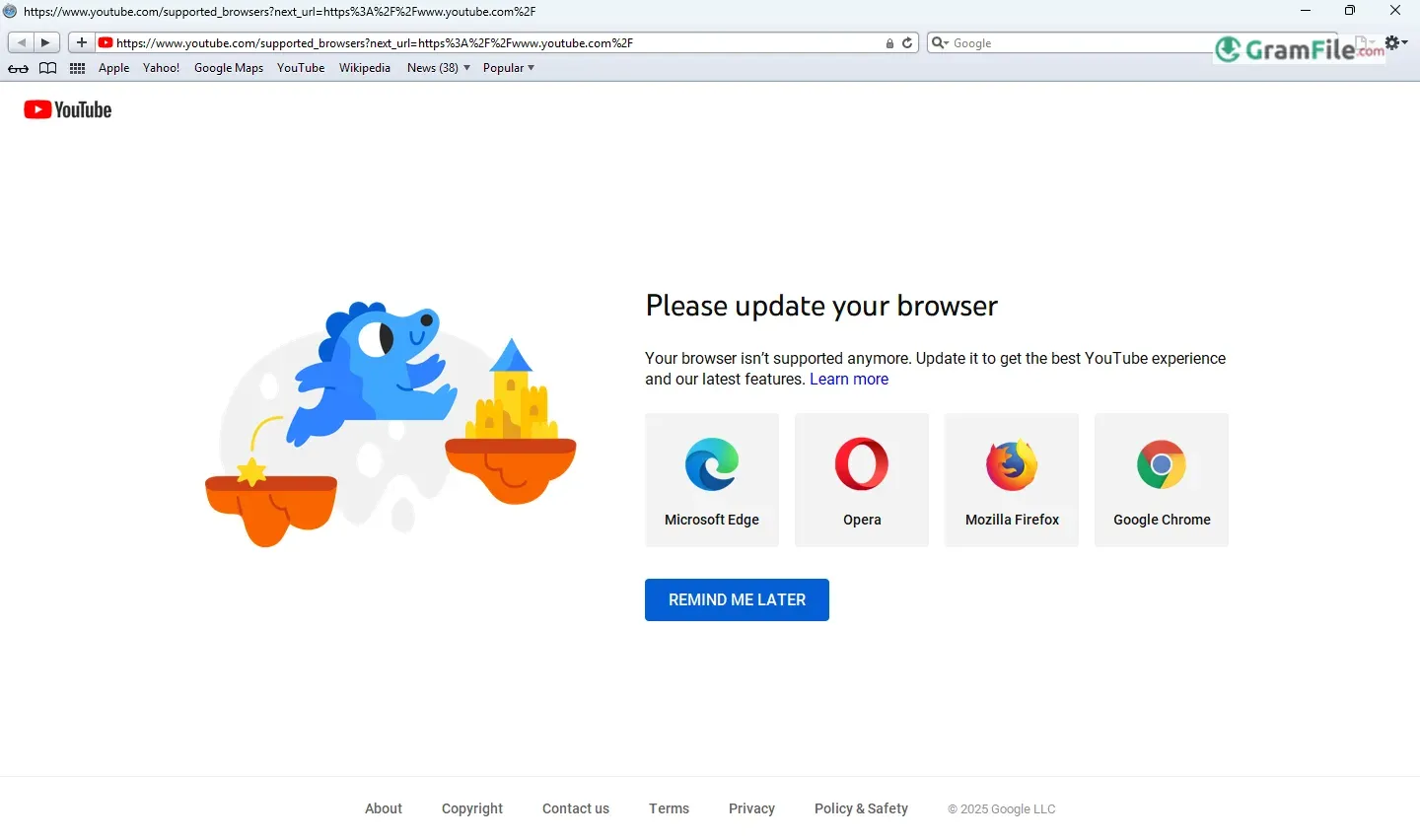
Safari on Windows. The very name feels like a historical footnote in the browser wars. For a brief period, Apple ventured beyond its macOS ecosystem, offering Windows users a taste of its sleek, WebKit-powered browser.
Launched in 2007, amidst the rising popularity of the iPod and the then-nascent iPhone, Safari for Windows aimed to extend Apple’s reach and provide cross-platform compatibility for its web services.
It even briefly became the fastest browser on Windows. However, despite initial updates and a few years of presence, Apple quietly discontinued support in 2012, leaving behind a curious chapter in browser history.
This short-lived experiment offers a fascinating look at Apple’s strategies and the ever-shifting landscape of web browsing.
Let’s take a look back at Safari for Windows, a now-discontinued piece of software that offered a glimpse of Apple’s browsing world on PCs.
What is Safari?
Safari is Apple’s web browser, known for its clean interface, focus on performance, and tight integration with the Apple ecosystem. It’s the default browser on macOS, iOS, and iPadOS devices.
It’s built on WebKit, a rendering engine also used by other browsers like Google Chrome (up until 2013) and many mobile browsers.
What is the latest version of Safari?
This is where things get tricky when discussing Safari for Windows. Since it’s discontinued, there’s no “latest” version in the modern sense. The last version released for Windows was Safari 5.1.7.
Current Safari development focuses exclusively on Apple’s operating systems. The latest versions of Safari are tied to the latest releases of macOS, iOS, and iPadOS. For example, Safari 17 is included with macOS Ventura and later.
Key Features of Safari Browser for Windows (as it was):
Even though it’s no longer supported, Safari for Windows did offer some notable features in its time:
- WebKit Rendering Engine: This ensured good web standards compliance and often resulted in fast page loading. At one point, it was considered the fastest browser on Windows.
- Clean Interface: Safari’s minimalist design was a key selling point, offering a less cluttered browsing experience compared to some competitors.
- Top Sites: This feature (which still exists in modern Safari) displayed frequently visited websites as large thumbnails for quick access.
- Cover Flow (later removed): This visually appealing way to browse browsing history was a unique feature, though it was eventually removed due to performance issues.
- Cross-Platform Compatibility (with Apple services at the time): It allowed Windows users to seamlessly access certain Apple web services.
How to Download & Install
It’s important to preface this by stating that Safari for Windows is officially discontinued and is no longer supported by Apple.
Downloading and installing it is generally not recommended due to potential security vulnerabilities and compatibility issues with modern websites.
However, for historical or archival purposes, you can get the latest official version of the browser by clicking the above Green Download button which will direct to you the official direct download page from Apple.
How to Install?
Run the installer: Once you’ve downloaded the file (usually a .exe), double-click it to begin the installation process.

Follow the on-screen prompts: The installer should guide you through the typical installation steps, such as choosing an installation location and agreeing to the terms of service (if any are presented).

Complete the installation: Once the installation is finished, you should find a Safari shortcut on your desktop or in your Start Menu.

Important Considerations and Warnings
- Security Risks: Using outdated software like Safari for Windows exposes you to security vulnerabilities. Modern websites and web technologies may not be compatible, leading to display errors or even security exploits.
- No Support: Apple provides no support for Safari on Windows. If you encounter problems, you’re on your own.
- Compatibility Issues: Expect numerous websites to render incorrectly or not function at all. Modern web standards have evolved significantly since the last version of Safari for Windows was released.
- Consider Virtualization: If you absolutely need to experience Safari for Windows in a safer environment, consider using a virtual machine with an older version of Windows. This isolates the potentially vulnerable software from your main system.
Strong Recommendation
Instead of trying to install Safari for Windows, I strongly recommend using a modern, supported browser like Chrome, Firefox, or Microsoft Edge.
These browsers receive regular security updates and are compatible with current web standards.
Trying to use Safari for Windows is simply not worth the risks and hassle for most users. This guide is provided for informational and historical purposes only.
Pros & Cons
What we liked
- Clean design.
- Fast performance.
- Apple service access.
What we didn't like
- No updates.
- Security risks.
- Websites broken.
- Hard to find.
Best Safari Alternatives
-
 Google Chrome
A super speedy and secure web browser with regular updates.
-
 Microsoft Edge
Your modern, secure web browser built with smarts to boost browsing.
-
 Firefox Browser
Free, secure, customizable web browser by a non-profit.
-
 Vivaldi Browser
Supercharge your browsing with a customizable and privacy-focused explorer.
Found a problem with this download? Report an outdated version, broken link, suspicious installer or incorrect information.
 Zoom Workplace
 Nitro PDF Pro
 Sumatra PDF
 IrfanView
 K-Lite Codec Pack
 WinRAR