

Download Details
- Version
- 26.1021.3705.0 (latest)
- File size
- 934.6 MB
- License
- Free
- Security scan
- VirusTotal: 71 of 71 engines say OK (0 flagged)
- SHA-256 checksum
0024ecd081b1187c51de45e983dc3e0bfb3b923faea7526ef2233c9ec8e8b7ac- Developer
- OpenAI
- Supported OS
- Windows 11, Windows 10
- Installers
- 64-bit (x64), 32-bit (x86), ARM (Arm64)
- Downloads
- 14778
- Rating
- 4.5 out of 5 · 82 reviews
 Reviewed by Ahmed Madbouli
Tested on Windows 11 and 10 · · How we review
Screenshots
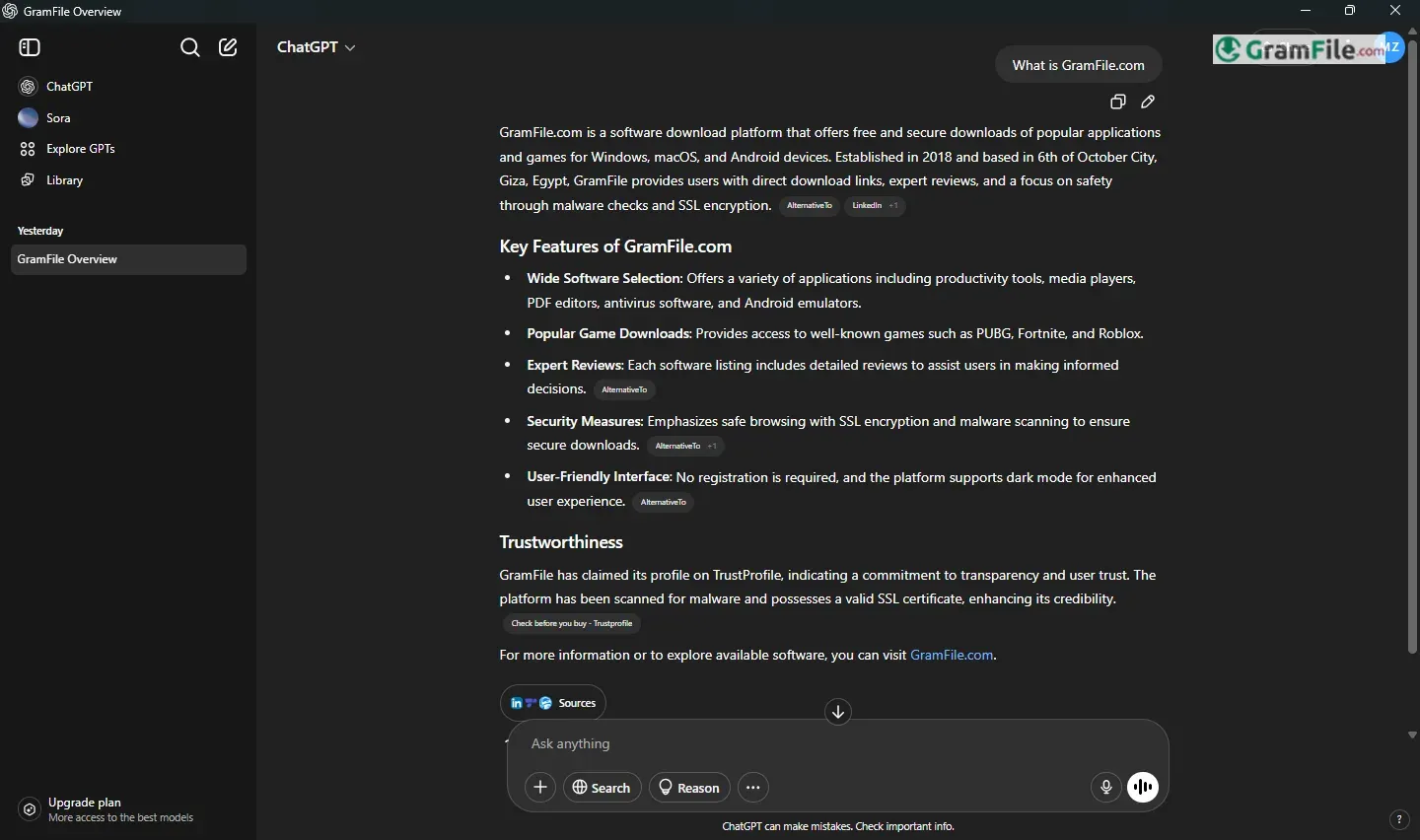
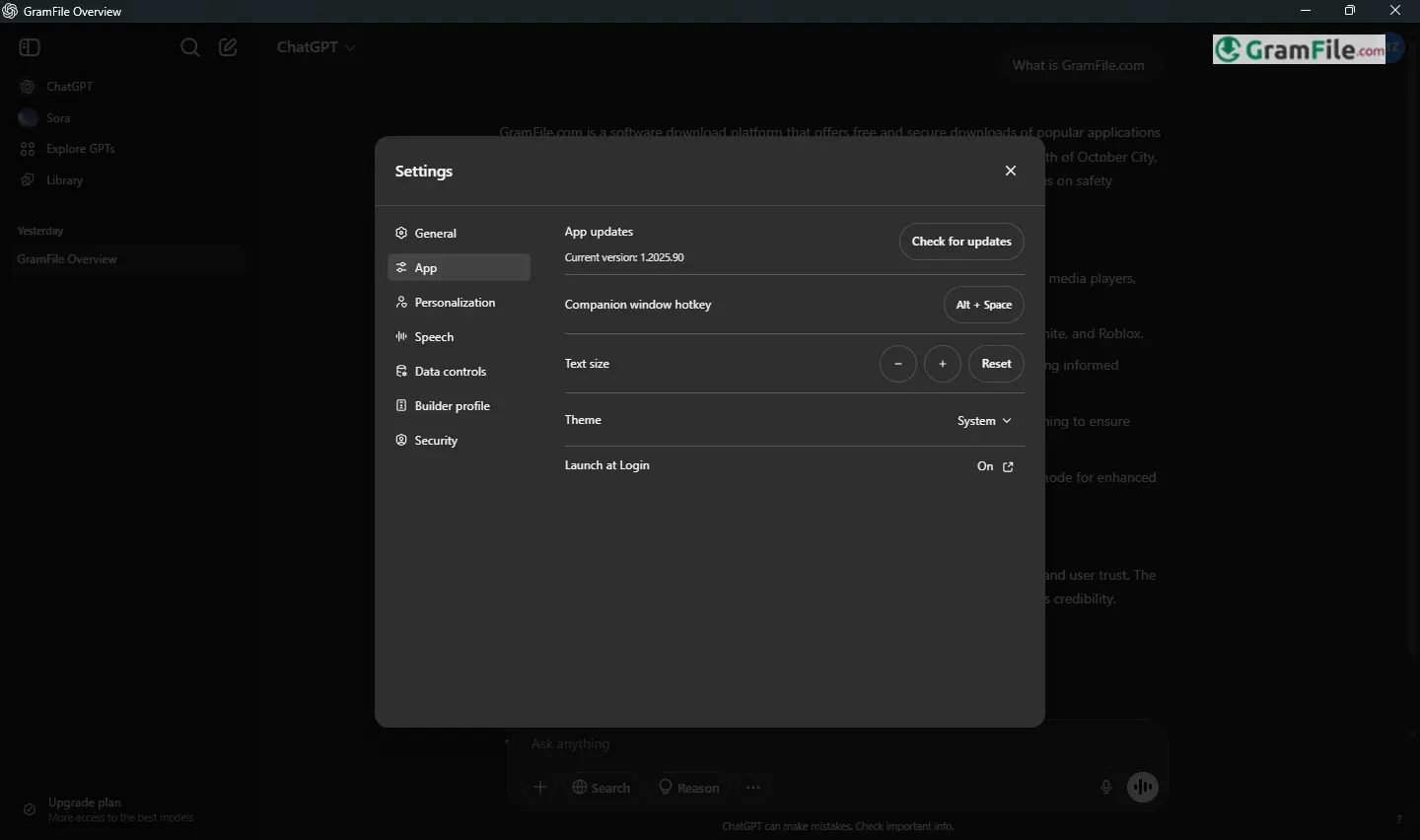
ChatGPT for Windows brings OpenAI’s groundbreaking AI assistant directly to your desktop, offering instant access to its advanced conversational abilities.
Whether you need quick answers, drafting help, or creative brainstorming, this app delivers seamless AI interaction in a clean, user-friendly interface.
First introduced as a web-based tool in late 2022, ChatGPT quickly became a global phenomenon for its human-like responses and versatility.
Now, with its dedicated Windows application, users enjoy faster performance, smoother integration, and offline accessibility, marking the next step in making AI assistance an everyday productivity tool.
In this review, we’ll explore how it performs, key features, and whether it lives up to the hype.
What is ChatGPT?
ChatGPT is an AI-powered conversational assistant developed by OpenAI. Think of it as a smart, text-based helper that can answer questions, draft emails, summarize documents, brainstorm ideas, and even write code, all in natural, human-like language.
Since its launch in 2022, it has evolved from a web-only tool to a full-fledged desktop app, making AI assistance faster and more accessible.
Latest Version Update
The newest Windows version brings key improvements:
- Faster responses – Reduced lag, especially for long conversations.
- Better integration – Works smoothly with Windows workflows (clipboard, file uploads, etc.).
- Voice mode (Preview) – Speak to ChatGPT and hear replies aloud.
- Offline mode (Limited) – Basic functions work without internet, though full features require a connection.
How to Download & Install
- Click on the above Green Download Button.
- Download the installer.
- Run the installer – Follow the prompts (takes under a minute).
- Sign in or create an account – Optional for basic use, required for saving chats.
Key Features
- Instant answers – Get quick, accurate responses.
- Human-like conversations – Talks naturally, not like a robot.
- Desktop convenience – No browser needed—just open and go.
- File uploads – Summarize or edit PDFs, Word docs, and more.
- Voice mode (Preview) – Speak your questions, hear replies aloud.
- Faster than web – Optimized for smooth Windows performance.
- Multitasking helper – Drafts emails, code, essays, and ideas.
- Custom instructions – Tailor responses to your style.
- Offline mode (Basic) – Works without internet for simple tasks.
- Privacy controls – Choose if your chats improve AI training.
Pros & Cons
What we liked
- Instant answers
- Natural conversations
- Handles documents
- Free version available
What we didn't like
- Best features require payment
- Occasional mistakes
- Limited offline functions
- Privacy concerns
Best ChatGPT Alternatives
-
 DeepSeek
Brings powerful AI capabilities directly to your Windows computer.
-
 Microsoft Copilot
Smart AI assistant that helps you work faster and smarter right from your PC.
-
 Ollama
Run AI language models locally, free, private, no cloud needed.
Conclusion
4.5out of 5 · 82 user ratings
ChatGPT for Windows stands out as your go-to AI assistant because it just works, smoothly integrated into your desktop, with responses that feel human and tasks completed in seconds.
Unlike clunky browser tabs or limited mobile apps, it gives you instant access to the most advanced conversational AI available today.
Why Choose ChatGPT?
- It’s the original (and still best) – More polished and natural than most rivals.
- Does more than chat – From coding to document editing, it’s a true productivity boost.
- Flexible for free users – Even without paying, it’s incredibly useful.
ChatGPT vs. Others
| Feature | ChatGPT | Other AI Assistants |
|---|---|---|
| Conversation | Most human-like | Often robotic or scripted |
| Speed | Optimized for Windows | Browser-based = slower |
| Features | File support, voice mode | Usually more limited |
| Cost | Free + paid upgrades | Some force subscriptions early |
The Bottom Line
If you want AI that understands you—not just replies—ChatGPT for Windows is the clear choice. It’s not perfect (double-check facts!), but no alternative balances ease, power, and personality better.
“Like upgrading from a typewriter to a smart assistant who knows you.”
Found a problem with this download? Report an outdated version, broken link, suspicious installer or incorrect information.
 Zoom Workplace
 Nitro PDF Pro
 Sumatra PDF
 IrfanView
 K-Lite Codec Pack
 WinRAR