

Download Details
- Version
- 1.1.0 (latest)
- File size
- 66.6 MB
- License
- Free
- Security scan
- VirusTotal: 42 of 42 engines say OK (0 flagged)
- SHA-256 checksum
b45d35f028e6cc5291d68259180e8ffe257483c2aea04f3cbe0293c0974b5cb0- Developer
- DeepSeek
- Supported OS
- Windows 11, Windows 10
- Installers
- 64-bit (x64), 32-bit (x86), Offline
- Downloads
- 15923
- Rating
- 4.8 out of 5 · 81 reviews
- File name(s)
- DeepSeek.Desktop_1.1.0_x64-setup.exe
 Reviewed by Ahmed Madbouli
Tested on Windows 11 and 10 · · How we review
Screenshots
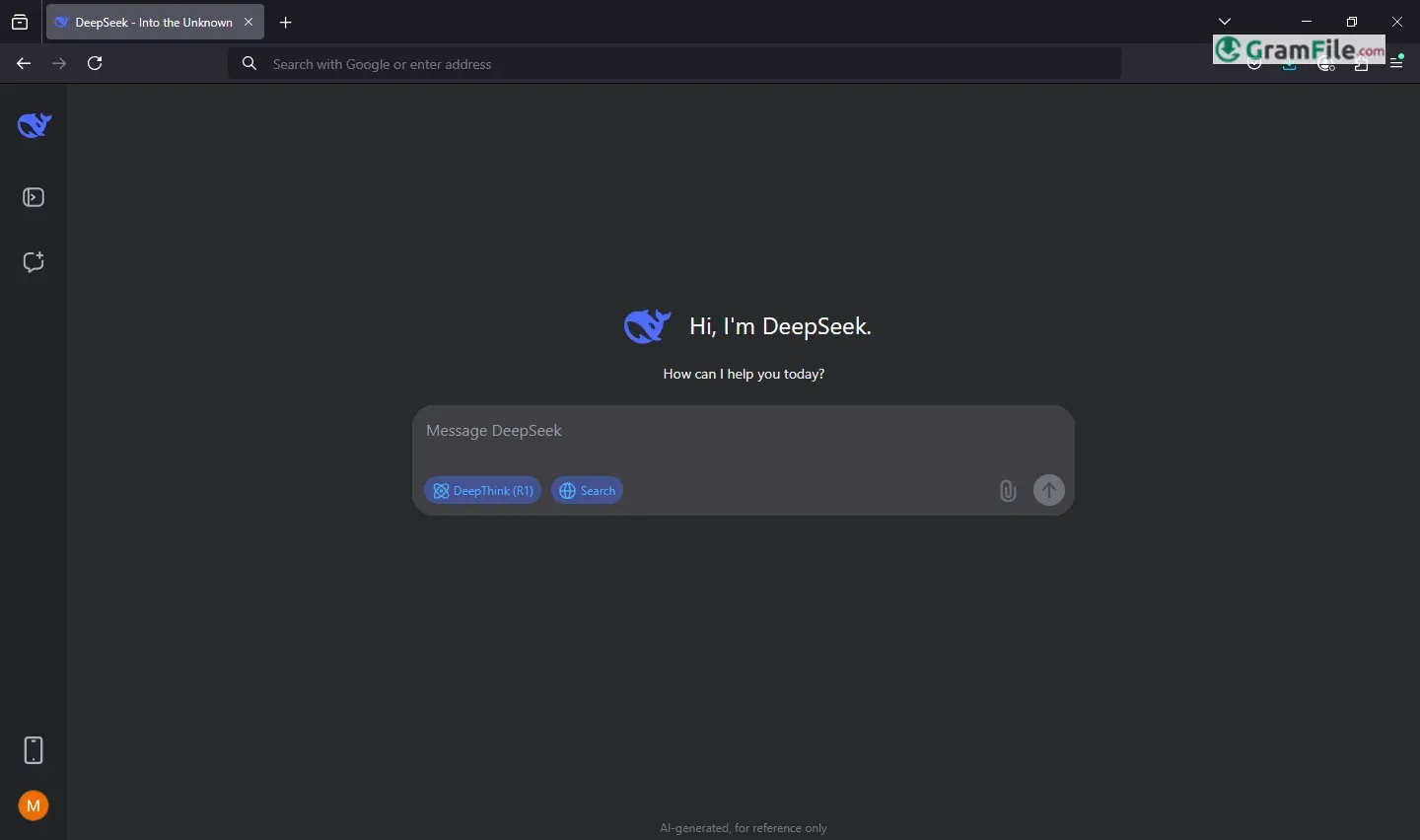
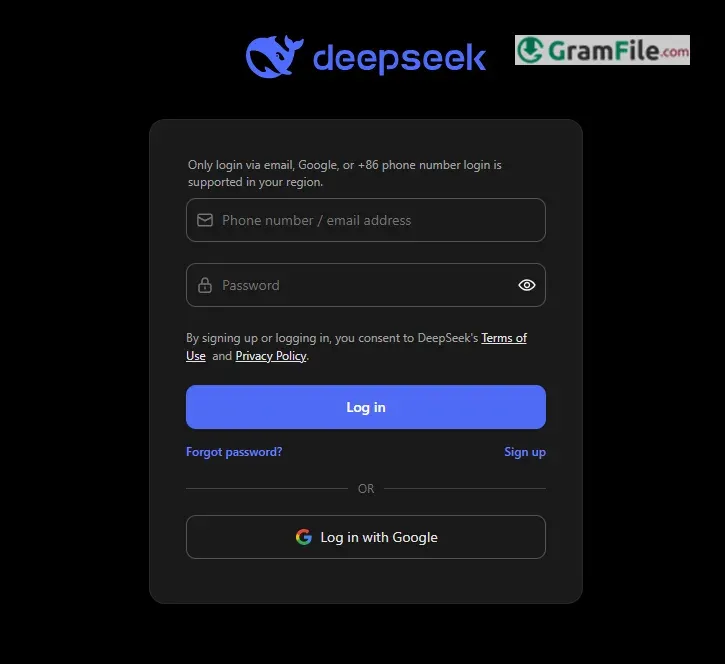
DeepSeek for Windows brings the power of advanced artificial intelligence directly to your personal computer, offering a local way to interact with capable AI models for various tasks.
The story of DeepSeek itself is quite recent and impactful, emerging from the Chinese quantitative hedge fund High-Flyer, DeepSeek was founded in July 2023 with a vision to develop powerful, open-source AI.
They rapidly gained international attention starting in late 2024 and early 2025 with the release of impressive models like DeepSeek-V2, DeepSeek-V3, and the reasoning-focused DeepSeek-R1.
DeepSeek is a free, open-source AI tool that acts like a Swiss Army knife for your brain, whether you need quick answers, help coding, or just a smart chat buddy, it’s designed to handle it all without hogging your computer’s resources.
Think of it as ChatGPT’s efficient cousin: lighter, faster, and ready to work offline if you set it up right.
Key Features
- Lightning-fast file hunting: finds what you need in seconds.
- Digs into hidden folders, zipped files, and messy desktops.
- No cloud needed: your data stays private, offline-first.
- Installs in two clicks, no tech skills required.
- Runs on older PCs without slowing them down.
- Customizable search filters (date, type, size) for precision.
- Open-source tweaking for coders who like control.
- Free forever, zero ads, no sneaky subscriptions.
- Updates polish features monthly: like a self-improving tool.
- Tiny footprint (under 50MB) but punches above its weight.
How to Download & Install
- Quick Web App Setup (No Downloads Needed)
- Open Microsoft Edge or Google Chrome, go to DeepSeek’s website, and click the three-dot menu → Install this site as an app.
- Boom: you’ve got a desktop icon that launches DeepSeek instantly. Perfect for casual users who want speed and simplicity.
- For Tech Nerds: Local AI with Ollama
- Download Ollama (a tool for running AI locally), open Command Prompt, and type
ollama run deepseek-r1:8b. - This lets you tinker with smaller, distilled models—ideal if you’re curious about AI guts or want privacy.
- Download Ollama (a tool for running AI locally), open Command Prompt, and type
System Requirements
To run DeepSeek smoothly, your system should meet these basic requirements:
- Operating System: Windows 10 or later
- Processor: A multi-core CPU (Intel i5 or equivalent) for optimal performance.
- Memory: At least 4GB RAM to handle tasks efficiently.
- Storage: At least 1GB of free space for installation and temporary files.
- Internet Connection: A stable broadband connection for online features and updates.
- Graphics: Integrated graphics are sufficient, but a dedicated GPU may improve performance for advanced tasks.
- Browser: Latest version of Chrome, Firefox, Edge, or Safari for web-based access.
These requirements ensure DeepSeek runs effectively while remaining accessible to most users.
Pros & Cons
What we liked
- Fast & accurate
- Free, no ads
- Reads PDFs, docs
- Remembers chats
What we didn't like
- Text only
- Rare mistakes
Best DeepSeek Alternatives
-
 ChatGPT
The original AI assistant, now right on your desktop, ready to help anytime.
-
 Microsoft Copilot
Smart AI assistant that helps you work faster and smarter right from your PC.
-
 Ollama
Run AI language models locally, free, private, no cloud needed.
Conclusion
4.8out of 5 · 81 user ratings
DeepSeek stands out as a powerful, free AI assistant with a strong balance of speed, accuracy, and usability.
Unlike many competitors, it remembers conversation context better, supports file uploads (PDFs, Word, Excel), and runs smoothly even on modest hardware.
While it lacks real-time web access and voice features, its no-cost, ad-free model makes it a top choice for students, researchers, and professionals.
DeepSeek vs. Others
- Better than ChatGPT (Free Version): More memory, file support, and no forced logins.
- Lighter than Gemini/Llama 3: Runs efficiently on mid-range PCs.
- More accessible than Claude: No regional restrictions or paywalls.
If you need a fast, free, and reliable AI for daily tasks, DeepSeek is an excellent pick. For advanced features like live web search, consider pairing it with other tools, but for most users, it’s more than enough.
Found a problem with this download? Report an outdated version, broken link, suspicious installer or incorrect information.
 Zoom Workplace
 Nitro PDF Pro
 Sumatra PDF
 IrfanView
 K-Lite Codec Pack
 WinRAR