

Download Details
- Version
- 155.0.4283.62 (latest)
- File size
- 267.8 MB
- License
- Free
- Security scan
- VirusTotal: 61 of 61 engines say OK (0 flagged)
- SHA-256 checksum
342ed5f8df97bb975c0cb6a0fa12b17e91a132f76b6b77fe26bb2869ede22450- Developer
- Microsoft Corporation
- Supported OS
- Windows 11, Windows 10
- Installers
- 64-bit (x64), 32-bit (x86), ARM (Arm64)
- Downloads
- 9291+
- File name(s)
- CopilotStableEnterpriseX64.msi, CopilotStableEnterpriseX86.msi, CopilotStableEnterpriseARM64.msi
 Reviewed by Ahmed Madbouli
Tested on Windows 11 and 10 · · How we review
Screenshots
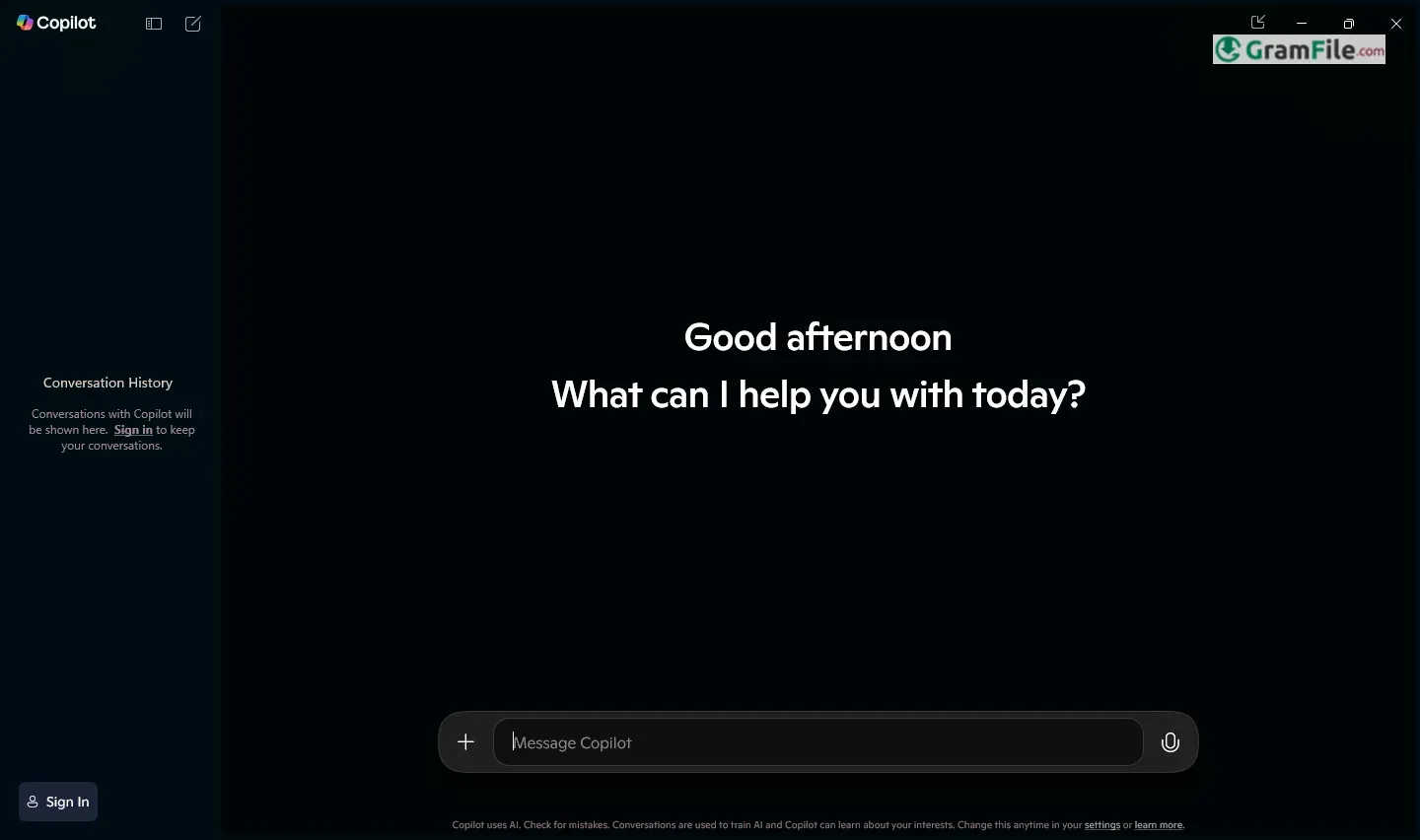
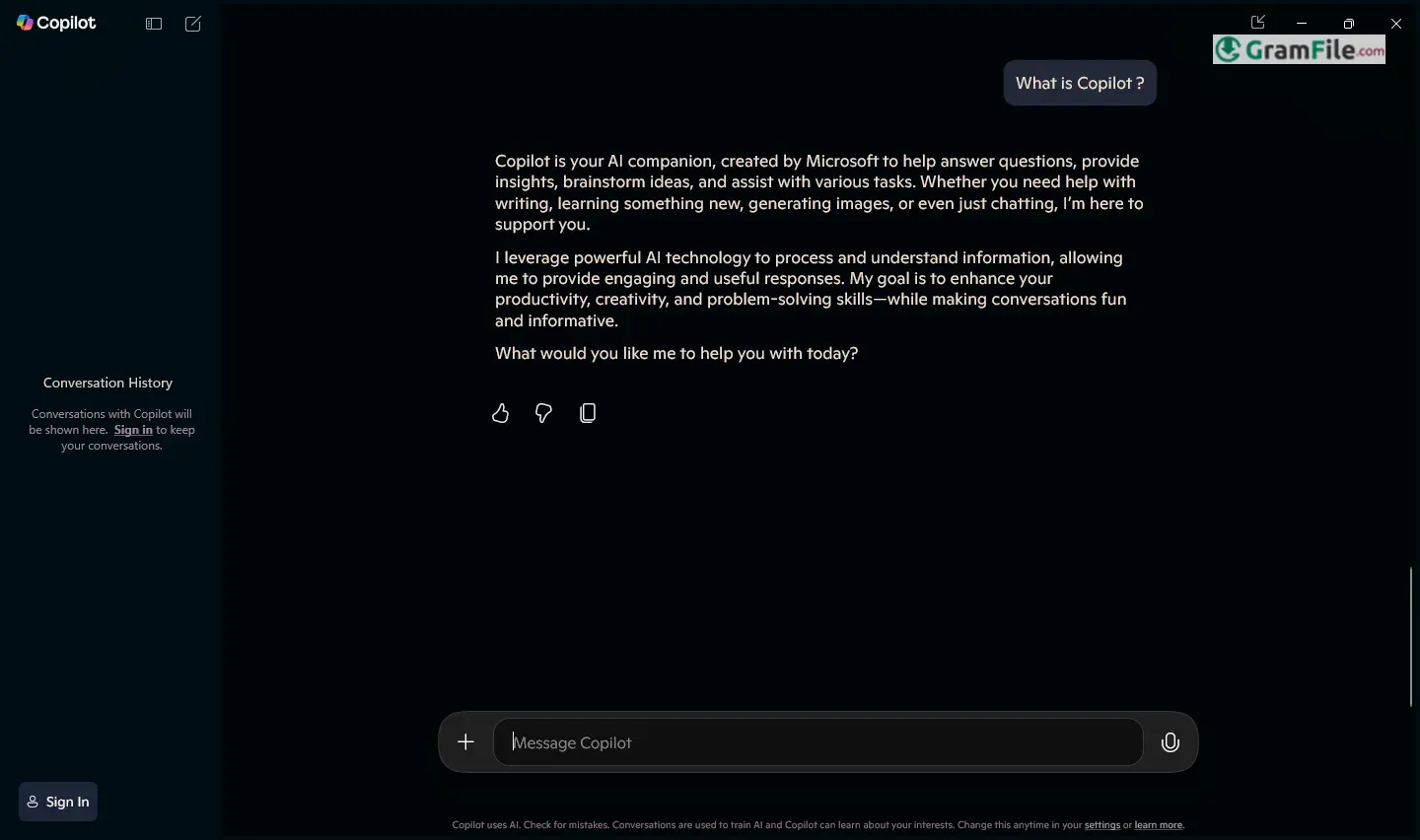
Microsoft Copilot for Windows is an intelligent AI assistant seamlessly integrated into the operating system, designed to enhance productivity by simplifying tasks, answering queries, and streamlining workflows.
Evolving from earlier AI initiatives like Cortana and GitHub Copilot, Microsoft officially launched Copilot for Windows in late 2023, merging generative AI advancements with everyday computing.
Built on OpenAI’s powerful models, it offers real-time assistance, from drafting emails to troubleshooting system issues, making it a transformative tool for both professionals and casual users.
What is Microsoft Copilot?
Microsoft Copilot is an AI assistant deeply integrated into Windows, designed to help users work smarter and faster.
Unlike traditional assistants, Copilot leverages advanced AI (powered by OpenAI’s models) to understand context, automate tasks, and provide intelligent suggestions, all within your workflow.
Whether you’re drafting documents, troubleshooting issues, or managing files, Copilot acts as a real-time digital companion.
Smart Task Automation
Copilot goes beyond simple voice commands, it can automate repetitive tasks with natural language prompts.
Need to summarize a lengthy email, adjust system settings, or extract data from a PDF? Just ask, and Copilot handles it in seconds.
Seamless System Integration
Unlike third-party AI tools, Copilot is built directly into Windows, allowing it to interact with apps, files, and settings.
It can open programs, change display preferences, or even diagnose connectivity issues, all through conversational commands.
Enhanced Writing & Editing
Whether you’re crafting a professional email or polishing a report, Copilot assists with real-time suggestions, rewrites, and tone adjustments. It supports multiple languages and adapts to your writing style for more natural results.
Intelligent Troubleshooting
Struggling with a slow PC or a software error? Copilot can analyze system logs, suggest fixes, and even guide you through step-by-step solutions, cutting down on tech support calls.
Personalized Recommendations
Over time, Copilot learns your habits and proactively suggests shortcuts, such as calendar reminders, meeting summaries, or quick file access, making daily tasks more efficient.
Secure & Context-Aware
Microsoft emphasizes privacy, Copilot processes data locally when possible and only accesses files with user permission. It respects workspace boundaries, ensuring sensitive information isn’t misused.
Pros & Cons
What we liked
- Deep Windows integration
- Saves time on tasks
- Fixes tech issues fast
- Improves your writing
What we didn't like
- Looks like a clone of ChatGPT
- Best with Microsoft apps
- Sometimes makes mistakes
Best Microsoft Copilot Alternatives



Conclusion
4.1out of 5 · 76 user ratings
Microsoft Copilot stands out as a built-in AI assistant that seamlessly blends into your Windows workflow.
Unlike third-party tools, it requires no extra downloads, works directly within your OS, and understands system-level tasks, making it ideal for quick fixes, content help, and productivity boosts.
Why Choose Microsoft Copilot?
- Deep Windows Integration: Controls settings, troubleshoots, and automates tasks better than standalone AI tools.
- No Extra Cost: Free for Windows 11 users (unlike many paid alternatives).
- Enterprise-Friendly: Offers admin controls for businesses, keeping data secure.
Copilot vs. Other AI Assistants
- vs. ChatGPT/Copilot Pro: Less customizable but more system-aware (e.g., can tweak Windows settings).
- vs. Google Gemini: Tied to Microsoft apps (Outlook, Edge) but handles local files better.
- vs. Standalone Bots: Doesn’t require switching tabs; just press Win + C and go.
The Bottom Line
If you’re a Windows user who wants fast, no-fuss AI help for daily tasks, Copilot is a smart pick.
Power users might still need ChatGPT for advanced needs, but for built-in convenience, Microsoft’s solution is hard to beat.
Found a problem with this download? Report an outdated version, broken link, suspicious installer or incorrect information.
Must-Have Windows Apps
-
 Zoom Workplace
 Zoom Workplace
 Nitro PDF Pro
 Sumatra PDF
 IrfanView
 K-Lite Codec Pack
 WinRAR