

Download Details
- Version
- 15.10.39.0 (latest)
- File size
- 336.4 MB
- License
- Free
- Security scan
- VirusTotal: 71 of 71 engines say OK (0 flagged)
- Developer
- Apple
- Supported OS
- Windows 11, Windows 10
- Installers
- 64-bit (x64), ARM (Arm64)
- Downloads
- 9329
- Rating
- 4.5 out of 5 · 48 reviews
 Reviewed by Mohamed Zaki
Tested on Windows 11 and 10 · · How we review
Screenshots
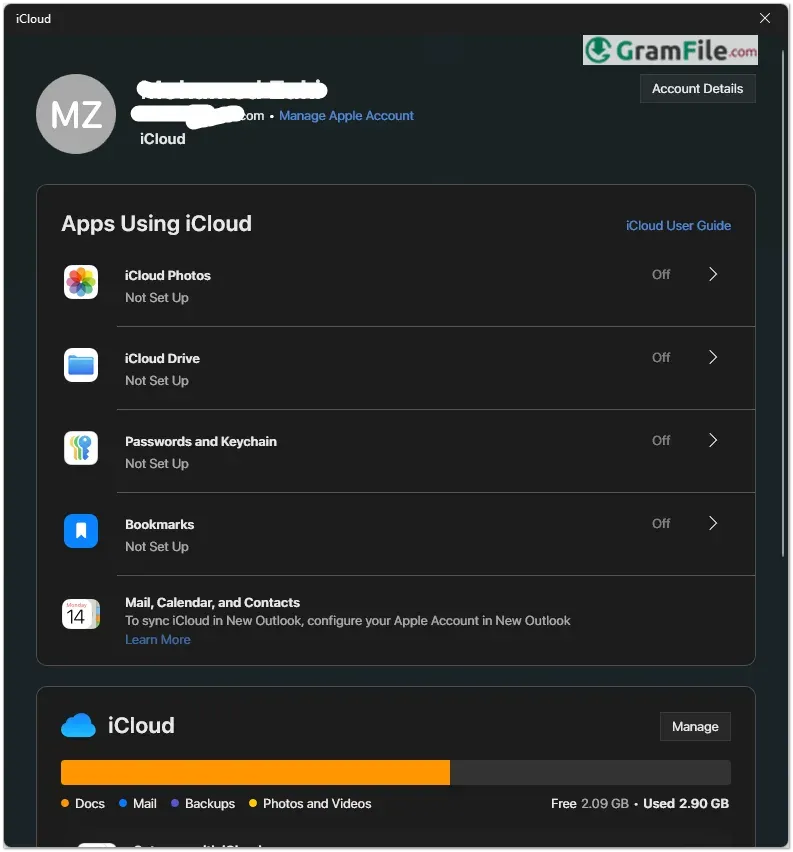
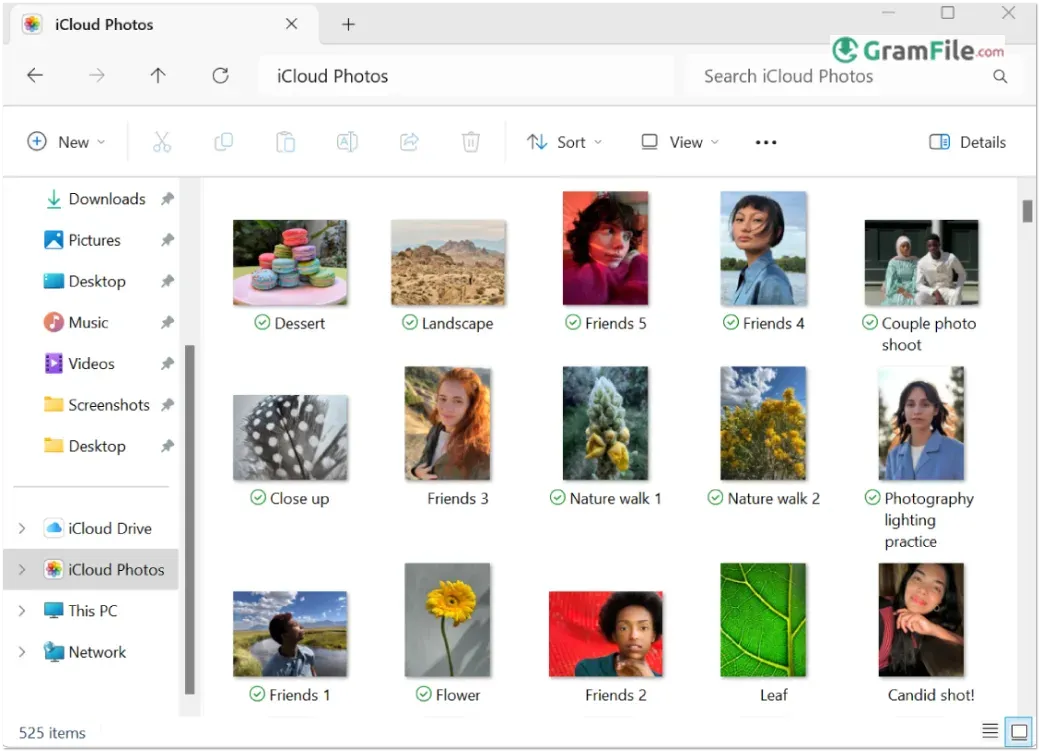
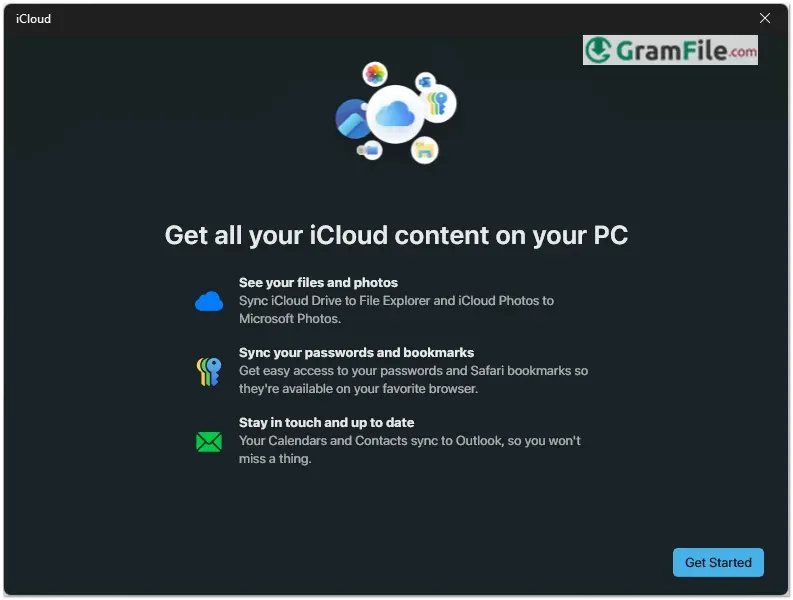
iCloud for Windows brings Apple’s seamless cloud ecosystem to PC users, allowing easy access to photos, files, emails, and more across devices.
Originally launched in 2011 as part of Apple’s push to expand its services beyond macOS, the platform has evolved with better integration, performance, and features, making it a practical solution for Windows users invested in the Apple ecosystem.
In this review, we’ll examine its functionality, strengths, and limitations to help you decide if it’s the right tool for cross-platform productivity.
What is iCloud?
iCloud is Apple’s cloud storage service that securely syncs photos, files, emails, and more across Apple devices, and with iCloud for Windows, PC users can integrate their data into the Apple ecosystem.
iCloud Drive
iCloud Drive acts like a virtual folder in Windows File Explorer, letting you access documents, spreadsheets, and other files across all your devices.
Any changes made on your iPhone, iPad, or Mac automatically sync to your PC, ideal for cross-platform workflows. However, initial uploads can be slow, and large files may take time to appear.
iCloud Photos
With iCloud Photos enabled, every picture you take on your iPhone instantly appears in a dedicated folder on your PC. You can choose between optimized storage (saving space with smaller files) or full-resolution downloads.
The downside? The sync process isn’t always instantaneous, and managing large libraries can feel sluggish.
iCloud Mail
iCloud for Windows syncs your Apple email, contacts, and calendar with Outlook or the built-in Windows apps.
If you use an @icloud.com email, this keeps everything in one place. The setup is straightforward, though some users report occasional delays in email updates compared to web-based iCloud.
Bookmarks & Passwords
Safari bookmarks and iCloud Keychain passwords can sync with Microsoft Edge, Chrome, or Firefox via an iCloud extension. It’s handy for quick logins, but the experience isn’t as smooth as Apple’s native Keychain on Mac.
Find My Integration: Locate Devices from Your PC
A recent addition lets you access Apple’s Find My network on Windows, helping track lost iPhones, AirTags, or MacBooks directly from a browser. It’s a useful feature, though the web interface feels less polished than the iOS app.
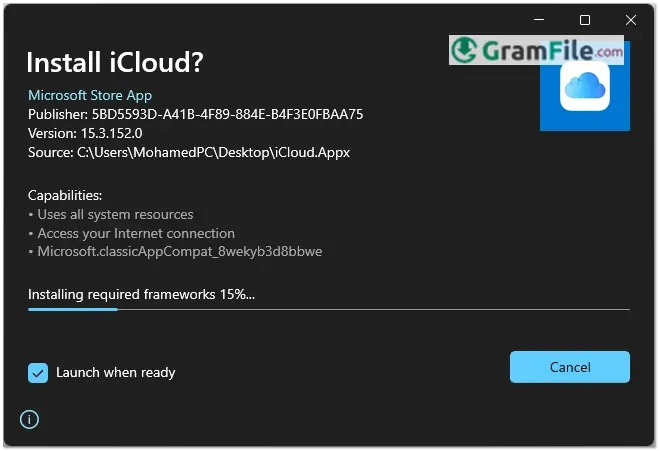
How to Download & Install
System Requirements
- OS: Windows 10/11 (64-bit)
- CPU: 1GHz processor
- RAM: 1GB minimum
- Storage: 400MB free space
- Internet: Broadband required
- Optional: Outlook 2016+ for mail/contacts
Meets these? You’re ready to go.
Official Method (Microsoft Store)
- Open the Microsoft Store, search for iCloud, and click Install.
- Launch the app and sign in with your Apple ID.
Download Without Microsoft Store
- Click on the above Green Download Button for official and direct download.
- Run the standalone installer and follow setup prompts.
After Installation
iCloud Sign Up: Create an Apple ID on Apple’s website or during iCloud setup.
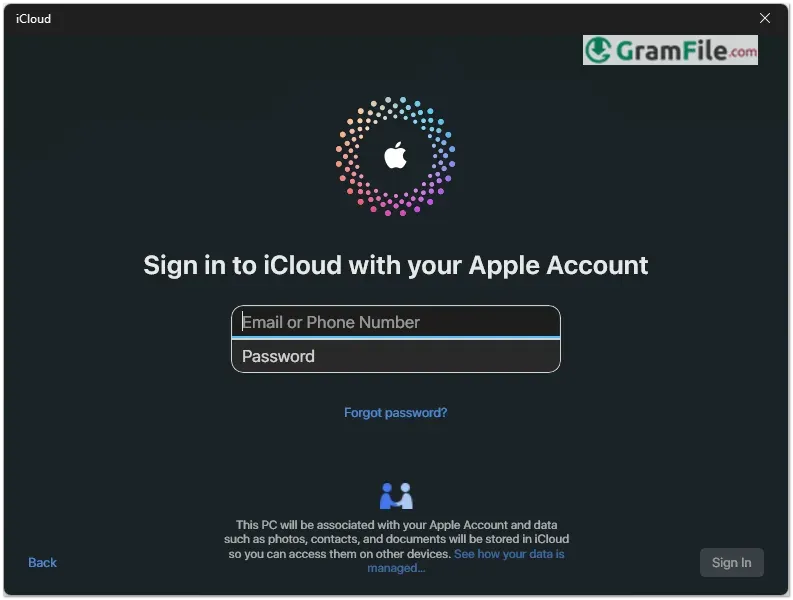
iCloud Login: Use your Apple ID credentials in the iCloud for Windows app.
Pros & Cons
What we liked
- Syncs Apple photos/files to PC
- Automatic iPhone photo backups
- Outlook calendar/contact integration
- Find My iPhone on Windows
- Secure password syncing
What we didn't like
- Slow sync speeds
- Only 5GB free storage
- Limited Windows feature set
Best iCloud Alternatives
-
 Google Drive
Works like a magic folder that syncs everything to the cloud.
-
 Azure Storage Explorer
Lets you easily manage your cloud files, blobs, and tables, like a file explorer, but for your Azure storage.
-
 OneDrive
Store your files in the cloud, so you can access them from any device.
-
 Dropbox
Your files, anywhere - quick and hassle-free.
Conclusion
4.5out of 5 · 48 user ratings
iCloud for Windows delivers just enough functionality to make it worthwhile for Apple users on PC, but only if you’re already invested in the ecosystem.
The automatic photo backups, iCloud Drive access, and Outlook integration solve real cross-platform headaches. However, the sluggish sync speeds and meager 5GB free storage keep it from being exceptional.
Why Choose iCloud?
- You own multiple Apple devices
- Need iPhone photos/files on your PC
- Prefer Apple’s privacy focus
iCloud vs. Alternatives
- Google Drive: Faster, more storage, but less Apple integration
- OneDrive: Better Windows harmony, weaker iOS sync
- Dropbox: Smoother performance, but costlier
The Bottom Line
It’s a must-have for Apple loyalists using Windows, but power users may want to supplement it with other cloud services. When it works, it’s convenient, just don’t expect magic.
Found a problem with this download? Report an outdated version, broken link, suspicious installer or incorrect information.
 Zoom Workplace
 Nitro PDF Pro
 Sumatra PDF
 IrfanView
 K-Lite Codec Pack
 WinRAR