

Download Details
- Version
- 26.183.0920.0005 (latest)
- File size
- 128.4 MB
- License
- Free
- Security scan
- VirusTotal: 69 of 69 engines say OK (0 flagged)
- SHA-256 checksum
2ba7c8c6735294ad2398c37147924288b91cd7b22ac980664d990a08f347d3c3- Developer
- Microsoft Corporation
- Supported OS
- Windows 11, Windows 10
- Installers
- 64-bit (x64), ARM (Arm64), Offline
- Downloads
- 12742
- Rating
- 4.6 out of 5 · 75 reviews
- File name(s)
- OneDriveSetup.exe
 Reviewed by Mohamed Zaki
Tested on Windows 11 and 10 · · How we review
Screenshots
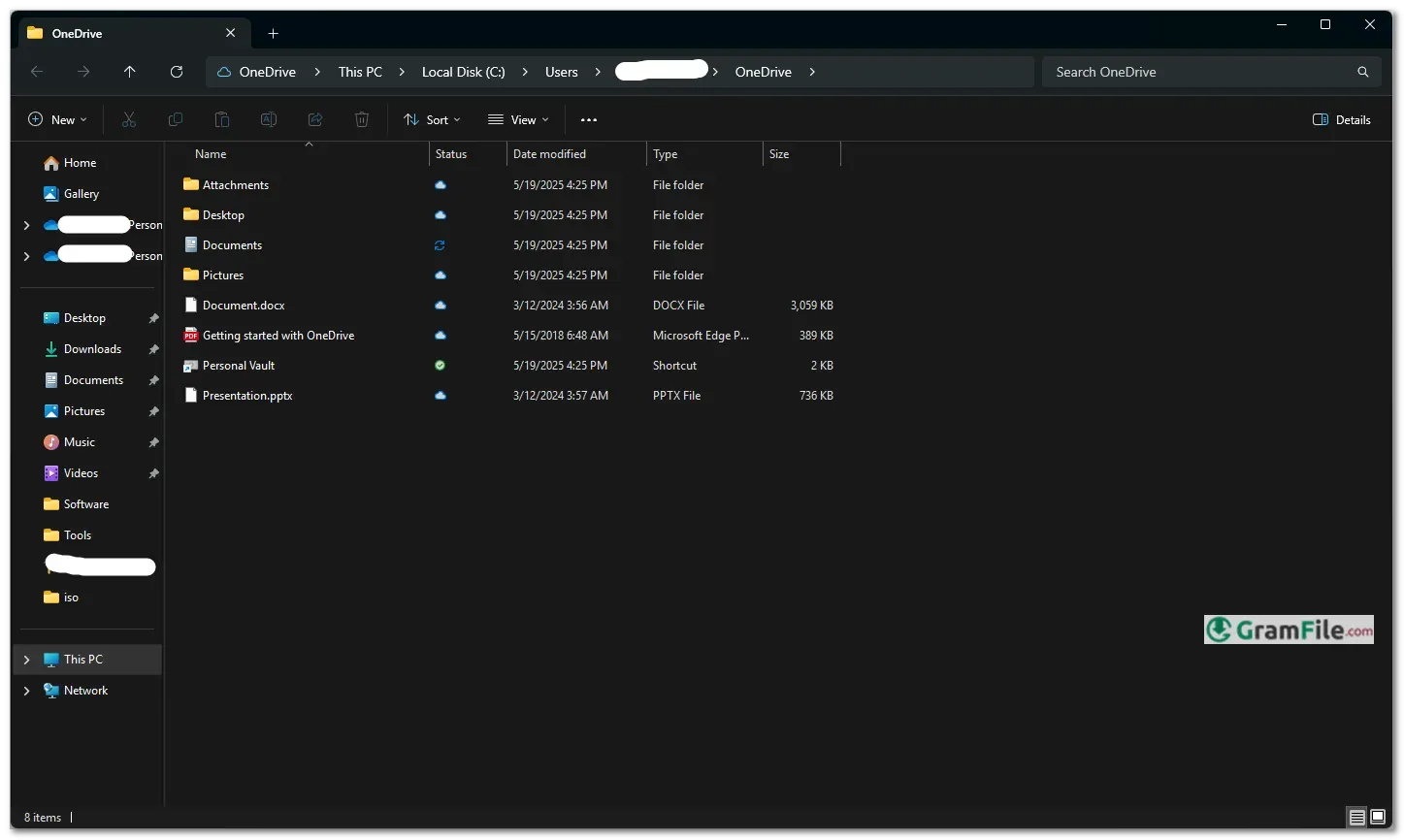
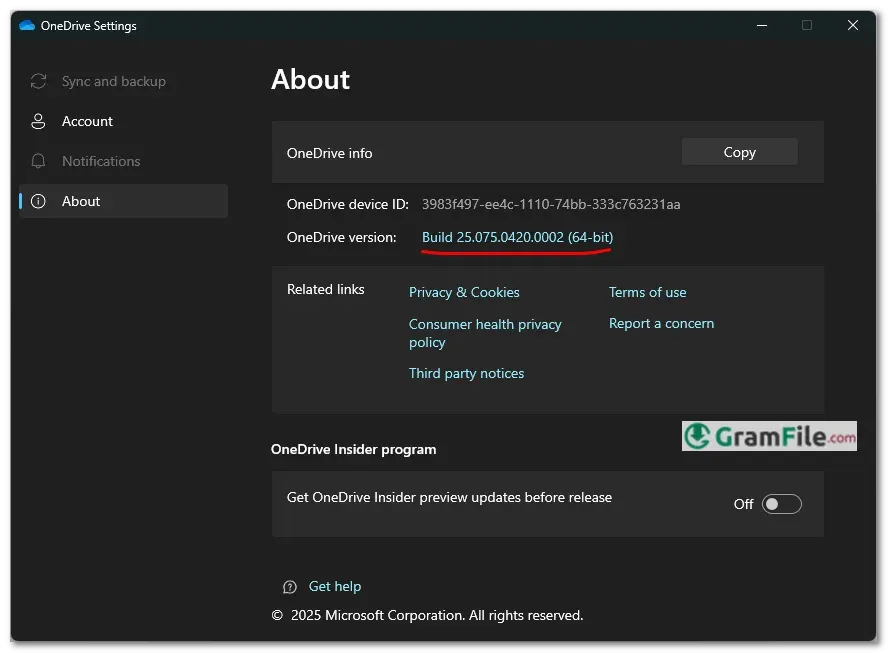
OneDrive is Microsoft’s integrated cloud storage service, allowing users to securely store, sync, and access files across devices.
Originally launched in 2007 as Windows Live Folders, it evolved into SkyDrive before rebranding as OneDrive in 2014.
Over the years, Microsoft has refined its features, making it a seamless part of Windows with deep Office 365 integration, real-time collaboration, and robust security.
Today, OneDrive stands as a key player in cloud storage, balancing simplicity with powerful productivity tools for both personal and business use.
What is OneDrive?
OneDrive is Microsoft’s cloud storage service that lets you save files online and access them from any device.
Integrated into Windows, it automatically syncs documents, photos, and videos, ensuring your data is backed up and available everywhere.
With features like real-time collaboration, version history, and strong security, OneDrive is ideal for personal and professional use.
OneDrive Free Storage
Microsoft offers 5GB of free storage (plus the 15 GB of mailbox storage), enough for essential documents and photos. If you need more, paid plans start at:
- 100GB ($1.99/month) – Basic extra space.
- 1TB ($6.99/month) – Includes Microsoft 365 (Word, Excel, PowerPoint).
- 6TB ($9.99/month) – Family plan for up to 6 users.
OneDrive for Business
Designed for companies, OneDrive for Business provides:
- 1TB+ per user (depends on the Microsoft 365 plan).
- Advanced security (encryption, ransomware detection).
- SharePoint integration for team file sharing.
- Admin controls for managing permissions and storage.
Key Features & Highlights
- Cloud storage – Save files online, access anywhere.
- Automatic sync – Changes update across all devices.
- File sharing – Securely share links with others.
- Real-time collaboration – Edit Office files together live.
- Version history – Restore previous file versions.
- Offline access – Mark files for use without internet.
- Photos backup – Auto-upload and organize images.
- Search function – Find files fast with smart search.
- Personal Vault – Extra-secure storage for sensitive files.
- Cross-platform – Works on Windows, Mac, iOS, Android.
- Microsoft 365 integration – Works seamlessly with Office apps.
- Ransomware detection – Alerts for suspicious activity.
- Storage plans – Free 5GB, upgrades available.
- Easy setup – Built into Windows, ready in minutes.
- Admin controls (Business) – Manage team storage and permissions.
Simple, powerful, and always in sync.
How to Download & Install
1. Download: OneDrive comes preinstalled on Windows 10 and 11. If missing, Click on the above Green Download Button for official and direct download.
2. Install: Run the installer and follow the prompts, no technical skills needed.
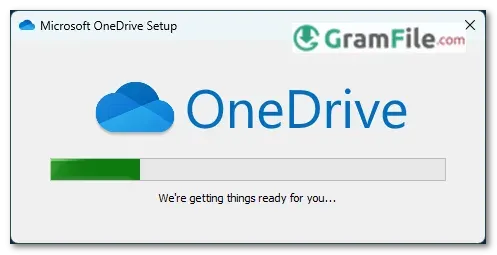
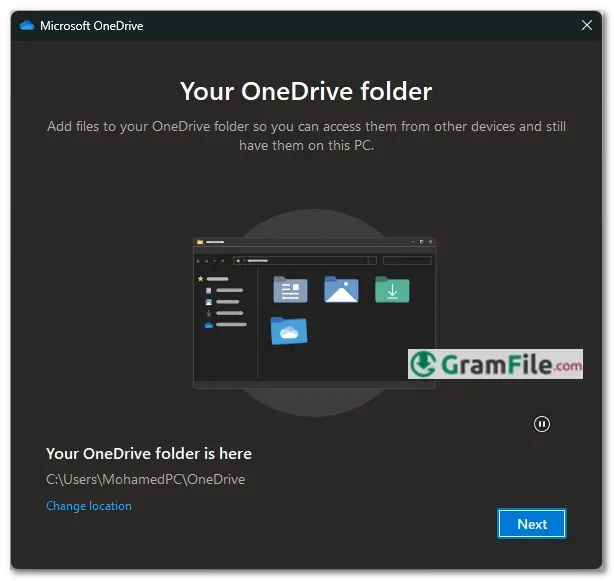
3. Set Up: Once installed, sign in with your Microsoft account, and OneDrive will create a sync folder on your PC.
4. Choose the location of your OneDrive Folder
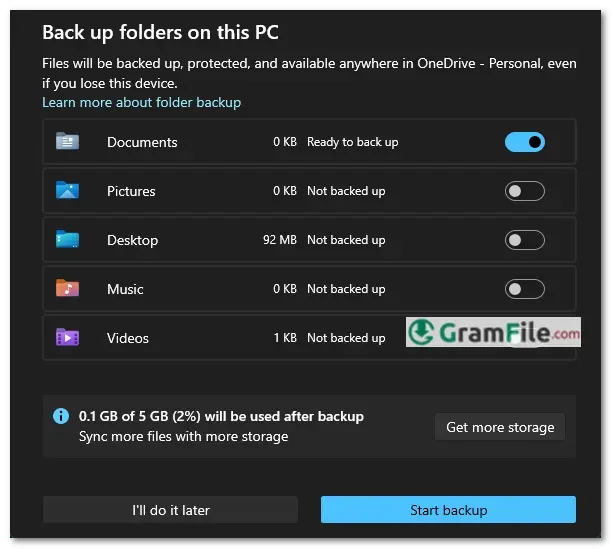
5. Choose Folders to be Backed Up
Your files are now safely backed up and synced across all your devices, OneDrive is ready to use.
OneDrive Login
Logging in is simple:
- Open OneDrive from the Start menu or system tray.
- Enter your Microsoft account (Outlook, Hotmail, or Xbox credentials).
- If using a work/school account, enter your organization’s email and password.
Pros & Cons
What we liked
- Built into Windows
- Auto-syncs files everywhere
- Easy sharing & collaboration
- Free 5GB storage
- Works with Office apps
What we didn't like
- Only 5GB free (Google gives 15GB)
- Microsoft account required
- Business plans expensive
Best OneDrive Alternatives
-
 Google Drive
Works like a magic folder that syncs everything to the cloud.
-
 Azure Storage Explorer
Lets you easily manage your cloud files, blobs, and tables, like a file explorer, but for your Azure storage.
-
 Dropbox
Your files, anywhere - quick and hassle-free.
-
 iCloud
It lets you access your Apple photos, files, and more seamlessly on your PC.
Conclusion
4.6out of 5 · 75 user ratings
Why Choose OneDrive?
If you live in the Microsoft ecosystem, OneDrive is the obvious choice. Its deep Windows integration, seamless Office collaboration, and automatic photo backup make it the most convenient cloud storage for everyday users.
The free 5GB is enough for documents, and paid plans become worthwhile if you need Office apps.
Security features like ransomware detection and Personal Vault add peace of mind.
OneDrive vs. The Competition
- Google Drive offers more free storage (15GB) but works best with Google apps.
- Dropbox is simpler for file sharing but costs more for similar features.
- iCloud is great for Apple users but lacks Windows flexibility.
OneDrive strikes the best balance for Windows and Office users. It’s not perfect – free storage is tight, and syncing can slow down your PC – but for hassle-free cloud storage that just works, it’s hard to beat.
Best for: Windows loyalists, Office users, and anyone who wants set-and-forget cloud backups.
Look elsewhere if: You need lots of free space or avoid Microsoft products.
Found a problem with this download? Report an outdated version, broken link, suspicious installer or incorrect information.
 Zoom Workplace
 Nitro PDF Pro
 Sumatra PDF
 IrfanView
 K-Lite Codec Pack
 WinRAR