

Download Details
- License
- Free
- Developer
- Dropbox
- Supported OS
- Windows 11, Windows 10
- Installers
- 64-bit (x64), Offline
- Downloads
- 8284
- Rating
- 4.3 out of 5 · 34 reviews
 Reviewed by Ahmed Madbouli
Tested on Windows 11 and 10 · · How we review
Screenshots
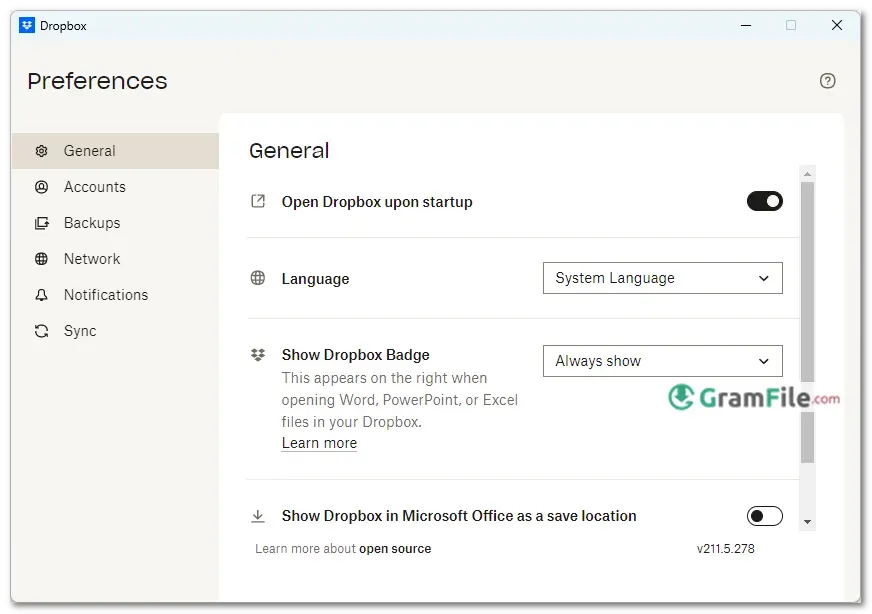
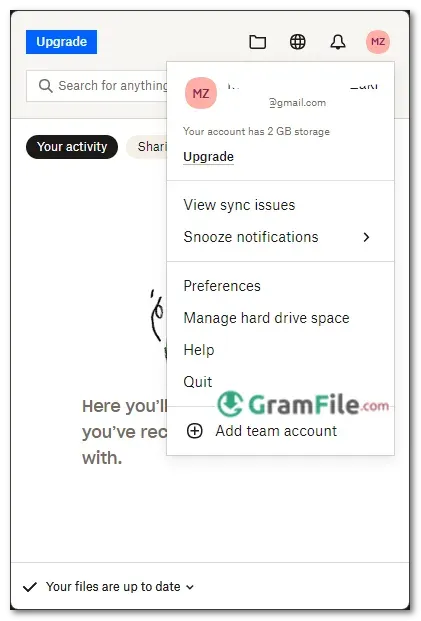
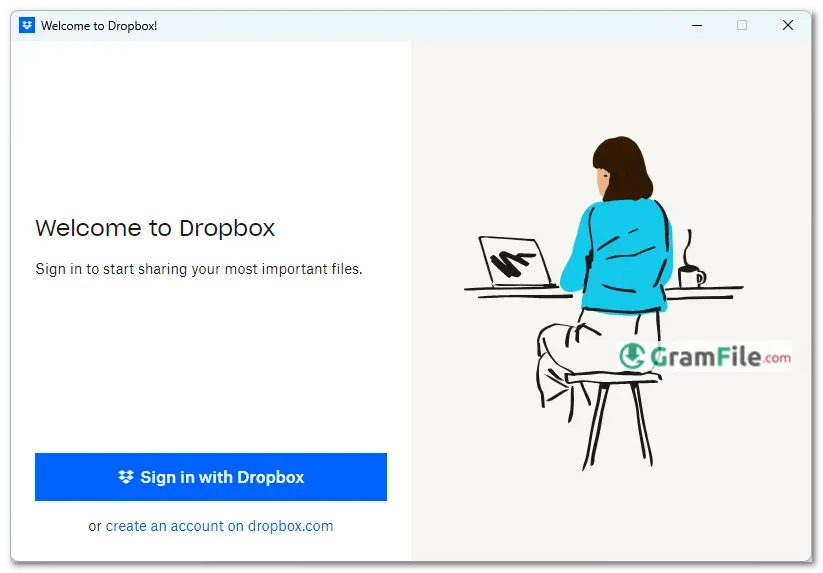
Dropbox revolutionized file storage when it launched in 2007, turning the cloud from a tech buzzword into something anyone could use.
Today, its Windows app remains one of the most reliable ways to keep files synced, secure, and accessible across devices, whether you’re working from home, collaborating with a team, or just backing up precious memories.
Born from a simple idea, eliminating the hassle of emailing files to yourself, Dropbox grew into a global file-sharing staple. Over the years, it has refined its Windows client to balance speed, simplicity, and smart features without bloat.
The latest versions focus on smoother performance, tighter security, and effortless sharing, staying true to its original promise: your files, anywhere, without the headache.
If you need cloud storage that just works, Dropbox for Windows still delivers, quietly, efficiently, and without fanfare. Let’s see how it holds up today.
Here’s a look at Dropbox for Windows, a popular tool for managing your digital life across devices.
What is Dropbox?
Dropbox is your digital filing cabinet in the cloud, a simple yet powerful way to store, sync, and share files across all your devices.
Whether you’re backing up important documents, collaborating with a team, or just keeping photos safe, Dropbox makes sure your files are always within reach.
No complicated setups, no unnecessary features, just reliable cloud storage that works.
Key Features & Highlights
- Instant Sync – Files update across devices in real time.
- Offline Access – Mark files for offline use anytime.
- Simple Sharing – Send links with view/edit permissions in one click.
- File Recovery – Restore deleted files for up to 30 days (longer with plans).
- Light & Fast – Runs quietly without slowing down your PC.
- Secure Storage – Encryption protects your data in transit and at rest.
- Smart Search – Find files fast with filters and content recognition.
- Version History – Roll back to older versions of any file.
- Space-Saving Sync – Sync only what you need with Selective Sync.
- Integrations – Works with Office, Slack, and other tools you already use.
How to Download & Install
- Grab the Installer – Click on the above Green Download Button for official and direct download. This ensures you get a legitimate copy and avoid any potential malware.
- Run the Installer – Double-click the downloaded
.exefile. No tricky steps, just follow the prompts. - Sign In or Create an Account – Already have Dropbox? Log in. New user? A quick email sign-up gets you started.
- Pick Your Sync Folder – Dropbox creates a folder on your PC where synced files live. You can change its location if needed.
- Done! – Files you drag here automatically upload to the cloud and sync across devices.
Latest Version & Updates
The newest offline 64-bit version of Dropbox for Windows brings better performance, fewer background resource hits, and smoother file transfers. Recent updates focus on speed and reliability, less waiting, more doing.
Pros & Cons
What we liked
- Fast syncing
- Easy sharing
- File recovery
- Works offline
What we didn't like
- Little free space (only 2 Gb)
- Costs too much
- Slow with big files
- Pushes upgrades
Best Dropbox Alternatives
-
 Google Drive
Works like a magic folder that syncs everything to the cloud.
-
 Azure Storage Explorer
Lets you easily manage your cloud files, blobs, and tables, like a file explorer, but for your Azure storage.
-
 OneDrive
Store your files in the cloud, so you can access them from any device.
-
 iCloud
It lets you access your Apple photos, files, and more seamlessly on your PC.
Conclusion
4.3out of 5 · 34 user ratings
Dropbox remains the go-to choice for users who want cloud storage that just works. It’s not the cheapest, nor the most feature-packed, but where it shines is in reliability and ease of use.
Files sync without fuss, sharing takes seconds, and the interface stays clean and intuitive.
Why Choose Dropbox?
- It’s idiot-proof – No confusing settings, no learning curve.
- Works everywhere – Flawless sync across Windows, Mac, mobile, and web.
- Best-in-class sharing – Still smoother than Google Drive or OneDrive for quick file links.
Dropbox vs. The Competition
- Google Drive – More free storage (15GB), but messier organization.
- OneDrive – Tighter Windows integration, but slower syncing.
- Box – Better for businesses, worse for personal use.
The Bottom Line
If you want set-it-and-forget-it cloud storage with zero headaches, Dropbox is still king.
But if you need tons of free space or advanced features, rivals might suit you better. For seamless, no-nonsense file sync? Hard to beat.
Found a problem with this download? Report an outdated version, broken link, suspicious installer or incorrect information.
 Zoom Workplace
 Nitro PDF Pro
 Sumatra PDF
 IrfanView
 K-Lite Codec Pack
 WinRAR