

Download Details
- Version
- Service Pack 3 (9.0.6926) (latest)
- File size
- 496.19 MB
- License
- Free Trial
- Developer
- Microsoft Corporation
- Supported OS
- Windows
- Installers
- 32-bit (x86), Offline
- Downloads
- 4124
- Rating
- 4 out of 5 · 14 reviews
- File name(s)
- en_office2000_standard.iso
 Reviewed by Mohamed Zaki
Tested on Windows 11 and 10 · · How we review
Screenshots
What is Microsoft Office 2000?
Microsoft Office 2000 is a productivity suite that Microsoft released back in 1999, built for Windows 95, 98, ME, NT, 2000, and even later versions like XP through unofficial compatibility tweaks.
While it’s an old release, plenty of people still look for it today, mostly to run on legacy machines, open old document formats, or use a lightweight office suite that doesn’t demand much from the hardware.
What’s Included in Office 2000
Office 2000 came in several editions (Standard, Small Business, Professional, and Premium), but the core lineup most people care about includes:
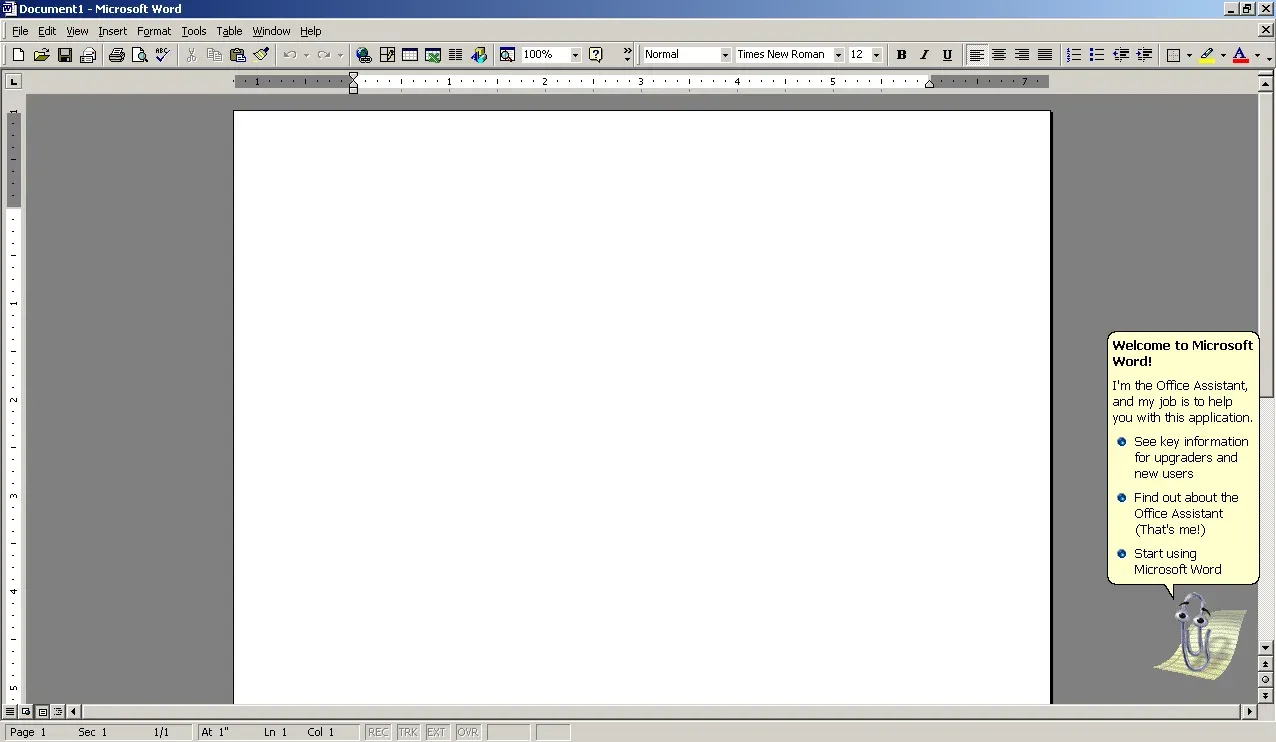
Word 2000 handles document creation and editing, with the same basic ribbon-free menu and toolbar layout that long-time Windows users will recognize immediately.
Excel 2000 covers spreadsheets, formulas, and basic charting. It’s surprisingly snappy even on older hardware since it doesn’t carry the overhead of modern Excel versions.
PowerPoint 2000 is for building presentations. The animation and transition options are basic by today’s standards, but it gets the job done for simple slideshows.
Access 2000 is the database management tool, useful for small databases and forms.
Outlook 2000 handles email, calendar, and contacts, though it’s worth noting that using it for live email today usually requires extra configuration since it predates modern security protocols.
Why People Still Download Office 2000
A few common reasons keep this old suite relevant:
Old PCs with limited RAM and storage often can’t run modern Office versions smoothly. Office 2000 was designed for systems with as little as 32-64MB of RAM, so it runs without lag on hardware that would choke on Office 365 or even Office 2010.
Some businesses and individuals still maintain old .doc, .xls, and .ppt files from the late 90s and early 2000s, and Office 2000 opens these natively without the formatting issues that sometimes appear in newer versions.
Virtual machines and retro computing setups are another big use case. People running Windows 98 or XP in VMs for nostalgia, software testing, or compatibility work often need a period-accurate office suite.
System Requirements
Office 2000 is light on requirements compared to anything released in the last decade:
- Operating System: Windows 95, 98, ME, NT 4.0, or 2000 (also runs on XP and sometimes later versions with compatibility mode)
- Processor: Pentium 75 MHz or higher (Pentium 166 recommended)
- RAM: 16 MB minimum, 32 MB recommended
- Hard Disk Space: Around 250 MB to 670 MB depending on the edition and installation type
- CD-ROM drive (for the original installation media)
Installation Notes
Installing Office 2000 on modern Windows versions (10 or 11) can be tricky.
It generally won’t install directly due to compatibility checks, so most people either run it inside a virtual machine with an older OS, or use compatibility mode settings, though results vary depending on the specific component.
If you’re trying to open old Office 2000 files on a modern PC, you don’t actually need to install the whole suite.
Current versions of Word, Excel, and PowerPoint can open these older file formats directly, and free alternatives like LibreOffice handle them well too.
A Quick Word on Safety
When downloading any old software, especially something as widely mirrored as Office 2000, stick to sources that scan files for malware and don’t bundle in extra installers or toolbars.
Old, abandoned software is a common target for repackaging with unwanted extras, so check file sizes and hashes against known originals where possible.
Best Microsoft Office 2000 Alternatives
-
 Microsoft 365 (Office)
Rents you the latest Office apps with cloud storage for always-on access.
-
 Microsoft Office 2024
A one-time purchase offline installer - Pro Plus 64-bit office suite.
-
 Microsoft Office 2016
A stable desktop office suite with smart cloud sharing and collaboration features.
-
 Microsoft Office 2021
A one-time purchase offline setup of Word, Outlook, and PowerPoint (2021).
Found a problem with this download? Report an outdated version, broken link, suspicious installer or incorrect information.
 Zoom Workplace
 Nitro PDF Pro
 Sumatra PDF
 IrfanView
 K-Lite Codec Pack
 WinRAR